Understanding Smart Home Technology
Smart home technology refers to a suite of devices and systems that allow homeowners to automate and control various aspects of their living environment through connected devices. This technology encompasses a range of applications, from smart lighting and sound systems to integrated streaming services and home security. For home theater enthusiasts, understanding smart home technology is crucial to creating an immersive and convenient viewing experience. By leveraging voice assistants like Alexa, Google Assistant, or HomeKit, users can streamline their home theater setup and enhance their overall enjoyment of movies and shows.
At the core of smart home technology is the concept of connectivity. Devices communicate with each other over Wi-Fi or Bluetooth, enabling users to control them remotely or via voice commands. This connectivity allows for seamless integration of various components, such as projectors, screens, sound systems, and lighting, creating a unified home theater experience. By understanding how these devices interact, users can make informed decisions about which products to purchase and how to configure them for optimal performance.
Setting up smart lighting is one of the first steps in automating a home theater. Smart bulbs and fixtures can be programmed to adjust brightness and color temperature based on the time of day or specific activities, such as watching a movie. This not only enhances the viewing experience but also allows for energy savings. Users can create routines that automatically dim the lights when a film starts, ensuring the perfect ambiance for an enjoyable movie night. Understanding the options available for smart lighting and how to integrate them with voice assistants is essential for achieving a fully automated setup.
Integrating streaming services with voice assistants further elevates the home theater experience. With simple voice commands, users can access their favorite shows, movies, or music without the need for remotes or complex menus. This convenience is especially beneficial during gatherings when users want to quickly find entertainment options. Additionally, automating sound systems for optimal audio experience can significantly enhance the impact of films and music. Smart speakers and soundbars can be controlled through voice commands, allowing for easy adjustments to volume and sound settings based on personal preferences.
Finally, understanding the broader ecosystem of smart home devices helps in troubleshooting common automation issues and enhancing security. As users add more devices to their home theater setup, they may encounter connectivity challenges or compatibility problems. Being knowledgeable about best practices for integration and device selection can alleviate these frustrations. Moreover, implementing smart security measures, such as cameras and motion detectors, can provide peace of mind, making the home theater not only a source of entertainment but also a secure environment for all family members.
The Role of Voice Assistants
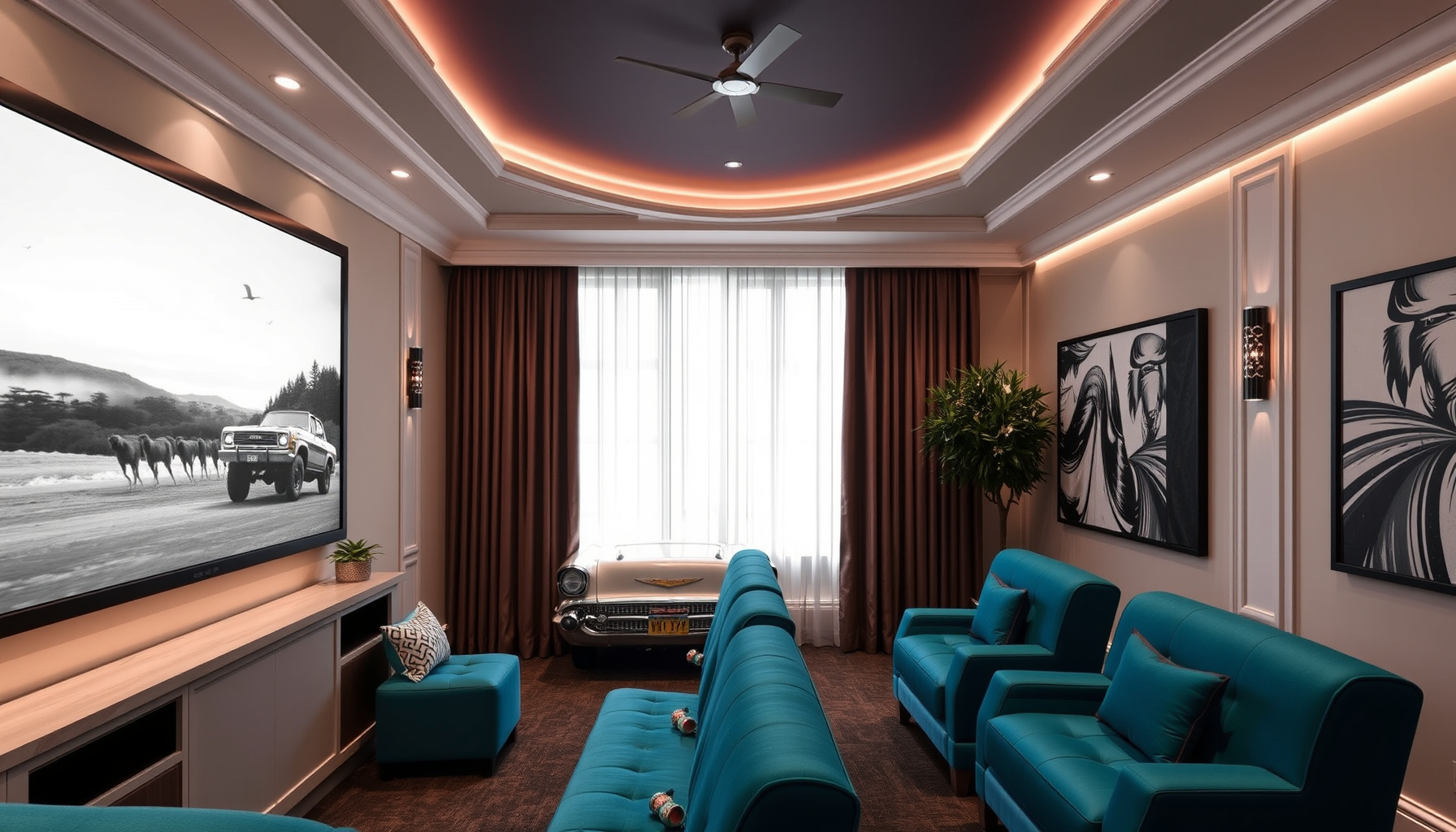
Voice assistants have become integral to the automation of home theater systems, offering unmatched convenience and control. Devices such as Amazon Alexa, Google Assistant, and Apple HomeKit provide users with the ability to manage various components of their home theater setup through simple voice commands. This hands-free approach not only enhances the user experience but also streamlines the operation of multiple devices, making it easier to create the perfect ambiance for movie nights or gaming sessions.
One of the primary advantages of integrating voice assistants into a home theater system is the ability to control smart lighting. With just a few spoken words, users can adjust the brightness or color of their LED lights to set the mood for different activities, whether it’s a dramatic film or a lively sports event. This seamless integration allows for a more immersive viewing experience, as the lighting can be tailored to complement the on-screen action, creating an environment that enhances overall enjoyment.
In addition to lighting, voice assistants facilitate the integration of streaming services, allowing users to access their favorite content effortlessly. By issuing voice commands, users can quickly search for specific movies, series, or music without the need to navigate through complex menus or remote controls. This feature saves time and enhances the overall experience, making it possible to dive straight into entertainment with minimal interruption. The convenience of voice-activated streaming elevates the home theater experience, bringing forth a new level of accessibility.
Automating sound systems is another critical aspect where voice assistants shine. Users can control the volume, switch between audio sources, or even adjust equalizer settings using voice commands. This level of control ensures that audio experiences are tailored to personal preferences, whether one desires a powerful surround sound for action-packed films or a more subdued audio setting for romantic comedies. By integrating smart speakers and soundbars into the home theater setup, voice assistants can transform the way audio is experienced, ensuring optimal performance with minimal effort.
Creating routines for movie nights is an exciting feature that voice assistants offer, allowing users to customize their home theater experience further. By programming specific sequences of commands, users can automate the entire setup process—dim the lights, lower the projector screen, and start the chosen streaming service—all with a single voice command. This capability not only simplifies the transition to movie time but also ensures that all elements of the experience are perfectly synchronized, enhancing both convenience and enjoyment. As technology continues to evolve, the role of voice assistants in home theater automation will undoubtedly expand, providing even more innovative solutions for enthusiasts.
Choosing the Right Voice Assistant
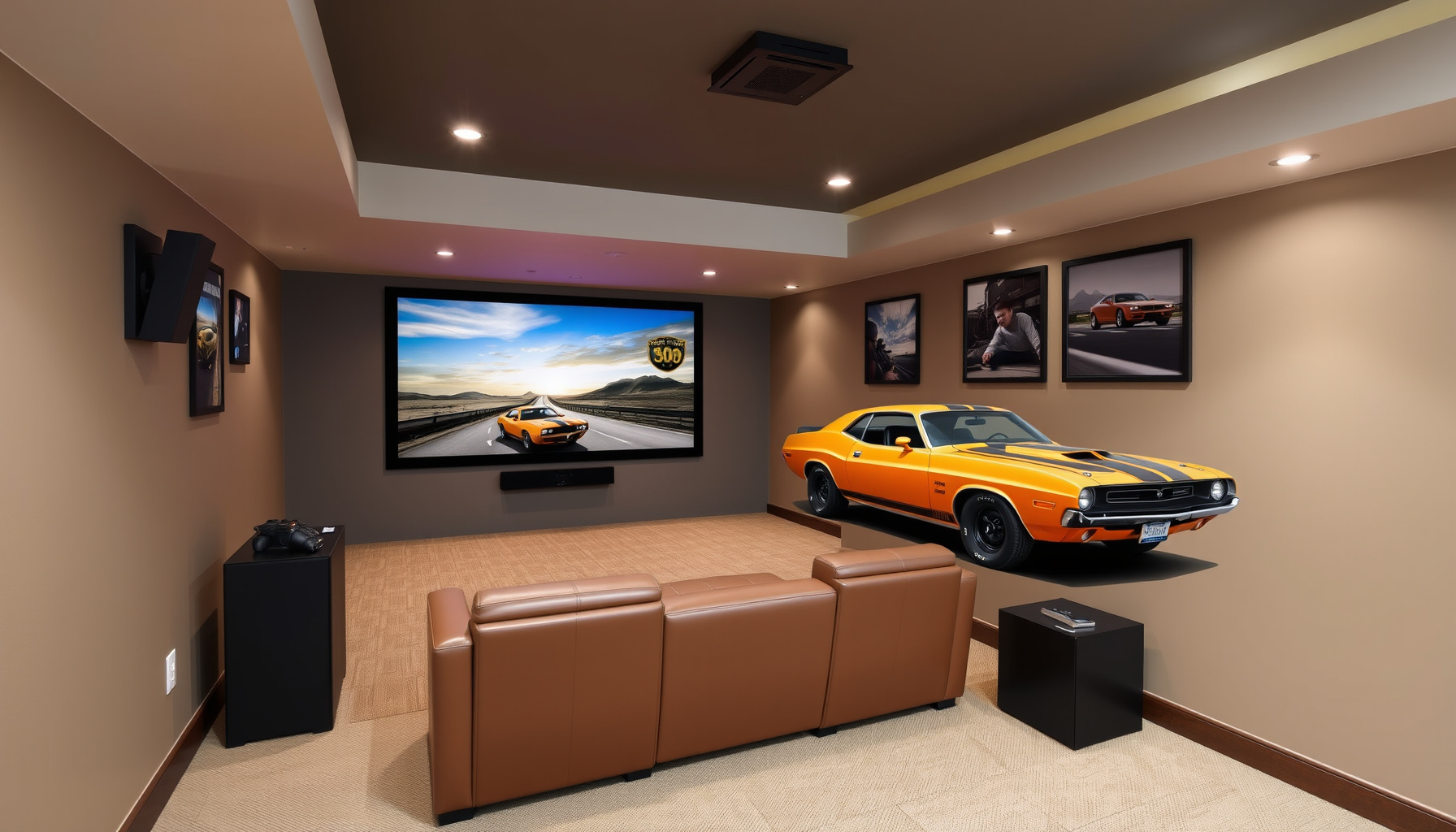
Choosing the right voice assistant for your home theater is a pivotal decision that can significantly impact your overall experience. Each of the primary contenders—Amazon Alexa, Google Assistant, and Apple’s HomeKit—offers unique features and compatibility with various smart devices. It is essential to consider the specific requirements of your home theater setup, as well as how you interact with technology on a daily basis. Evaluating the strengths and weaknesses of each platform will empower you to make an informed choice that aligns with your automation goals.
Amazon Alexa stands out for its extensive compatibility with a wide range of smart home devices. With thousands of compatible products, including smart lighting, sound systems, and projectors, Alexa provides a versatile and scalable option for home theater automation. The Alexa app allows for easy integration and management of devices, and its voice recognition technology is robust, making it suitable for environments with ambient noise, such as a lively movie night. Furthermore, Alexa’s ability to create routines tailored to your preferences enhances convenience, allowing you to automate various actions with a single command.
Google Assistant, on the other hand, excels in its integration with Google’s ecosystem and natural language processing capabilities. If you utilize Google services or have an extensive collection of smart devices from manufacturers that prioritize Google compatibility, this assistant may be the best fit for your home theater. Google Assistant’s contextual understanding allows for more conversational interactions, making it easier to perform complex tasks. For instance, you can ask it to dim the lights and start your favorite streaming service simultaneously, resulting in a seamless transition into movie mode.
Apple’s HomeKit appeals to users who prioritize privacy and security, as it emphasizes end-to-end encryption and local device control. If you are already entrenched in the Apple ecosystem, using devices like iPhones, iPads, or Apple TVs, HomeKit provides a cohesive experience that integrates well with your existing technology. The Home app offers an intuitive interface for managing devices, and Siri’s voice commands allow for hands-free control of your home theater. However, it is important to note that HomeKit’s compatibility is more limited compared to Alexa and Google Assistant, which may influence your decision based on the specific devices you wish to automate.
Ultimately, the choice of voice assistant should be guided by your personal preferences, existing smart devices, and how you envision using your home theater. Evaluate the compatibility of each assistant with your current and future smart devices, as well as the user experience you desire. By carefully considering these factors, you can select a voice assistant that not only enhances your home theater automation but also provides a user-friendly interface that fits seamlessly into your lifestyle.
Setting Up Your Smart Home Theater System
Setting up a smart home theater system requires careful planning and integration of various technologies to create an immersive viewing experience. Begin by assessing your space and identifying the key components needed for a fully automated system. This typically includes a high-definition television or projector, a sound system, smart lighting, and streaming devices. Ensure that you have a reliable internet connection to support streaming services and smart device communication. Plan the layout of your devices to facilitate easy access and optimal viewing angles, while considering cable management for a clean and organized setup.
Once you have selected your devices, the next step is to connect them to a central smart home ecosystem, such as Alexa, Google Assistant, or HomeKit. Each platform has its unique capabilities, so choose one that aligns with your existing devices and preferences. For example, if you are already using smart bulbs or speakers from a specific brand, ensure compatibility with your chosen assistant. Follow the manufacturer’s instructions for connecting your devices, typically involving downloading an app and linking accounts. This integration will allow for seamless control and automation of your home theater.
Smart lighting plays a crucial role in enhancing your home theater experience. Install smart bulbs or LED strips that can be controlled via your voice assistant or smartphone. Consider creating different lighting scenes for various activities, such as dimmed lights for movie watching or bright lighting for game nights. Utilize routines to automate your lighting, so that when you say a command like “Movie Time,” the lights adjust to the perfect ambiance, enhancing the overall viewing experience. This not only adds convenience but also elevates the atmosphere of your home theater.
Integrating your streaming services with voice assistants streamlines your entertainment choices. Most smart assistants support major streaming platforms, allowing you to control playback using simple voice commands. Ensure that your streaming devices are connected to your smart home network and linked to your voice assistant. You can issue commands such as “Play [movie title]” or “Pause” without needing to navigate through menus. This hands-free operation is particularly useful during movie nights, where you can focus on enjoying the film rather than managing the technology.
Lastly, consider implementing automation for sound systems and projector controls. Smart speakers can be set up as part of your audio system, providing multi-room audio solutions that allow you to enjoy music or soundtracks throughout your home. For projectors and screens, look for smart devices that can be controlled via your voice assistant, enabling you to lower the screen or adjust settings with ease. Test your setup thoroughly and troubleshoot any common issues, ensuring that your smart home theater system operates flawlessly. By combining these elements, you will create a sophisticated and enjoyable environment for all your entertainment needs.

Types of Smart Lighting Solutions
Smart lighting solutions have revolutionized the way we experience home theaters, enabling users to create the perfect ambiance for movie nights, gaming sessions, or casual viewing. These solutions can be categorized into several types, each offering unique features that cater to different preferences and automation needs. From smart bulbs to sophisticated lighting systems, understanding these options is crucial for anyone looking to enhance their home theater experience.
One of the most accessible types of smart lighting is the smart bulb. These bulbs can be easily installed in existing fixtures and controlled via voice commands through platforms like Alexa, Google Assistant, or HomeKit. Users can adjust brightness, change colors, and set schedules, creating a tailored environment that complements the viewing experience. Smart bulbs often integrate with other smart devices, allowing for seamless automation routines that can dim lights when a movie starts or bring them back to life when the credits roll.
Another popular option is smart light strips, which can be placed behind screens, under furniture, or along walls to create immersive lighting effects. These strips can be customized to synchronize with on-screen content, enhancing the visual experience by providing dynamic lighting that reacts to the mood of the film or game. Many smart light strips are compatible with various voice assistants, enabling users to control them effortlessly while remaining focused on their entertainment.
For those seeking a more sophisticated approach, smart lighting systems offer extensive automation capabilities. These systems often include multiple zones, allowing users to control different areas of their home theater independently. Advanced features such as motion sensors, ambient light detection, and scheduling can further enhance the experience. Smart lighting systems can be integrated with home automation hubs, enabling complex routines that adjust not only the lighting but also the sound and visual components of the home theater.
In addition to enhancing the viewing experience, smart lighting solutions can contribute to home security. Many systems allow for remote control, enabling users to simulate occupancy by programming lights to turn on and off at specific times. This capability is particularly beneficial for those who travel frequently, as it helps deter potential intruders. Moreover, integrating smart lighting with security cameras and alarms can provide an added layer of protection, ensuring that your home theater and the entire living space remain safe and secure.
Ultimately, the choice of smart lighting solution depends on individual preferences and the specific requirements of the home theater setup. Whether opting for simple smart bulbs, immersive light strips, or comprehensive lighting systems, integrating these technologies with voice assistants like Alexa, Google Assistant, or HomeKit can significantly enhance the overall home theater experience. With the right smart lighting solutions, users can create an environment that perfectly aligns with their entertainment needs while enjoying the convenience and automation that modern technology provides.
Integrating Smart Lights with Voice Assistants
Integrating smart lights with voice assistants is a transformative step in creating a fully automated home theater experience. With the rise of smart home technology, controlling your lighting through platforms such as Alexa, Google Assistant, and HomeKit enhances the ambiance of your viewing environment. Smart lights can be programmed to adjust brightness, change colors, and even create dynamic scenes that respond to your specific commands. This capability allows for a seamless transition from everyday lighting to the perfect setup for movie nights, enhancing the overall experience.
To begin the integration process, ensure that your smart lighting system is compatible with your chosen voice assistant. Most leading brands offer products that easily connect to Alexa, Google Assistant, or HomeKit. Once you have the right devices, installation typically involves connecting the lights to your home Wi-Fi network and linking them to your voice assistant app. This straightforward setup empowers you to control your lighting through simple voice commands, eliminating the need for manual adjustments and allowing for a more immersive experience.
After successfully connecting your smart lights, the next step is to create customized settings that cater to your home theater needs. For instance, you can set up specific scenes for different activities, such as a cozy “Movie Night” scene that dims the lights and sets them to a warm hue. Additionally, integrating your smart lights with your streaming services can allow for automated adjustments based on the content you are watching. For example, horror movies might trigger dimmed lights with flickering effects, enhancing the suspenseful atmosphere.
Voice commands play a critical role in this integration. Commands can range from simple requests like “turn off the lights” to more complex instructions such as “set the lights to movie mode.” This functionality not only elevates convenience but also fosters a more engaging and interactive viewing experience. Furthermore, by utilizing routines within your voice assistant, you can automate multiple actions at once. A single command could lower the lights, adjust the sound system, and start playback on your preferred streaming service, creating an effortless transition into entertainment mode.
Finally, troubleshooting common issues is essential for maintaining a smooth operation of your smart lighting system. Connectivity problems may arise, so it’s important to ensure that your Wi-Fi network is stable and that all devices are updated with the latest firmware. Additionally, if voice commands are not recognized, verifying that the smart lights are properly linked to the voice assistant and that the assistant is functioning correctly can resolve many issues. By addressing these potential challenges, you can ensure that your smart lighting system remains an integral part of your automated home theater experience, providing both functionality and enjoyment.
Popular Streaming Services to Consider
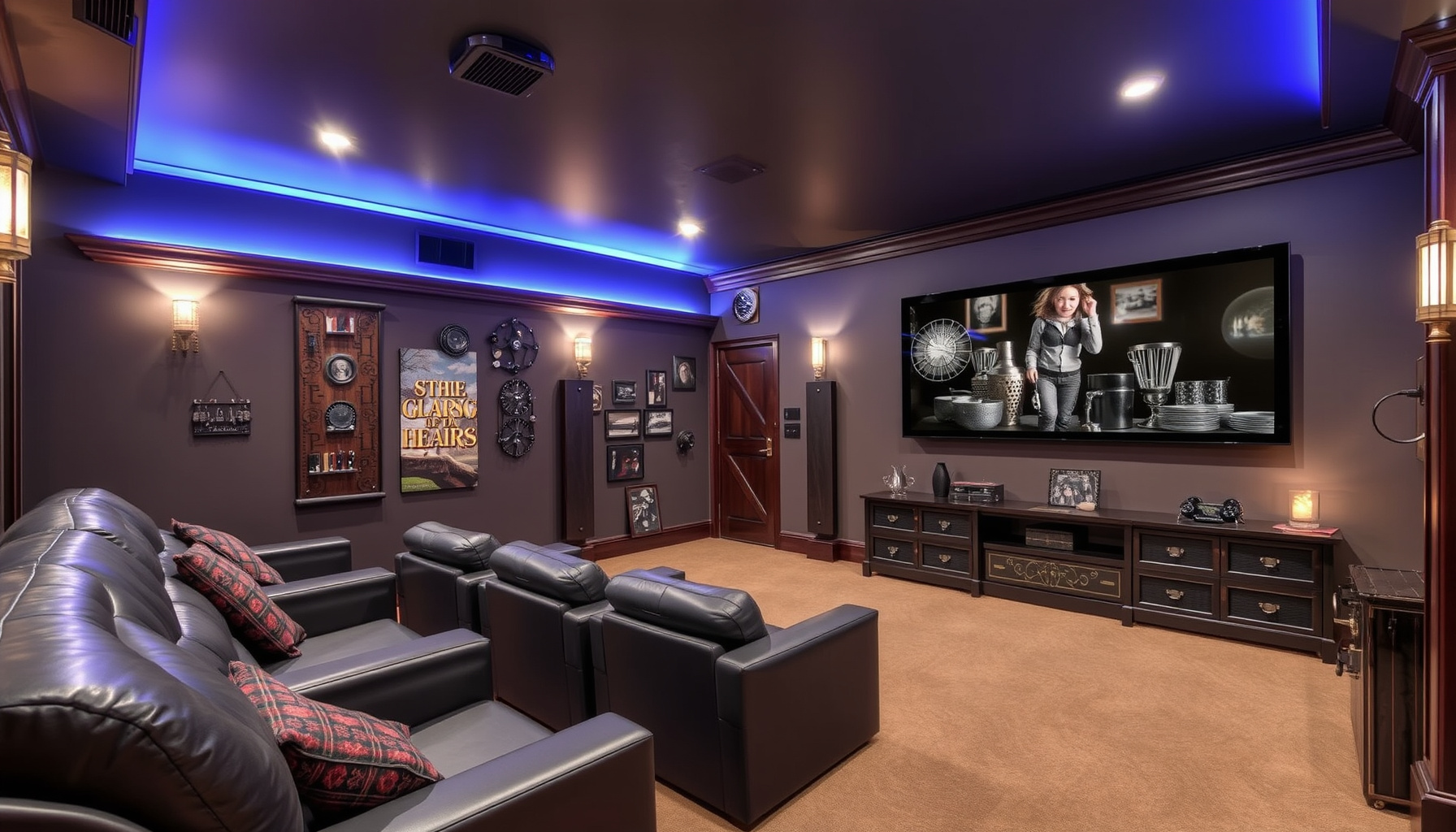
In the digital age, streaming services have revolutionized how we consume media, making them a cornerstone of any modern home theater setup. When considering automation for your home theater, integrating popular streaming services is essential for a seamless user experience. Services like Netflix, Hulu, Amazon Prime Video, and Disney+ not only offer a vast library of content but also provide compatibility with voice assistants such as Alexa, Google Assistant, and HomeKit. This integration allows users to control their viewing experience effortlessly using simple voice commands.
Netflix remains a leader in the streaming space, known for its extensive catalog of movies, series, and original content. With Alexa and Google Assistant compatibility, viewers can easily search for titles, play specific shows, and even navigate through different genres without lifting a finger. By setting up routines, users can automate their movie nights with commands that dim the lights, start the projector, and select their desired Netflix show, creating an immersive viewing environment.
Hulu presents another valuable option, especially for those who enjoy a mix of current TV shows and classic favorites. It also supports voice commands, enabling users to browse and play content hands-free. For users who prefer a personalized touch, Hulu’s interface allows for tailored recommendations based on viewing habits. The ability to integrate Hulu with smart lighting means that as you settle in for a show, the lights can adjust to a cozy setting, enhancing the viewing experience while keeping distractions at bay.
Amazon Prime Video is noteworthy not only for its extensive library but also for its integration with Amazon Echo devices. This service allows for unique features such as X-Ray, which provides additional information about the content being watched. Voice commands can be utilized to quickly jump to specific scenes or episodes, making it a convenient option for binge-watchers. Automating sound systems to complement the audio of Prime Video content further elevates the experience, ensuring that viewers enjoy high-quality sound that matches the visual spectacle.
Lastly, Disney+ has quickly gained popularity, particularly among families and fans of iconic franchises. Its compatibility with major voice assistants allows users to access a treasure trove of beloved classics and new releases. By integrating Disney+ into your home theater automation setup, you can create a family movie night routine that engages everyone. With the right voice commands, controlling your projector, sound systems, and even smart curtains becomes an effortless task, paving the way for a memorable cinematic experience at home.
Voice Commands for Streaming Control
Voice commands have revolutionized the way we interact with our home theater systems, allowing for a seamless and hands-free experience. Integrating voice assistants such as Alexa, Google Assistant, and HomeKit into your streaming setup enables you to control your entertainment options effortlessly. With simple voice commands, you can navigate through an extensive library of movies and shows, adjust playback settings, and manage multiple devices, all while enjoying your favorite content. This not only enhances convenience but also allows for a more immersive viewing experience without the distractions of manual controls.
To get started, it is essential to familiarize yourself with the specific voice commands associated with your chosen platform. For instance, with Alexa, commands like “Alexa, play [movie name] on [streaming service]” or “Alexa, pause the movie” become second nature as you dive into your viewing experience. Similarly, Google Assistant offers commands such as “Hey Google, find action movies on Netflix,” giving you the power to curate your entertainment instantly. HomeKit users can also enjoy streamlined commands for Apple TV and other compatible devices, making it easy to control playback and volume through Siri.
Setting up your home theater for voice control involves linking your streaming devices and services to your voice assistant. This process typically requires downloading the relevant apps and granting necessary permissions. Once connected, you can enhance your automation setup by creating specific routines. For example, a “Movie Night” routine can include dimming the lights, turning on the projector, and launching your favorite streaming service, all initiated by a single voice command. This level of automation not only adds to the convenience but also creates an atmosphere conducive to an enjoyable cinematic experience.
Moreover, integrating sound systems and projectors with voice commands adds another layer of sophistication to your home theater. You can command your smart speakers to adjust the volume or switch audio outputs with phrases like “Set the volume to 50 percent” or “Switch to surround sound.” For projectors, commands such as “Turn on the projector” or “Lower the screen” facilitate a streamlined setup, ensuring that everything is ready for viewing without the need to fumble with remote controls or manual adjustments.
In conclusion, embracing voice commands for streaming control in your home theater not only simplifies the process of enjoying your favorite media but also enhances the overall experience. As technology continues to evolve, so do the capabilities of voice assistants, making it imperative to stay updated on the latest features and commands. By fully utilizing these tools, you can create a smart home theater environment that is both efficient and enjoyable, ensuring that each movie night is a truly memorable occasion.
Overview of Smart Sound Systems
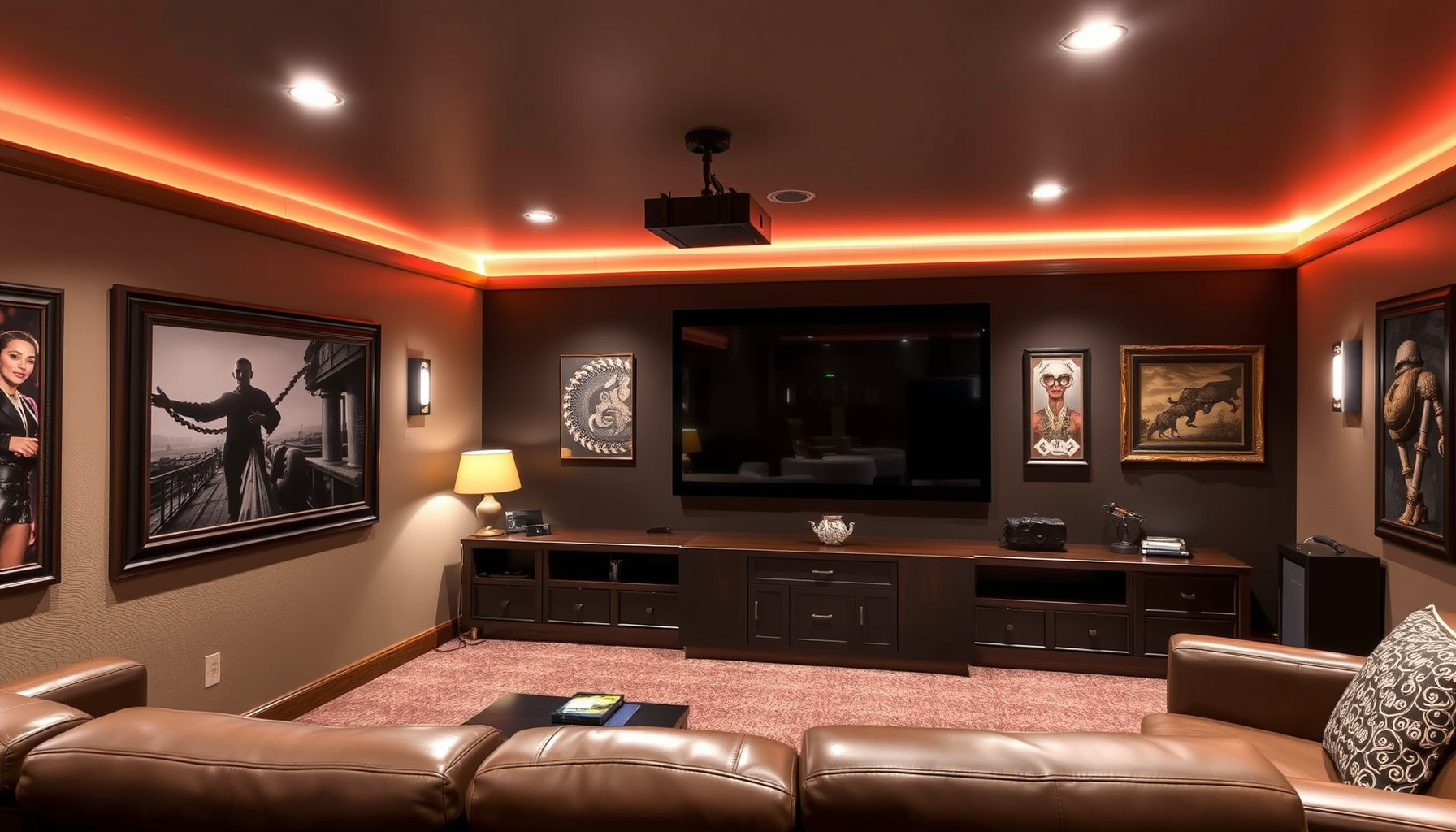
Smart sound systems represent a significant advancement in home theater technology, offering users a seamless integration of audio performance with smart home capabilities. These systems leverage the power of artificial intelligence and voice recognition to provide an immersive audio experience, controlled effortlessly through devices such as Alexa, Google Assistant, and HomeKit. By connecting to various streaming services and other smart home devices, smart sound systems elevate the overall entertainment experience, allowing users to enjoy music, movies, and television shows with superior sound quality and convenience.
One of the key features of smart sound systems is their ability to adapt to different environments and user preferences. Many systems utilize advanced calibration technologies that analyze the acoustics of a room and optimize sound output accordingly. This ensures that every note, dialogue, and sound effect is delivered with clarity and precision, regardless of the room’s layout or furnishings. With voice commands, users can easily adjust volume levels, switch between audio sources, and even customize sound profiles, tailoring the experience to suit individual tastes or specific activities like movie nights or gaming sessions.
Integrating smart sound systems with other home automation devices enhances the overall user experience. For instance, when paired with smart lighting solutions, users can create immersive environments that complement their audio experience. Dimming the lights and adjusting the sound system with a single voice command can transform any space into a personal theater. Additionally, these systems can sync with projectors and screens, allowing for a fully automated setup that includes video and audio, making it easy to enjoy a movie without the hassle of manual adjustments.
Furthermore, multi-room audio solutions provided by smart sound systems enable users to enjoy seamless music playback throughout their homes. With the ability to control different zones independently, users can listen to their favorite tunes in one room while others watch a movie in another. Voice assistants play a crucial role in this functionality, allowing for effortless command over music choices, volume levels, and playback settings across multiple rooms. This level of control and flexibility is ideal for those who entertain guests or simply wish to enjoy audio in various spaces without interruption.
In conclusion, the evolution of smart sound systems has redefined the way users interact with audio in their home theaters. By combining superior sound quality with smart technology, users can create personalized, automated experiences that enhance entertainment and convenience. As more devices become compatible with platforms like Alexa, Google Assistant, and HomeKit, the potential for creating a fully integrated home theater system continues to expand, ensuring that users can enjoy their favorite content in the best possible audio environment.
Configuring Audio Settings with Voice Assistants
Configuring audio settings with voice assistants is a crucial step in creating an immersive home theater experience. With the advancement of technology, platforms like Alexa, Google Assistant, and HomeKit offer users the ability to control audio settings with simple voice commands. This functionality allows for seamless integration of various audio components, such as soundbars, receivers, and smart speakers, catering to individual preferences and enhancing overall sound quality. Understanding how to properly configure these settings is essential for anyone looking to optimize their home audio system.
To begin, it is important to establish a strong foundation by ensuring that all audio devices are compatible with your chosen voice assistant. Most modern audio equipment supports integration with at least one of the major platforms. Once compatibility is confirmed, users can proceed to connect their devices through the respective applications. For instance, Alexa users can utilize the Alexa app to add and manage their audio devices, while Google Assistant users may opt for the Google Home app. HomeKit users can leverage the Home app to control their audio settings effectively. Properly linking these devices allows for streamlined control and customization through voice commands.
After establishing connections, users should focus on configuring audio settings for optimal performance. This includes adjusting sound profiles, equalizer settings, and volume levels to suit personal preferences. Most voice assistants provide options to modify these settings using voice commands, such as “Alexa, set the bass to maximum” or “Hey Google, increase the volume to 80 percent.” Additionally, users can create custom sound profiles tailored to different activities, such as movie watching, gaming, or music listening, enabling a personalized audio experience that enhances enjoyment.
Moreover, automating audio settings can significantly improve convenience and accessibility. Users can create routines that adjust audio settings automatically based on specific triggers or times. For example, a “Movie Night” routine could lower the ambient lights, adjust the soundbar settings, and set the volume to a comfortable level with a single command. This level of automation not only simplifies the user experience but also ensures that the home theater environment is consistently optimized for various activities without manual adjustments.
Finally, troubleshooting audio configuration issues is an essential skill for maintaining a smooth home theater experience. Users may encounter challenges such as connectivity problems, unresponsive devices, or sound quality issues. Familiarizing oneself with common troubleshooting techniques, such as restarting devices, checking network connections, or resetting audio settings, can help resolve these problems efficiently. By understanding how to configure and troubleshoot audio settings with voice assistants, users will be well-equipped to create an exceptional and automated home theater experience that caters to their preferences and needs.
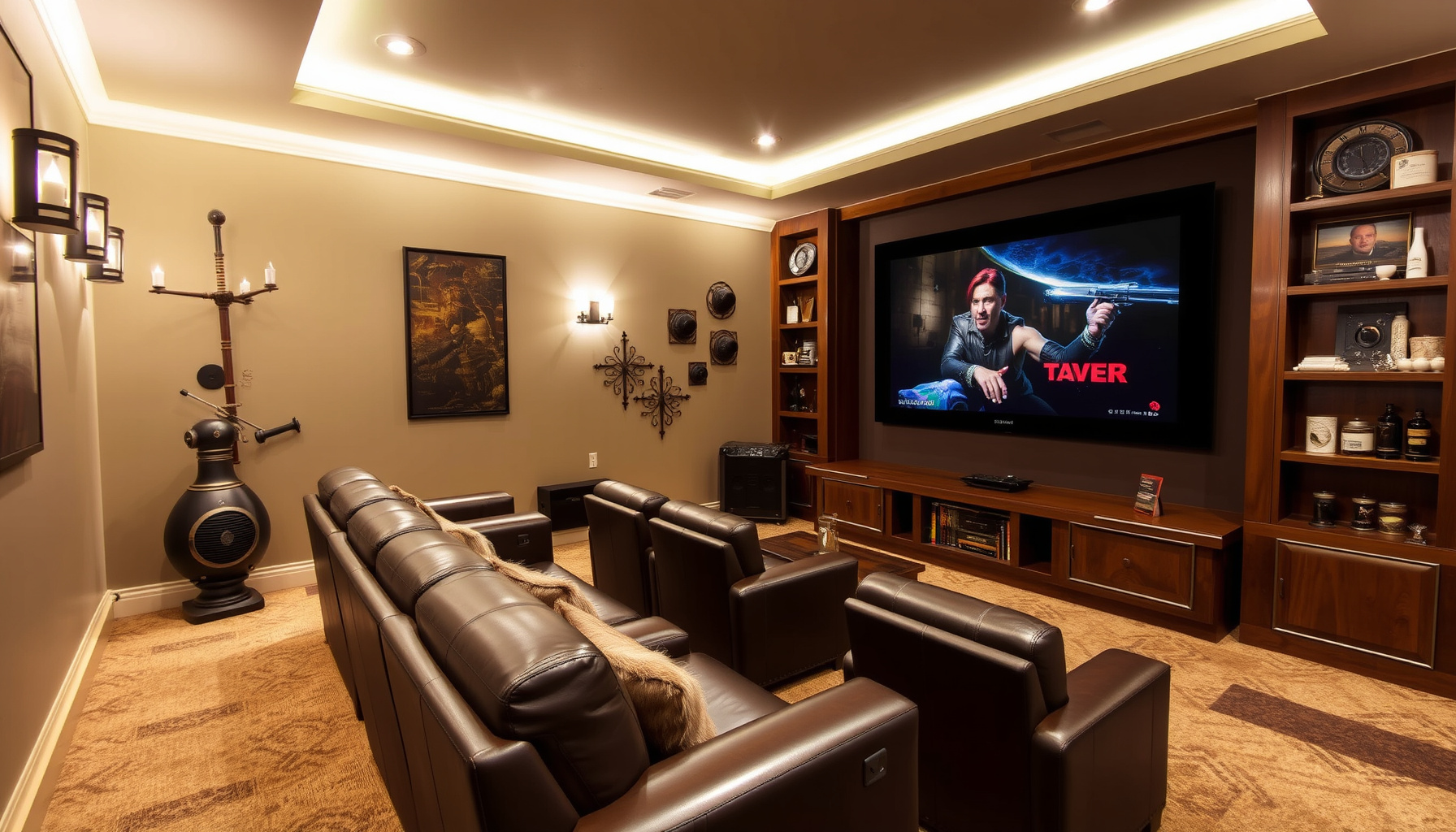
Types of Smart Projectors and Screens
Smart projectors and screens are pivotal components in creating an immersive home theater experience. They come in various types, each offering unique features and functionalities that cater to different needs and preferences. Understanding the different types available can significantly influence your choice in automating your home theater setup. This subchapter will explore the primary categories of smart projectors and screens, highlighting their capabilities and how they integrate with voice assistants like Alexa, Google Assistant, and HomeKit.
The first category is the traditional smart projector, which utilizes advanced technology to deliver high-resolution images while offering compatibility with smart home ecosystems. These projectors often come equipped with built-in streaming capabilities, enabling users to access popular services directly without the need for additional devices. Features such as voice control and mobile app integration allow seamless operation, making it easier to adjust settings or switch content using simple commands. For instance, a user can instruct their voice assistant to “play a movie” and the projector will automatically power on, adjust the picture settings, and start streaming.
Another option is the ultra-short throw projector, which is designed for smaller spaces. These projectors can create large images from a very short distance, making them ideal for home theaters where space is limited. Ultra-short throw models often come with smart capabilities, allowing users to control them via voice commands or mobile apps. When integrated with smart home systems, these projectors can be programmed to work in conjunction with smart screens, automatically adjusting the projection surface based on user preferences or specific routines, such as dimming the lights for movie nights.
Smart screens, including motorized and fixed-frame options, also play a crucial role in the home theater ecosystem. Motorized screens can be controlled remotely, allowing users to lower or raise them with a simple voice command or through automation routines. This is particularly beneficial for creating a clean look when the screen is not in use. Fixed-frame screens are designed for optimal viewing and usually offer superior image quality. They can also be integrated into smart home systems, allowing for coordinated control with projectors and other devices, ensuring that the entire environment is optimized for viewing pleasure.
Incorporating these smart projectors and screens into a home theater setup enhances not only the visual experience but also the overall convenience of automation. By utilizing routines, users can create tailored experiences that adjust all elements of their theater environment with a single command. For instance, saying “movie time” could trigger the lights to dim, the sound system to adjust, and the projector to turn on with the desired content ready to play. This level of integration not only simplifies the user experience but also elevates the enjoyment of media consumption in the home theater.
As technology continues to evolve, the range of smart projectors and screens will expand, offering even more options for home theater enthusiasts. By understanding the various types available, users can make informed decisions that best fit their space and lifestyle. Embracing these innovations will lead to a more automated, enjoyable, and engaging home theater experience, transforming the way audiences interact with their favorite films and shows.
Voice Activation Techniques
Voice activation techniques are central to creating a seamless and convenient home theater experience. By leveraging the capabilities of voice assistants like Alexa, Google Assistant, and HomeKit, users can control various aspects of their home theater systems without the need for physical remotes or complicated setups. This hands-free approach not only enhances the viewing experience but also integrates with other smart home devices, allowing for a more cohesive entertainment environment.
To start utilizing voice activation effectively, it is essential to familiarize yourself with the specific commands and phrases associated with your chosen voice assistant. Each platform has unique voice recognition patterns, and understanding these will enable you to perform tasks smoothly. For instance, commands such as “Alexa, turn on the projector” or “Hey Google, play my movie playlist” make it easy to switch between different modes or settings. Creating a list of commonly used commands tailored to your home theater setup can streamline this process, ensuring that you have quick access to the functions you use most often.
In addition to basic commands, establishing routines is a powerful technique for automating multiple actions with a single phrase. For example, you can create a “Movie Night” routine that dims the lights, adjusts the sound system, and starts your favorite streaming service with a single voice command. This not only simplifies the process of preparing for a movie but also enhances the overall atmosphere. Voice assistants allow for customizable routines, so you can tailor these to your specific preferences and habits, making it easier to enjoy a cinematic experience at home.
Integrating smart lighting into your home theater setup further elevates the voice activation experience. With compatible smart bulbs and lighting systems, you can issue commands to control brightness, color, and even lighting scenes. For instance, saying “Set the lights to movie mode” can instantly create the perfect ambiance for your viewing pleasure. This level of control ensures that all elements of your home theater work in harmony, enhancing both the visual and auditory experience.
Ultimately, troubleshooting common automation issues is an essential aspect of optimizing voice activation. Occasionally, voice commands may not be recognized, or devices may not respond as expected. Familiarizing yourself with common problems, such as connectivity issues or incorrect device settings, can help you address these challenges swiftly. Regularly updating your devices and ensuring they are connected to the same network can prevent many of these issues. By mastering voice activation techniques and understanding the intricacies of your smart home theater setup, you can fully embrace a modern, automated entertainment experience.
Essential Commands for Alexa
Essential commands for Alexa are crucial for maximizing the functionality of your home theater automation. Understanding how to interact with Alexa can significantly enhance your viewing experience, allowing seamless control over various devices and settings. By mastering these commands, you can streamline operations, ensuring your home theater is not only smart but also user-friendly.
One of the primary commands for controlling your home theater setup is managing power states. For instance, saying “Alexa, turn on the TV” or “Alexa, switch off the projector” allows you to control devices without needing to reach for the remote. This command can be extended to include multiple devices, such as “Alexa, turn on the home theater,” which can be programmed to activate the TV, sound system, and lighting simultaneously, providing a convenient one-stop solution for starting your movie nights.
In addition to power control, Alexa can also manage your streaming services. Commands like “Alexa, play Stranger Things on Netflix” or “Alexa, pause the movie” facilitate effortless navigation through your content library. By integrating your streaming accounts with Alexa, you can quickly access your favorite shows and films through simple voice commands, eliminating the need for cumbersome searches or manual inputs.
Another vital aspect of home theater automation is sound management. You can use commands such as “Alexa, set the volume to 50 percent” or “Alexa, mute the sound” to control your audio systems with precision. This capability is particularly beneficial during crucial moments in films or when hosting gatherings, as it allows you to adjust sound levels without interrupting the flow of the experience. Furthermore, you can create specific sound profiles tailored to different genres, enhancing your overall audio experience.
Lastly, creating routines with Alexa can transform your home theater experience into something truly special. By saying “Alexa, start movie night,” you can trigger a predefined series of actions that might include dimming the lights, closing the curtains, and starting your favorite streaming service. This level of automation not only adds convenience but also elevates the ambiance, making every movie night feel like a cinematic event. By understanding and utilizing these essential commands, you can harness the full potential of Alexa in your home theater setup.
Essential Commands for Google Assistant
Google Assistant offers a powerful suite of voice commands that can transform your home theater experience, making it more enjoyable and convenient. To maximize the potential of your setup, it is essential to familiarize yourself with commands that control various aspects of your home theater, from lighting to audio and video equipment. By integrating these commands into your daily routines, you can create an immersive environment tailored to your preferences.
When it comes to smart lighting, Google Assistant can seamlessly adjust your ambiance to suit your viewing needs. Commands such as “Hey Google, dim the lights to 50 percent,” or “Hey Google, turn on the movie night scene,” allow you to create the perfect atmosphere with minimal effort. Furthermore, integrating smart bulbs or smart switches with your home theater system ensures that lighting transitions are smooth and effective, enhancing the overall viewing experience.
For those who rely on streaming services, Google Assistant can facilitate effortless access to your favorite shows and movies. By using commands like “Hey Google, play Stranger Things on Netflix,” or “Hey Google, show me action movies on Hulu,” you can quickly navigate through your content library. Additionally, commands such as “Hey Google, pause the movie,” or “Hey Google, rewind 10 seconds,” provide you with complete control over playback without needing to reach for a remote.
Audio control is another critical aspect of a home theater setup, and Google Assistant excels in managing sound systems. You can issue commands like “Hey Google, increase the volume,” or “Hey Google, play jazz in the living room,” to create a dynamic audio experience. Moreover, integrating multi-room audio solutions allows you to extend your listening experience throughout your home, making it easy to enjoy music or soundtracks in any space with voice commands.
Finally, establishing routines can further enhance your home theater automation. Commands such as “Hey Google, it’s movie time,” can trigger a series of actions, including dimming the lights, closing the shades, and turning on the projector or screen. By setting up these routines, you ensure that every movie night or binge-watching session begins with the perfect setup, allowing you to focus on enjoying your entertainment without the hassle of manual adjustments. Understanding and utilizing these essential commands will greatly elevate your home theater experience with Google Assistant.
Essential Commands for HomeKit
HomeKit offers a robust set of commands that can elevate your home theater experience through seamless automation and control. To maximize the potential of your smart home environment, it’s vital to familiarize yourself with the essential commands that allow you to interact with various devices. These commands facilitate not only the management of smart lighting and sound systems but also the integration of streaming services and visual components like projectors and screens. By mastering these commands, you can create an immersive home theater experience tailored to your preferences.
One of the foundational commands for HomeKit is controlling your smart lighting. You can use phrases like “Hey Siri, turn on the theater lights” or “Hey Siri, dim the lights to 50 percent.” This allows you to set the mood for movie nights or gaming sessions effortlessly. Additionally, you can create specific scenes, such as “Hey Siri, set the movie scene,” which adjusts multiple lights to predetermined settings, enhancing the visual ambiance. This level of control transforms your viewing environment and contributes significantly to the overall experience.
Integrating streaming services with HomeKit commands is equally important. You can initiate playback on compatible devices by saying, “Hey Siri, play [title] on [service].” This command not only saves you the hassle of navigating through multiple remotes but also streamlines your entertainment process. Furthermore, you can pause or stop playback with simple commands like “Hey Siri, pause” or “Hey Siri, stop.” Such functionality makes it easy to maintain focus on your viewing experience without interruption.
Automating your sound system is another critical aspect of HomeKit commands. For instance, you can adjust audio settings with commands such as “Hey Siri, increase the volume” or “Hey Siri, switch to surround sound.” These commands ensure that your audio experience is as engaging as the visual aspect. Additionally, you can create routines that set the optimal audio configuration for different activities, whether it’s watching a movie, listening to music, or playing video games.
Finally, controlling projectors and screens is essential for a complete home theater setup. Commands like “Hey Siri, lower the screen” or “Hey Siri, turn on the projector” allow for effortless transitions between different types of media. By incorporating these commands into your routine, you not only simplify the process of preparing for a movie night but also enhance the overall functionality of your home theater system. Mastering these essential commands will undoubtedly provide you with a more intuitive and enjoyable home theater experience.
Defining a Movie Night Routine
Defining a movie night routine is essential for transforming your home theater experience into a seamless and enjoyable event. By establishing a structured approach to your movie nights, you can leverage the capabilities of voice assistants like Alexa, Google Assistant, and HomeKit to create an automated environment that enhances your viewing pleasure. This routine can encompass various elements, from setting the right ambiance to ensuring that all devices are functioning optimally, allowing you to focus solely on the film.
Begin by selecting a specific voice command that will initiate your movie night routine. For example, a simple phrase like “Movie time” can trigger a series of automated actions. This command could adjust your smart lighting to a dimmed setting, close the blinds, and power on your projector or television. Engaging your voice assistant in this way not only simplifies the process but also immerses you in the cinematic atmosphere right from the start. Consistency in using the same command will help reinforce the routine, making the experience more intuitive over time.
Next, consider integrating your streaming services into the routine. By connecting your preferred platforms like Netflix, Hulu, or Amazon Prime to your voice assistant, you can streamline the process of selecting and playing a movie. Voice commands can be utilized to search for specific titles, genres, or even to resume playback of a film you started earlier. This integration not only saves you time but also eliminates the need for navigating through menus, allowing you to settle into your seat quicker and enjoy the show.
Sound is a critical component of any movie night, and automating your audio system can significantly enhance the experience. Establish a routine that adjusts the volume levels of your smart speakers or soundbar according to the type of content you are watching. For instance, you might set a command that increases volume for action films while lowering it for dialogue-heavy dramas. This level of customization ensures that you are always experiencing optimal audio quality without the need for constant manual adjustments.
Finally, don’t forget about the comfort and security aspects of your movie night routine. Include commands that can adjust your seating arrangements, such as reclining chairs or cushions, and even set your thermostat to a comfortable temperature. Additionally, integrating smart security devices can give you peace of mind while you enjoy your film, ensuring that everything from door locks to security cameras is managed automatically. By defining a comprehensive movie night routine, you create an environment where technology works for you, allowing for a truly immersive cinematic experience.
Programming Routines in Voice Assistants
Programming routines in voice assistants is a powerful way to enhance the home theater experience, offering seamless automation that aligns with personal preferences and lifestyles. By leveraging the capabilities of platforms like Alexa, Google Assistant, and HomeKit, users can create tailored routines that streamline various tasks associated with their home theater setup. This allows for a more enjoyable viewing experience, as mundane actions can be executed effortlessly with simple voice commands or scheduled events.
One of the primary advantages of programming routines is the ability to sync multiple devices for a specific occasion, such as movie night. For example, a user can create a routine that dims the lights, adjusts the thermostat, turns on the projector, and starts the selected streaming service—all triggered by a single command. This not only enhances convenience but also sets the mood for an immersive experience. By setting up these routines, users can eliminate the need to manually control each device, thus allowing them to focus on enjoying the content.
Integrating smart lighting into routines is particularly beneficial for home theaters. With adjustable smart bulbs or LED strips, users can create a variety of lighting scenarios that complement different genres of films or shows. For instance, a routine could be programmed to switch to a warm, dimmed light for a romantic movie while switching to cooler, brighter lights for an action-packed thriller. This level of customization not only elevates the viewing experience but also promotes a greater sense of engagement with the content.
Moreover, programming routines can facilitate the optimal audio experience by automating sound systems. Users can set routines that adjust the volume levels and switch between different audio outputs, such as speakers or soundbars, based on the content being played. This ensures that users enjoy the best possible sound quality tailored to their preferences without the need for manual adjustments. By incorporating sound system controls into routines, home theater automation becomes an integral part of the overall experience.
Lastly, troubleshooting common automation issues can also be addressed through well-planned routines. By programming specific commands to reset devices, check for connectivity, or provide updates on system statuses, users can preemptively manage potential disruptions. This proactive approach to automation not only enhances reliability but also instills confidence in the technology being used. Overall, programming routines in voice assistants significantly enriches the home theater experience, making it more enjoyable and less cumbersome.
Overview of Smart Security Devices
Smart security devices have become an integral component of the modern home theater ecosystem, enhancing both convenience and safety. These devices provide homeowners with the ability to monitor their environments, deter unauthorized access, and receive real-time alerts directly through their smart home systems. As home theaters become more sophisticated with the integration of various automation technologies, the role of smart security devices becomes increasingly important. They not only protect physical assets but also contribute to a seamless user experience by allowing control through voice assistants like Alexa, Google Assistant, and HomeKit.
Among the various types of smart security devices, surveillance cameras are particularly noteworthy. These cameras can be strategically placed to cover key areas of the home theater, ensuring that any unusual activity is captured and can be reviewed remotely. Many models offer high-definition video, night vision, and two-way audio, allowing homeowners to engage directly with visitors or potential intruders. Integration with smart home systems enables users to view live feeds or recorded footage on their devices, providing peace of mind whether they are at home or away.
Smart locks represent another essential element of home theater security. These devices eliminate the need for traditional keys, allowing homeowners to control access through their smartphones or voice commands. With features such as temporary access codes for guests, automatic locking, and real-time notifications when the door is opened or closed, smart locks enhance both convenience and security. This means that users can enjoy their movie nights without the worry of leaving doors unlocked or having to get up to answer the door.
Motion sensors and alarms further bolster the security of home theaters. By placing motion sensors around the theater area, homeowners can receive alerts if any movement is detected during times when the theater is not in use. These sensors can also be integrated with smart lighting systems to illuminate pathways or alert homeowners when someone enters the area unexpectedly. Additionally, smart alarms can be programmed to trigger when a breach is detected, providing an additional layer of protection and ensuring that the home remains secure during movie nights or when the family is away.
Incorporating smart security devices into a home theater setup not only enhances security but also streamlines the automation experience. By utilizing voice commands, users can arm or disarm their security systems, check on camera feeds, or receive notifications, all while enjoying their favorite films. The synergy between smart security devices and home theater automation creates a cohesive environment that prioritizes both enjoyment and safety, ultimately transforming the way homeowners interact with their entertainment spaces.
Integrating Security Features with Home Theater Systems
Integrating security features with home theater systems not only enhances the overall experience but also provides peace of mind for users. As smart home technology becomes increasingly sophisticated, the ability to seamlessly incorporate security devices into your home theater setup is essential. This integration ensures that your entertainment area is not only a hub for relaxation and enjoyment but also a secure environment. By leveraging voice assistants like Alexa, Google Assistant, and HomeKit, homeowners can create a unified system that responds to both entertainment and security needs.
One of the most effective ways to enhance security in your home theater is through smart cameras and motion detectors. These devices can be programmed to monitor the area surrounding your home theater, providing real-time alerts to your smartphone or smart display. By integrating these cameras with your voice assistant, you can easily check the security status of your home theater area using simple voice commands. For example, asking your assistant to “show me the theater camera” can provide instant visual feedback, allowing you to keep an eye on the space while enjoying your favorite films.
In addition to surveillance, smart lighting systems play a crucial role in both security and ambiance. By automating the lighting to respond to your home theater activities, you can create a welcoming atmosphere while ensuring that the area remains well-lit during potential security events. For instance, when you start a movie, your lights can dim automatically, but in case of detected motion outside, the lights can brighten and alert you. This dual functionality enhances the viewing experience while reinforcing security measures.
Moreover, integrating smart locks with your home theater system can further bolster security. By ensuring that only authorized individuals can access your theater, you can protect your valuable equipment and personal space. Voice controls can facilitate this process; for example, you can lock or unlock the door leading to your home theater with simple commands. Furthermore, you can set routines that lock the door automatically once the movie starts, ensuring that distractions and potential security breaches are minimized.
Finally, creating a comprehensive security routine for your home theater can streamline the automation process. By programming your voice assistant to manage both entertainment and security, you can establish a “Movie Night” routine that encompasses not only the setup of audio-visual equipment but also engages security features. This routine could include locking doors, turning on cameras, and adjusting lighting, all initiated with a single voice command. Integrating these security features into your home theater not only enhances your viewing experience but also provides a holistic approach to home safety, making it a vital consideration for any smart home enthusiast.
Setting Up Multi-Room Audio
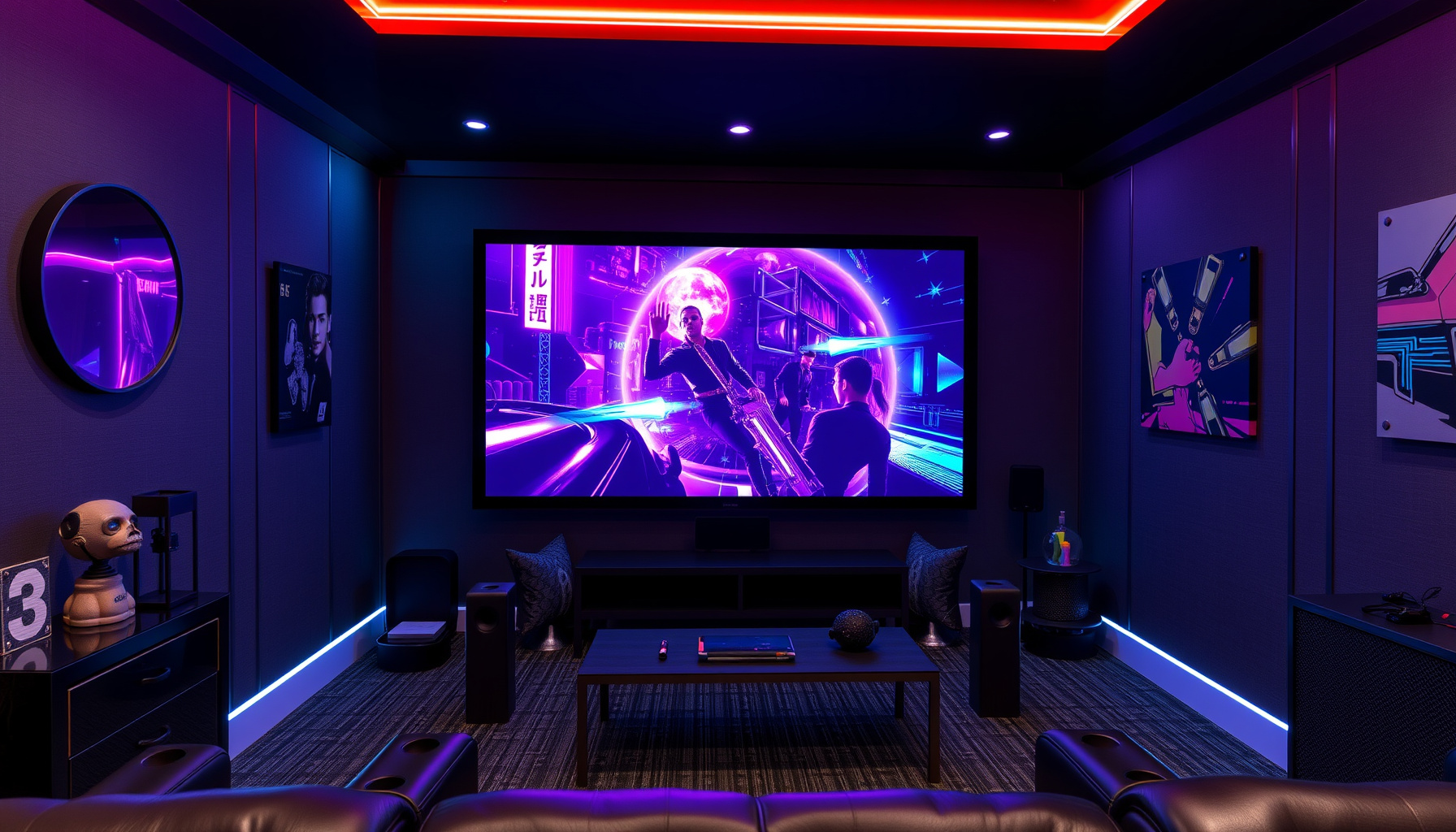
Setting up multi-room audio in your smart home theater requires careful planning and the right technology to create an immersive listening experience throughout your living space. To begin, you need to select a compatible audio system that supports multi-room functionality. Many modern audio systems, such as Sonos, Bose, and Yamaha, offer solutions that integrate seamlessly with popular voice assistants like Alexa, Google Assistant, and Apple HomeKit. These systems allow you to stream music, podcasts, and other audio content in multiple rooms, ensuring that your entertainment is consistent and accessible.
Once you have chosen your audio system, the next step is to install and configure the necessary hardware. This typically involves placing speakers strategically throughout your home, connecting them to your network, and ensuring they are powered correctly. Many systems allow for wireless connections, which reduces the clutter of cables and makes installation simpler. During this setup, it is important to consider the acoustics of each room to optimize sound quality. Experiment with speaker placement to find the ideal positions that enhance audio performance, taking into account factors like furniture and wall materials.
After the physical setup, integrating your audio system with your chosen voice assistant is crucial for voice control and automation. This process often involves downloading the relevant app associated with your audio system and linking it to your smart home platform. For example, if you are using Alexa, you will need to enable the corresponding skill in the Alexa app. Once linked, you can use voice commands to control playback, adjust volume, and switch between different audio sources. This seamless integration allows you to manage your audio environment effortlessly.
Creating routines is another powerful way to enhance your multi-room audio experience. With the capabilities of voice assistants, you can set up specific commands that trigger multiple actions across your audio system and other smart devices. For example, a command like “Movie Night” could dim the lights, lower the shades, and set your audio system to play a specific soundtrack in every room. This level of automation not only simplifies the user experience but also adds an element of sophistication to your home theater setup.
Finally, be prepared to troubleshoot common issues that may arise during the setup and use of your multi-room audio system. Connectivity problems, speaker pairing failures, and audio lag can occur, but most systems provide comprehensive support through their apps and online resources. Additionally, regularly updating the firmware of your devices can help improve performance and compatibility. By focusing on these aspects, you can enjoy a well-coordinated multi-room audio experience that elevates your home theater to new heights.
Synchronizing Audio Across Different Rooms
Synchronizing audio across different rooms is a crucial aspect of creating a seamless home theater experience. With the rise of smart home technology, this process has become increasingly accessible and efficient. By leveraging voice assistants like Alexa, Google Assistant, and HomeKit, homeowners can achieve a synchronized audio experience that enhances entertainment value, whether for movie nights, gatherings, or simply enjoying music throughout the house. This synchronization allows for a cohesive sound environment, ensuring that audio can flow effortlessly from one room to another without noticeable delays.
To begin synchronizing audio, it is essential to select compatible multi-room audio systems that work seamlessly with your chosen voice assistant. Platforms like Sonos, Bose, and Google Nest offer products specifically designed for multi-room audio, allowing users to create a unified sound system throughout their homes. Setting up these systems typically involves connecting each speaker to the home Wi-Fi network and adding them to a centralized app, where you can manage audio sources and playback preferences. Once established, voice commands can be utilized to control audio settings, making it easy to adjust volume or switch between playlists in any room.
Creating routines is another effective way to synchronize audio in different rooms. With voice assistants, you can program specific commands that initiate multi-room playback, such as saying “Movie Night” to dim the lights, lower the projector screen, and start streaming your favorite film with audio playing in multiple rooms. This automation not only enhances the viewing experience but also simplifies the process of setting up for entertainment activities. Additionally, routines can be tailored to include time-based triggers, allowing music to flow throughout the house at designated times, such as during breakfast or evening relaxation.
Troubleshooting audio synchronization issues can be a common challenge in multi-room setups. Factors such as network latency, speaker placement, or app compatibility may affect performance. To mitigate these issues, it’s advisable to use a robust Wi-Fi network with sufficient bandwidth, as this can significantly improve audio streaming quality. Moreover, ensuring that all devices are updated with the latest firmware can prevent compatibility issues. If synchronization problems persist, experimenting with speaker grouping options within the app can help optimize performance, allowing for adjustments based on room acoustics and speaker types.
The integration of smart lighting with synchronized audio systems further elevates the home theater experience. By coordinating lighting with audio playback, homeowners can create immersive environments that respond to the mood of the content being enjoyed. For instance, dimming lights during a movie while keeping background music playing in other rooms can foster a cinematic atmosphere. By utilizing voice commands to adjust both audio and lighting, users can create a harmonious and engaging entertainment experience, showcasing the true potential of smart home automation in modern home theaters.
Identifying Common Problems
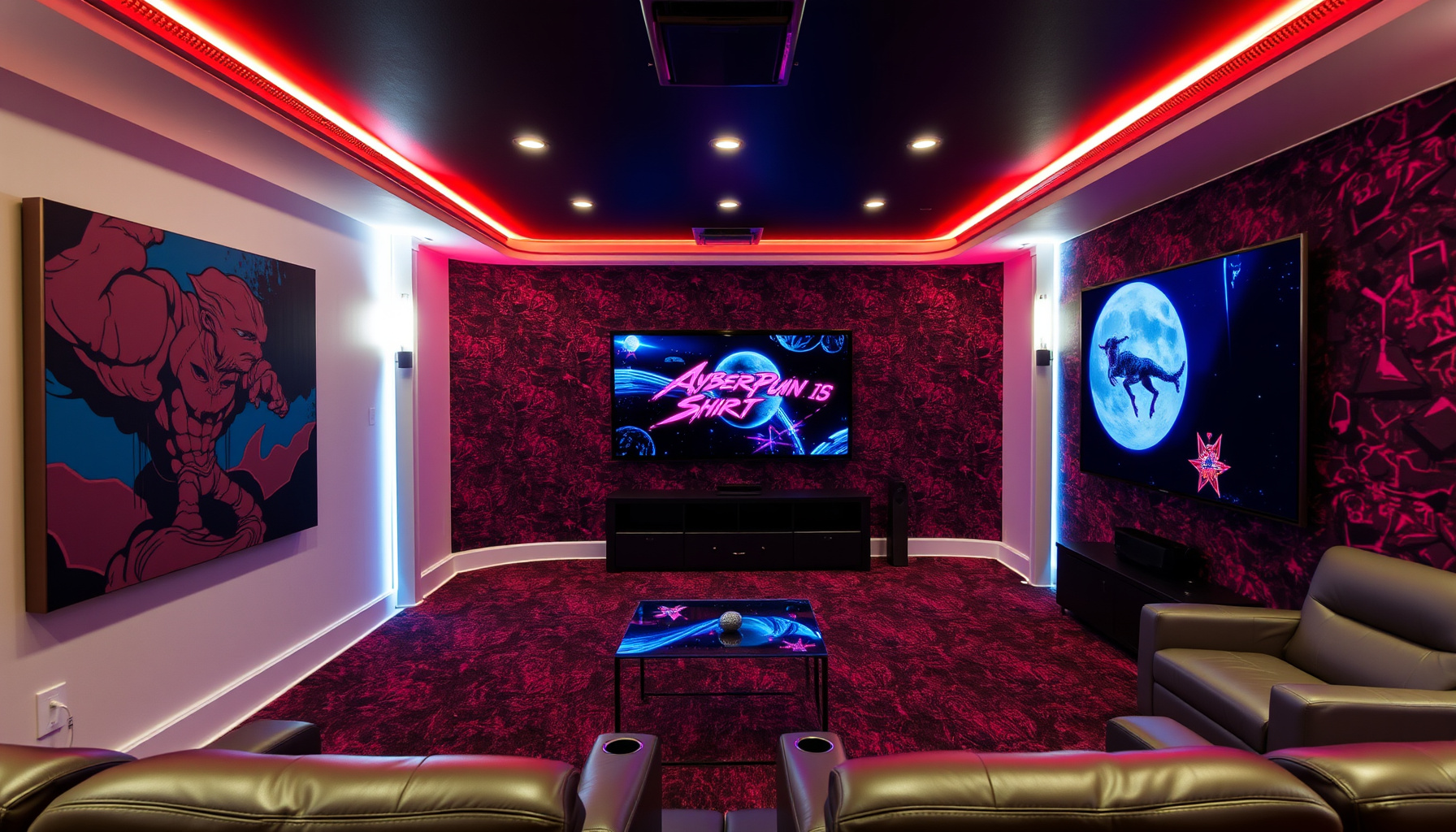
Identifying common problems is a crucial step in the journey to automating your home theater experience. Many users encounter various challenges, often stemming from the complexity of integrating multiple smart devices and ensuring compatibility with voice assistants like Alexa, Google Assistant, and HomeKit. One frequent issue is the inconsistency in device communication, which can arise from using products from different manufacturers. Ensuring that all devices are compatible and operate seamlessly together is essential for a flawless automation experience.
Another common problem is related to the setup of smart lighting in home theaters. Users often struggle with achieving the right ambiance for movie nights due to poorly configured lighting systems. This can result from inadequate understanding of how to program smart bulbs and switches to work in harmony with the video and audio components. Properly identifying lighting issues, such as delays in response time or failure to synchronize with the content being viewed, is vital to creating a truly immersive environment.
Streaming services integration can also present challenges. Users may experience difficulties linking their favorite platforms with voice assistants, leading to frustrating moments when attempting to initiate playback or switch between services. Identifying these integration problems early on can save time and enhance the user experience. Ensuring that all accounts are properly linked and that the right voice commands are being used is key to a smooth streaming experience.
Automating sound systems for optimal audio can be another area fraught with complications. Issues may arise from misconfigured sound settings or incompatibility between various audio devices. Users often overlook the importance of calibrating their systems for multi-room audio solutions, which can lead to uneven sound distribution. Identifying these audio configuration problems can significantly enhance sound quality and overall enjoyment during viewing sessions.
Finally, troubleshooting common automation issues is an ongoing process that requires vigilance. Users may face unexpected glitches, such as failure of voice commands or devices not responding as intended. Recognizing these problems quickly and implementing systematic troubleshooting steps can prevent frustration and ensure that your home theater operates as intended. By paying attention to these common issues and addressing them proactively, users can create a seamless and enjoyable automated home theater experience.
Solutions and Tips for Troubleshooting
Addressing common issues that may arise during the automation of your home theater system is essential for a smooth and enjoyable experience. One of the first steps in troubleshooting problems is to ensure that all devices are connected to the same Wi-Fi network. Many voice assistants, including Alexa, Google Assistant, and HomeKit, require a stable internet connection to function effectively. If your devices are operating on different networks or if the connection is weak, you may encounter delays or failures in command execution. Checking your router settings and ensuring that your devices are properly connected can often resolve connectivity issues.
Another frequent challenge involves the integration of various smart devices. Incompatible devices can hinder the automation process, leading to frustrating experiences. To mitigate this, it’s vital to research compatibility before purchasing new equipment. Most manufacturers provide information on which devices work seamlessly with voice assistants. Additionally, utilizing a universal smart home hub can help bridge the gap between disparate systems, allowing for streamlined communication and control across all devices in your home theater setup.
Voice command recognition can sometimes be inconsistent, particularly in multi-user households. To enhance command accuracy, ensure that each user’s voice profile is set up in the respective voice assistant app. Regularly updating the software for both the assistant and the devices can improve performance and resolve known bugs. Furthermore, minimizing background noise when issuing commands can significantly enhance recognition rates, leading to a more responsive and enjoyable experience.
When automating sound systems and lighting, it’s important to create routines that function seamlessly with your lifestyle. If a routine fails to execute as expected, check the individual settings for each device involved in the routine. Ensure that the commands are correctly configured and that any necessary conditions, such as time or location, are accurately set. Adjusting the timing or sequence of actions within the routine may also yield better results, making your movie night automation more reliable.
Lastly, security concerns can arise when integrating smart devices into your home theater. Regularly updating device firmware and changing default passwords can help protect your system from vulnerabilities. For additional security, consider implementing network segmentation, which separates your smart devices from your main internet connection. This can prevent unauthorized access while still allowing for the automation features you desire. By staying proactive in your troubleshooting efforts and security measures, you can enhance the overall functionality and safety of your automated home theater experience.
Recommended Devices for Audio and Video
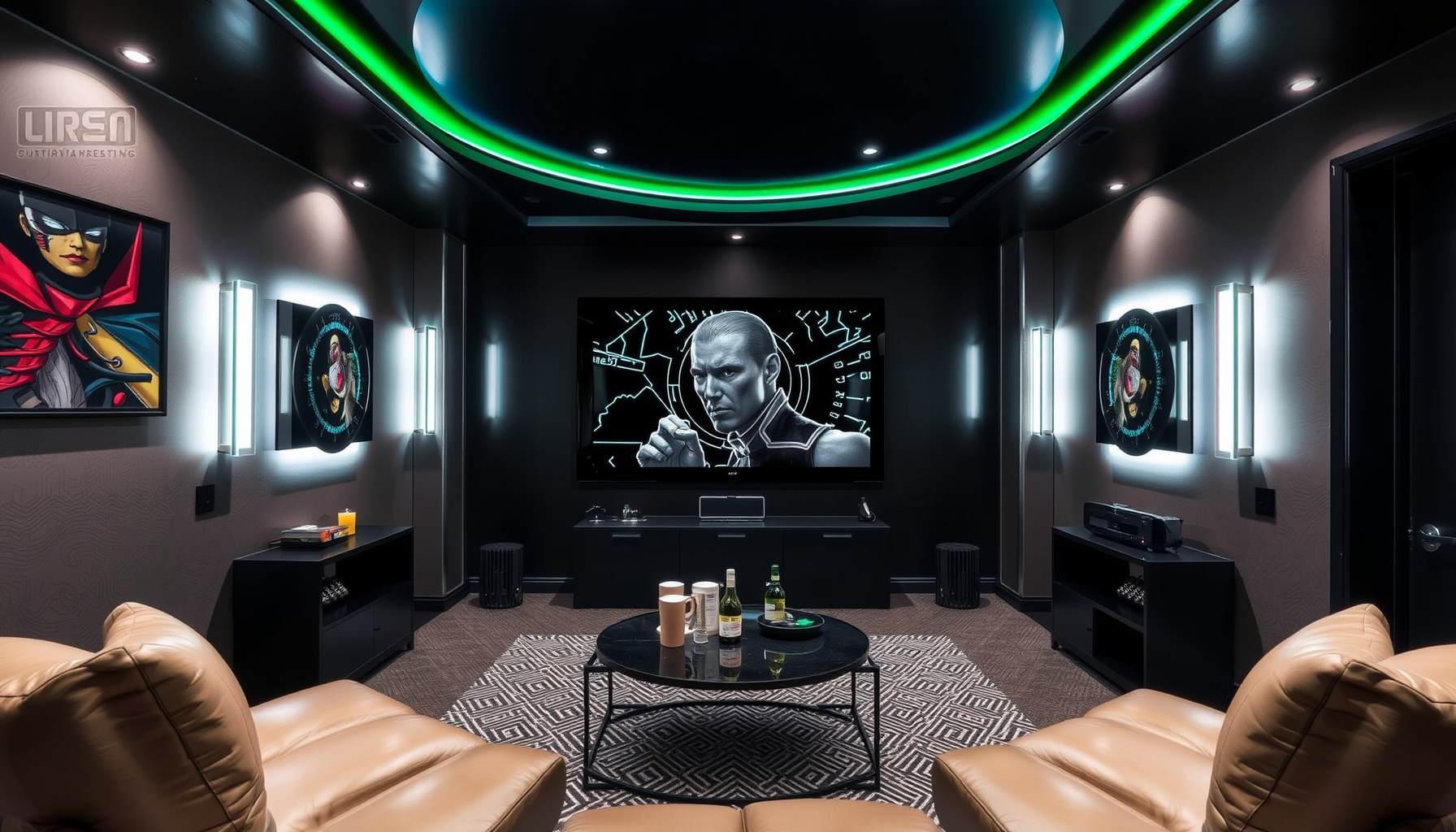
When selecting devices for audio and video in a smart home theater setup, it is essential to choose products that seamlessly integrate with your preferred voice assistant, be it Alexa, Google Assistant, or HomeKit. These devices not only enhance your viewing experience but also ensure that you can control every aspect of your system with simple voice commands. Key components include smart TVs, streaming devices, sound systems, and projectors, all of which should support the automation features you desire.
Smart TVs have become the centerpiece of many home theaters, offering a range of streaming apps and voice control capabilities. When choosing a smart TV, consider models from leading brands that support both Alexa and Google Assistant integration. This allows for versatile control, enabling users to adjust settings, switch inputs, and launch apps with voice commands. Look for models that also support high-definition resolutions to ensure that your viewing experience is not compromised.
Streaming devices are another critical element in a home theater setup, providing access to a multitude of content sources. Devices such as Roku, Amazon Fire TV, and Google Chromecast allow for easy streaming and control through voice commands. When selecting a streaming device, ensure it is compatible with your voice assistant of choice and offers features like 4K streaming and user-friendly interfaces. These devices can also be incorporated into routines, making it easy to set up for movie nights with just a few simple phrases.
An optimal audio experience hinges on a high-quality sound system. Consider investing in smart soundbars or multi-room audio systems that can be controlled through your voice assistant. Brands such as Sonos and Bose offer products that not only deliver exceptional sound quality but also integrate well with smart home ecosystems. Multi-room audio solutions enable synchronized playback across different areas of your home, enhancing the overall experience when hosting gatherings or enjoying a movie marathon.
Finally, projectors and screens are vital for those who prefer a cinematic experience at home. Look for projectors that come equipped with smart features and compatibility with your voice assistant. Many modern projectors can be controlled via voice commands, allowing you to adjust settings or switch between different sources effortlessly. Additionally, automated screens that respond to commands can enhance the convenience of your setup, making it easy to transition from casual viewing to an immersive movie experience. By carefully selecting these devices, you can create a fully automated home theater that is tailored to your preferences and designed for optimal enjoyment.
Essential Accessories for Smart Home Theater Setup
In creating a smart home theater setup, the right accessories can significantly enhance both functionality and user experience. Essential accessories include smart speakers, universal remote controls, smart lighting solutions, streaming devices, and smart projectors. Each of these components plays a critical role in automating and streamlining the home theater experience, allowing users to leverage Alexa, Google Assistant, or HomeKit for seamless operation.
Smart speakers serve as the central hub of any automated home theater system. They not only facilitate voice commands to control other devices but also provide superior audio quality that complements the visual experience. Brands like Sonos offer multi-room audio solutions, enabling users to enjoy synchronized sound throughout the home. Pairing your smart speakers with voice assistants allows for hands-free control over playback, volume adjustments, and even lighting changes, creating an immersive environment tailored to the user’s preferences.
Universal remote controls represent another essential accessory that simplifies device management. These remotes can be programmed to operate multiple devices, including televisions, sound systems, and streaming services, through a single interface. When integrated with smart home technology, they can be customized to execute specific routines, such as dimming lights and lowering the projector screen with just one button press. This level of convenience enhances the overall experience, making it easier to transition from regular viewing to movie night mode.
Smart lighting solutions are crucial for setting the right ambiance in a home theater. With smart bulbs and lighting systems, users can adjust brightness and color temperature to complement the viewing experience. Voice commands can be used to create pre-set lighting scenes that automatically adjust when a movie starts or when guests arrive. This integration not only enhances the aesthetic of the home theater but also improves energy efficiency by allowing remote control over lighting, reducing usage when the space is not in use.
Finally, incorporating smart projectors and screens can elevate the viewing experience to new heights. Smart projectors often come with built-in streaming capabilities and voice assistant compatibility, allowing for easy access to content without the need for additional devices. Automated screens can be programmed to lower or retract depending on the time of day or specific routines, ensuring optimal viewing conditions. With the right accessories, users can create a fully automated home theater that responds intelligently to their commands, making movie watching a truly enjoyable and effortless experience.
Emerging Technologies to Watch
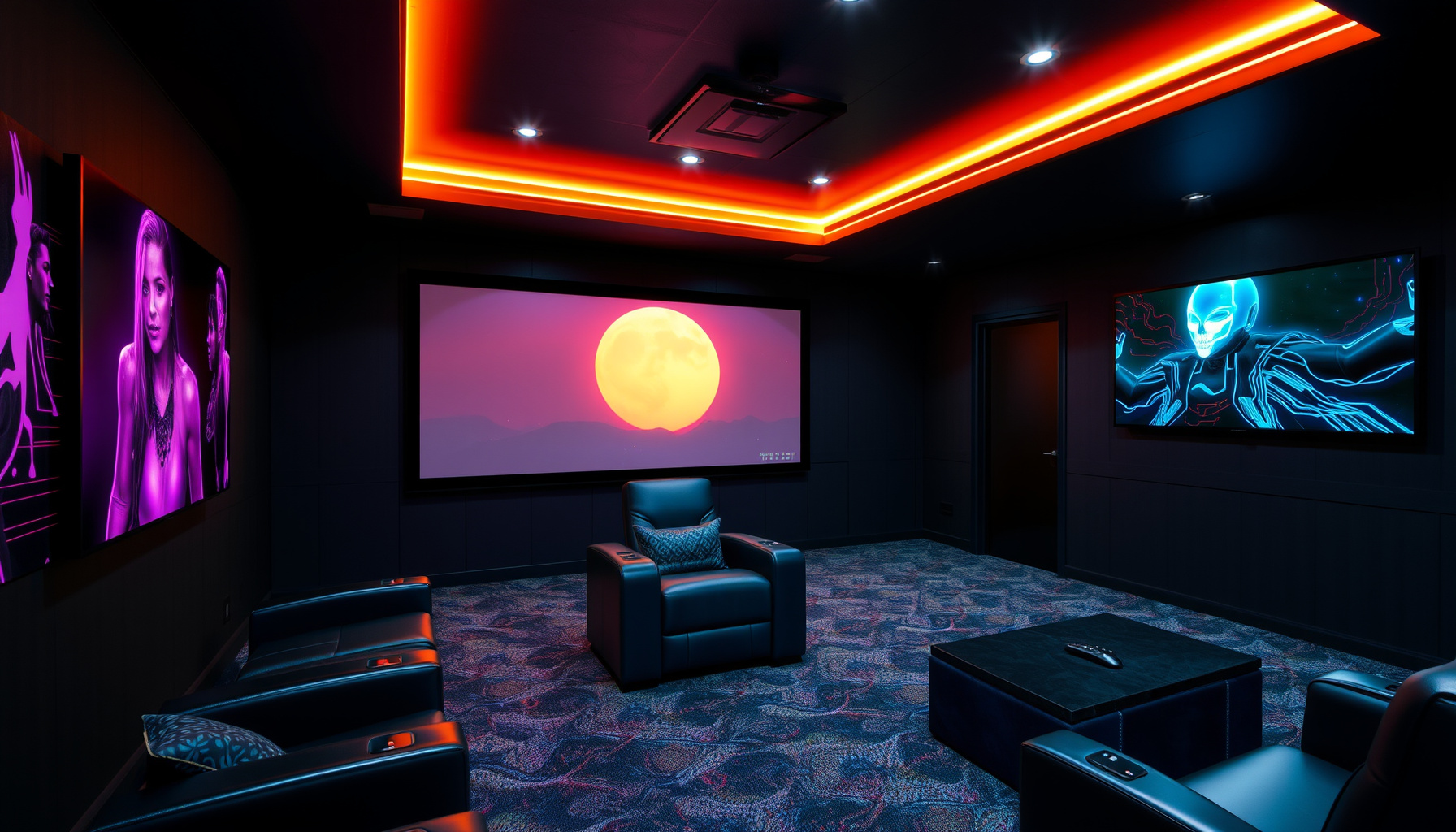
As the home theater landscape evolves, several emerging technologies are poised to redefine the automation experience for enthusiasts. One of the most noteworthy advancements is the integration of artificial intelligence and machine learning into voice assistants like Alexa, Google Assistant, and HomeKit. These technologies enhance the ability of smart devices to learn user preferences over time, allowing for more personalized automation routines. For instance, an AI-enabled system can analyze viewing habits and adjust lighting, sound, and streaming services accordingly, creating an immersive environment tailored to individual tastes.
Another exciting development is the rise of advanced smart lighting solutions specifically designed for home theaters. These new systems not only offer customizable color palettes and dimming capabilities but also integrate seamlessly with voice commands and automation routines. Imagine a scenario where, with a simple voice command, your lights transition to a warm hue, and the room darkens for a cinematic experience. Companies are now producing smart bulbs and LED strips that can sync with on-screen content, enhancing the visual experience and making movie nights even more engaging.
In addition to lighting, the automation of sound systems is entering a new era. Innovations in multi-room audio technology allow users to effortlessly control their sound systems through voice commands, providing an optimal audio experience throughout the home. With the integration of smart assistants, music can flow seamlessly from one room to another, and users can adjust sound settings with simple phrases. This level of integration not only enhances the home theater experience but also elevates everyday listening habits.
Controlling projectors and screens has also seen significant advancements. New smart devices allow for precise control over projection settings and screen positions, all managed through voice commands or mobile apps. This means that users can set up their home theaters for movie nights with minimal effort, adjusting projectors and screens to the perfect angle and height without leaving their seats. As these technologies continue to develop, the user experience will become increasingly intuitive, making home theater automation more accessible to everyone.
Finally, as the smart home ecosystem expands, security technologies are becoming integral to home theater setups. Emerging security devices can monitor the home theater area, ensuring that equipment is safe while providing peace of mind during movie nights. Integration with smart assistants allows users to control security settings or receive alerts through voice commands, creating a cohesive and secure entertainment environment. With the continuous evolution of these technologies, home theater automation will not only become more convenient but also more secure and personalized.
The Evolution of Voice Assistants in Home Entertainment
The evolution of voice assistants in home entertainment has transformed the way users interact with their home theater systems. Initially, voice recognition technology was limited in capability, primarily serving basic functions such as setting timers or answering simple queries. As technology advanced, the introduction of sophisticated AI-powered voice assistants like Alexa, Google Assistant, and Apple’s Siri began to redefine user expectations. With the integration of these intelligent systems into home entertainment, users gained the ability to control a variety of devices through natural language commands, significantly enhancing their overall experience.
One of the key developments in this evolution has been the seamless integration of voice assistants with various streaming services. Users can now easily access their favorite shows, movies, and music without the need for remote controls or menus. For instance, a simple voice command can prompt Alexa or Google Assistant to play a specific title on platforms like Netflix or Spotify. This not only simplifies the interaction with technology but also encourages a more immersive experience, allowing users to focus on the entertainment rather than the mechanics of accessing it.
Moreover, the automation of sound systems has played a crucial role in optimizing audio experiences. Modern voice assistants can adjust volume levels, switch between different audio inputs, and even calibrate sound settings based on the time of day or specific activities. For home theater enthusiasts, this means that they can enjoy a tailored audio environment that matches their preferences and enhances cinematic experiences. The ability to customize sound settings through voice commands makes it easier for users to achieve the perfect audio landscape for any occasion, from movie nights to casual listening sessions.
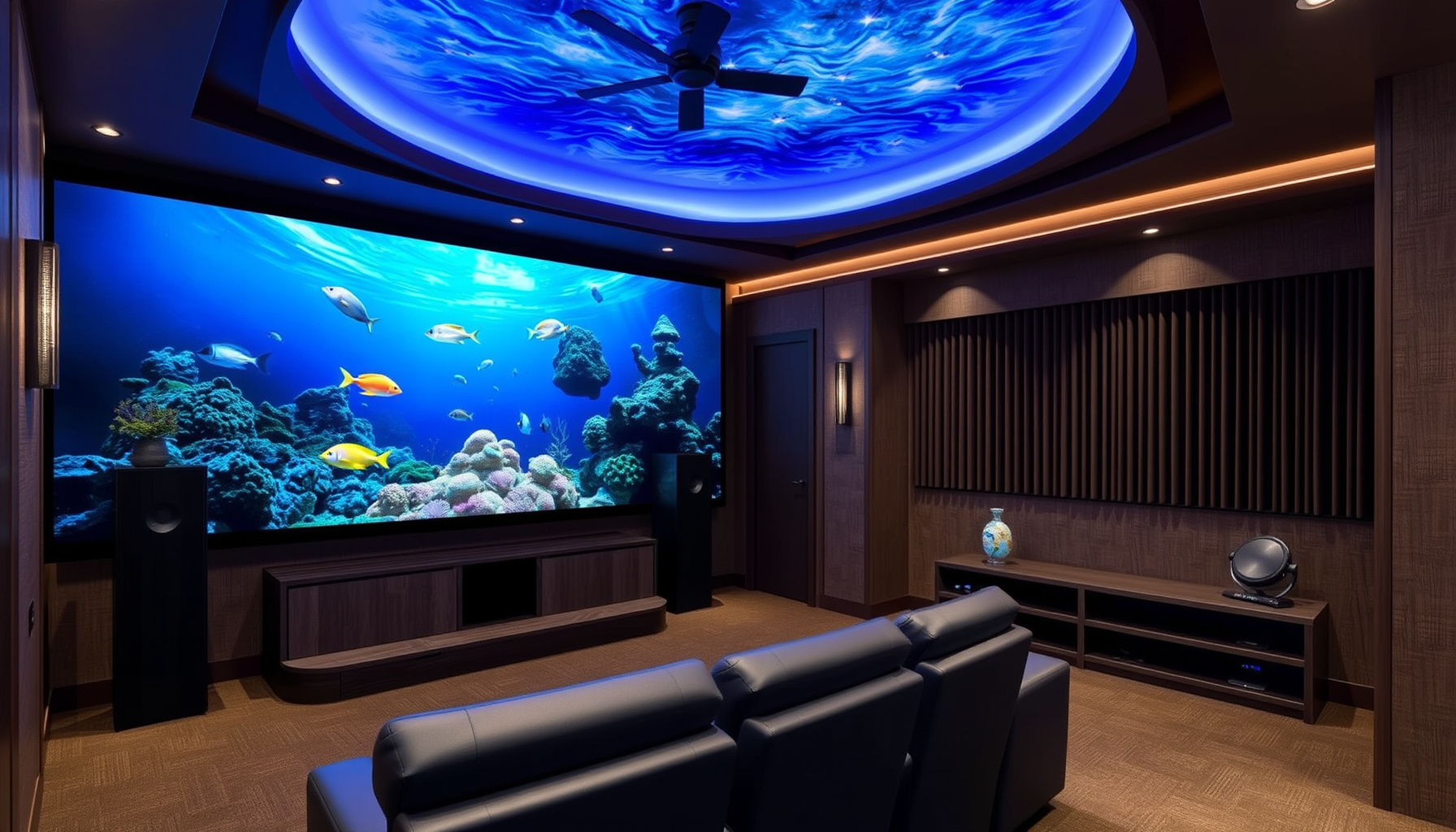
The control of projectors and screens has also seen significant advancements through the use of voice assistants. Users can now command their home theater setups to lower screens, adjust projector settings, or even switch between different display sources with simple voice prompts. This level of automation not only adds convenience but also elevates the overall aesthetic of the home theater environment. By reducing reliance on physical controls, users can create a more streamlined and visually appealing space that embodies the essence of modern technology.
As voice assistants continue to evolve, their role in enhancing home theater security and multi-room audio solutions cannot be overlooked. Smart devices integrated with voice assistants can monitor the home theater environment, ensuring that users feel secure while enjoying their entertainment. Additionally, multi-room audio capabilities allow for synchronized sound across different spaces, creating a cohesive audio experience throughout the home. As the integration of these technologies progresses, users can expect even greater innovations that will further revolutionize the way they interact with their home entertainment systems.