Did you know that approximately 40% of households in the U.S. still use older TV models that lack HDMI ARC functionality? This means millions of people are missing out on the enhanced audio experience that modern soundbars can provide. Even if your TV is a bit outdated, you can still enjoy thumping bass and virtualized 3D sound with the right setup.
Modern soundbars are designed to work seamlessly with a variety of devices, including older TVs. By identifying your TV’s audio output—whether it’s HDMI, optical, or RCA—you can create a connection that transforms your viewing experience. This guide will walk you through the process, ensuring you choose the right cables and adapters for your setup.
From troubleshooting tips to practical examples, this article covers everything you need to know. Whether you have a CRT or an older flat-screen TV, there’s a solution to enhance your sound. Let’s dive in and unlock the full potential of your audio system.
Key Takeaways
- Modern soundbars can significantly improve audio on older TVs.
- Identify your TV’s audio output for the correct connection.
- HDMI, optical, and RCA are common connection options.
- Use the right cables and adapters for seamless setup.
- Troubleshooting tips ensure a smooth audio experience.
Understanding Your TV’s Audio Outputs
Finding the right audio connection starts with understanding your TV’s ports. Whether you’re upgrading to a modern soundbar or enhancing your current setup, knowing your TV’s audio outputs is essential. This step ensures compatibility and maximizes sound quality.

Identifying Available Ports: HDMI, Optical, and RCA
Start by inspecting the back or side of your TV for audio ports. Common options include HDMI, optical, and RCA. HDMI offers a digital connection, but many older TVs lack this feature. Instead, they rely on optical or analog RCA outputs.
Optical audio ports are easily recognizable by their squarish opening with small notches. RCA connectors, often labeled with red and white colors, provide a two-channel stereo output. These are common on CRT and older flat-screen models.
Reading Your TV Manual for Audio Settings
Your TV’s manual is a valuable resource for understanding its audio settings. It provides details about available outputs and hidden features. For example, some TVs require you to change the audio output mode to enable external devices.
Consulting the manual also helps you identify specific port locations and configuration options. This step ensures a seamless setup and avoids potential issues when connecting your soundbar.
How to Connect an Older TV to a New Soundbar
Ensuring your devices work together is the first step to better sound. Matching your TV’s audio outputs with the soundbar’s inputs is crucial for a seamless setup. This process involves identifying the right cables and adapters to bridge the gap between older and modern technology.
Matching Your TV’s Outputs with Soundbar Inputs
Start by comparing your TV’s ports with the input options on your soundbar. Older TVs often feature RCA or optical outputs, while modern soundbars typically support HDMI or optical inputs. If your TV lacks HDMI, an optical or RCA connection can still deliver high-quality audio.
For example, optical cables transmit digital signals, ideal for surround sound formats like Dolby Digital. RCA outputs, on the other hand, provide analog stereo signals. Use a Y-adapter to connect RCA outputs to a 3.5mm AUX input on your soundbar.
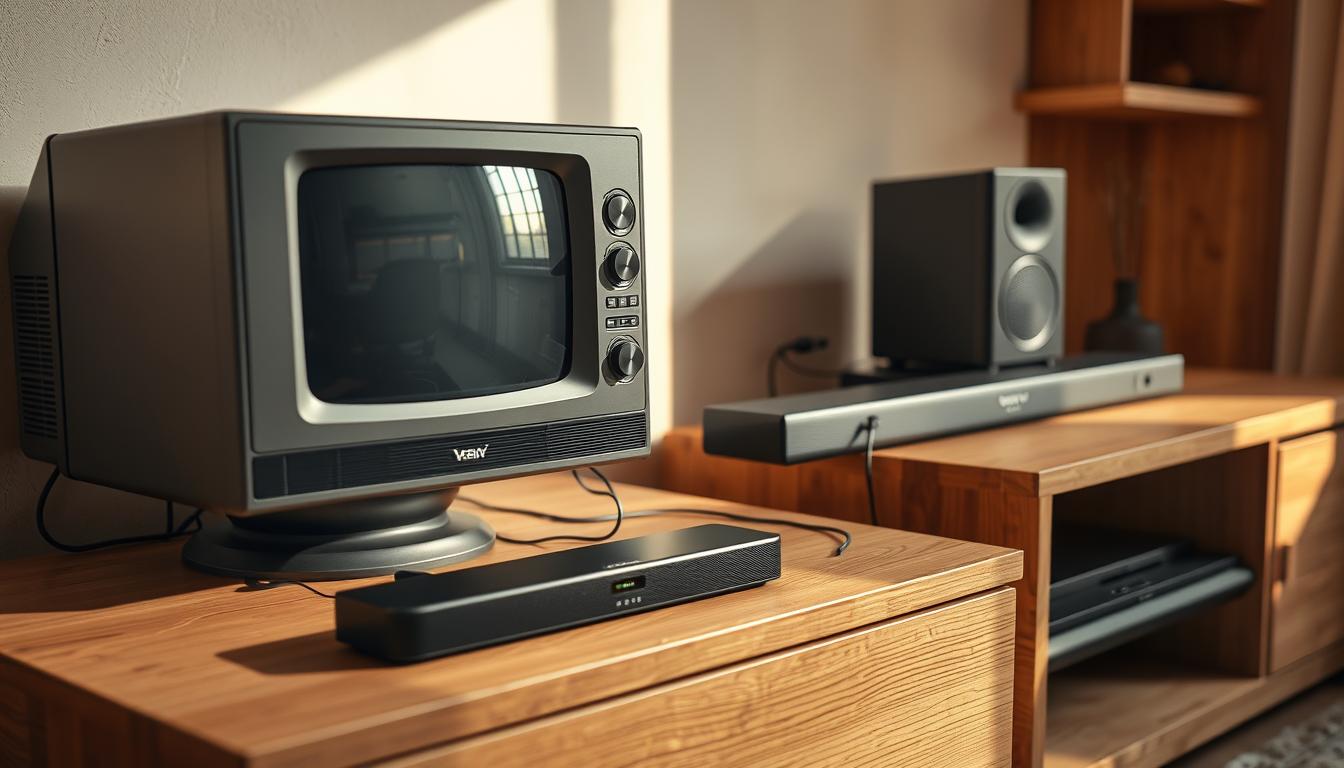
Selecting the Right Cables and Adapters
Choosing the correct cables ensures optimal audio quality. High-quality optical cables maintain signal integrity, while RCA-to-3.5mm adapters bridge the gap between analog and digital devices. If your soundbar only has HDMI inputs, consider an active converter to process analog signals.
Always check product specifications to avoid compatibility issues. Investing in durable cables and reliable adapters enhances your setup’s longevity and performance.
| Cable Type | Use Case | Audio Quality |
|---|---|---|
| Optical Cable | Digital audio transmission | High (supports surround sound) |
| RCA Cable | Analog stereo output | Good (basic stereo sound) |
| HDMI Cable | Digital audio and video | Excellent (supports advanced formats) |
| RCA-to-3.5mm Adapter | Connects analog outputs to AUX inputs | Good (converts analog to digital) |
By understanding your TV’s audio outputs and selecting the right cables, you can unlock the full potential of your soundbar. This preparation sets the stage for a smooth and effective connection process.
Step-by-Step Setup for Optimal Audio
Transform your audio setup with these simple steps for connecting your soundbar. Whether you’re using HDMI, optical cables, or Bluetooth, this guide ensures a seamless experience. Follow these instructions to unlock the full potential of your sound system.
Connecting via HDMI and Optical Cables
Start by identifying the available ports on your TV and soundbar. HDMI is the preferred choice for digital audio transmission, offering the best quality. If your TV supports HDMI ARC, use a single cable to connect it to your soundbar.
For TVs without HDMI, optical cables are a great alternative. These transmit digital signals, supporting formats like Dolby Digital. Ensure the cable is securely connected to both devices for optimal performance.
Using AV Adapters and Bluetooth Connectivity
If your TV has RCA outputs, use an adapter to connect it to your soundbar. RCA-to-3.5mm adapters bridge the gap between analog and digital devices. This setup is ideal for older TVs lacking modern ports.
For wireless convenience, enable Bluetooth on your soundbar. Pair it with your TV by selecting the soundbar in the Bluetooth settings. This method is perfect for reducing cable clutter while maintaining good audio quality.
Adjusting TV Audio Settings for the Best Experience
Once connected, optimize your audio by adjusting your TV’s settings. Switch from fixed to variable output mode to control volume directly from your soundbar. Ensure the audio output is set to external speakers for proper functionality.
For detailed instructions on setting up specific models, check out this Vizio soundbar setup guide. It provides additional tips for enhancing your viewing experience.
- Use HDMI for the best audio quality.
- Optical cables are a reliable alternative.
- AV adapters bridge older and modern devices.
- Bluetooth offers wireless convenience.
- Adjust TV settings for optimal sound.
Conclusion
Upgrading your audio setup doesn’t have to be complicated. By identifying your TV’s audio output and matching it with the right soundbar inputs, you can achieve a seamless connection. Whether you use an HDMI port, optical cable, or adapters, the process is straightforward.
Modern soundbars bring advanced features like virtual surround sound and 3D audio, transforming your viewing experience. Even older devices can benefit from these enhancements with the right setup. Follow the steps outlined to ensure optimal performance and troubleshoot any issues.
Enjoy clearer dialogue, deeper bass, and immersive sound. With the right cables and adjustments, your audio system will feel brand new. Take the first step today and elevate your entertainment experience.
FAQ
What audio outputs are commonly found on older TVs?
Older TVs typically feature RCA, optical audio, or 3.5mm audio jack outputs. Some models may also include an HDMI ARC port for enhanced audio connectivity.
How do I identify the correct audio output on my TV?
Check the back or side of your TV for labeled ports like HDMI, optical audio, or RCA. Refer to your TV’s manual for detailed information on audio settings and port locations.
What cables are needed to connect a soundbar to an older TV?
Depending on your TV’s outputs, you may need an HDMI cable, optical audio cable, or RCA-to-3.5mm adapter. Ensure the cables match both your TV’s outputs and the soundbar’s inputs.
Can I use an HDMI port to connect my soundbar?
Yes, if your TV has an HDMI ARC port, you can use an HDMI cable for both audio and video. This method provides high-quality sound and simplifies the setup process.
What if my TV doesn’t have an HDMI or optical audio port?
Use an RCA-to-3.5mm adapter or AV converter to connect your soundbar. These adapters bridge the gap between older TV outputs and modern soundbar inputs.
How do I adjust my TV’s audio settings for a soundbar?
Navigate to your TV’s audio settings and select the correct output, such as HDMI ARC or optical audio. Ensure the soundbar is set as the primary audio device for optimal performance.
Can I connect a soundbar to my TV using Bluetooth?
Yes, if both your TV and soundbar support Bluetooth connectivity, you can pair them wirelessly. This eliminates the need for cables but may slightly reduce audio quality compared to wired connections.