Did you know that 75% of households with smart home technology have integrated voice assistants into their entertainment systems? This trend is transforming the way we interact with our devices, offering unparalleled convenience and accessibility.
Voice assistants like Amazon Alexa and Google Assistant can elevate your home theater experience. Imagine adjusting the volume, switching inputs, or even dimming the lights with a simple command. This integration not only simplifies control but also enhances accessibility for users with mobility or vision impairments.
This guide explores the process of connecting your audio system to voice assistants. From built-in speakers to paired audio outputs, we’ll cover the essential steps and hardware options. You’ll also learn about system compatibility, optimal room acoustics, and custom commands to streamline your setup.
With expert insights and troubleshooting tips, this guide ensures a seamless integration process. Whether you’re a tech enthusiast or a beginner, you’ll find valuable information to enhance your smart home experience.
Key Takeaways
- Voice assistants simplify control of your entertainment system.
- Integration enhances accessibility for users with disabilities.
- Built-in speakers and paired audio outputs are common options.
- Step-by-step instructions ensure a smooth setup process.
- Custom commands and automation routines add convenience.
Exploring Voice Assistant Technologies for Home Theatres
Voice assistant technologies are reshaping how we interact with home entertainment systems. With devices like Amazon Alexa and Google Assistant, controlling your setup has never been easier. These tools offer a seamless way to manage volume, switch inputs, and even adjust lighting with simple commands.

Understanding Amazon Alexa and Google Assistant
Amazon Alexa and Google Assistant are the leading voice assistant platforms for smart home setups. Alexa excels in its vast library of skills, allowing you to customize commands for specific tasks. Google Assistant, on the other hand, integrates smoothly with other Google services, making it ideal for users already in the Google ecosystem.
Both platforms support streaming music, controlling smart devices, and managing your home theater system. However, Alexa often requires additional skills for advanced features, while Google Assistant offers more intuitive voice recognition.
Comparing Built-In Speakers and Paired Audio Outputs
Built-in speakers, like those in Amazon Echo devices, provide a straightforward solution for audio playback. They are compact and easy to set up but may lack the depth and clarity of dedicated audio systems. Paired audio outputs, such as connecting a Google Home Mini to a receiver, offer superior sound quality and flexibility.
For example, the Amazon Echo Dot can stream audio to external speakers via Bluetooth or a 3.5mm jack. The Google Home Mini, however, lacks a direct audio output, which can limit its compatibility with certain setups. Choosing the right option depends on your existing equipment and audio preferences.
Positioning your voice assistant centrally in the room ensures optimal voice detection. This placement enhances the overall experience, making it easier to control your system from any location. Whether you prefer built-in speakers or paired outputs, both options can elevate your home theater setup.
Assessing System Compatibility and Device Integration
Before diving into setup, it’s crucial to evaluate your current equipment. Compatibility is the foundation of a seamless integration between your entertainment system and voice assistants. Start by identifying whether your devices have built-in capabilities or require additional add-ons.

For example, devices like the Amazon Echo or Google Home often come with built-in voice assistant features. However, older receivers or speakers may need adapters or third-party apps to function properly. Checking the audio source and signal path ensures clear voice commands and optimal performance.
Evaluating Your Current Equipment
Begin by assessing your network setup. A stable Wi-Fi connection is essential for smooth communication between devices. Position your voice assistant centrally in the room to maximize voice detection and control accuracy.
Consider the quality of your audio output. Built-in speakers in devices like the Echo Dot are convenient but may not match the sound quality of dedicated systems. Pairing your assistant with external speakers or a receiver can enhance the overall experience.
Connectivity options also play a key role. Wired connections, such as Cat cables, offer reliability, while wireless options like Bluetooth provide flexibility. Choose the setup that best suits your needs and existing equipment.
“A well-integrated system starts with understanding your devices and their capabilities.”
By evaluating these factors, you can ensure a smooth integration process. Whether you’re using Amazon Alexa or Google Assistant, compatibility and proper setup are the keys to unlocking the full potential of your smart home theater.
How to Connect Your Home Theatre to Voice Assistants
Voice-controlled systems are becoming a staple in modern home theaters, offering unmatched convenience. Whether you’re using Google Assistant or other platforms, the process involves specific hardware and careful setup. This section outlines the essential tools and steps to integrate your devices seamlessly.
Required Hardware and Connection Options
To begin, gather the necessary equipment. An Amazon Echo Dot or Google Home device serves as the central hub. Additional items include Cat cables for wired connections, audio baluns for signal conversion, and mounting kits for ceiling or wall installations.
For wireless setups, Bluetooth pairing is a popular option. However, wired connections like Cat cables ensure stability and minimal interference. If your system includes a receiver, ensure it supports Auto Detect and Switch (ADS) for seamless audio switching.

Step-by-Step Installation Process
Start by positioning your voice assistant centrally in the room. This ensures optimal voice detection and control accuracy. Connect your device to the network using the home app for initial setup.
Next, link your audio system. For wired connections, use Cat cables to connect the receiver to the voice assistant. If using Bluetooth, pair the devices through the app. Ensure the audio source is set to the correct input for smooth playback.
Finally, configure custom commands. For example, you can set a command to dim the lights and play music simultaneously. Test each step to confirm proper functionality.
“Proper installation and testing are crucial for a seamless voice assistant integration.”
By following these steps, you can enjoy a hands-free, voice-controlled home theater experience. Whether you’re streaming music or adjusting settings, the process is designed for simplicity and efficiency.
Enhancing Audio and Room Setup for an Optimal Experience
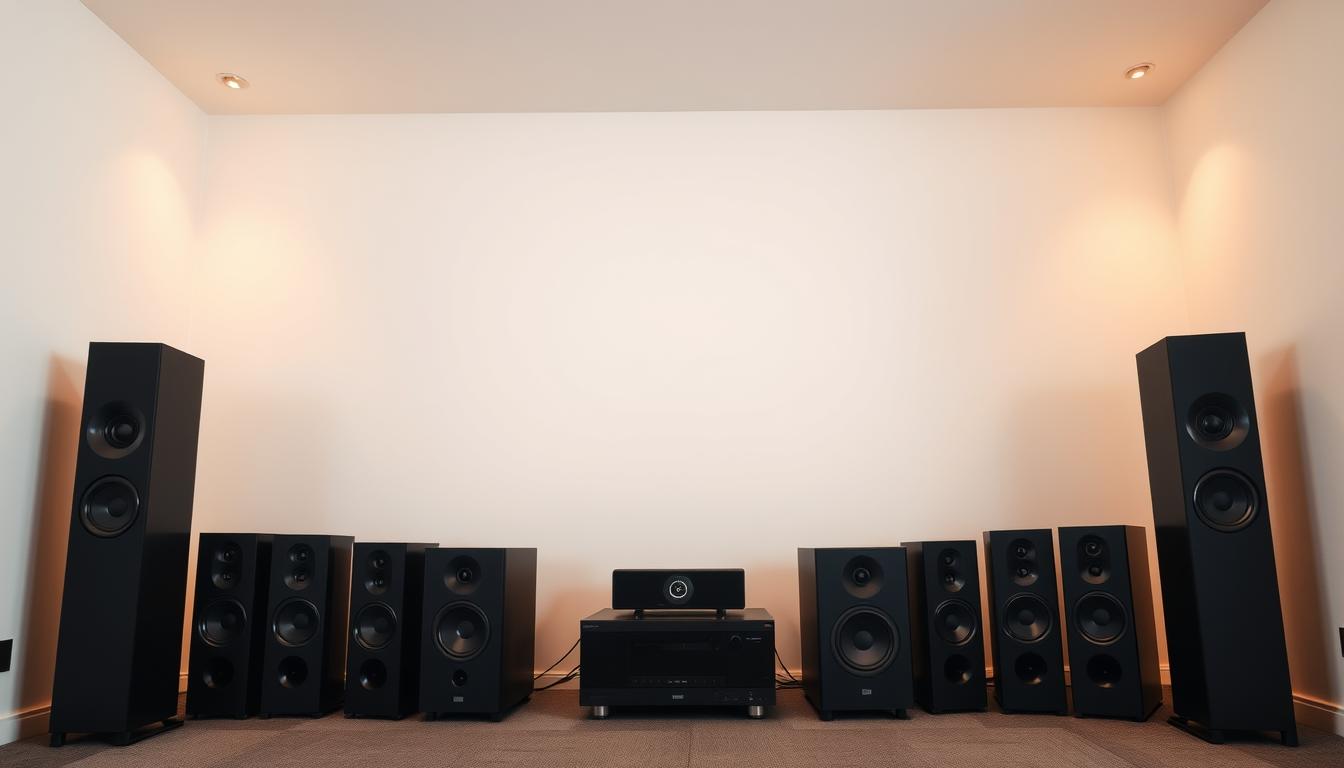
Achieving the perfect audio setup in your home theater involves more than just high-quality speakers. The placement of your speakers and the acoustics of your room play a critical role in delivering immersive sound. Proper positioning ensures clear voice clarity and balanced audio across all zones.
Speaker Placement and Room Acoustics
Start by positioning your speakers at ear level when seated. This ensures the sound reaches you directly, enhancing clarity. For surround sound systems, place rear speakers slightly behind your seating area to create a realistic audio environment.
Room acoustics are equally important. Hard surfaces can cause sound reflections, leading to distortion. Adding soft furnishings like rugs or curtains can absorb excess noise and improve audio quality. Smart home technology can also assist in fine-tuning settings automatically, ensuring optimal performance.
Calibration is key to balancing music and dialogue. Use tools or professional services to adjust speaker angles and distances. This ensures each zone in your home theater delivers consistent sound quality. For example, dimmable lighting can replicate the darkness of a movie theater, enhancing the overall experience.
“Proper speaker placement and room treatment are essential for a truly immersive home theater experience.”
By following these expert-backed techniques, you can create a setup that maximizes both audio quality and comfort. Whether you’re streaming music or watching a movie, these adjustments ensure every sound is heard with precision.
Leveraging Custom Commands and Smart Controls
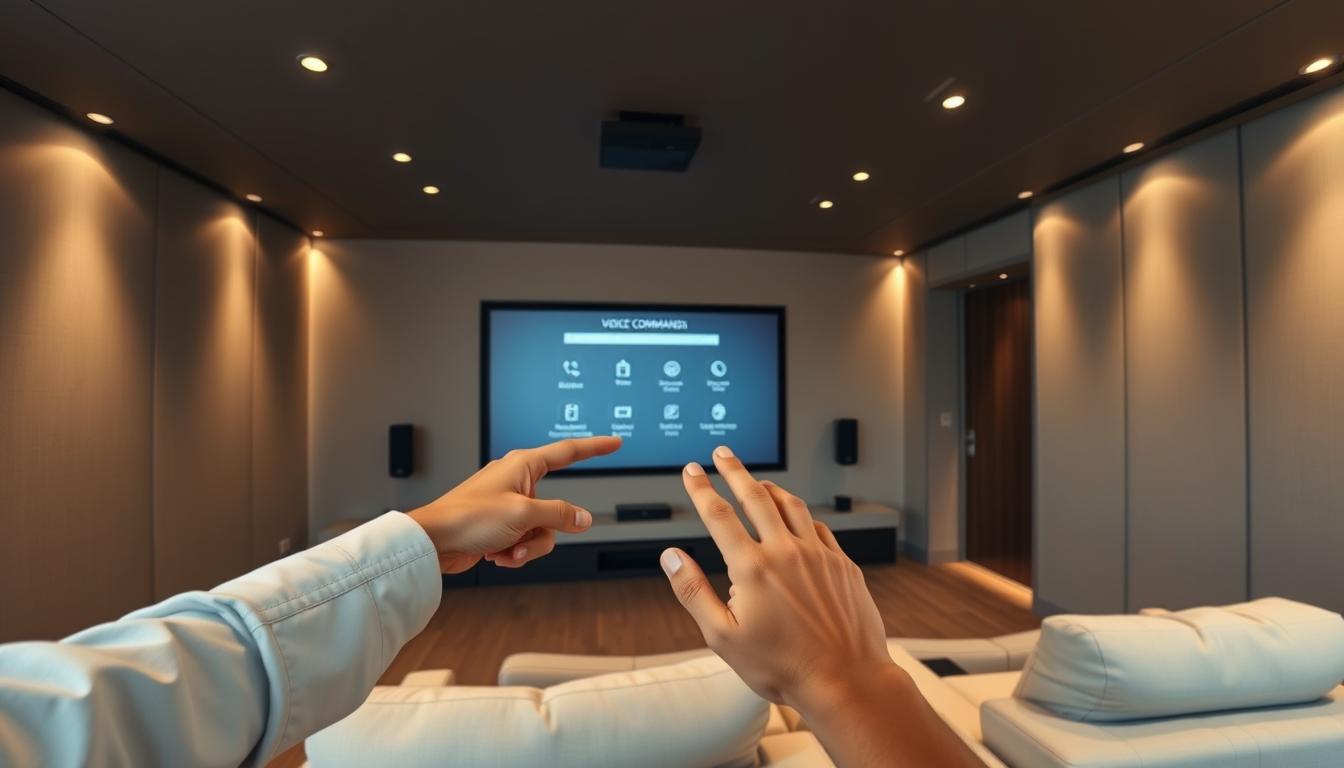
Custom commands and smart controls are transforming how you interact with your entertainment setup. By using voice assistants like Google Assistant, you can streamline operations and create a more intuitive experience. These tools allow you to manage multiple actions with a single phrase, reducing the need for manual adjustments.
Creating Routines and Automations
Routines and automations are powerful features that simplify daily tasks. For example, you can set up a “movie mode” that dims the lights, adjusts the sound levels, and switches the input source with one command. This eliminates the hassle of juggling remotes or apps.
Here’s how to create a routine:
- Open the home app on your smartphone.
- Select Routines and choose Add New.
- Define the trigger phrase, such as “Start movie night.”
- Add actions like adjusting the audio source or turning off the lights.
“Automations save time and effort, making your smart home theater more efficient.”
Another practical example is setting up a “gaming night” routine. This can include switching to the gaming console, optimizing sound settings, and even sending a notification to your phone. Such features enhance convenience and personalize your experience.
Unified smart home ecosystems offer additional benefits. They allow seamless integration between devices, ensuring smooth transitions between tasks. For instance, you can link your Google Home to other smart devices in the room, creating a cohesive setup.
Using smartphone apps to configure routines is straightforward. Regular updates ensure compatibility with new features and devices. This flexibility makes it easy to adapt your system to changing needs.
By leveraging custom commands and automations, you can reduce remote juggling and instantly adjust settings based on your activity. This approach not only enhances convenience but also maximizes the potential of your smart home theater.
Advanced Integration Options for a Whole-Home Audio System
Advanced integration techniques can elevate your whole-home audio system to new heights. Whether you’re managing multiple zones or enhancing sound quality, these methods offer flexibility and precision. From amplifiers with Auto Detect and Switch (ADS) to repurposing existing Cat cables, the possibilities are vast.
Using Amplifiers with Auto Detect and Switch (ADS)
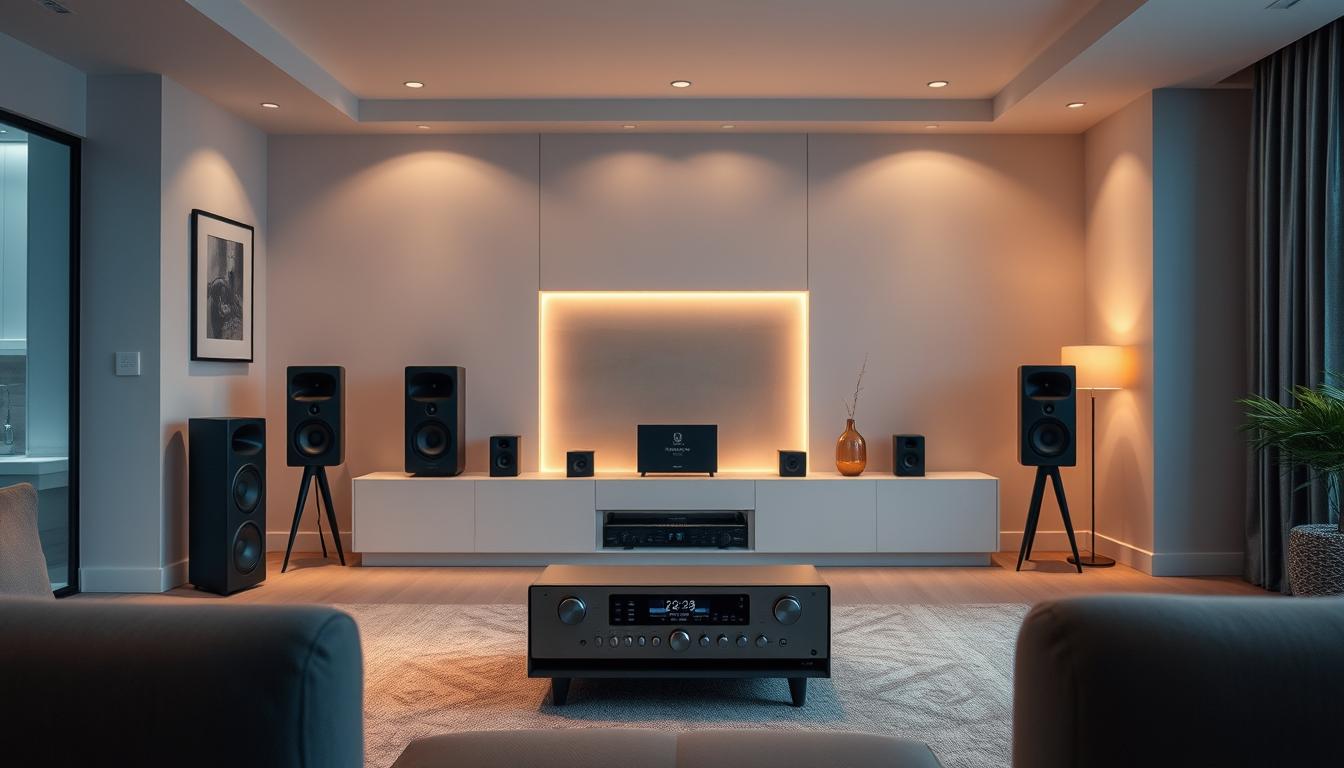
Amplifiers equipped with Auto Detect and Switch (ADS) simplify audio source management. These devices automatically detect the active input and switch seamlessly, eliminating manual adjustments. Models like the PLA‑240ADS and DMA‑1240ADS are popular choices for their reliability and performance.
ADS amplifiers are ideal for multi-zone setups. They ensure that audio is routed correctly to the desired room or zone. This feature is particularly useful in larger homes where multiple devices are in use simultaneously.
Integrating with Existing Cat Cable and Bluetooth Receivers
Repurposing existing Cat cables can save time and resources. These cables are often already installed in homes, making them a convenient option for audio distribution. By connecting your system to a central hub, you can streamline control and reduce clutter.
Bluetooth receivers offer another flexible solution. They allow wireless audio streaming from your voice assistant or smartphone to your speakers. This setup is perfect for rooms where running new cables is impractical.
| Amplifier Model | Key Features | Best Use Case |
|---|---|---|
| PLA‑240ADS | Auto Detect and Switch, 4-zone control | Multi-room audio distribution |
| DMA‑1240ADS | High power output, 12-channel support | Large home theater setups |
Centralized audio control is a game-changer for whole-home systems. It allows you to manage all zones from a single interface, whether through a smart home app or voice commands. This approach enhances convenience and ensures a consistent listening experience across your home.
“Advanced integrations provide the flexibility and control needed for complex audio setups.”
By leveraging these techniques, you can create a system that meets your specific needs. Whether you’re streaming music or hosting a movie night, advanced integrations ensure seamless performance.
Troubleshooting and Fine-Tuning Your System
Even the most advanced setups can encounter issues, but with the right troubleshooting steps, you can resolve them quickly. Whether it’s latency, connectivity, or unrecognized commands, addressing these challenges ensures your smart home theater runs smoothly.
Common Setup Challenges
One frequent issue is latency during audio playback. This often stems from weak Wi-Fi signals or interference. To fix this, ensure your device is within range of the router. Using a wired connection, like Cat cables, can also improve stability.
Another challenge is unrecognized commands by your voice assistant. This could be due to background noise or incorrect phrasing. Reposition your assistant centrally in the room and speak clearly. Updating the app or firmware can also resolve compatibility issues.
For audio imbalances, check your speaker placement. Rearrange them to ensure even sound distribution. Use calibration tools to fine-tune settings for a balanced audio experience.
Maintenance, Updates, and Enhancements
Regular maintenance is crucial for optimal performance. Update your system firmware to access new features and bug fixes. Most devices allow automatic updates through their home app.
Fine-tuning your setup can enhance the user experience. For example, adjust the crossover frequency to ensure low frequencies are routed to the subwoofer. This improves clarity and reduces distortion.
“Proactive maintenance and updates keep your smart home theater running at its best.”
If issues persist, consult online forums or contact support. Many communities offer solutions for advanced problems. By staying proactive, you can enjoy a seamless and immersive home theater experience.
Conclusion
Integrating voice assistants into your entertainment setup offers unmatched convenience and control. From adjusting volume to dimming lights, these tools simplify daily tasks. They also enhance accessibility, making it easier for users with mobility or vision challenges to manage their systems.
Start by evaluating your device compatibility and positioning your assistant centrally in the room. Follow the setup steps, from connecting your audio system to configuring custom commands. Regular updates and maintenance ensure your smart home theater runs smoothly.
Experiment with routines and advanced integrations to personalize your experience. For instance, create a “movie night” command that adjusts lighting and sound levels automatically. These features save time and elevate your entertainment.
Modern technology makes managing your home theater easier than ever. Explore further resources to expand your smart home ecosystem and enjoy a seamless, hands-free experience. For more tips on optimizing your setup, check out this guide on streaming devices.
FAQ
What voice assistants work best with home theater systems?
Amazon Alexa and Google Assistant are the most popular voice assistants for home theater integration. Both offer seamless compatibility with smart devices and provide robust control options for audio systems.
Can I use built-in speakers with voice assistants?
Yes, but pairing external speakers or a home theater receiver often delivers better audio quality. Built-in speakers on devices like Amazon Echo or Google Nest are limited in power and range.
How do I check if my current equipment is compatible?
Review your device’s specifications for Bluetooth, Wi-Fi, or HDMI ARC support. Most modern home theater systems and voice assistants require these connections for seamless integration.
What hardware is needed to connect a home theater to a voice assistant?
You’ll need a smart speaker (like Amazon Echo or Google Nest), a compatible receiver, and optionally, a Bluetooth adapter or HDMI ARC connection for advanced setups.
How do I set up voice control for my home theater?
Start by linking your devices through the Amazon Alexa or Google Home app. Follow the step-by-step instructions to pair your receiver or speakers, and test commands to ensure proper functionality.
What’s the best way to position speakers for optimal sound?
Place speakers at ear level and ensure they’re evenly spaced around the room. Avoid corners and walls to minimize distortion and enhance room acoustics.
Can I create custom commands for my home theater?
Yes, both Amazon Alexa and Google Assistant allow you to create routines and automations. For example, you can set a command to dim lights, play music, and adjust volume simultaneously.
How do I integrate my home theater with a whole-home audio system?
Use amplifiers with Auto Detect and Switch (ADS) or connect via Bluetooth receivers. Ensure all devices are on the same network for seamless control and streaming.
What are common challenges during setup?
Issues like connection drops, device recognition failures, or audio delays are common. Ensure your firmware is updated, and devices are within range of your network.
How do I maintain and enhance my voice-controlled home theater?
Regularly update your devices’ software, clean equipment, and explore new skills or features offered by your voice assistant to keep your system running smoothly.