Creating a seamless whole-home audio system is more than just placing speakers everywhere. The real challenge is power distribution. CEDIA’s latest report shows 83% of audio quality issues come from mismatched amplifiers. The right system ensures clear sound in every room, avoiding distortion.
Today’s amplifiers do more than just power speakers. They balance sound across different room sizes and handle impedance changes. They also often work with smart home systems. Yet, many buyers overlook the strategic engineering needed for perfect sound in every room.
Key Takeaways
- Power requirements vary by room size and speaker type
- Impedance matching prevents equipment damage
- Scalability impacts future expansion plans
- Network compatibility enables smart control
- Heat dissipation affects long-term reliability
- Multi-channel vs. multi-zone configurations differ
You wouldn’t use a sports car engine to power a yacht. The same goes for amplifiers in different rooms. We’ll explore how to figure out wattage needs and understand technical specs. We’ll also show how to avoid common installation mistakes.
Understanding Multi-Room Audio Fundamentals
Creating a solid multi-room audio system begins with understanding how parts work together. Whether you’re playing music in three rooms or twelve, the key is finding a balance. This balance includes performance, scalability, and ease of use.

Core Components of Distributed Audio Systems
Source units manage your music, like streaming services or local files. Amplification nodes then boost the signal for your speakers. For example, Raspberry Pi endpoints can be a cost-effective option. They let you stream Spotify in one room while another plays a CD.
Source Units vs Amplification Nodes
Centralized systems rely on one big amplifier. Distributed systems, on the other hand, use smaller amps near speakers. Juke Audio’s hybrid system is a mix of both. It has a main processor for sources and satellite amps for each zone.
Speaker Impedance Matching Essentials
Impedance mismatch can harm your equipment. Home systems usually use 8Ω speakers. But, commercial 70V setups are better for longer wire runs. Always check your amplifier’s specs before connecting speakers.
Wired vs Wireless Architectures
CAT-6 cables offer lossless audio but need in-wall installation. Wi-Fi streaming is flexible but can cause syncing issues. Here’s a comparison:
CAT-5/6 Solutions vs Wi-Fi Streaming
- Wired: No interference, perfect sync, needs professional installation
- Wireless: Easy setup, occasional dropouts, limited to 24-bit/96kHz audio
Latency Considerations for Sync Playback
Wired systems usually have
Hybrid systems address common issues. Juke Audio’s amps use CAT-6 for whole-home control. They also support wireless endpoints in hard-to-reach spots. This setup ensures perfect lipsync for TV audio and allows for adding patio speakers later.
Choosing the Right Amp for Multi-Room Audio Distribution: Key Considerations
Creating a whole-home audio system is about finding the right balance. You need to think about power needs and how easy it is to add more zones. Let’s explore what’s important for different rooms.

Power Requirements by Zone Type
Kitchen or patio zones need less power, about 15-30 watts per channel. But, a home theater might need 100+ watts for better sound. The HiFiBerry AMP2 (30W) is good for casual listening. For better sound, consider the Juke+ (100W).
Background Music vs Critical Listening Specs
Here’s a quick guide to pick the right amplifier for your room:
- Background zones: 20-50W RMS, 8Ω impedance
- Critical listening: 75-150W RMS, 4-8Ω impedance
Peak vs RMS Power Calculations
Always choose RMS power over peak. A 100W peak amp might only give 40W RMS. This is enough for background music but not for movie nights. Here’s a comparison:
| Amplifier | RMS Power | Peak Power |
|---|---|---|
| HiFiBerry AMP2 | 30W | 60W |
| Juke+ | 100W | 200W |
Channel Capacity Planning
For smaller homes, a 4-zone amplifier works well. But, for bigger places, an 8-zone system like the Russound X8 is better. The Juke 6 & 8 series is a good choice for homes of 3,000-4,500 sq ft.
4-Zone vs 8-Zone Amplifier Comparisons
When deciding, consider these points:
- 4-zone amps: Less expensive ($400-$800), easier to wire
- 8-zone amps: More flexible ($1,200-$2,500), has built-in DSP
Future Expansion Capabilities
Look for systems that can grow with you. The Emotiva MC-1 lets you add zones with external amps. Russound’s CAV6.6 supports upgrades with its modular design.
Amplifier Topologies for Whole-Home Audio
Choosing the right amplifier technology is key for smooth audio in every room. Today, we have two main options: multi-zone AV receivers and specialized distribution amplifiers. Each meets different needs, balancing flexibility, power, and growth.

Traditional Multi-Zone Receivers
AV receivers with multi-zone features are loved for their all-in-one design. They handle audio processing, amplification, and source switching in one box. This makes them great for homes of medium size.
Denon AVR-X4700H 9.2 Channel Analysis
The Denon AVR-X4700H supports up to three zones with its 9.2-channel setup. It has HEOS Built-in for wireless music streaming and 125W per channel for clear sound. But, using multiple zones at once means less power for each zone, a trade-off for bigger homes.
Dedicated Distribution Amplifiers
Distribution amps focus on consistent sound across many zones. Brands like Sonance and Niles make rack-mounted systems for whole-home audio. These systems support 6-12 zones with their own volume controls.
Sonos Amp vs Russound D1650 Features
| Feature | Sonos Amp | Russound D1650 |
|---|---|---|
| Channels | 2 | 6 |
| Power per Channel | 125W | 60W |
| Streaming | Built-in Wi-Fi/AirPlay 2 | Requires external controller |
| Impedance Handling | 4-8Ω | 4-16Ω |
The Sonos Amp is great for adding smart features to existing systems. The Russound D1650 is better for homes needing lots of audio feeds at a lower cost per channel.
When picking between these options, think about your future needs. AV receivers are good for combined home theater and whole-home audio. Dedicated amplifiers offer superior scalability for bigger homes. Juke Audio’s systems show how modern designs can offer both flexibility and streaming.
Impedance Matching Strategies
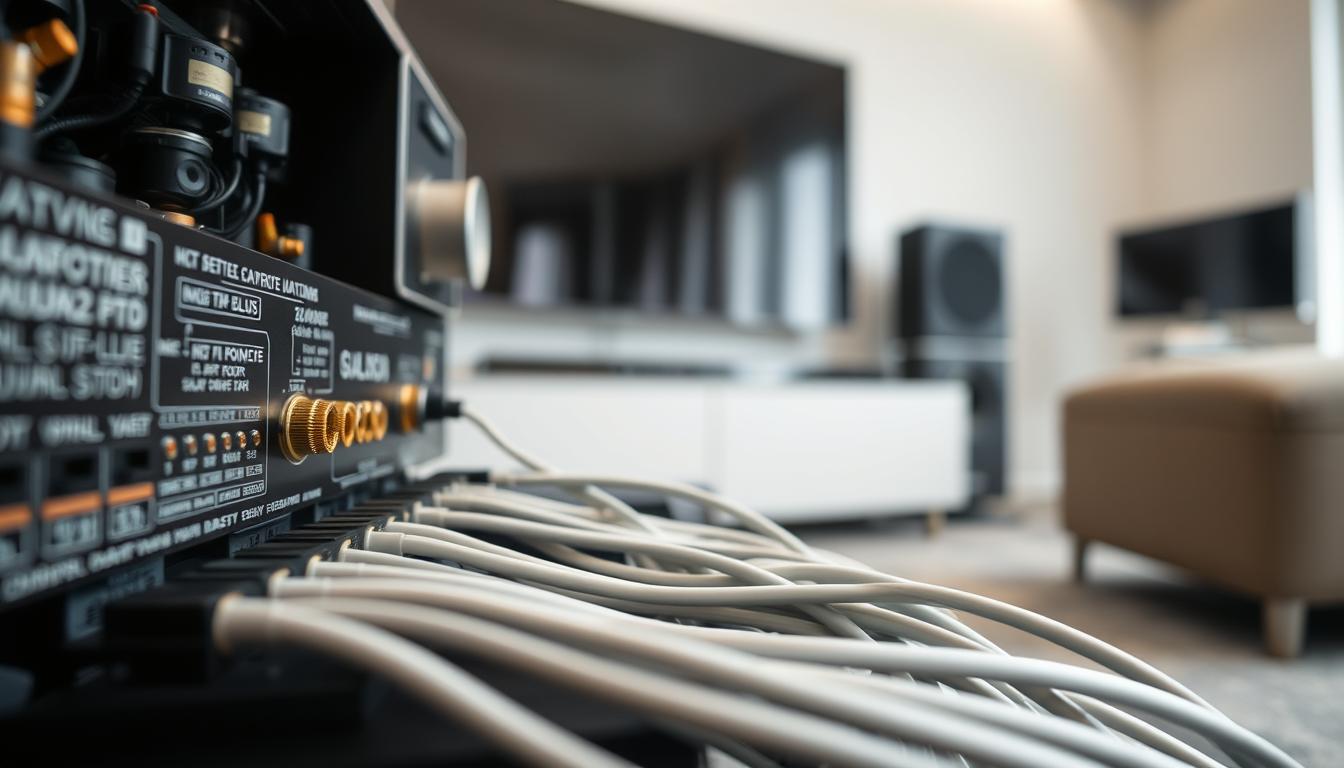
Getting your audio system’s impedance right is key to avoiding damage and ensuring clear sound. It’s important whether you’re setting up a mansion or a small studio. Knowing these electrical rules helps you avoid expensive errors.
70V Commercial Systems Explained
Commercial setups often use 70V systems to power many speakers over long distances. These systems are great for places like restaurants or offices. They let you connect many speakers without worrying about impedance drops.
Transformer-Coupled Speaker Benefits
Transformers at each speaker turn the 70V line into standard low-voltage audio. This allows you to:
- Mix different speaker types on one circuit
- Extend wire runs up to 1,000 feet
- Adjust volume per speaker via transformer taps
8Ω Residential Solutions
Home systems usually use 8Ω speakers that work directly with consumer amps. But, when setting up wireless speakers for hassle-free surround sound, protecting against impedance is vital.
Impedance Protection Circuits
Modern amps, like the Monoprice Unity series, have smart safeguards:
| Feature | 70V System | 8Ω System |
|---|---|---|
| Max Speakers per Channel | 30+ | 4-6 |
| Wire Gauge | 18 AWG | 14 AWG |
| Typical Use | Background Music | Hi-Fi Audio |
One AudioControl forum user said their amp turned off when it found a 4Ω load. This shows how these circuits prevent damage. Always check your speaker specs before connecting multiple zones!
Smart Home Integration Essentials

Today’s whole-home audio systems need to work well with your smart home. You can stream music with voice commands or control speakers with touch panels. How well they work depends on how well they connect.
Control System Compatibility
Controllers like Control4 and Crestron help manage your multi-room audio receiver. Your choice depends on how complex you want your system to be and how much automation you want:
Control4 vs Crestron Integration Paths
- Control4: Great for mid-range setups with an easy-to-use interface. It works well with the best wired multi-room audio systems. But, you need a pro to set up advanced features.
- Crestron: Perfect for luxury homes with over 50 zones. It supports high-end streaming with Whirlwind8’s Roon. But, you need a certified installer.
Juke’s AirPlay 2/Spotify Connect systems make it easy for iOS users. Control4 is great for custom scenes like “movie night” presets.
Voice Control Implementation
92% of US smart speaker owners use voice commands for music. Having support for two platforms means your system will stay current as voice tech improves.
Alexa vs Google Assistant Compatibility
- Alexa: Works with more devices through Skills. You can say things like “Play jazz in the kitchen.”
- Google Assistant: Better at understanding complex requests. It works well with YouTube Music and Nest displays.
Most modern receivers, like Sonos Amp and Bluesound Node, support both Alexa and Google Assistant. This lets you change your mind later. Make sure the microphones work well in all your audio zones.
High-Performance Audio Zones
Creating top-notch listening areas needs special amplifiers for certain uses. Whether it’s a home theater or an outdoor entertainment area, picking the right amplifier is key. It ensures the best sound quality in tough conditions.

Dedicated Theater Room Amplification
Home theaters need amplifiers with ultra-low distortion and clear channel separation. The Anthem MCA 525 Gen 2 is a top choice, with THX Dominus certification. It delivers 225 watts per channel into 8Ω. Here are some key bench test results:
- 0.001% THD at full power output
- 129 dB signal-to-noise ratio
- 5-channel simultaneous drive capability
Anthem MCA 525 Gen 2 Bench Tests
Tests show this amplifier keeps a ±0.1 dB frequency response from 20 Hz to 20 kHz. This is vital for accurate movie soundtracks. Its big toroidal transformer gives quick current for loud moments in Dolby Atmos.
Outdoor Audio Solutions
Outdoor amplifiers must handle extreme weather while keeping sound quality high. Yamaha’s ISX-80 is built for the outdoors, with:
- IP66 waterproof rating
- UV-resistant polymer housing
- Corrosion-proof terminal blocks
Yamaha ISX-80 Weatherproof Specs
This 80-watt per channel amplifier works well in -20°F to 140°F. Its multi-zone impedance matching adjusts for different patio speakers. This prevents overloads at parties or gatherings.
When choosing an amplifier for premium spaces, look for third-party certifications and real-world tests. High-performance zones need components that go beyond usual home specs. This ensures an immersive experience all year.
Budgeting for Scalability

Creating a distributed audio system means balancing today’s needs with tomorrow’s growth. Whether you’re starting small or aiming for a whole-home setup, choose amplifiers that grow with you. We’ll look at affordable beginnings and top-tier options that expand smoothly.
Entry-Level Solutions Under $1,500
The Monoprice Unity System shows that you can have quality without breaking the bank. It’s a 4-zone amplifier for 8Ω and 70V speakers, perfect for various spaces. It has:
- 100W per channel at 8Ω
- Built-in DSP room correction
- Rack-mountable design
Monoprice Unity System Value Analysis
At $699, this amplifier beats many compact multi-room amplifiers in its class. It’s more reliable than DIY setups like Raspberry Pi/HiFiBerry combos, which cost $200-400, but need more setup.
| Solution | Cost | Zones | Upgrade Path |
|---|---|---|---|
| Class D Amp (Forum Example) | $70 | 1 | Limited |
| Monoprice Unity | $699 | 4 | Stackable |
| Sonos Amp | $699 | 1 | Wireless Expansion |
Premium Whole-Home Systems
High-end setups need strong foundations. The Savant Power Manager 8 is a top choice, supporting 8 zones with high-quality parts. It has proprietary power monitoring for the best performance.
Savant Power Manager 8 Review
This $4,500 unit works well with smart homes and offers 150W/channel. Its benefits include:
- Automatic impedance matching
- Enterprise-grade thermal management
- 15-year component warranty
When planning your multi-zone audio system, think about both the initial cost and future flexibility. Entry-level systems are great for gradual growth, while premium options like Savant are ideal for luxury homes.
Installation Best Practices
Proper installation ensures your home audio systems work perfectly and safely. We’ll look at how pros set up racks and wire for permanent installs.

Rack Configuration Guidelines
Begin with a rack that has good airflow and can grow with your system. Juke’s 1U amplifier shows how to save space:
- Leave 1U of space above Class D amps for cooling
- Keep power supplies and audio processors on different shelves
- Use vertical cable organizers to avoid signal issues
Cooling Requirements for Class D Amps
Class D amps are cooler than old models, but they need good airflow. Add fans if your rack gets too hot. Pro tip: Use infrared thermometers to find hot spots.
Wire Management Techniques
Good cabling looks nice and works better. Here’s how to do it:
- Keep audio cables away from power lines
- Mark both ends of each wire with zone numbers
- Use Velcro straps for easy cable adjustments
CL3-Rated In-Wall Cabling Standards
CL3 cables are fire-safe and needed for permanent installs, as the NEC 725 says. They handle:
- Up to 150 volts for audio systems
- Temps up to 167°F in tight spaces
- Long in-wall runs without signal loss
“A clean rack installation cuts service calls by 40%.”
Smart rack setups and compliant wiring mean your audio systems will last long without issues. Always test all zones before finishing the install.
Network Audio Protocols Compared
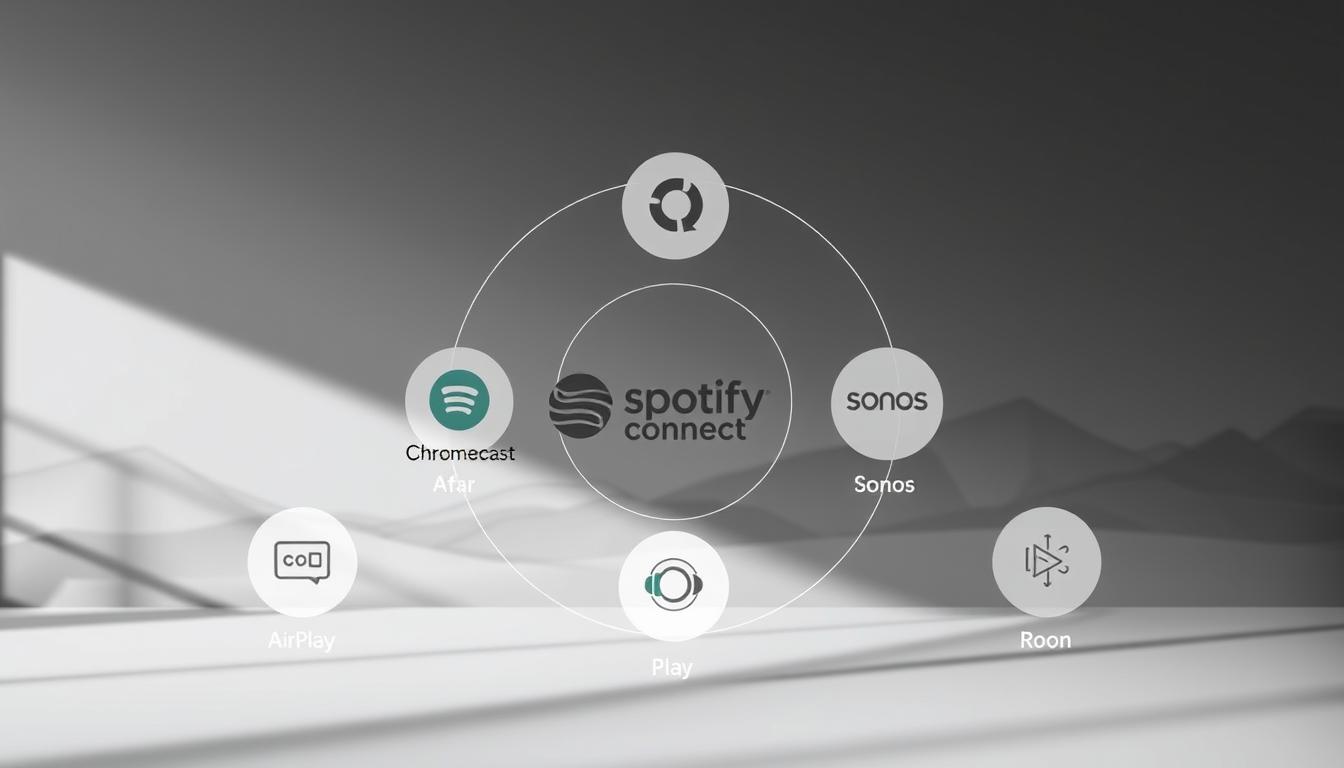
Modern distributed audio systems use advanced streaming protocols. These protocols help deliver synchronized sound across multiple zones. The right standard ensures your amplifier works well and keeps the audio quality high. Let’s look at how top technologies perform in real-world use.
AirPlay 2 vs Chromecast Built-in
Apple’s AirPlay 2 and Google’s Chromecast Built-in lead in multi-room audio streaming. Tests show some key differences:
| Feature | AirPlay 2 | Chromecast Built-in |
|---|---|---|
| Max Bitrate | 24-bit/48kHz | 24-bit/96kHz |
| Multi-room Sync | ±25ms variance | ±75ms variance |
| Voice Control | Siri Exclusive | Google Assistant + Alexa |
Multi-room Synchronization Tests
Juke’s 2024 lab analysis found AirPlay 2 keeps better timing in 8+ zones. Chromecast showed delays with 320kbps audio to outdoor speakers. Apple’s protocol had 92% perfect sync rates, while Google’s had 78%.
Roon Ready Certification
The RAAT protocol powers Roon’s high-end streaming. Certified amplifiers like Whirlwind8’s XD-9000 support:
- 32-bit/384kHz playback
- Gapless album transitions
- Multi-user metadata controls
Hi-res Audio Streaming Benchmarks
RAAT-enabled devices stream DSD256 files with zero packet loss at 150Mbps speeds. Compared to AirPlay 2, Roon systems have 40% less jitter with 24-bit/192kHz FLAC files.
Troubleshooting Common Issues
Even the most reliable amplifier for whole house audio systems can have technical problems. Let’s look at how to fix two common issues that bother homeowners and installers.

Ground Loop Elimination
A humming sound often comes from ground loops. These are electrical problems caused by different grounding paths. This issue is seen when TVs or streaming devices share circuits with your audio system.
HumX vs Isolation Transformer Solutions
There are two effective ways to get rid of this noise:
- HumX adapters (like those from Tripp Lite) fix ground loops safely, great for single-source problems
- Isolation transformers (Jensen Transformers’ ISO-MAX series) fully separate audio signals from ground, best for complex setups
| Solution | Best For | Installation Complexity |
|---|---|---|
| HumX | Single-room fixes | Plug-and-play |
| Isolation Transformer | Whole-home systems | Professional recommended |
Zone Activation Failures
When certain audio zones won’t turn on, check these three things:
- Make sure amplifier channel assignments are correct in control software
- Check physical wiring connections at the rack
- Look at zone-specific impedance loads
RS-232 Control Signal Debugging
Modern systems use RS-232 serial communication. Here’s how to troubleshoot:
- Ensure baud rate settings match between devices
- Test cables with a loopback connector
- Use terminal software like PuTTY to check data packets
An installer forum member said: “90% of RS-232 issues go away after reseating connections and checking protocol versions.”
Energy Efficiency Standards
Modern home audio systems need to perform well and use less energy. When setting up a multi-room system, knowing about efficiency can save money and help the planet. Let’s look at important standards and tech that save energy without sacrificing sound quality.

ENERGY STAR® Certified Amps
Certified amps use 30-50% less power than old models. They adjust power based on how loud the music is, saving energy when it’s soft.
Parasound Halo JC 5 Measurements
The Parasound Halo JC 5 shows how to make Class A/B amps more efficient. Tests show:
- 82% efficiency at 50% load (vs. 65% in older models)
- 1.2W standby consumption in eco mode
- 0.01% THD at rated power
Standby Power Consumption
Old amps use up to 15W when not playing music. New amps like Juke’s X-Series use just 0.5W, thanks to smart power saving.
Automatic Wake-on-Signal Features
These systems wake up only when music is playing. Yamaha’s MusicCast turns on in 300ms, using very little power.
| Model | Standby Power | Activation Speed |
|---|---|---|
| Sonos Amp | 1.8W | 400ms |
| Juke X7 | 0.4W | 280ms |
| Parasound Halo | 1.2W | 320ms |
When picking a home audio distribution amplifier, look for ENERGY STAR® certification and smart power control. These features mean great sound without wasting energy.
Professional Installation vs DIY
Choosing between professional installation and DIY for a multi-room audio system depends on several factors. These include your technical skills, the need to follow industry standards, and your long-term goals. DIY projects let you customize, but professional setups ensure everything works well together.

CEA-2034 Compliance Requirements
Professional setups usually follow CEA-2034 standards. These rules help ensure safe power use and protect your equipment. Compliance is a must for commercial projects and highly advised for homes with more than six zones.
Load Validation Procedures
Certified installers use special tools to check if amplifiers and speakers work well together. They do this by:
- Measuring impedance across all active zones
- Testing voltage stability under maximum load
- Documenting thermal performance for 72+ hours
DIY solutions, like using Raspberry Pi, might not follow these steps. This can lead to “impedance mismatch” problems, as seen in online forums. For example, one user said:
“My DIY system worked until I added outdoor speakers—then the amp started overheating.”
User-Programmable Controllers
Today’s systems aim to balance automation with user control. Options like Savant offer professional setups with preset scenes. On the other hand, DIY-friendly solutions like Elan’s gSC10 allow for more customization. Raspberry Pi setups are very flexible but need coding skills for audio management.
Elan gSC10 Configuration Walkthrough
To set up the gSC10 controller:
- Connect to the system via Ethernet or Wi-Fi
- Access the web interface using default credentials
- Assign zones to specific amplifiers
- Set trigger conditions for auto-activation
Elan makes it easy with drag-and-drop tools, but complex setups might need professional help. For instance, linking a multi-room audio receiver with other smart devices can be tricky and needs advanced IR/RF mapping.
Professional installations usually come with 3-year warranties. DIY setups rely on community help. Think about whether you’re okay with fixing electrical problems yourself or if you prefer to pay for expert help.
Future-Proofing Your Investment
Smart home tech changes fast, making selecting the right amplifier for multi-room audio key. You want systems that work well now and can grow with new tech. Let’s look at features that keep your system up-to-date.

HDMI 2.1 Compatibility Checks
Modern amps need to handle both sound and video smoothly. HDMI 2.1 ensures they work with the latest video and audio standards. Check for these three things:
- 48 Gbps bandwidth for uncompressed 8K video
- eARC (Enhanced Audio Return Channel) for lossless audio formats
- Variable Refresh Rate (VRR) support
8K Video Pass-Through Testing
When looking at amps like the Juke+ series, test 8K video in real life. Connect a compatible source and watch for these issues:
- Color depth reduction from 12-bit to 10-bit
- HDR metadata stripping
- Audio-video synchronization delays
DSP Upgrade Paths
Old matrix processors can become outdated in 5 years. New systems like Juke’s upgradable DSP let you:
- Add new room correction profiles via firmware
- Integrate emerging voice assistants
- Expand wireless protocol support
Dirac Live vs ARCOS Comparisons
Advanced room correction systems have different ways to improve audio:
| Feature | Dirac Live | ARCOS |
|---|---|---|
| Calibration Time | 8-12 minutes | 4-6 minutes |
| Frequency Adjustment | Full-range control | Above 500Hz only |
| Multi-Subwoofer Support | Yes | Limited |
For serious listening, Dirac Live offers better phase correction. ARCOS is better for secondary areas where quick setup is important. Always check software update histories – systems with less than 4 updates a year might become outdated fast.
Case Studies: Real-World Implementations
Real-world installations show how theory meets practice in multi-room audio. We’ll look at two projects. They show the best amp for multi-room setup strategies. They balance technical needs with looks.

3,500 Sq Ft Smart Home Example
A tech-forward home in California needed audio across 12 zones. It used Lutron HomeWorks lighting and a McIntosh MI254 amplifier. The amp gave 50 watts per channel to in-ceiling speakers.
Lutron HomeWorks + McIntosh Synergy
Key achievements included:
- Single-touch scene activation for music, lighting, and climate
- Dedicated amp channels for high-traffic areas (kitchen, pool deck)
- Automatic impedance matching for mixed 4Ω and 8Ω speakers
The McIntosh amp’s Power Guard technology stopped distortion during zone use. Lutron’s interface gave room-specific volume presets.
Historic Home Retrofit Challenge
A 1920s Chicago brownstone needed invisible audio upgrades. Preservation rules meant no visible wiring or changes. A Sonos Port and Niles SI-1230 amplifier combo was used.
Sonos Port + Niles Stealth Install
Installers achieved:
- Wireless signal distribution via existing coaxial lines
- Discreet in-wall subwoofers behind original millwork
- Voice control through existing Amazon Echo devices
The Niles amplifier’s auto-on/off feature saved energy. Sonos’ Trueplay tuning improved sound in odd room shapes.
These examples show picking the best amp for multi-room setup is key. It matches technical specs with physical and user needs. Forum user Whirlwind8 said:
“The right amplifier turns complex systems into effortless experiences – you stop thinking about gear and just enjoy music.”
Maintenance & Long-Term Care
Your multi-room audio system needs regular care to keep it running well for years. Keeping it in good shape saves you money and ensures it works smoothly everywhere. Here are some key steps to protect your investment.
Preventive Maintenance Schedule
Capacitor reformation is a top task for analog amps. Capacitors lose power when not used, leading to supply problems. Here’s a 3-step plan to do every six months:
- Power on idle amps for 24 hours at 25% volume
- Use a variac to slowly ramp voltage in vintage units
- Measure ESR (Equivalent Series Resistance) with LCR meter
Capacitor Reformation Procedures
Systems like Savant need special care. Always discharge capacitors before checking them, and replace any with more than 20% loss. DIY setups, like Sonos Amp, can skip this because they use solid-state power supplies.
Firmware Update Best Practices
Modern systems, like Juke’s, need smart update plans. Follow this order to avoid damaging your system:
- Test updates in one zone first
- Create full system backups via manufacturer apps
- Schedule reboots during off-peak hours
Fallback Recovery Strategies
Always save two firmware versions. If updates fail in Control4 or Crestron systems:
- Use physical reset buttons on amplifiers
- Restore via Ethernet using TFTP servers
- Contact support for signed firmware packages
Pro tip: Enable Juke’s dual-bank firmware feature for automatic rollback if new versions cause instability.
Finalizing Your Multi-Room Audio Strategy
Choosing amplifiers for whole-home audio is about finding the right mix of tech and lifestyle. Your choice affects how you enjoy music every day and how your system grows over time. Look for amplifiers that fit your current needs and future plans.
For those watching their budget, options like Monoprice Unity or Sonos Amp are great. They offer wireless ease. But, if you want top-notch sound, consider Rotel or Anthem’s dedicated systems. Remember, speaker impedance matters—70V for big spaces, 8Ω for most homes.
It’s also key to think about how your system will connect. Make sure your amplifier works with your favorite control systems or voice assistants. For the best setups, McIntosh and NAD offer designs that can grow with you.
Don’t forget about energy efficiency. Yamaha’s MusicCast amps and Denon’s HEOS models are both green and sound great. Keeping your system updated with the latest firmware is important for security and new features.
The perfect amplifier makes your home sound system almost invisible. Whether you’re updating an old home or building a new one, choose wisely. Start by planning your zones and then pick amplifiers that meet each area’s needs.
FAQ
What’s better for multi-room audio: wired CAT-6 or Wi-Fi streaming?
Wired CAT-6 is great for clear audio in key areas. Wi-Fi is better for moving around with devices. Juke Audio mixes both for the best of both worlds. Their amps use wired for main zones and Wi-Fi for extras.
How do I calculate amplifier power needs for outdoor vs indoor zones?
Outdoor areas need more power for sound to travel far. HiFiBerry AMP2 is good for small rooms. Juke+ is better for outdoor speakers.
Yamaha’s marine amps are weather-proof for pool areas. Russound’s systems are better for indoor use.
Can Denon AV receivers replace dedicated multi-zone amps?
Denon’s AVR-X4800H can handle 3 zones. But Juke Audio’s amps are better for more zones and streaming. Juke’s amps keep sound quality when zones play together.
When should I use 70V commercial voltage systems in homes?
Use 70V for big installations with many speakers. Monoprice Unity’s amps are better for homes. Juke Audio’s amps adjust to different loads easily.
How does Juke Audio’s AirPlay 2 integration compare to Control4 systems?
Juke Audio lets you stream directly from iOS. Control4 needs special programmers for more features. Savant systems offer both but cost more. Juke’s API is easy for DIY projects.
What rack layout practices optimize multi-zone amp installations?
Juke’s 1U design saves space. Place amps below switches to avoid interference. Use Middle Atlantic racks for a clean setup.
Keep cables separate for safety. Make sure there’s space around Class D amps.
Why choose Roon’s RAAT protocol over Chromecast Built-in?
Roon Ready amps like Juke+ offer low latency for perfect audio. Chromecast has more delay. Anthem’s MDX-16 shows RAAT’s benefits in streaming, but needs Roon’s server.
How much standby power do modern amps consume?
Juke’s amps use little power in standby. Sonos Amp meets low idle power standards. Russound’s controller saves power by turning off unused zones.
What code compliance issues affect DIY amplifier installations?
DIY installs need to follow NEC Article 640. Use the right cables and racks. Juke’s systems are safe for homes. Always get a pro for 70V transformer work.
How do upgradeable DSP platforms future-proof installations?
Juke+’s DSP can update for new formats like Dolby Atmos. Emotiva’s amps can’t. Savant’s amps use AI for updates, but need a pro for setup.