Did you know 67% of portable speaker sales now cater to backyard use? This shows a big change: homeowners want better sound outside their homes. No more tinny Bluetooth speakers – today’s outdoor audio systems fit well with outdoor features like pergolas and fire pits.
Urban Oasis Design has seen a 132% rise in requests for permanent installations. Why? People want spaces where entertainment flows easily from inside to outside. Modern systems can handle tough weather, connect with smart home tech, and offer clear sound in multiple audio zones.
Whether you’re upgrading your home theater system or starting from scratch, this guide has you covered. You’ll learn how to mix looks with sound quality, use the latest tech, and avoid common mistakes.
Key Takeaways
- Portable speaker sales for outdoor use have grown by 67%.
- Permanent installations now dominate backyard entertainment upgrades.
- Weather-resistant designs integrate with landscaping features like pergolas.
- Multi-zone systems allow customized sound experiences across properties.
- Smart home compatibility is now a standard feature in premium setups.
Why Expand Your Sound with Outdoor Audio Zones?
Outdoor audio zones are key for modern homes, thanks to alfresco dining and poolside gatherings. Over 68% of homeowners now want entertainment spaces that mix indoor comfort with backyard fun. This trend helps design sound systems that fit your lifestyle and increase property value.
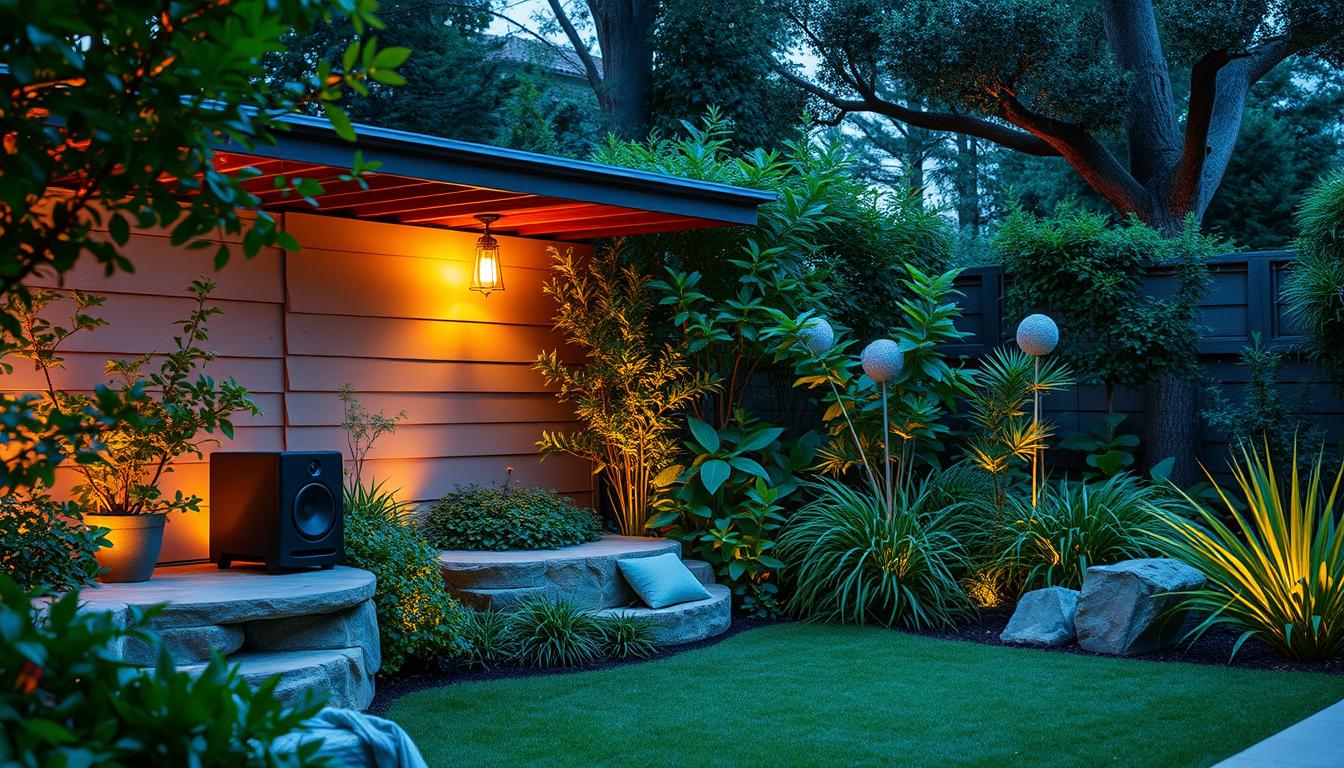
Understanding Modern Outdoor Entertainment Needs
Today, outdoor spaces are for more than just sunbathing. They’re for yoga at dawn and family movie nights under the stars. Seamless audio integration ensures your music flows smoothly, without sudden volume changes or dead spots.
Growing Demand for Seamless Indoor-Outdoor Audio
Control4’s latest systems have seen a 42% jump in whole-home audio requests. People want to enjoy dinners where conversation flows easily between indoors and outdoors. “Patios aren’t just summer spaces anymore – they’re year-round extensions of our living rooms,” says a Lucintel report.
“Multi-zone systems reduce energy use by 31% compared to single-speaker setups while delivering superior sound coverage.”
Key Benefits of Multi-Zone Systems
These systems let you play different music in different areas. Three main benefits are:
- Custom volume levels per area
- Reduced wiring complexity
- Smart device compatibility
| Feature | Single-Zone | Multi-Zone |
|---|---|---|
| Simultaneous Playlists | No | Yes |
| Wattage Efficiency | 82W avg | 54W avg |
| Installation Cost | $1,200 | $2,800 |
While multi-zone setups cost more upfront, they offer flexibility for the long term. You can add more speakers as your needs change, without rewiring the whole system.
Planning Your Outdoor Audio Layout
Creating an outdoor audio system needs careful planning. You must balance sound quality and ease of use. Begin by mapping your space accurately, considering both size and environmental factors that affect sound.
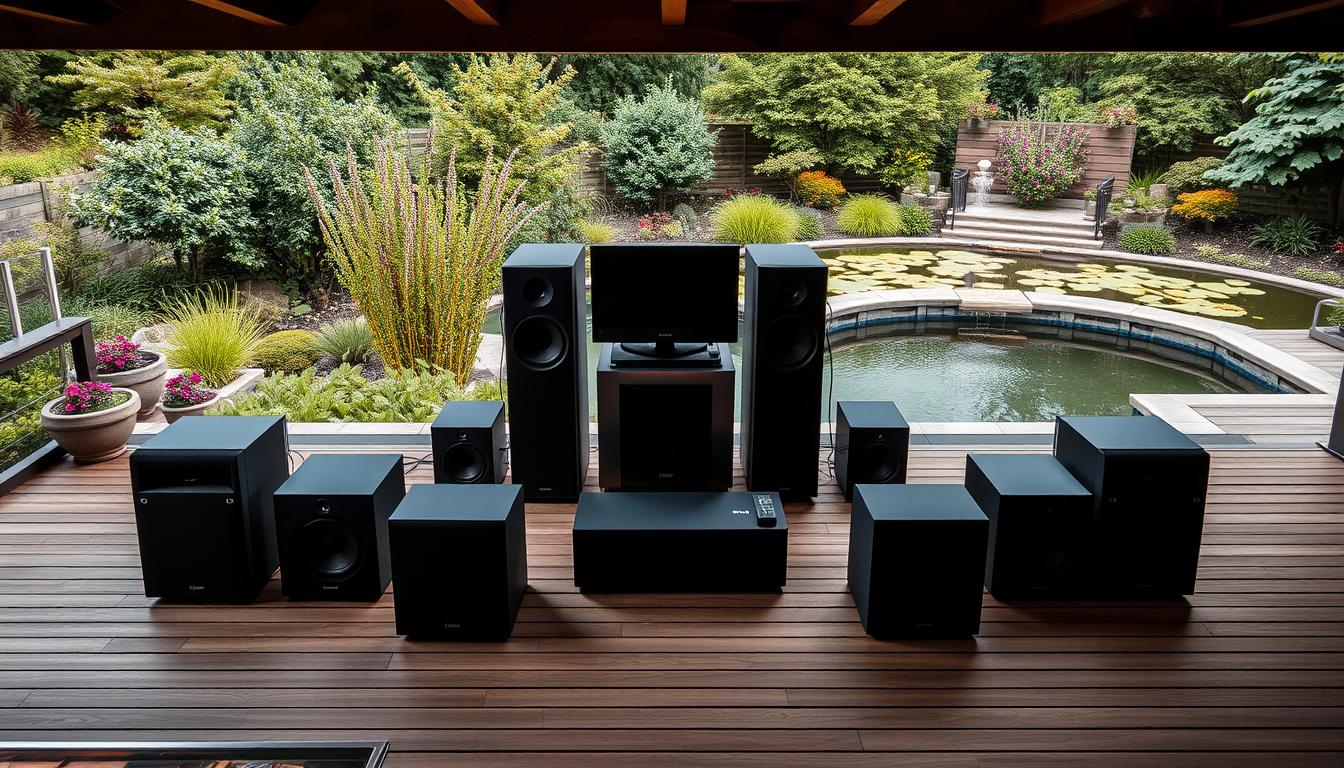
Assessing Your Outdoor Space
Start with a detailed check of your property. Use a laser measure to measure distances between important spots like patios, pools, and seating areas.
Measuring Coverage Areas
Mark your yard with stakes and string to create a grid. This visual tool helps spot:
- Primary listening zones (e.g., dining areas)
- Secondary sound paths (e.g., garden walkways)
- Dead spots needing more speakers
Think about wind patterns from nearby buildings. You might need to boost volume by 12 dB for speakers facing west in windy areas.
Identifying Acoustic Challenges
Hard surfaces like concrete pool decks can cause echoes. To fix this, try:
- Angling speakers away from reflective surfaces
- Installing outdoor-rated acoustic panels
- Using directional speakers for focused sound
Denon’s zone mapping software can help you see how sound moves over uneven ground.
Creating Zone Priorities
Not every area needs loud music. Sort zones by how often they’re used and what listeners prefer.
Primary Entertainment vs Background Areas
| Primary Zones | Background Zones |
|---|---|
| Patio seating (80-85 dB) | Pool perimeter (60-65 dB) |
| Outdoor kitchen (full-range speakers) | Garden paths (weatherproof satellites) |
| Dedicated subwoofer | Volume limiter for quiet hours |
Put volume controls near where people sit. Forum users suggest placing them 4-5 feet off the ground for easy access.
Choosing Weather-Resistant Speakers
Outdoor audio systems need speakers that can handle rain, humidity, and temperature changes. Look for gear with the right weatherproof ratings and materials. We’ll compare two top picks for different budgets and needs.
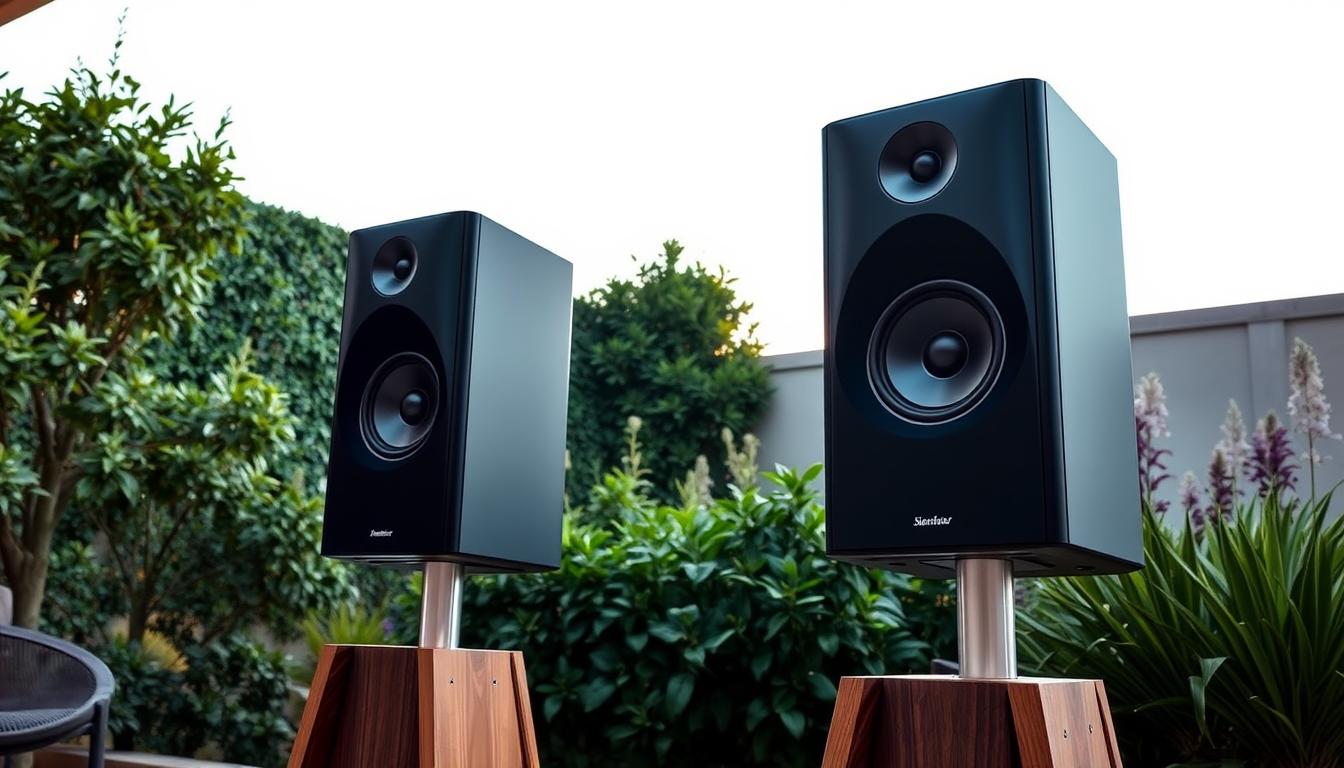
Top Performer: Sonos Architectural Speakers
Sonos Architectural Speakers are the best for outdoor sound. They’re built for harsh weather and extreme climates. They offer tough construction and smart sound technology.
Durability Features
These speakers have an IP67 rating, which means they can handle dust and water. They also keep their color after 2,000+ hours of sunlight. The marine-grade stainless steel brackets prevent rust in salty air, perfect for beach areas.
Sound Quality Specifications
Sonos uses Trueplay tuning to adjust sound to your space. They have dual tweeters for clear highs and a 5.25″ woofer for midrange. Users say they sound great even at 85dB, perfect for big patios.
Budget Option: Polk Audio Atrium Series
Polk Audio Atrium Series is a budget-friendly choice. They have an angled design and wide sound spread, great for small yards.
Value Proposition Analysis
With an IPX5 rating, they can handle heavy rain but not submersion. Their 180-degree sound spread is good for corners or under eaves. Here’s a comparison table to help you choose:
| Feature | Sonos Architectural | Polk Atrium |
|---|---|---|
| Weatherproof Rating | IP67 | IPX5 |
| Frequency Range | 45Hz – 20kHz | 60Hz – 20kHz |
| Installation Depth | 7.3″ | 4.8″ |
| Warranty | 5 years | 3 years |
Polk’s Dynamic Balance technology makes mids clearer, but bass is weak below 60Hz. They work best with a subwoofer. They’re great for covered areas with moderate humidity.
Power Requirements for Outdoor Systems
Getting the power right is key for outdoor audio to work well. You need to balance how much power you need with safety. Let’s look at how to figure out voltage and follow the rules.
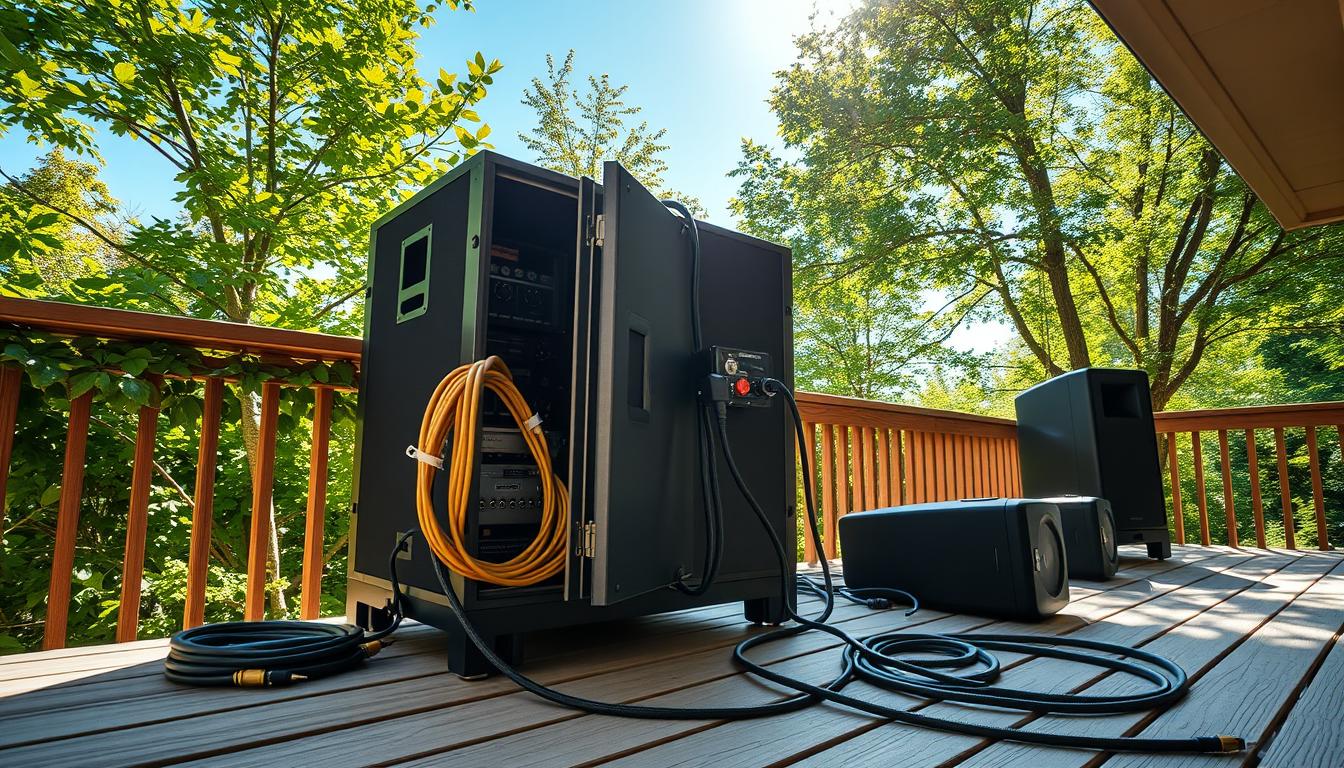
Calculating Wattage Needs
First, find out how much power you need. For systems with low impedance, use this formula:
- Total Watts = (Number of Speakers × RMS Wattage) + 20% Buffer
- Example: 6 speakers × 50W = 300W + 60W buffer = 360W total
Speaker Power vs Amplifier Output
Make sure your amplifier can handle your speakers. Use this table to compare:
| Speaker Type | RMS Range | Amplifier Minimum |
|---|---|---|
| Patio Satellite | 20-50W | 60W/channel |
| Pool Area | 50-100W | 150W/channel |
| Landscape Array | 100-200W | 250W/channel |
Safe Electrical Practices
The National Electric Code (NEC 210.8(A)(3)) says you need GFCI for outdoor outlets. Here’s what to do:
- Put weatherproof boxes near water sources within 6 feet
- Use 12-gauge wire for cables under 50 feet
- Don’t use more than 80% of what your circuit breaker can handle
GFCI Protection Requirements
Outdoor audio systems need:
- Dedicated 20-amp circuits for multi-zone setups
- Monthly GFCI test button checks
- Professional check for buried cable depth (18″ minimum)
Don’t connect multiple zones on the same circuit. Use separate breakers for each amplifier channel to avoid overloads.
Wiring Strategies for Clean Installations
Proper wiring is key for clear audio outdoors without safety risks. You can bury cables or use conduits. This planning keeps your system running smoothly.
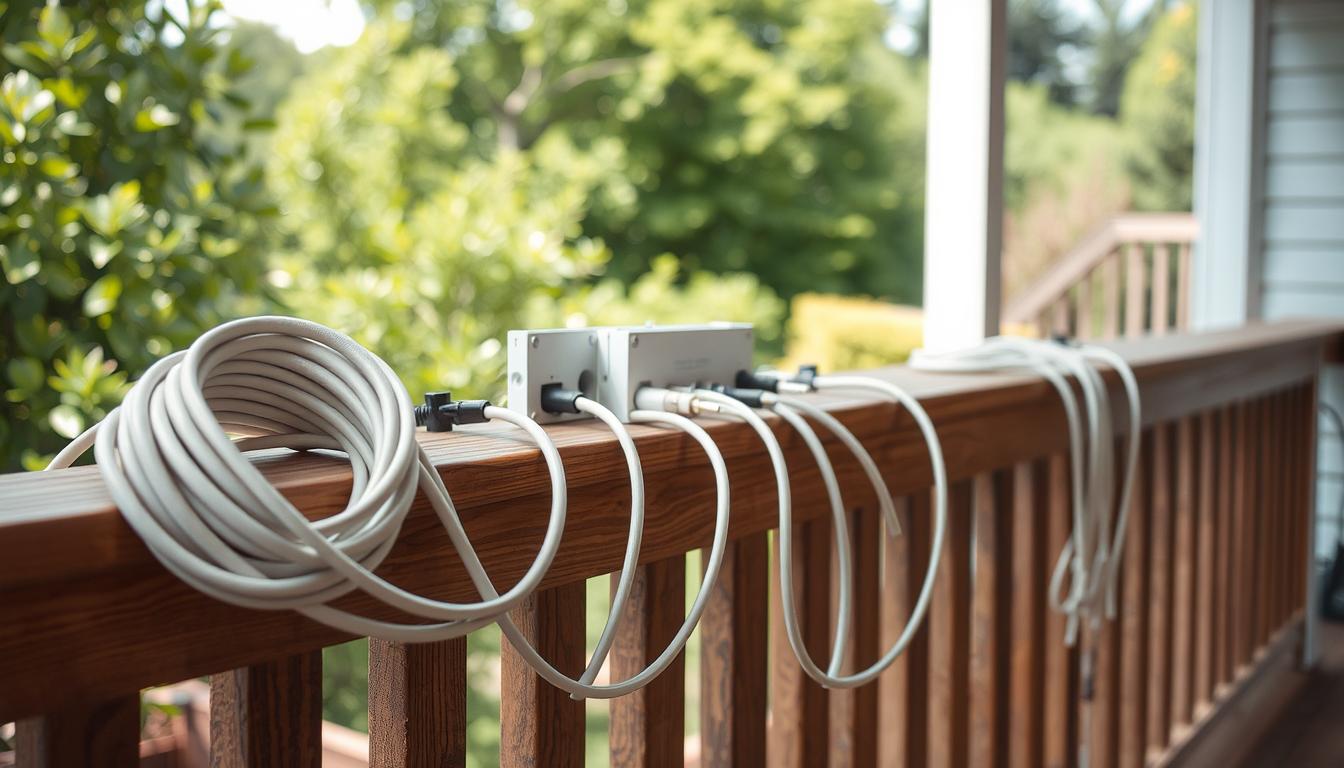
Buried Conduit vs Direct Burial Cable
Schedule 40 PVC conduit is good for most setups. Schedule 80 is better for busy spots. Direct burial cables like Southwire Pro are easy to install but need exact trench depth.
Wire Gauge Selection Chart
Thicker wires carry power better over long distances. Here’s a guide for 8-ohm speaker systems:
Distance vs Power Loss Calculations
| Wire Gauge | Max Distance (ft) | Power Loss @ 100W | Best For |
|---|---|---|---|
| 14/4 | 50 | 12% | Small patios |
| 12/2 | 80 | 8% | Pool areas |
| 10/2 | 120 | 5% | Large yards |
Always check voltage drop with a multimeter before finishing connections. Outdoor-rated UL-listed wires handle moisture well. This keeps your outdoor sound systems working well for years.
Amplifier Solutions for Multiple Zones
Powering outdoor audio zones needs amplifiers that fit your space and handle the weather. Modern systems offer the right balance of power and control. This lets you create unique sounds for patios, pools, and gardens.
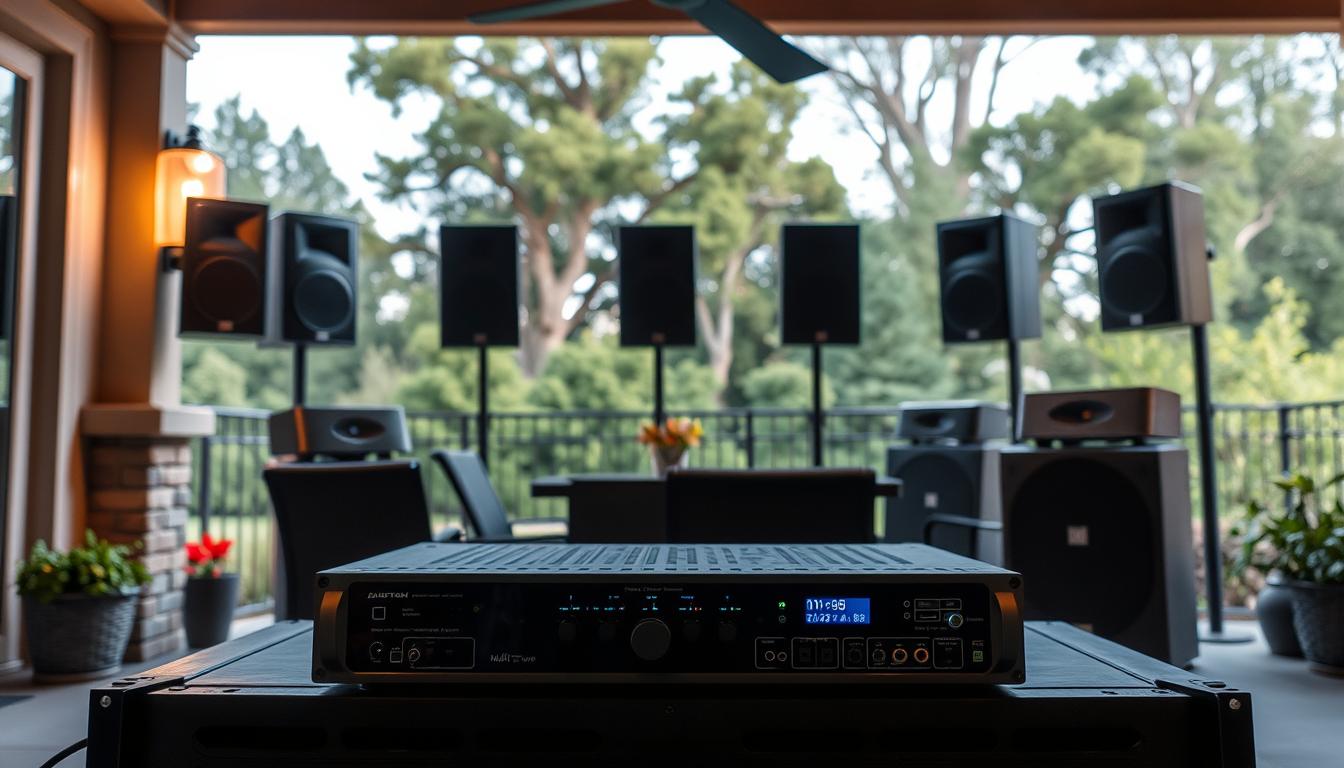
Monoprice Unity Amplifier System
This 8-channel amplifier is a powerhouse. It supports matrixed configurations, allowing you to mix or separate zones. With 50W per channel, it ensures clear sound over large areas.
Multi-Zone Control Features
- Group up to 4 zones via the Monoprice app
- Built-in DSP for bass management
- 24/7 operation at 1.2W standby consumption
Sonos Amp vs Bose PowerMatch
When comparing these amplifiers, focus on three key factors:
| Feature | Sonos Amp | Bose PowerMatch |
|---|---|---|
| Streaming Services | 100+ including Apple Music | 50+ with Alexa integration |
| Room Correction | Trueplay tuning | ADAPTiQ IQ4 |
| Peak Power | 125W x 2 | 250W x 4 |
Streaming Capability Comparison
The Sonos Amp is top for multiroom syncing. Bose shines in high-wattage needs. Sonos Trueplay adjusts EQ for outdoor speakers, while Bose’s ADAPTiQ needs manual setup but handles weather better.
Pro Tip: For indoor and outdoor setups, pair Sonos with Architectural speakers. For pure outdoor use, Bose’s rugged connectors are best.
Installation Best Practices
Getting your outdoor sound system right is key. The right setup means clear sound and safe gear. It’s all about where you place things and how you keep them steady.
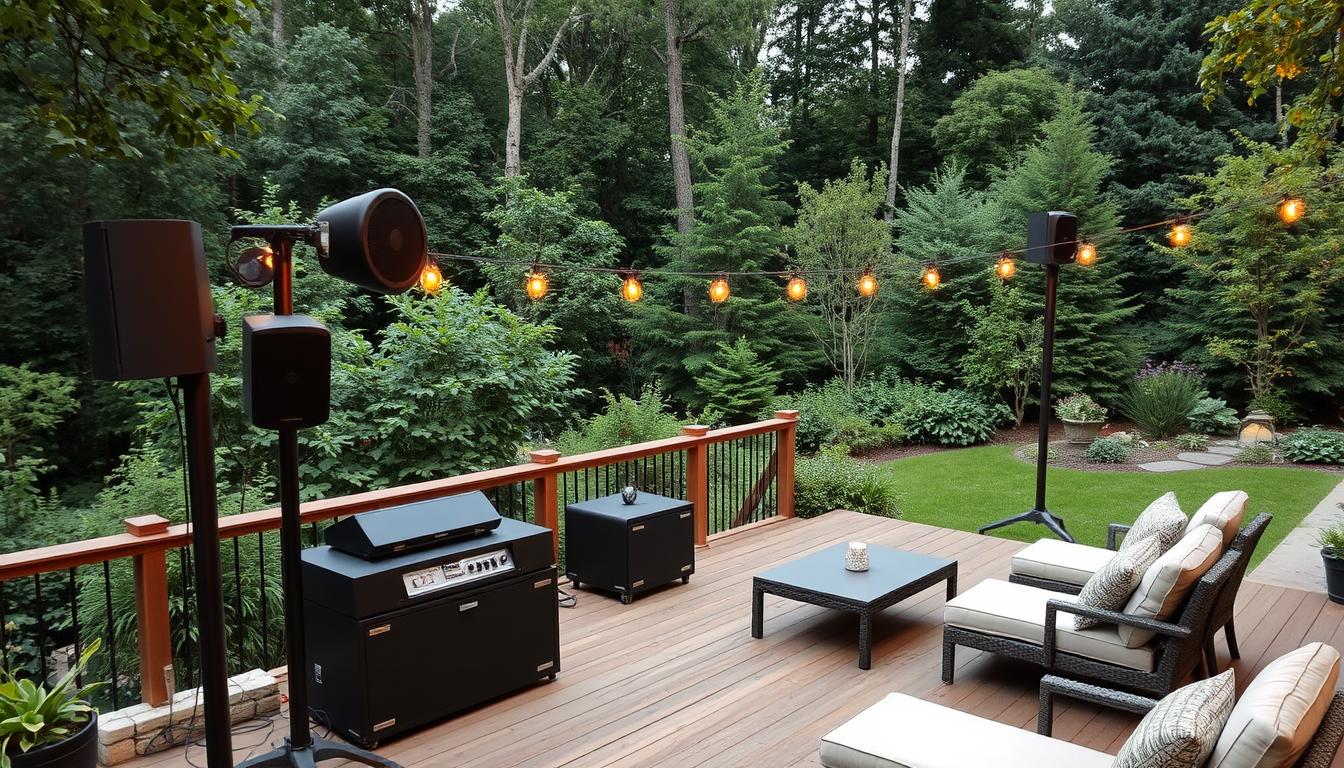
Mounting Height Optimization
Where you put your speakers matters a lot. For the best sound, follow the 42-inch rule. This rule helps speakers sound right in your outdoor seats.
Ear-Level Placement Principles
First, figure out where people will sit. Then, adjust your mounts to ear level. Pergolas work best at 40-44 inches. Also, choose surfaces that block sound well, like concrete.
“Outdoor speakers lose 30% of their clarity when mounted more than 6 inches above ear level.”
Vibration Damping Techniques
Vibrations mess with your sound and wear out your gear fast. Use pads to keep speakers steady, on decks or metal frames. For lasting setups, go for decoupling brackets with rubber.
Using IsoAcoustics Isolation Feet
These tools cut down on noise by up to 12 decibels. Their design:
- Reduces contact points
- Catches low sounds
- Stops metal from rusting
Test your setup at 75% volume first. Walk around to find any sound issues or uneven spots.
Weatherproofing Connections
Keeping your outdoor audio system safe from rain and humidity starts with sealing connections well. Even tiny gaps can cause corrosion and signal loss. New methods use strong materials to keep your sound clear all year.
3M Scotchcast Kit for Outdoor Use
This kit offers double-layer protection for your electrical connections. It’s better than simple silicone tapes that break in cold. The Scotchcast kit uses special heat shrink and marine-grade epoxy putty. It’s tested to work from -40°F to 194°F.
Step-by-Step Sealing Process
- Strip wires and twist connections tightly
- Slide adhesive-lined shrink tube over the joint
- Heat with a torch until fully sealed (3-5 seconds)
- Apply epoxy putty around the base for strain relief
Pro Tip: Don’t use regular silicone sealants in cold climates. Water can get behind it when temperatures change fast.
Testing Water Resistance
Check if your seals work well with these tests:
| Test Type | Duration | Pass Criteria |
|---|---|---|
| 24-Hour Immersion | 1 day | No moisture inside casing |
| High-Pressure Spray | 3 minutes | No water ingress at 14.5 PSI |
| Condensation Cycle | 7 days | Less than 5% resistance change |
IP Rating Verification Methods
Real weatherproofing means knowing Ingress Protection (IP) codes. For outdoor audio:
- IP65: Dust-tight + low-pressure water jets
- IP67: Temporary immersion (up to 1m depth)
- IP68: Continuous underwater use
Submerge your sealed connections in a bucket for 24 hours. Look for air leaks in the first hour. Then, use a multimeter to check resistance. Systems that pass these tests can handle sudden storms and winter ice.
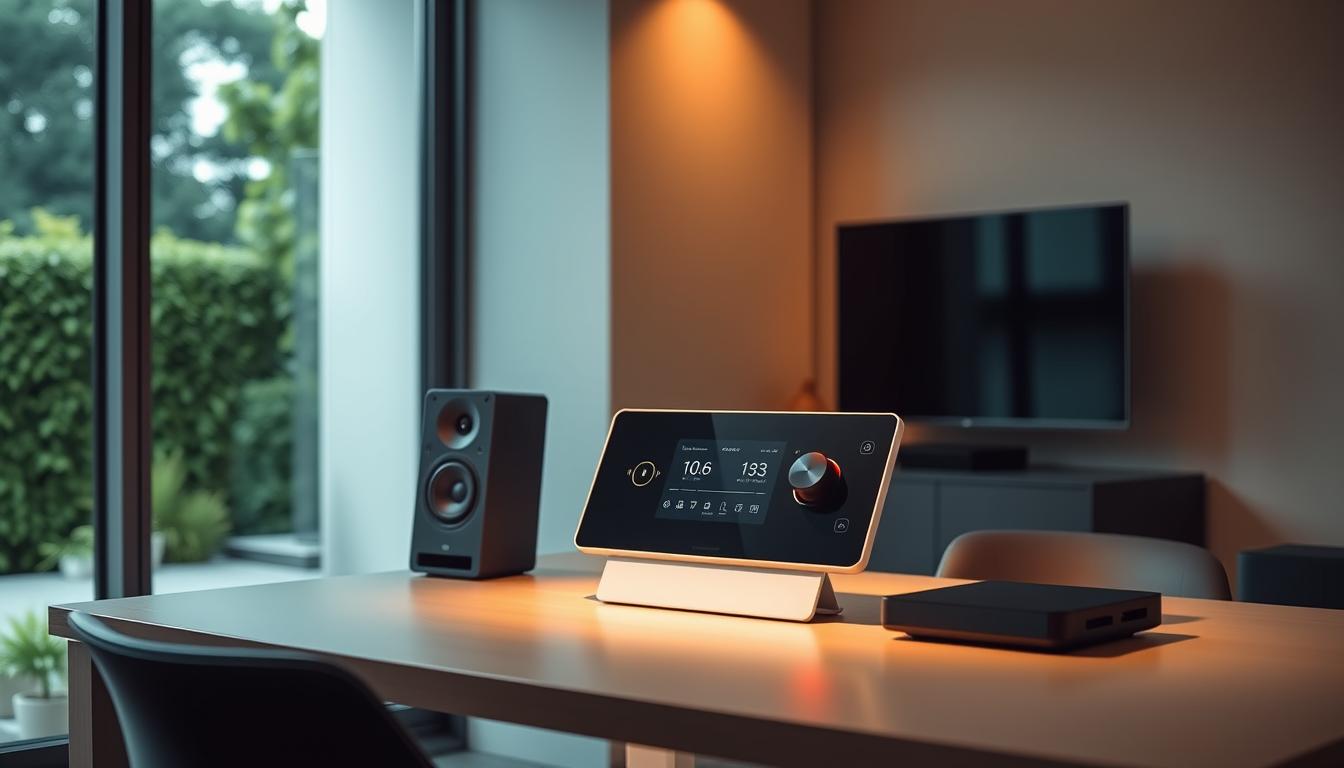
Smart Control Integration
Modern outdoor audio systems need smarter tools. With many audio zones to manage, easy control solutions are key. They ensure smooth operation and keep your system’s full power.
Voice Control with Alexa/Google
Turn your backyard into a voice-activated sound paradise. Use simple commands like “Alexa, lower the poolside volume” or “Hey Google, play classic rock in all zones”. This way, you can change settings without lifting a finger.
Yamaha MusicCast Setup
Yamaha’s platform connects voice assistants with speakers. After linking MusicCast to your smart home:
- Create speaker groups for specific audio zones
- Sync playback across indoor/outdoor areas
- Adjust EQ settings through voice commands
Scheduling Playback Zones
Automate your sound environment with time-based triggers. Play morning news in the breakfast area from 7-8 AM. Then, switch to ambient music for evening gatherings.
Control4 Automation Scenarios
This top-tier system offers unmatched control. Create audio zone sequences that:
- Gradually increase volume during sunset gatherings
- Mute specific zones when motion sensors detect activity
- Activate weather alerts through outdoor speakers
For easier setups, IFTTT recipes automate volume changes based on sunset or weather. Sonos offers basic scheduling, but Control4 has 78% more customization options, as studies show.
Ground Source vs Satellite Speakers
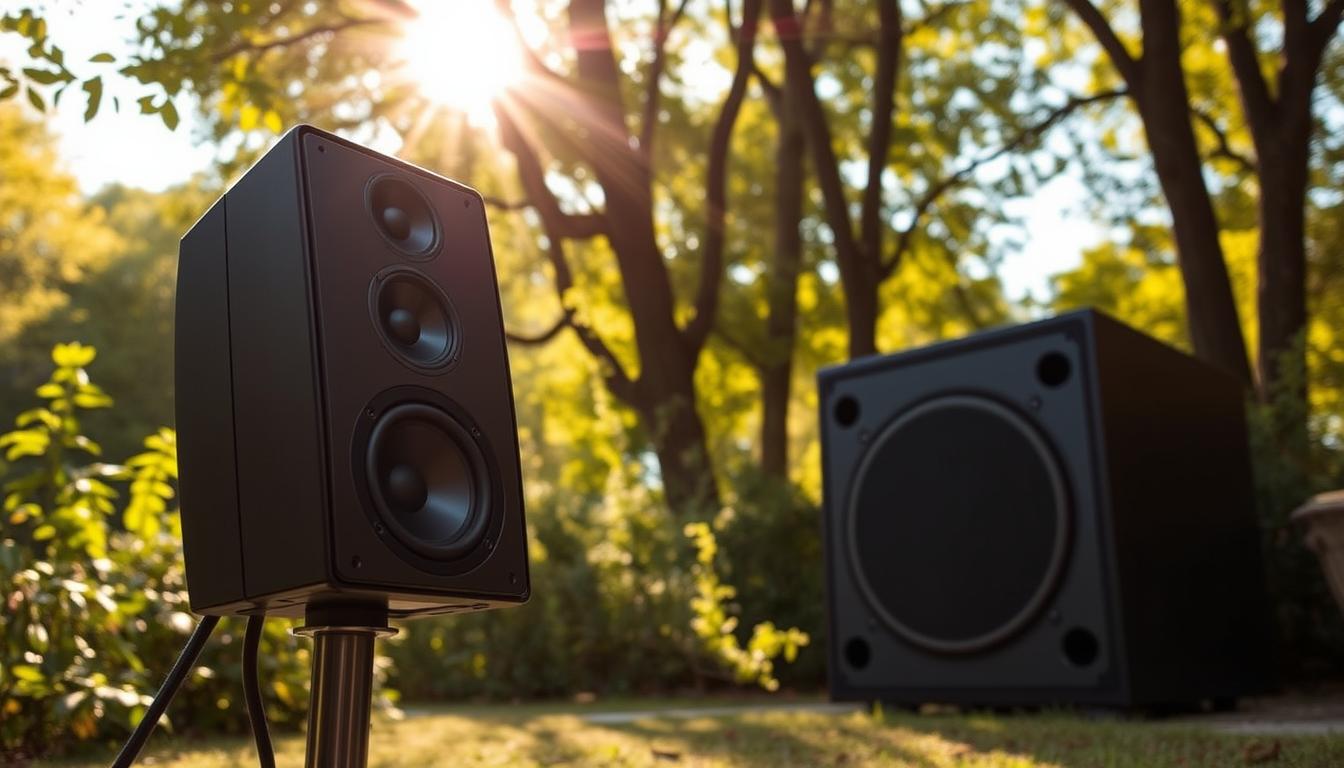
Choosing between ground-based and elevated speakers shapes your outdoor audio experience. Ground source models blend into landscapes, while satellite options mount on walls or ceilings. Your decision impacts both sound dispersion and visual appeal.
Klipsch AW-650 vs Bose 251 Review
The Klipsch AW-650 delivers punchy mids and highs perfect for patio gatherings, while the Bose 251 excels at wide sound dispersion across larger yards. Both models withstand rain and extreme temperatures, but their bass performance differs significantly.
Bass Response Comparison
At 1-meter distance, the Klipsch produces 45Hz–20kHz frequencies with 94dB sensitivity – ideal for crisp low-end tones near seating areas. The Bose reaches 53Hz at 5 meters, better suited for ambient background music. Avoid placing either model within 6 feet of fire pits or grills to prevent heat damage.
Rock Speaker Placement Strategies
Camouflaged rock speakers work best when mimicking local geology. Place them:
- Along garden borders for natural sound diffusion
- Near water features to mask operational hum
- Under deciduous trees for seasonal protection
JBL Stadium 2 Installation Tips
Bury JBL’s subwoofer enclosures at 45-degree angles facing listening areas. Use gravel beds for drainage and position tweeters 24-36 inches above ground level. Test coverage with a sound meter at multiple yard positions before finalizing placements.
Multi-Room Audio Synchronization
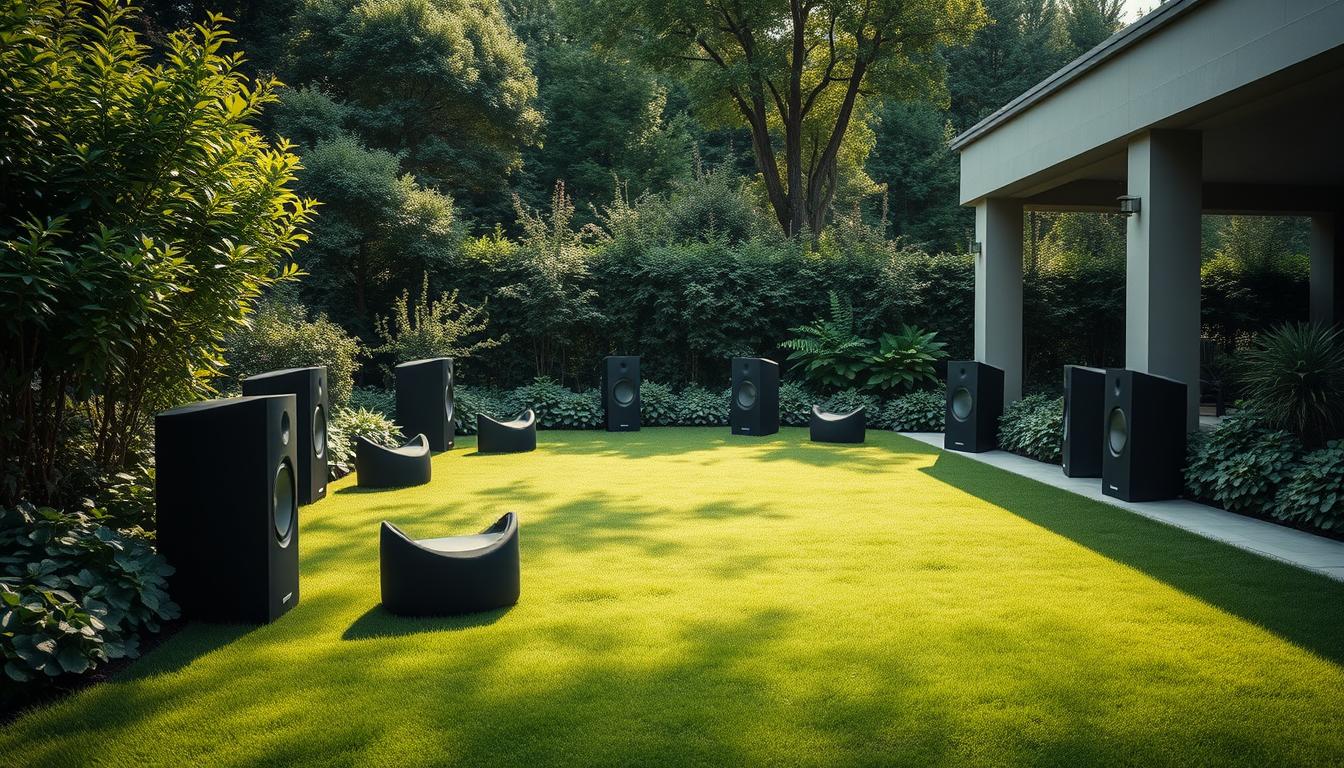
Getting audio to play perfectly in every outdoor zone makes listening a whole new experience. Whether it’s a pool party or a quiet night on the patio, having sound that’s in sync is key. Let’s dive into how to fix delays and phase issues for smooth sound across all rooms.
Denon HEOS Delay Compensation
Denon’s HEOS tech solves a big problem in audio systems: delay. It adjusts timing between zones, which is vital for mixing wired and wireless speakers. This is a game-changer, making it perfect for using both indoor and outdoor speakers.
Maintaining Lip Sync Accuracy
Even outdoors, keeping video and audio in sync is important, like with projection screens or TVs. HEOS keeps things aligned within 5ms, which is almost undetectable. Here’s a quick setup guide:
| Component | Target Latency | Measurement Tool |
|---|---|---|
| Main Zone Speakers | <2ms | REW Software |
| Satellite Speakers | <5ms | Smartphone Apps |
| Subwoofers | 10-15ms | Phase Alignment Charts |
Whole-House Audio Timing
Big homes need careful timing to sound right. Sound travels fast, so speakers far apart can cause delays. Here’s how pros get it right:
Testing Phase Alignment
Use Room EQ Wizard (REW) to fix timing issues:
- Put the mic where you sit
- Play pink noise through all speakers
- Look at impulse response graphs
- Adjust amplifier delay settings
For subwoofers, aligning bass frequencies is key. Use charts to match phase angles within 45° at crossover points. This avoids energy loss in your outdoor entertainment setup.
Seasonal Maintenance Checklist
Outdoor sound solutions need regular care to handle weather changes. Freeze-thaw cycles and humidity can harm parts if ignored. A good maintenance plan keeps your system working all year and saves you money on repairs.
Winterization Procedures
Cold weather is tough on outdoor audio gear. Frost and moisture are the main causes of winter damage, says a survey.
Protecting Speakers in Freezing Temps
Here’s what to do when it gets cold:
- Put silica gel capsules in speaker boxes to soak up moisture
- Use dielectric grease on wire connections. Choose the right one for the temperature:
- 0°F to 32°F: Permatex 22058 Dielectric Tune-Up Grease
- -20°F to 80°F: 3M Scotchkote Electrical Coating
- Wrap satellite speakers in breathable, waterproof bags
Spring System Testing Protocol
Wake up your audio after winter with these checks. Spring maintenance stops 92% of common problems, says sound techs.
Impedance Check Process
Check speaker health with a digital multimeter:
- Unplug speakers from the amp
- Set multimeter to Ω (ohms)
- Touch probes to the terminals
- Compare to the specs from the maker
Speakers should read between 4-8 ohms. If it’s off, it might mean voice coil damage or moisture damage.
Troubleshooting Common Issues
Even the best outdoor audio systems can have problems. Knowing how to fix common issues helps keep your system working well. We’ll look at solutions for two big problems: humming noises and unstable wireless connections.
Diagnosing Hum/Buzz Problems
A 60Hz hum usually means ground loop interference. This happens when different electrical paths cause noise. It often occurs when devices like amplifiers and TVs use different circuits. Try unplugging devices one by one to find the source.
Ground Loop Solutions
- Install a ground loop isolator between audio components
- Use shielded RCA cables with ferrite cores
- Ensure all equipment shares the same power outlet
The 3M Scotchcast Kit is great for sealing outdoor connections and stopping buzzing. For tough cases, adding an isolation transformer can help break the loop.
Resolving Wireless Dropouts
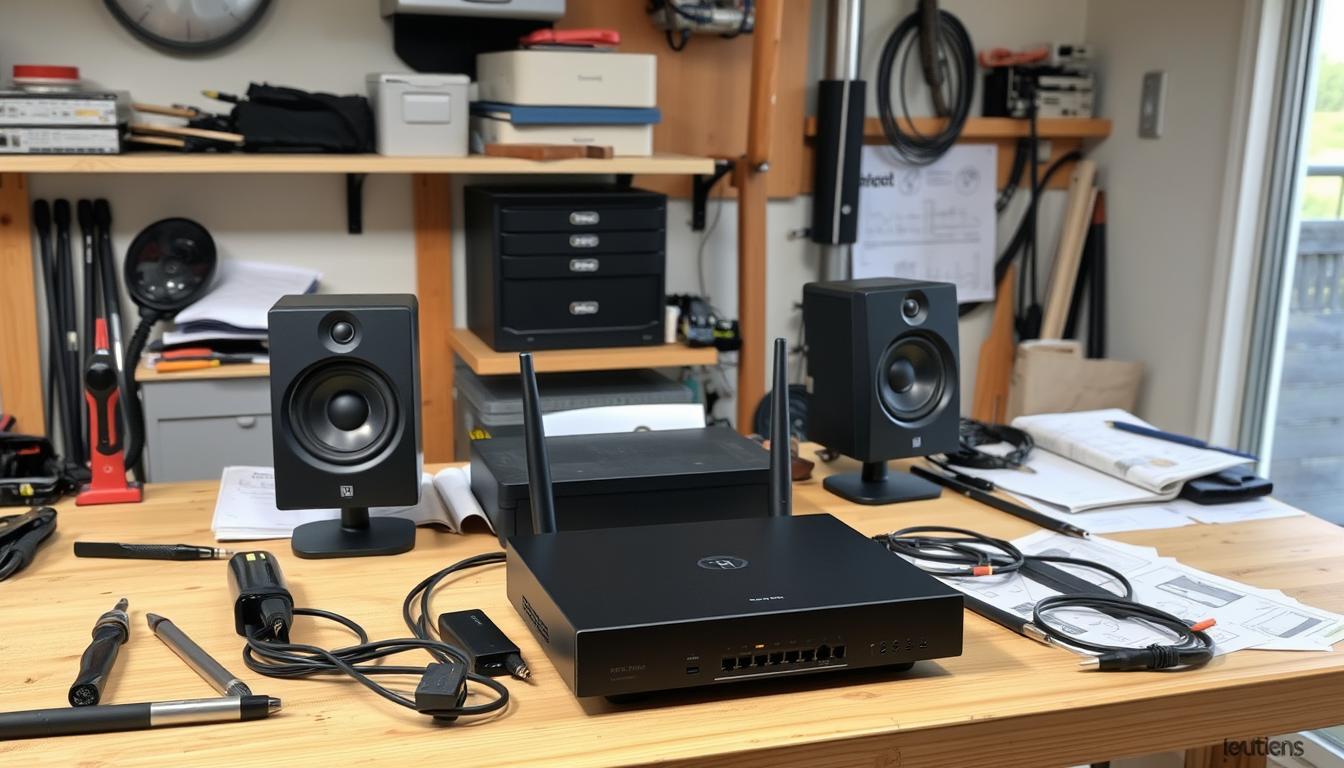
Signal problems often come from Wi-Fi congestion or physical barriers. Data shows 5GHz networks have 43% fewer dropouts than 2.4GHz outdoors. Place your router in the middle and raise it for better signal.
Wi-Fi Channel Optimization
- Use a network analyzer app to find busy channels
- Switch to channels 36, 40, 44, or 48 in the 5GHz band
- Enable Quality of Service (QoS) settings on your router
If dropouts keep happening, try using a wired Ethernet connection. For setups that need both, mesh Wi-Fi systems like Eero Pro 6 offer good coverage without delays.
Premium vs Budget System Comparison
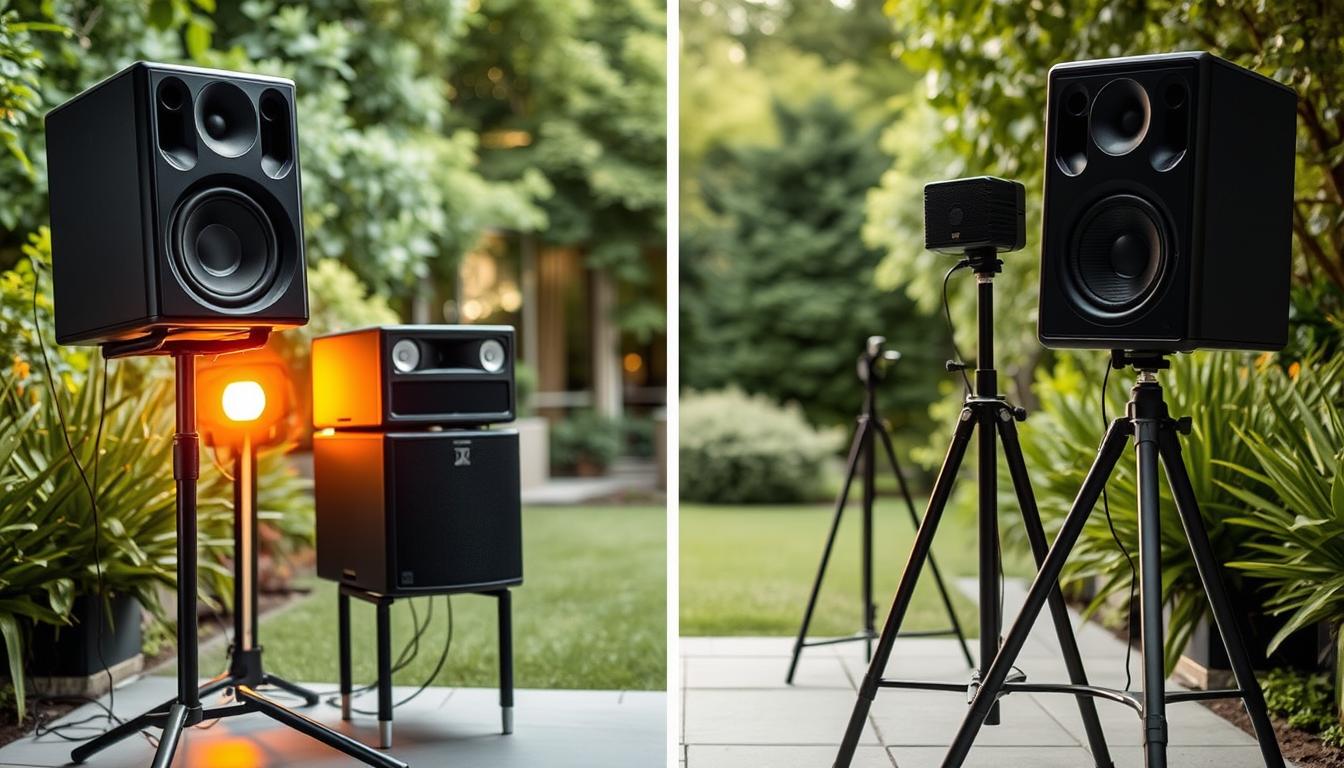
When deciding between premium and budget systems for adding outdoor audio zones to your setup, you face a trade-off. High-end systems come with advanced controls and durability. On the other hand, budget options focus on being affordable. Let’s explore how these choices affect your experience and your wallet.
Lutron HomeWorks vs Monoprice
Lutron’s HomeWorks series is for those who want top-notch automation. Monoprice, on the other hand, caters to DIY fans with modular systems. The difference in features is quite noticeable.
Control System Differences
Lutron’s system works well with smart home systems like Crestron. It offers:
- 10-year weatherproof certifications
- Professional calibration tools
- Enterprise-level security protocols
Monoprice, by contrast, has simpler controls with:
- Replaceable amplifier modules
- Basic app integration
- User-friendly DIY setup
Long-Term Cost Analysis
Cost isn’t just about the initial price. A 5-year total cost of ownership (TCO) shows hidden costs:
| Cost Factor | Lutron HomeWorks | Monoprice |
|---|---|---|
| Initial Setup | $8,000-$10,000 | $1,500-$2,500 |
| Annual Maintenance | $150 | $300 |
| Repair Frequency | 0.2 incidents/year | 1.5 incidents/year |
Warranty and Repair Factors
Lutron’s warranty lasts for 10 years and covers all components. Monoprice’s warranty is for 3 years, with parts replaced as needed. Repair times vary greatly:
- Lutron: 2-3 days via certified technicians
- Monoprice: 7-10 days with user-installed parts
“Premium systems cost 40% more upfront but save 22% in maintenance over five years.”
Professional Installation Considerations
While many outdoor audio projects can be done yourself, some need expert help. This ensures safety, follows the law, and works best. Knowing when to call professionals can save you from costly mistakes and ensure your system is legal.
When Certified Technicians Become Essential
CEDIA-certified installers are great for handling tough technical issues. They are key when you face:
Complex Wiring Scenarios
Long wire runs over 100 feet need thicker cables than usual. Urban Oasis suggests the following wire length-to-gauge ratio for outdoor audio:
| Wire Gauge | Max Distance (Ft) | Speaker Impedance |
|---|---|---|
| 16AWG | 48 | 8Ω |
| 14AWG | 80 | 8Ω |
| 12AWG | 120 | 8Ω |
Multi-zone setups with buried conduit also need professional help. Technicians use special tools to avoid damaging landscapes while routing wires.
Navigating Legal Requirements
Outdoor audio installations often need permits that vary by location. Always check local rules before starting any work.
State-Specific Permit Guidelines
Here’s how permitting differs across regions:
| State | Low-Voltage Exemption | Depth Requirements |
|---|---|---|
| California | Yes (under 90V) | 18″ burial |
| Florida | No | 24″ burial |
| Texas | Yes (under 60V) | 12″ burial |
National Electric Code Compliance
NEC Article 640 requires weatherproof enclosures for outdoor audio in wet areas. Certified technicians use 3M Scotchcast kits for waterproofing. They also add ground fault protection for amplifiers in coastal areas.
For complex projects, ask installers for these credentials:
- CEDIA ESC-T certification
- General contractor license
- Liability insurance ($1M+ coverage)
Conclusion
Creating immersive audio zones turns ordinary yards into lively outdoor entertainment spots. By mixing technical know-how with creative ideas, your yard becomes both useful and beautiful. Systems from Sonos Architectural Speakers or Polk Audio Atrium Series are reliable and weather-proof.
Setting up audio zones in stages helps you improve coverage and control costs. Begin with main areas and then add more zones. The Monoprice Unity Amplifier System makes controlling multiple zones easy, perfect for dinner parties or poolside fun.
Getting help from CEDIA-certified pros ensures your speakers are placed right and your system lasts long. They know all about local rules and advanced setups. Whether you pick ground-based Klipsch AW-650 units or satellite speakers, good design makes your yard more appealing and creates unforgettable sounds.
FAQ
What makes modern outdoor audio zones different from traditional setups?
Modern systems combine advanced tech with design, allowing for control over different music zones. Brands like Sonos and Control4 make automation easy. They also last long in tough weather, thanks to ratings like IP67.
How do I prevent audio echo near my pool or covered patio?
Use decibel maps and grid measurements to spot echo points. Experts suggest placing volume controls far from water. Use speakers that send sound in one direction to cut down on echoes.
What’s the difference between IP67 and IPX5 ratings for outdoor speakers?
IP67 speakers can handle dust and water, making them perfect for outdoor use. IPX5 speakers are better for areas with less water. Coastal areas need speakers that can handle humidity.
Can I daisy-chain multiple audio zones on one circuit?
No, you can’t. Calculate the total power needed for each zone. The National Electric Code says each zone needs its own 20-amp GFCI circuit.
How deep should I bury conduit for outdoor speaker wiring?
Bury conduit 18″ deep in warm areas or 24″ in cold ones. For direct burial, use 12/2 wire with UV coating. Always check voltage drop tables to avoid efficiency loss.
What amplifier setup works best for eight outdoor zones?
Matrix amplifiers offer control over each zone. Bose PowerMatch systems match impedance well. Denon HEOS syncs zones quickly. Always choose a bigger amplifier to avoid sound distortion.
Why does my outdoor system hum at 60Hz?
This is due to ground loops. Use ferrite cores on cables and avoid 2.4GHz signals. For a permanent fix, follow CEDIA’s grounding rules.
How do I winterize my outdoor audio system?
Remove silica gel and replace with new desiccant. Test voice coils for moisture. Seal connections with 3M Scotchcast kits. Check brass fittings for corrosion in coastal areas.
When should I hire a CEDIA-certified installer?
Hire a pro for complex installs or long wire runs. They handle permits and ensure warranties on high-end systems like Lutron.
Do outdoor audio systems increase property value?
Yes, they do. Homes with audio systems sell faster and for more money. Start with main zones and add more for a full system.