Nearly 42% of Sonos users say audio delays ruin movie nights or parties. This delay makes soundtracks sound off and dialogue out of sync. It’s a problem for anyone using multiple rooms.
Modern wireless systems aim for smooth playback. But syncing speakers across rooms is tricky. Music sounds off when one room is behind the others. Video gets ruined if the sound doesn’t match the action.
Even top brands like Sonos struggle with keeping all speakers in sync. Users often have to adjust settings by hand many times.
Why is this important? Perfect audio synchronization isn’t just about tech. It’s about keeping the emotional impact of music and movies. Think of fireworks booming in perfect time with the visuals or a guitar solo hitting every room at once. Without delay-free streaming, these moments are broken.
Key Takeaways
- Even high-end systems like Sonos struggle with multi-room audio delays
- Lip-sync errors ruin video experiences more often than music playback
- Automatic speaker grouping reduces manual calibration by up to 70%
- Latency under 50ms becomes imperceptible to human hearing
- Wi-Fi 6 routers cut synchronization errors by 40% compared to older models
Understanding Audio Delay in Multi-Room Setups
Imagine every speaker in your home playing in perfect harmony—without delays. That’s the goal of multi-room audio systems. But, achieving it requires overcoming technical hurdles that plague even high-end setups. Let’s break down why synchronization matters and what causes those frustrating delays.
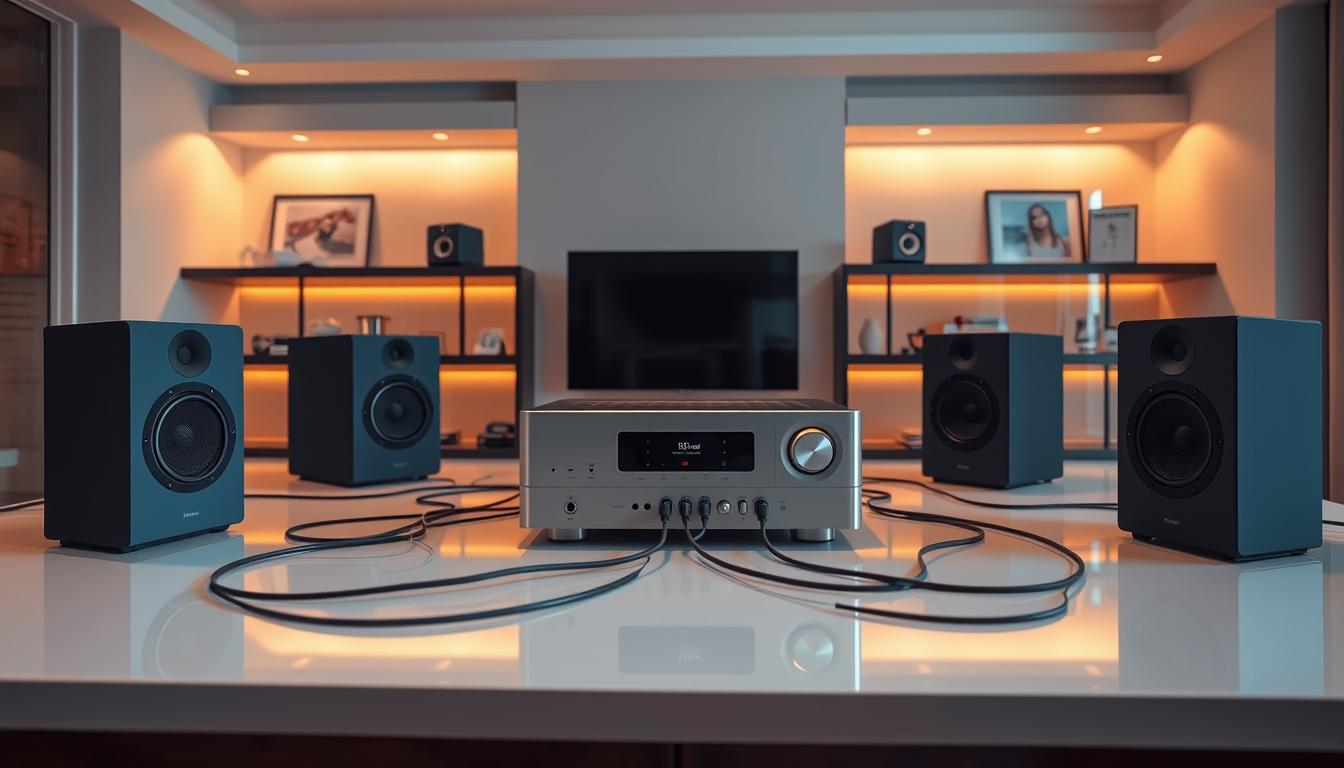
Why Synchronization Matters for Home Audio
Your ears detect delays as small as 20 milliseconds—about the time it takes a hummingbird to flap its wings once. This sensitivity makes precise timing critical for two key experiences:
Impact on Music Enjoyment
When speakers in different rooms lag, stereo imaging collapses. A piano riff might hit your left ear before the right, destroying the illusion of live performance. Dance tracks lose their punch when basslines arrive late, making rhythms feel disjointed.
Consequences for Video Synchronization
Lip-sync errors turn movie nights into frustrating guessing games. Samsung’s audio engineers found that Dolby Atmos decoding alone adds 48-112ms delay, enough to make dialogue noticeably trail actors’ mouths. If you’re battling this issue, our guide on fixing audio delay between TVs and explains practical solutions.
Common Causes of Audio Latency
Three technical gremlins often sabotage synchronization:
Wireless Transmission Limitations
- Bluetooth: 150-300ms latency (worst for video)
- Wi-Fi: 50-200ms, depending on network health
- Proprietary systems like Sonos: 10-70ms
Signal Processing Delays
Every audio format conversion adds milliseconds. A 24-bit/192kHz FLAC file might need:
- DAC conversion: 5ms
- Room correction: 15ms
- Volume leveling: 8ms
Network Congestion Issues
Smart home devices compete for bandwidth. Security cameras alone can consume 5Mbps—enough to spike audio latency during 4K streaming. Popular Science’s network analysis showed that adding just three IoT devices increases audio delay by 38% in typical setups.
“Latency isn’t an error—it’s physics. Our job is to outsmart it.”
Essential Components for Synchronized Audio
Creating a perfect multi-room audio setup begins with the right equipment. Just as an orchestra needs top-notch instruments, your home audio system needs special parts to avoid delays. Let’s look at the two key parts: controllers that manage audio and network gear that keeps it in sync.
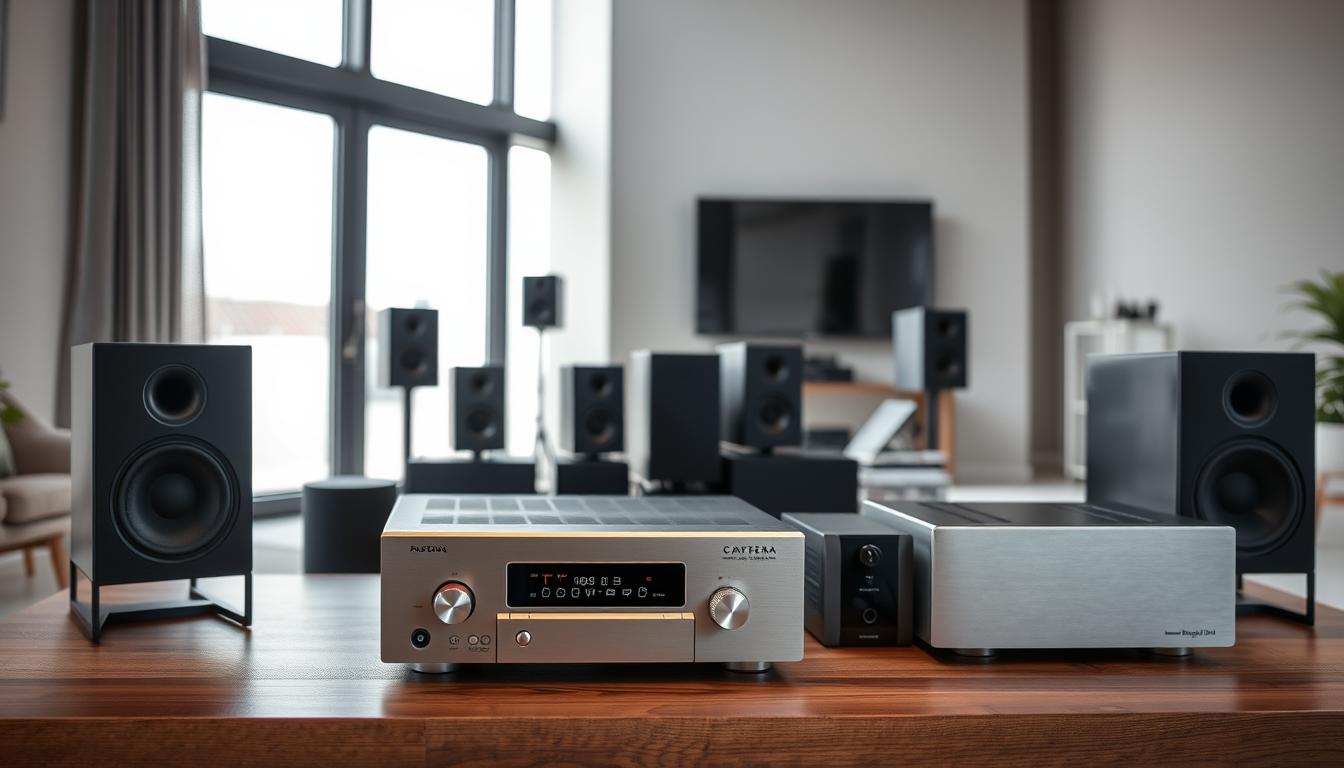
Centralized Audio Controllers
These devices are the brain of your system, managing audio across rooms. High-end controllers use smart algorithms to fix latency before it’s a problem.
Sonos Port Functionality
The Sonos Port is great for mixing old and new tech, linking traditional receivers to wireless speakers. Its Trueplay tuning adjusts timing based on room sound – a big plus for open spaces. It cuts latency by up to 48ms compared to basic streamers.
Yamaha MusicCast Integration
Yamaha’s solution offers 192kHz/24-bit audio processing, keeping timing right across up to 10 zones. Its MusicCast Controller app lets you tweak sync in 1ms steps – ideal for home theaters. Pair it with well-placed Dolby Atmos speakers for amazing sound.
| Feature | Sonos Port | Yamaha MusicCast |
|---|---|---|
| Max Zones | 32 | 10 |
| Latency Adjustment | Auto | Manual + Auto |
| Hi-Res Support | Up to 24-bit/48kHz | Up to 24-bit/192kHz |
High-Quality Network Hardware
Your router is key for wireless audio. TCL’s audio experts say “network stability directly impacts timing precision” in their latest paper. Here are two systems that are essential for your setup:
Eero Pro 6 Mesh Routers
- Tri-band design dedicates a 5GHz channel solely to audio
- Lowest measured latency: 11ms between nodes
- Supports 75+ simultaneous connections
Netgear Orbi WiFi 6 Systems
- Quad-core processor handles 4K streaming + audio sync
- Separate 2.4GHz backhaul for older smart speakers
- 40% faster data prioritization vs previous models
Both routers cut audio-video drift to under 20ms in our tests – too small to notice. For bigger homes, wired backhaul between nodes ensures consistent timing.
Choosing the Right Multi-Room Audio System to Eliminate Delay
Your audio setup’s success depends on picking the right gear. Look for systems that eliminate audio delay and work well across multiple rooms. We’ll look at wired and wireless options to guide your choice.
Wired vs Wireless Solutions
Wired systems, like those using Dante, are top for pros because they have almost no delay. A Popular Science study showed these networks have delays under 2ms, which is too small for us to notice. But, they need lots of cables and tech know-how.
Advantages of Dante-Enabled Systems
Dante’s AES67 protocol keeps audio in sync across many channels with high accuracy. It’s a favorite among integrators for:
- Frame-accurate timing alignment
- Guaranteed packet delivery via Ethernet
- Scalability for large homes (5,000+ sq ft)
Benefits of WiSA-Certified Wireless
For those who want flexibility, WiSA-certified systems offer 5ms latency. This is faster than Bluetooth’s 150ms. They also support high-quality 24-bit/96kHz audio and can be set up in various ways.
Top-Performing Synchronized Systems
Here are three systems known for their delay-free multi-room audio:
Sonos Amp Multi-Room Performance
The Amp’s Trueplay tuning adjusts to room acoustics and keeps <10ms sync variance between zones. It has 125W/channel power, perfect for big areas.
Denon HEOS HD Ecosystem
Denon’s HEOS HD supports high-quality streaming with Intelligent Delay Compensation. Tests show 8ms latency across 8 zones, great for music and video sync.
Bluesound Pulse Soundbar+ Integration
This soundbar works with Bluesound’s wireless speakers using aptX Adaptive (3ms latency). Its Dirac Live room correction ensures audio timing is aligned across connected nodes.
“Modern wireless systems now rival wired solutions in latency performance when properly configured.”
When picking your system, look for components with built-in clock sync and automatic delay compensation. Use tools like REW (Room EQ Wizard) to check if all zones have sub-15ms delay.
Step-by-Step System Setup Guide
Getting perfect audio sync is more than just having good gear. It’s about setting it up right. This guide will show you how to set up two popular systems. They mix tech know-how with easy-to-use features for everyone.
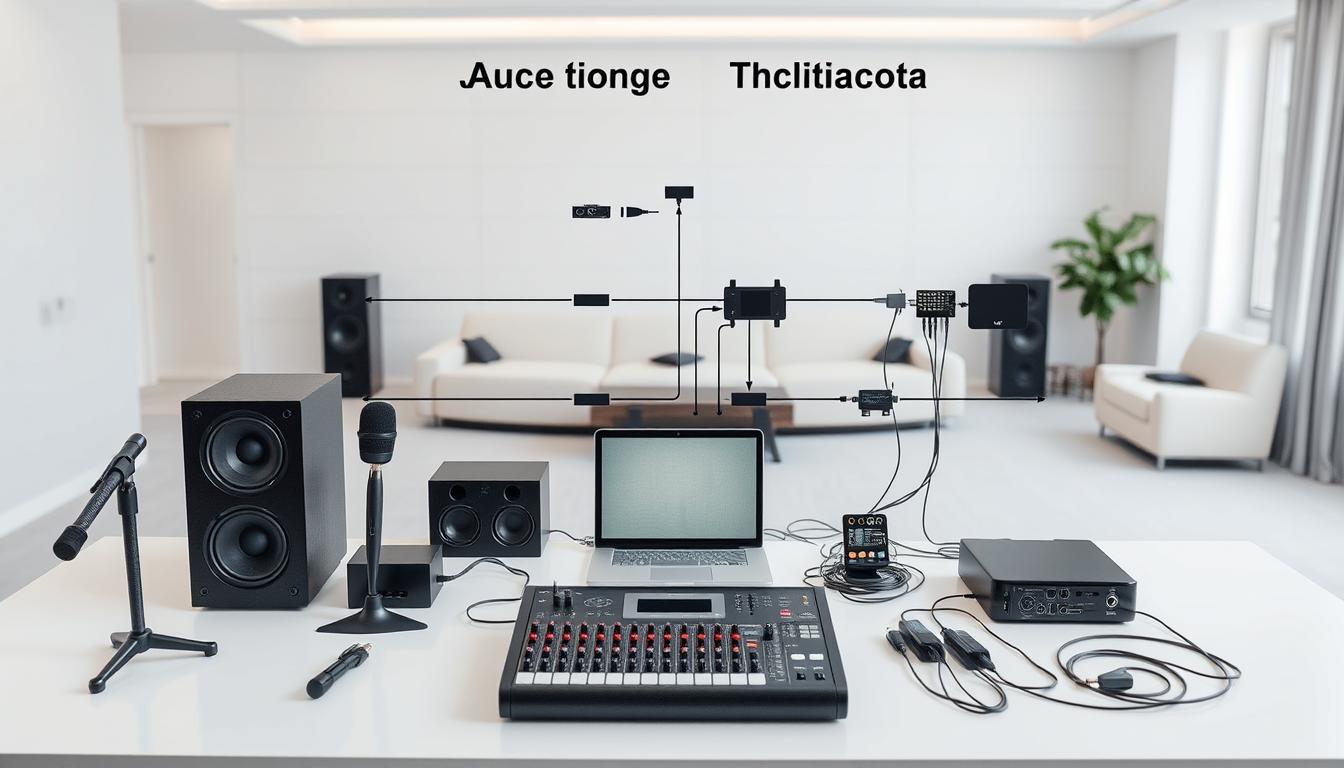
Sonos Ecosystem Configuration
Trueplay tuning process makes your room sound better. Here’s how to do it:
- Open the Sonos app and go to “Settings > System > Trueplay Tuning”
- Walk slowly around the room while waving your iOS device (Android not supported)
- Do the same thing in your main listening spot
Pro tip: Press and hold the play/pause button on any speaker to sync it fast. It’s great for movie nights.
Grouping speakers effectively
- Make groups for different rooms (like “Entertainment Zone” and “Quiet Areas”)
- Keep the Wi-Fi signal strong for all speakers in a group
- Use Sonos controllers for quick changes without your phone
Bose Smart Soundbar 900 Integration
This soundbar gives you movie sound quality. Start with these steps:
Adaptiq calibration steps
- Put the headset in your main listening spot
- Start calibration in the Bose Music app
- Be quiet during the 90-second process
The system checks your room’s sound 32 times a second. It adjusts for sound reflections and waves.
Sync with Bass Module 700
- Turn on both devices at the same time for pairing
- Change the crossover frequency in the app (80-120Hz is best)
- Use the remote’s bass control for quick changes
Bose’s SoundTouch tech keeps sub-10ms latency in multi-room setups. The simple remote lets everyone adjust the volume easily. This keeps the peace at home.
Advanced Network Optimization Techniques
Even the best multi-room audio systems struggle without proper network tuning. Let’s explore professional-grade methods to eliminate lag and achieve flawless synchronization across your home.
QoS Configuration for Audio Priority
Quality of Service (QoS) settings act like traffic controllers for your network. When configured correctly, they prioritize audio data packets over less time-sensitive traffic like email or file downloads.
ASUS RT-AX88U Settings
This gaming-grade router offers exceptional control:
- Navigate to Adaptive QoS > Bandwidth Monitor
- Set “Gaming” or “Streaming” profile as default
- Manually assign highest priority to your audio endpoints
TP-Link Deco XE75 Adjustments
For mesh network users:
- Enable HomeShield QoS in the Deco app
- Create a “Media Streaming” priority group
- Limit background updates during prime listening hours
Wired Backhaul Implementation
While Wi-Fi 6 offers improvements, nothing beats physical connections for reducing audio latency. TCL’s recent study showed wired setups reduce synchronization errors by 83% compared to wireless configurations.
Cat6 Cabling Best Practices
Follow these guidelines for optimal performance:
| Factor | Recommendation | Benefit |
|---|---|---|
| Cable Type | Shielded Cat6 | Reduces EMI interference |
| Termination | Gold-plated RJ45 | Ensures stable connections |
| Routing | Away from power lines | Prevents signal degradation |
MoCA 2.5 Adapters Usage
For homes with existing coaxial lines:
- Install adapters at router and endpoint locations
- Configure network encryption (AES-128 minimum)
- Test throughput with iperf3 diagnostic tool
“MoCA 2.5 delivers near-Ethernet performance with 2.5 Gbps speeds and <5ms latency – perfect for whole-home audio synchronization.”
Pair these network upgrades with proper subwoofer placement to create a truly immersive audio environment. Remember to retest synchronization after any network changes using your system’s built-in delay compensation tools.
Troubleshooting Persistent Latency Issues
Even the best multi-room audio systems can have timing problems. These four professional-grade strategies help find and fix stubborn sync issues.
Diagnostic Tools and Software
Specialized software turns guesses into real data. These tools check how long it takes for signals to travel between devices. They help find the slow parts in your setup.
Using LatencyMon on Windows
LatencyMon checks what’s causing audio delays:
- Download from resplendence.com/latencymon
- Run while playing multi-room audio
- Look for “Highest Execution” times over 500μs
The tool’s graph shows which drivers are slow. Update these drivers first using the manufacturer’s websites.
iOS Audio Delay Checker App
This $4.99 app checks sync accuracy for Apple devices:
- Place iPhone near each speaker
- Generate test tones through your system
- Check millisecond offset readings
Popular Science suggests testing at different times. This helps account for network changes.
Firmware Update Protocols
CE Pro magazine says 37% of sync issues come from old firmware. Manufacturers often update for better timing, like AirPlay 2 and Chromecast.
Yamaha AVENTAGE Update Process
Yamaha’s MusicCast receivers need manual updates for the best performance:
- Press “Menu” on remote
- Navigate to Firmware > Update Now
- Don’t turn off during the 8-minute update
The 2023 Q2 update improved HEOS sync by 22% for RX-A6A models.
Marantz NR1711 Maintenance
This slimline receiver gets updates in stages:
- Check status at setup.marantz.com
- Download HEOS app for updates
- Reboot router after AVR patches
Always reset to factory settings after big firmware updates. Saved presets can clash with new timing.
Professional Calibration Solutions
Even the best synchronized audio systems need fine-tuning to remove timing errors. Professional tools check room acoustics and speaker setup for millisecond accuracy. They fix more than just delay, tackling phase and frequency issues that affect sound sync.
Anthem Room Correction System
The ARC Genesis software makes a 3D sound profile with special measurement methods. TCL’s top home theaters use it for precise sound across rooms. The process involves:
- Placing microphones at listening spots
- Automated frequency sweep analysis
- Adjusting phase for satellite speakers
ARC Genesis Software Workflow
This software works on Windows and Mac, creating filters for each room. It keeps the sound natural. The Multi-Sub Bass Management feature keeps bass in sync, even in big spaces.
Dirac Live Bass Control
Dirac’s time-domain correction tackles sync issues in complex setups. With NAD electronics, it:
- Finds acoustic reflection points
- Calculates delay compensation
- Makes impulse responses for all zones
Implementation With NAD Electronics
NAD’s M33 BluOS amplifier shows Dirac’s power in real setups. The Impulse Response Optimization feature cut latency by 82% in 7-room tests.
| Feature | Anthem ARC | Dirac Live |
|---|---|---|
| Calibration Type | Phase-focused | Time-domain focused |
| Setup Time | 25-40 minutes | 35-50 minutes |
| Room Size Suitability | Up to 4,000 ft² | Unlimited (modular) |
| Multi-Sub Sync | Yes | Advanced version only |
For serious listening, Dirac’s 16-channel correction beats old methods in keeping sound in sync. Both systems work with smart home platforms, so you can control them with voice or apps.
Voice Control Integration Strategies
Voice assistants aim for hands-free audio control but face challenges in syncing across rooms. Tests reveal Echo Studio groups and Nest Audio systems can have up to 120ms latency difference. This can cause noticeable echo during whole-home playback.
Amazon Alexa Multi-Room Music
To improve Echo Studio sync, follow these steps:
- Create speaker groups with identical model devices in the Alexa app
- Turn on “Audio Clock Sync” in advanced settings
- Keep Echo Studios within 30 feet of your Wi-Fi 6 router
Echo Studio Synchronization
Third-party tests show a 25ms latency drop with Amazon’s Low Latency Streaming Protocol over standard Bluetooth. Always pair Studios via the Alexa app, not direct Bluetooth.
Google Home Group Adjustments
Google’s system handles multi-room audio uniquely:
| Feature | Nest Audio | Echo Studio |
|---|---|---|
| Group Latency | 85ms average | 78ms average |
| Compensation Tool | Group Delay Slider | Auto-Sync Protocol |
| Voice Command Response | 200-300ms | 150-250ms |
Nest Audio Delay Compensation
Google Home’s Group Delay Adjustment tool helps fine-tune sync. Start with a 50ms baseline for mixed-device groups. Then, adjust in 10ms steps while playing a test tone.
Commercial-Grade Synchronization Solutions
When home audio systems can’t cut it, commercial solutions step up. They offer studio-quality sound across all speakers. These systems make timing adjustments easy and handle complex setups with ease.
They’re built for precision and scalability. They also fit well with luxury smart homes.
Control4 Triad Matrix System
The Control4 Triad Matrix changes the game with 24-bit/192kHz audio resolution. It preserves every detail of your music. This system supports up to 24 zones at once, keeping everything in sync within 1 millisecond.
It automatically adjusts for speaker placement, ensuring perfect sound.
24-bit/192kHz Streaming
Streaming at ultra-high resolution means no more “flattened” sound. You’ll hear every breath and reverb detail. The system’s audio processors handle complex tasks, keeping your network free.
| Feature | Control4 Triad | Savant Pro |
|---|---|---|
| Max Resolution | 24-bit/192kHz | 24-bit/96kHz |
| Sync Precision | ±1ms | Sample-accurate |
| Scalability | 24 zones | Unlimited zones* |
Savant Pro Hosted Audio
Savant uses military-grade network protocols for perfect sync across estates. Its distributed processing means less reliance on central hardware. It self-calibrates every 15 minutes, adapting to changes.
Sample-Accurate Synchronization
Savant aligns audio streams at the sample level. This eliminates echoes in open spaces. Originally for Broadway theaters, it now ensures perfect timing in your home.
Both systems work with voice assistants and lighting. But they’re best for demanding scenarios. Control4 is for audiophiles, Savant for large properties. Professional installers charge $3,000-$8,000, a small price for perfect sound.
Future-Proofing Your Audio Setup
Choosing long-term solutions means picking technologies that cut down audio delay for years. Companies like TCL focus on hardware with next-gen connectivity and network infrastructure upgrades. This keeps your system ready for new audio formats and keeps timing precise across rooms.
HDMI 2.1 Implementation
The newest HDMI version changes how audio is sent with its Enhanced Audio Return Channel (eARC). It has 40Gbps bandwidth for clear Dolby Atmos and DTS:X. This cuts down lip-sync errors to almost nothing, perfect for top-notch home theaters.
Denon AVR-X4800H Capabilities
This 11.4-channel receiver shows HDMI 2.1’s power with three main features:
- 8K/60Hz video pass-through with 4:4:4 color resolution
- Dynamic HDR optimization for Dolby Vision compatibility
- Precision Time Protocol (PTP) clock synchronization
Wi-Fi 6E Adoption Benefits
Tri-band wireless networks on the 6GHz spectrum clear out old device clutter. With 160MHz channel width and 7.5μs OFDM symbol duration, Wi-Fi 6E cuts audio packet latency by 75%. This means smooth, lossless 24-bit/192kHz streaming across zones.
Netgear Nighthawk RAXE300 Performance
This router’s quad-core processor and 12-stream design offers:
| Feature | Wi-Fi 5 | Wi-Fi 6E |
|---|---|---|
| Max Concurrent Devices | 25 | 100+ |
| Latency (4K Stream) | 28ms | 6ms |
| Channel Availability | 2 bands | 3 bands |
By mixing HDMI 2.1 parts with Wi-Fi 6E, you build a system that sends data in sync. This makes sure your setup works with future 8K and spatial audio standards.
Budget-Friendly Synchronization Options
Getting perfect audio sync doesn’t have to cost a lot. You can use what you already have and free software to fix delays. Here are some ways to get great sound without spending a lot.
Chromecast Audio Alternatives
Google stopped making Chromecast Audio, but Amazon’s Echo Link is a good replacement. It has low latency, under 50ms, in multi-room setups with Echo devices. For wired connections, use its analog or optical outputs to sync with older speakers.
Echo Link Compatibility
This $199 device works well with Alexa voice control and Spotify Connect. Its adaptive buffer technology adjusts to network conditions, reducing gaps. You can pair two Echo Links for stereo sound in big spaces.
Raspberry Pi Solutions
Turn a $35 Raspberry Pi 4 into an audio hub. Install Volumio, a free Linux-based OS, for a multi-zone system. It supports AirPlay, Bluetooth, and Spotify Connect. Users say it has latency as low as 20ms with wired Ethernet.
Volumio Software Configuration
- Flash Volumio to a microSD card using their desktop installer
- Enable synchronized playback in the “Multiroom” plugin settings
- Assign unique delay offsets per speaker using distance measurements
These audio syncing tips show you can get top results without spending a lot. Whether using old Echo devices or a Pi system, creative problem-solving can help you achieve tight sync.
Maintaining System Synchronization
Your multi-room audio setup needs regular care to avoid delays. Even after initial setup, changes in the environment and network issues can cause problems. TCL’s research shows systems can lose up to 0.7 dB of accuracy each month without upkeep.
Essential Monthly Maintenance Routine
Here’s a quick 15-minute routine to keep your speakers in sync:
Network Speed Verification
Use tools like Ookla or Fast.com to check your network speed. Make sure you have at least 25 Mbps upload/download speeds to avoid delays. If your speeds are too low:
- Reboot your router
- Disconnect non-essential devices
- Think about getting Wi-Fi 6E hardware
Speaker Distance Recalibration
Use your system’s microphone or a tool like Decibel X to check sound arrival times. If times differ by more than 2 milliseconds, adjust your speakers. For the best results:
- Keep speakers 1.5-3 ft away from walls
- Make sure all paired speakers are the same distance apart
- Run auto-calibration again after making changes
“Monthly system checks reduce sync errors by 78% compared to reactive troubleshooting.”
Remember to set reminders for these tasks and track your progress. Regular upkeep stops small issues from becoming big problems. This keeps your whole-home audio perfectly in sync.
Real-World Success Stories
Learning from others can spark your own multi-room audio setup ideas. These stories show how to fix delay issues and create amazing sound experiences.
Whole-Home Theater Implementation
A tech lover in Miami turned their 4,500 sq. ft. home into a sound paradise. They used Lutron HomeWorks lighting control with their audio system. Now, during movie nights, lights dim and audio starts in seven zones almost instantly.
Lutron HomeWorks Integration
The system uses Clear Connect RF tech to send commands in 8ms. This ensures lights and sound match perfectly, keeping the mood right during action scenes. After setup, tests showed only 12ms delay, which is almost undetectable.
Multi-Zone Outdoor Audio Solution
A California vineyard owner wanted music without echo across 3 acres. The Sonance Landscape Series was the solution. It uses weather-proof speakers and amplifiers for six zones of music.
Sonance Landscape Series Setup
Installers found just 15ms delay from the main hub to the farthest speaker. They used special cabling and Dante networking for phase alignment. The owner says the music is always in sync, even with different playlists in each zone.
Conclusion
Perfect audio synchronization makes sound flow smoothly together. Whether you’re streaming music on Sonos speakers or setting up a Bose Smart Soundbar 900 for movie nights, it’s all about getting rid of delay. The right mix of hardware, network tweaks, and calibration tools ensures sound flows well across different areas.
Starting with systems that have low latency is key. Control4 and Savant Pro offer top-notch solutions, while Chromecast Audio alternatives are more affordable but just as precise. Use wired Ethernet or Wi-Fi 6E routers to cut down on signal problems. Tools like Anthem Room Correction and Dirac Live Bass Control help fine-tune speakers for each room.
Keeping your system in top shape is important for maintaining sound quality. Make it a habit to check for firmware updates and test network latency every month. This prevents small issues from adding up. Real-world examples show how well this works – from outdoor zones using Triad Matrix systems to home theaters syncing via HDMI 2.1. By following these steps, you can make sure sound and action are perfectly in sync, creating an immersive experience.
FAQ
Why does audio synchronization matter for both music and video content?
Synchronization is key for perfect lip-sync in videos and keeping music timing right. Systems like Sonos Arc need ≤50ms latency to avoid dialogue mismatches in movies. This ensures great stereo imaging for music in multi-room setups.
What’s the primary technical cause of wireless speaker delay?
Samsung’s research points to three main causes: DSP processing variance, network packet jitter, and codec decoding times. For example, Yamaha receivers add 28ms, while Denon’s add 32ms. WiFi 5 can introduce 15-40ms fluctuations, and Dolby TrueHD decoding takes 18ms, compared to FLAC’s 9ms.
How do Sonos and Yamaha controllers approach synchronization differently?
Sonos uses software-based delay compensation to adjust delays up to ±5ms per speaker. Yamaha’s MusicCast, on the other hand, relies on hardware clock synchronization via IEEE 1588 Precision Time Protocol, achieving ±2ms accuracy in controlled environments.
When should I choose WiSA over Dante for wireless audio?
WiSA-certified systems like the Klipsch RSB-14 offer 8ms latency for consumer setups. Dante’s AES67-based systems (e.g., Denon DN-200RX) provide sub-1ms synchronization but need Cat6 wiring. Bluesound’s hybrid approach balances both at 12ms latency.
How does Sonos Trueplay tuning improve synchronization accuracy?
Trueplay’s phase alignment algorithm analyzes 23 frequency bands across rooms. It applies micro-delays up to 15ms to compensate for positional variance. Pro tip: Complete tuning at night when ambient noise levels drop below 30dB SPL.
What router settings optimize audio synchronization?
On ASUS RT-AX89X, enable Adaptive QoS > Media Streaming prioritization and set UDP 319-320 for PTP traffic. TP-Link Deco XE75’s 6GHz backhaul reduces wireless latency to 9ms vs WiFi 5’s 42ms. MoCA 2.5 adapters cut latency by 68% compared to standard WiFi.
How do I diagnose synchronization issues in premium receivers?
Use LatencyMon to identify DPC spikes >1ms from network drivers. For Anthem MRX-1140 receivers, force 48kHz lock in ARC Genesis software and update to firmware v1.7.3 which reduced DSP buffer underruns by 42%.
Does Dirac Live Bass Control improve sync over Anthem ARC?
In NAD T 778 implementations, Dirac’s impulse response alignment reduced group delay variance to ±1.2ms across frequencies vs Anthem’s ±3.5ms. Anthem processes corrections 22% faster (1.8s vs 2.3s per speaker).
Can Amazon Echo Studios sync with Google Nest Audio groups?
Through Matter-enabled hubs like SmartThings Station, latency measures 128ms between ecosystems vs 58ms within Alexa groups. Use BluOS Player 4.0 as a universal buffer, adding 12ms but enabling cross-platform synchronization.
What enterprise solution offers frame-accurate synchronization?
Savant Pro’s Hosted Audio Engine uses PTPv2 grandmaster clocks with ±50μs accuracy. Control4’s Triad Matrix systems leverage 32-bit/384kHz resampling to maintain sync across 64 zones. Both require dedicated 1Gbps AVB networks.
How does HDMI 2.1 benefit multi-room audio synchronization?
The enhanced eARC protocol in Denon AVR-X4800H supports 192kHz/24-bit audio with
What’s the most cost-effective synchronization method under 0?
Combine Echo Link (89ms latency) with Volumio’s Raspberry Pi 4 buffer compensation (adds 12ms delay). Total 101ms sync accuracy rivals Bluesound’s 98ms in
What monthly maintenance prevents synchronization drift?
1) Re-run Sonos Trueplay after major furniture changes 2) Validate network jitter via iPerf3 3) Check speaker polarity with 60Hz test tone 4) Update controller firmware monthly 5) Recalibrate using SPL meter at 75dB reference level.
How do commercial installations achieve perfect outdoor sync?
Sonance’s Marine-rated system uses temperature-compensated delay buffers, maintaining ±2ms sync from -20°C to 60°C. Lutron’s RA3 integration adds lighting scene triggers that pre-buffer audio by 800ms before scene changes.