Over 30% of burglars target homes through garage entries, often exploiting lost or stolen remotes. This startling reality highlights why maintaining control of your devices matters more than just convenience. When a garage door remote disappears, it doesn’t just disrupt your routine – it creates a security gap many homeowners overlook until it’s too late.
Modern remote control systems have evolved far beyond basic signal transmission. Today’s replacements offer encrypted codes and compatibility checks that preserve original features while upgrading security. Whether dealing with entertainment systems or automated garage doors, proper replacement ensures you never sacrifice functionality for peace of mind.
Quick action matters most when securing your property. A compromised remote leaves your door vulnerable to unauthorized access, especially in older systems lacking rolling-code technology. Newer replacement remotes address these risks through advanced programming methods that sync seamlessly with existing receivers.
Key Takeaways
- Lost remotes create immediate security risks for automated entry systems
- Modern replacements maintain original functionality through improved technology
- Proper device identification prevents compatibility issues
- Swift replacement reduces vulnerability windows for compromised systems
- Encrypted codes in newer remotes enhance protection against hacking
Understanding the Challenges of a Lost or Damaged Remote
Losing control of your devices often starts with small oversights that snowball into major headaches. Whether it’s a misplaced garage door opener or a cracked entertainment remote, these disruptions reveal vulnerabilities in daily routines and home security.

Common Reasons for Losing Your Remote
Four primary factors drive remote disappearance and failure:
- Vanishing acts: Remotes slide into couch crevices, vanish in cluttered cars, or disappear during grocery runs
- Impact damage: Drops crack circuit boards, while spilled drinks corrode button contacts
- Power problems: Dead batteries mimic total device failure, tricking users into unnecessary replacements
- Silent erosion: Worn buttons become unresponsive after years of daily presses
Implications for Device Functionality
A missing door remote creates more than inconvenience. Garage systems become entry points for intruders, especially if the lost transmitter uses fixed codes. Older models lack encryption, letting thieves clone signals from discarded or stolen units.
Household dependencies magnify these issues. Families juggle schedules when one garage door opener vanishes, while entertainment systems gather dust without their control hubs. Quick action prevents operational paralysis and maintains security protocols.
Essential Steps: How to Replace a Remote Without Losing Functionality
Securing your property starts with precise execution. Proper identification and programming preserve seamless operation while closing security gaps left by missing devices.
Identifying the Right Model and Manufacturer
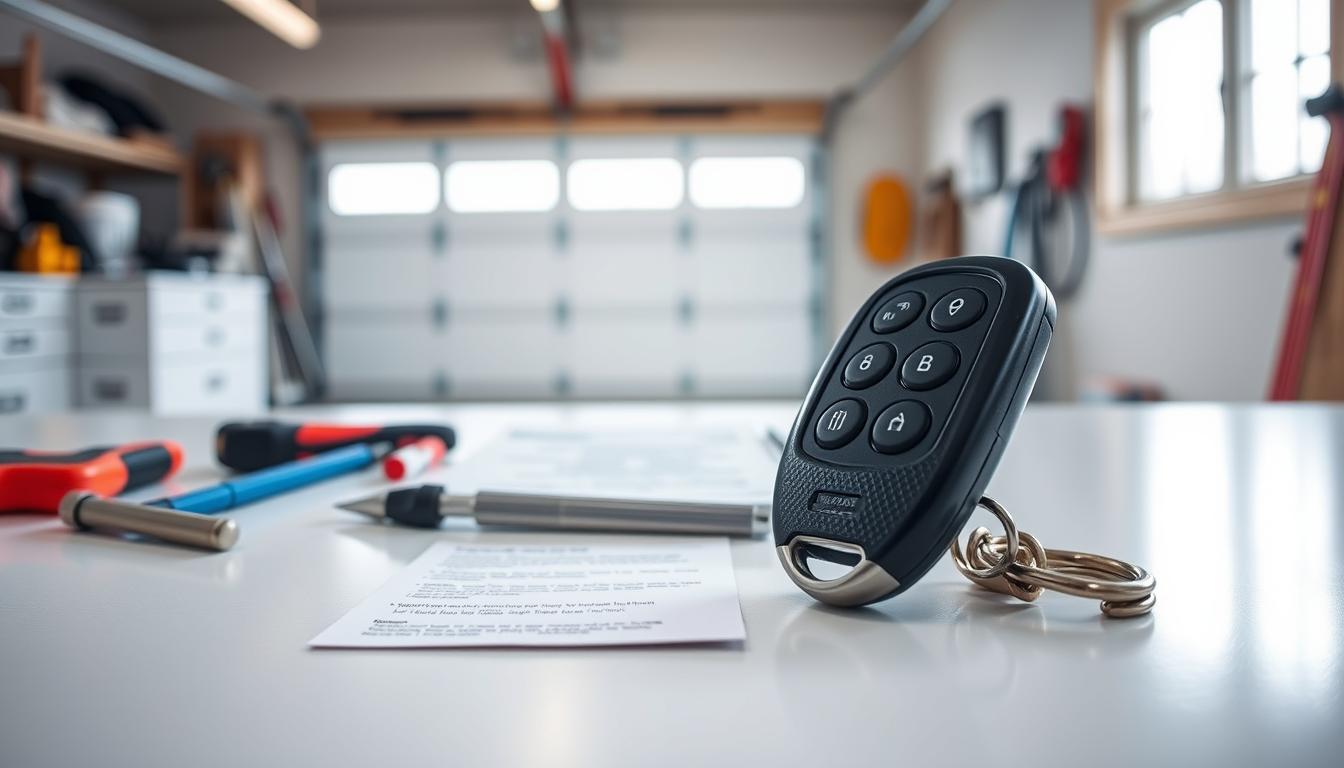
Locate the manufacturer name and model number first. These details are usually found on labels beneath devices, inside battery compartments, or printed near power inputs. For garage door openers, check the motor unit’s side panel.
Cross-reference this information with replacement options. Universal models require matching frequency ranges, while brand-specific units demand exact brand model number alignment.
Following the Correct Pairing and Programming Instructions
Activate your door opener‘s programming mode by pressing its learn button until the LED light illuminates. Hold the new remote‘s button until the light blinks – this confirms signal recognition.
For entertainment systems, enter setup codes usually found in device manuals. Test each programmed function immediately to verify responsiveness.
Ensuring Full Feature and Button Functionality
Replace batteries before testing – incorrect polarity causes 47% of initial failures. Cycle through every button on your replacement remote, checking response times and secondary features like lighting controls.
Persistent issues often stem from mismatched frequencies. Consult manufacturer troubleshooting guides when features underperform.
Choosing the Right Replacement: Universal, Brand-Specific, and Smart Options
Selecting the perfect control solution requires balancing compatibility, features, and budget. Three primary paths exist for maintaining command over your devices: adaptable universal models, precise brand-specific units, and cutting-edge smart controllers. Each option addresses different needs while protecting your home’s security framework.
Universal Remotes: Versatile Command Centers
Universal remotes shine in multi-device households. These adaptable controllers work with 85% of garage door openers and entertainment systems through manual programming. Their dual DIP switch and Learn button designs handle both vintage and modern equipment.
Cost efficiency makes them popular – basic models start at $30. However, setup requires patience. You’ll need to match frequency ranges and program each function individually.
Precision Pairing With Brand-Specific Models
Brand-specific remotes eliminate guesswork. Designed for exact model compatibility, they sync instantly with your existing system. Original manufacturer units preserve specialized features like timed lighting controls or emergency release overrides.
While slightly pricier ($40-$60), these options save hours otherwise spent troubleshooting mismatched signals. They’re ideal for homeowners prioritizing plug-and-play simplicity.
Smart Controllers: Next-Generation Convenience
Wi-Fi enabled options transform smartphones into command hubs. Voice controls through Alexa/Google Assistant and automatic software updates future-proof your investment. Premium models ($70+) offer geofencing that activates your garage door when you approach.
| Type | Cost Range | Setup Time | Best For |
|---|---|---|---|
| Universal | $30-$50 | 15-30 mins | Mixed device homes |
| Brand-Specific | $40-$60 | Instant | Single-brand systems |
| Smart | $70+ | 10-20 mins | Tech-forward users |
Evaluate warranty coverage and button durability when comparing options. Rubberized keypads withstand weather better in garage environments, while backlit buttons improve nighttime visibility. Prioritize models with at least a 1-year replacement guarantee.
Conclusion
Upgrading your remote control system seamlessly blends security with convenience. Choosing between exact model replacements and universal options depends on your needs. Original manufacturer remotes sync instantly, while universal versions offer broader compatibility but require setup.
Locate your device’s model number and programming code before purchasing. Most garage door systems use a learn button for syncing—press it until the LED light activates, then pair your new remote. This process ensures all features work without resetting existing configurations.
Security-focused replacements protect against unauthorized access. If dealing with lost garage remotes, prioritize encrypted models that disable old codes. Quick action prevents vulnerabilities, especially for exterior doors.
For other devices, like troubleshooting a Marantz receiver remote, similar principles apply. Always test buttons and secondary functions post-setup to confirm full operation. The right replacement maintains functionality while upgrading protection.
FAQ
What’s the first step to finding the right replacement remote?
Start by locating the model number on your device or original remote. This ensures compatibility with brand-specific remotes or universal options. For garage door openers, check near the motor unit or consult the manual.
Can I use a universal remote for my garage door opener?
Yes, but confirm compatibility with your garage door opener brand (e.g., Chamberlain or LiftMaster). Universal remotes often require programming codes and may lack brand-specific features like rolling code encryption.
How do I program a new remote to my device?
Most devices have a “learn” button (usually on the motor unit for garage door openers). Press it, then activate the new remote within 30 seconds. Refer to the manual for brand-specific steps.
What if my replacement remote doesn’t replicate all features?
Verify the replacement supports button functionality like lock controls or LED light indicators. For smart remotes, ensure app integration works with your device’s brand model.
Are brand-specific remotes worth the higher cost?
They often guarantee full feature functionality and security, especially for garage door remotes. Brands like Genie or Craftsman use proprietary codes, reducing hacking risks compared to universal remotes.
How can I avoid losing my remote again?
Use a keychain remote for garage doors or pair a smartphone app with your device. Some systems offer RFID tags or fingerprint scanners as backup access methods.