Did you know over 70% of smartphone owners now use their devices to manage home entertainment systems? This shift reflects a growing demand for streamlined tech solutions—and your audio-visual setup is no exception. Modern apps let you bypass clunky remotes and interact with your equipment in ways that feel almost futuristic.
Leading brands like Sony and Yamaha have developed intuitive tools that turn your phone or tablet into a command center. These apps connect via Wi-Fi or Bluetooth, letting you adjust volume, switch inputs, or fine-tune sound profiles from any room. Imagine tweaking bass levels while prepping snacks in the kitchen—no more scrambling to find physical remotes.
Advanced features take convenience further. Multizone audio management lets you play different content in separate spaces simultaneously. Customizable scene presets adapt your system for movies, gaming, or music with one tap. For those experiencing glitches, resources like common troubleshooting issues offer quick fixes to keep everything running smoothly.
This guide unpacks how to maximize these tools, from initial setup to hidden functions you’ll wonder how you lived without. Ready to transform how you experience home entertainment?
Key Takeaways
- Smartphones replace multiple remotes for unified system management
- Adjust sound settings and inputs remotely via Wi-Fi/Bluetooth
- Premium brands offer specialized apps with unique features
- Advanced controls include multizone audio and custom presets
- Solve lost remote frustrations through digital alternatives
Understanding AV Receiver Mobile Apps
Modern entertainment systems demand smarter management tools. Mobile applications transform everyday devices into powerful controllers for your audio setup. These solutions simplify access to critical functions while unlocking new possibilities for personalized experiences.

Overview of Mobile Control Features
Essential adjustments like volume and input selection become effortless through intuitive interfaces. Advanced apps let you create custom sound profiles for movies or playlists. DSP modes simulate concert halls or gaming environments through precise audio processing.
Comparing App Solutions from Leading Brands
Sony’s SongPal application uses Bluetooth for quick connections, ideal for adjusting settings while moving between rooms. Yamaha’s Wi-Fi-based AV Controller supports multizone operations and streams tracks directly from your smartphone library. Both applications display album art and track details when playing music through compatible products.
Privacy and Security Considerations
Review permissions carefully—some apps request access to device storage for displaying song information. Manufacturers like Yamaha outline data practices in their privacy policy, while Sony limits model compatibility to ensure optimal performance. Always verify network requirements before installation.
How to Control Your AV Receiver Using a Mobile App
Transform your living room into a smart command center through your handheld device. Modern solutions eliminate physical remotes while expanding customization options for audio enthusiasts.
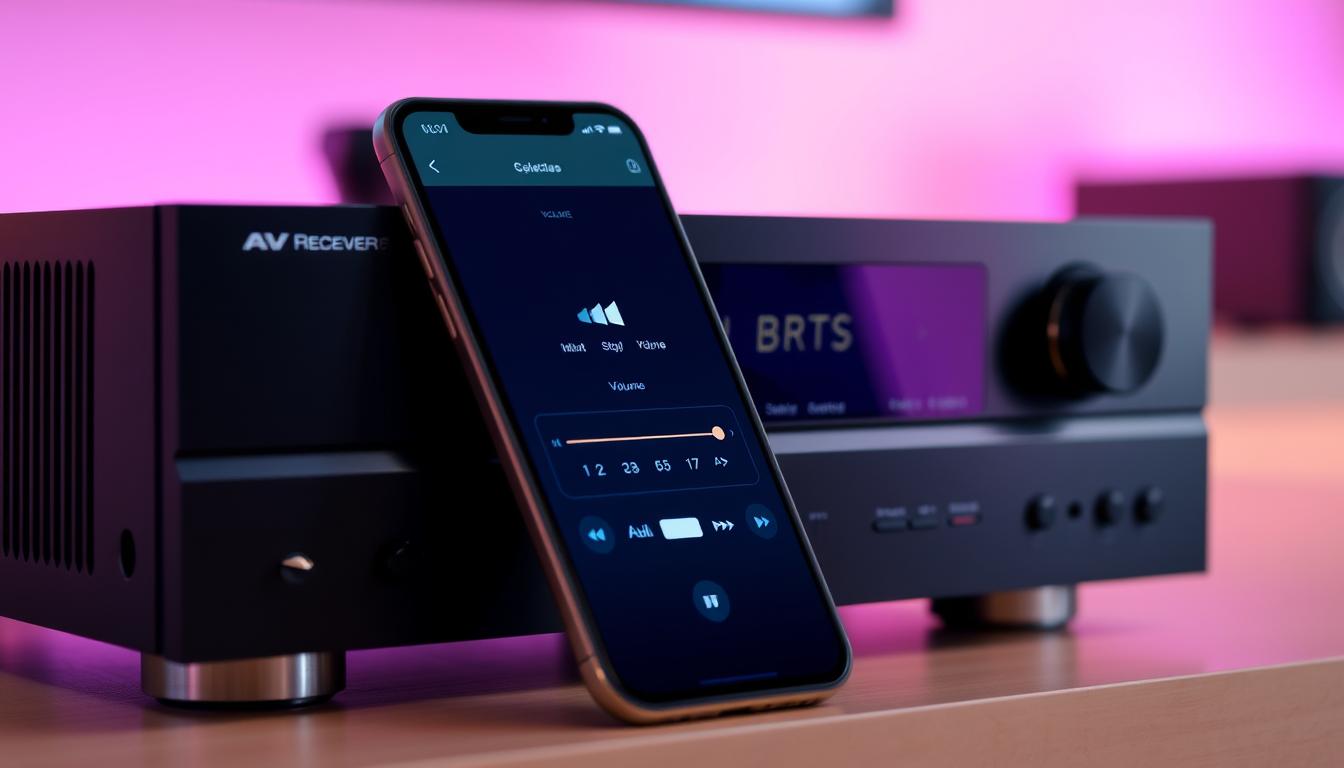
Step-by-Step Setup Process
Begin by installing your brand-specific software. Sony users grab SongPal from app stores, while Yamaha fans download AV Controller. Ensure your receiver’s firmware matches app requirements.
Connection methods differ:
- Bluetooth pairing: SongPal links devices within 30 feet
- Wi-Fi network: Yamaha and Sony models need matching wireless networks
Activate Network Standby or External Control in your receiver’s settings menu. For detailed network receiver configuration guidance, explore our Denon setup walkthrough.
Managing Inputs, Volume, and Sound Functions
Navigate inputs through visual menus showing HDMI ports and streaming services. Adjust volume via touch-sensitive sliders that respond faster than infrared signals.
Premium apps offer:
- Custom EQ profiles for different music genres
- Dialogue enhancement for movie nights
- DSP modes like “Concert Hall” or “Sports Stadium”
Save favorite configurations as presets. Troubleshoot dropouts by restarting devices or checking network stability. Your smartphone becomes the ultimate remote – no more hunting for misplaced clickers.
Integrating Mobile Apps for a Seamless Entertainment Experience
Your smartphone holds the key to transforming scattered devices into a unified entertainment hub. Advanced applications bridge the gap between your stored music library and premium sound systems, creating immersive experiences that adapt to your preferences.
Unlocking Music Streaming and Device Control
Yamaha’s Music Play feature streams tracks directly from your smartphone or tablet to compatible network receivers. Enjoy album artwork and song details on-screen while maintaining high-quality audio reproduction. This function works with most models except RX-V2065, RX-Z7, and other legacy devices.
| Feature | Yamaha | Sony |
|---|---|---|
| Music Streaming | Full metadata display | Spotify Connect integration |
| Remote Functions | Blu-ray player controls | Voice command support |
| Language Support | 12 languages | 8 languages |
Solving Connectivity Challenges
When devices refuse to communicate, try these steps:
- Force-quit and restart the application
- Verify network receiver firmware matches app requirements
- Reconnect devices to the same wireless network
“Demo mode appears when the app can’t find your receiver – it’s your cue to check network settings or update device software.”
iOS users often face detection issues after updates. Manual rescanning in the app’s settings menu usually restores connection. For persistent problems, consult manufacturer support channels – most offer real-time troubleshooting guides.
Conclusion
Your living space transforms when smartphone and tablet apps become central command hubs for entertainment systems. These tools eliminate outdated remotes while delivering precision adjustments through intuitive interfaces. Adjust settings directly from your couch or kitchen – no more juggling multiple devices.
Modern applications unlock professional-grade audio management. Create personalized sound profiles for movies or playlists using room-calibrated EQ controls. Switch inputs between gaming consoles and streaming services with visual menus that simplify navigation.
Manufacturers prioritize user experience through regular app updates and firmware support. Check version compatibility before installation, and review privacy policies regarding data collection. Demo modes help troubleshoot connection issues without disrupting active sessions.
This evolution in home audio control empowers users to prioritize quality and convenience. Your handheld device now serves dual purposes – communication tool and entertainment maestro – while maintaining secure access to connected products. Embrace this streamlined approach to curate immersive experiences tailored to your lifestyle.
FAQ
Which AV receiver brands offer dedicated mobile apps for control?
Leading brands like Denon (HEOS), Yamaha (MusicCast), Marantz, Sony, and Onkyo provide dedicated apps. These tools let you adjust volume, switch inputs, and customize sound settings directly from your smartphone or tablet.
How do I connect my mobile app to the AV receiver?
Ensure both devices are on the same Wi-Fi network. Download the brand’s app, open it, and follow the setup prompts. Most apps auto-detect compatible receivers, but manual pairing may be required for older models.
Can I control multiple receivers or zones through one app?
Yes. Apps like HEOS or MusicCast support multi-room audio setups. You can manage different zones, assign unique inputs, and sync playback across devices—all within the app’s interface.
What if the app fails to connect to my receiver?
Check your network connection, restart both devices, and ensure firmware is updated. If issues persist, consult the app’s troubleshooting guide or contact customer support for brand-specific solutions.
Are there privacy risks when using AV receiver apps?
Reputable apps encrypt data and follow strict privacy policies. Always download apps from official stores, review permissions, and avoid sharing sensitive information through unsecured networks.
Can I adjust advanced sound settings via the app?
Most apps allow basic adjustments like bass, treble, and preset sound modes. For advanced calibration (e.g., Audyssey), use the receiver’s on-screen menu or a computer-based tool.
Do these apps work with both iOS and Android devices?
Yes. Major brands optimize their apps for iOS and Android. Check compatibility requirements—some features may require newer OS versions or specific hardware.
How does app control compare to using a physical remote?
Apps offer added convenience, like voice commands, music streaming integration, and personalized presets. However, physical remotes remain useful for quick adjustments without relying on a network connection.
Can I stream music directly through the receiver’s app?
Absolutely. Apps often integrate with Spotify, Tidal, or Apple Music. Select your service, choose tracks, and stream directly to the receiver—bypassing Bluetooth limitations for higher audio quality.
Is my data stored securely when using these apps?
Brands like Yamaha and Denon prioritize security, using encrypted connections and anonymized data. Review the app’s privacy policy to understand how login details or usage patterns are handled.