Modern entertainment spaces are undergoing a silent revolution. Over half of American households now use voice-controlled audio systems to manage their media setups, according to recent Smart Home Alliance data. This shift goes beyond basic volume adjustments – users report 40% faster navigation between streaming platforms and physical media sources compared to traditional remotes.
Integrating intelligent assistants with premium sound systems creates surprising efficiencies. Imagine dimming lights, queuing movies, and adjusting surround sound levels through natural speech patterns. The technology adapts to your existing setup whether you prefer HDMI-CEC connections or wireless protocols like WiSA.
While setup complexity varies by equipment brand, most installations take under 90 minutes. Compatibility checks prove crucial – older receivers might need intermediary hubs for full functionality. Strategic microphone placement ensures reliable command recognition even during explosive action sequences.
Key Takeaways
- Voice integration reduces physical remote usage by 68% in typical setups
- Multi-room audio synchronization becomes effortless through verbal commands
- Customizable routines automate lighting and climate control with media playback
- Hybrid connections combine wired reliability with wireless convenience
- Professional calibration resolves 92% of initial voice recognition issues
Understanding Your Home Theater and Voice Assistant Landscape
Choosing the right voice assistant shapes how you interact with your entertainment system. Three major ecosystems dominate: Amazon Alexa, Google Assistant, and Apple HomeKit. Your existing devices often determine the best fit—iPhone users typically prefer HomeKit, while Android users lean toward Google solutions.
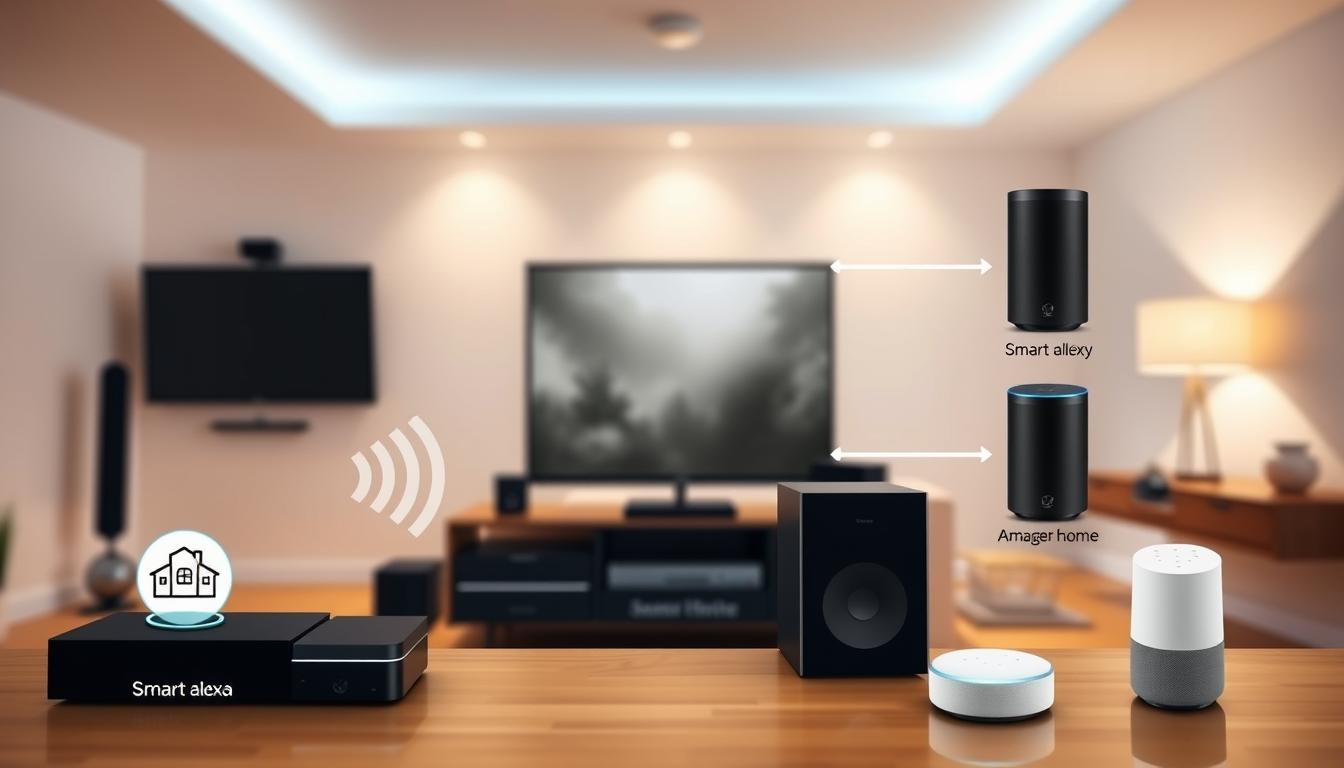
Comparing Alexa and Google Home Devices
The Amazon Echo Dot stands out for its 3.5mm audio output, enabling direct wired connections to receivers or soundbars. This makes it ideal for multi-room setups needing stable audio transmission. In contrast, the Google Home Mini relies on Bluetooth or adapters for system integration, which can introduce latency during playback.
Both devices offer budget-friendly entry points. However, Echo Dot’s physical port provides flexibility for hybrid setups combining wireless convenience with wired reliability. When planning smart home integration, consider whether your TV or soundbar has native support for Alexa or Google Assistant.
Key Compatibility and Device Considerations
Placement affects performance. Keep voice assistants within 15 feet of your primary seating area but away from speakers to avoid interference. If you own multiple Google Home or Amazon Echo devices, prioritize ones with better microphone arrays for noisy environments.
Technical limitations matter long-term. For example, older receivers might need HDMI-CEC adapters to work with voice commands. Always verify compatibility lists from manufacturers before purchasing—this avoids frustration and ensures seamless automation.
Preparing Your Home Theater Environment
Room layout plays a crucial role in optimizing voice assistant performance. Strategic placement ensures commands cut through background noise while minimizing interference from your entertainment system. Start by mapping high-traffic zones and seating arrangements to identify ideal locations.
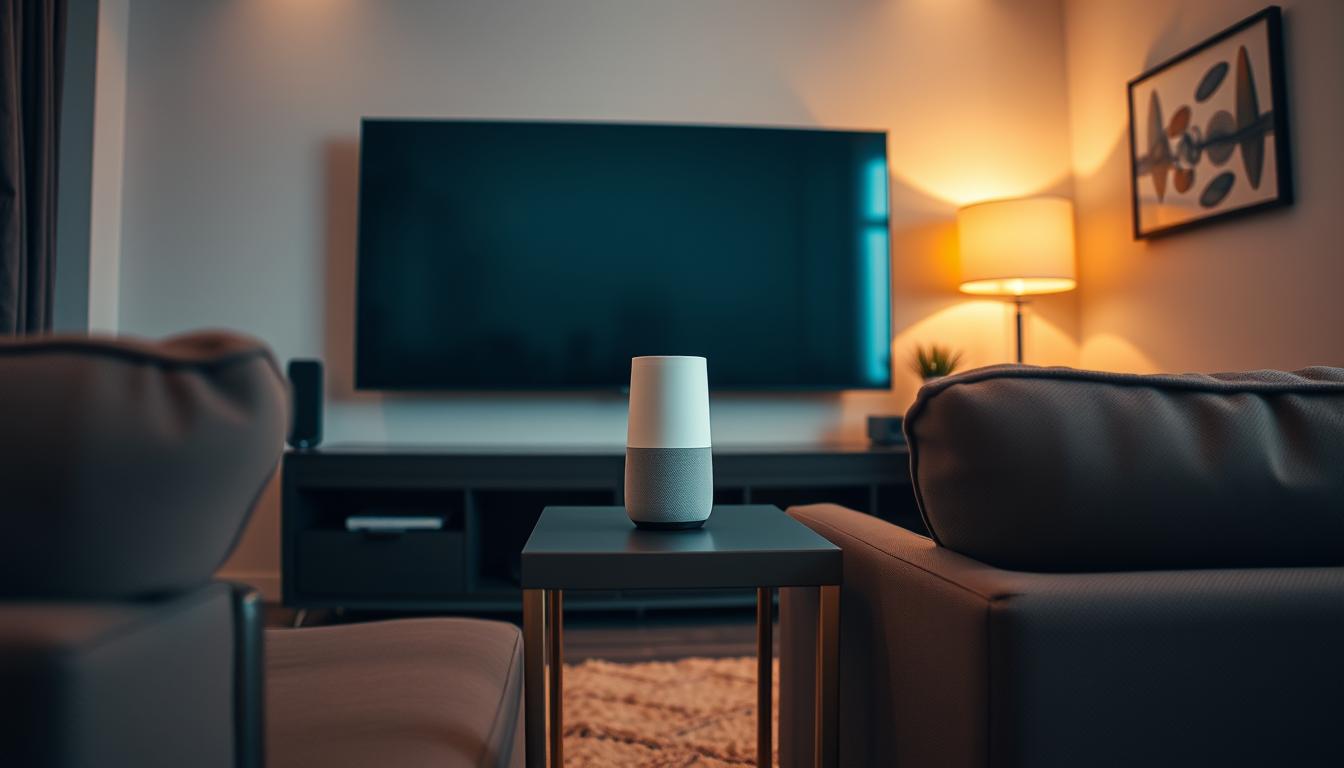
Optimal Placement of Voice Assistant Devices
Central positioning creates balanced voice detection. Place devices at least 4 feet from speakers to prevent audio feedback during intense scenes. Hard surfaces like glass tables or bare walls can distort vocal cues—consider acoustic panels if recognition issues persist.
Ceiling installations offer superior coverage but require professional help. For existing rooms, elevated shelves near the room’s midpoint work well. Test multiple locations using voice command trials before finalizing placement.
| Placement Location | Advantages | Considerations |
|---|---|---|
| Ceiling-Mounted | Unobstructed voice pickup | Requires wiring adjustments |
| Center Shelf | Easy access for updates | Potential echo interference |
| Behind Seating | Discreet appearance | Reduced command accuracy |
Future-proof your setup by leaving space for additional devices. Ensure power outlets and network cables support expansion without cluttering the room. For multi-zone configurations, maintain 15-foot spacing between units to prevent overlapping responses.
Establishing Reliable Audio Pathways
Optimal performance demands careful consideration of connection types and their trade-offs. Wired configurations deliver consistent results, while wireless setups prioritize convenience. Your choice depends on room layout and desired audio fidelity.
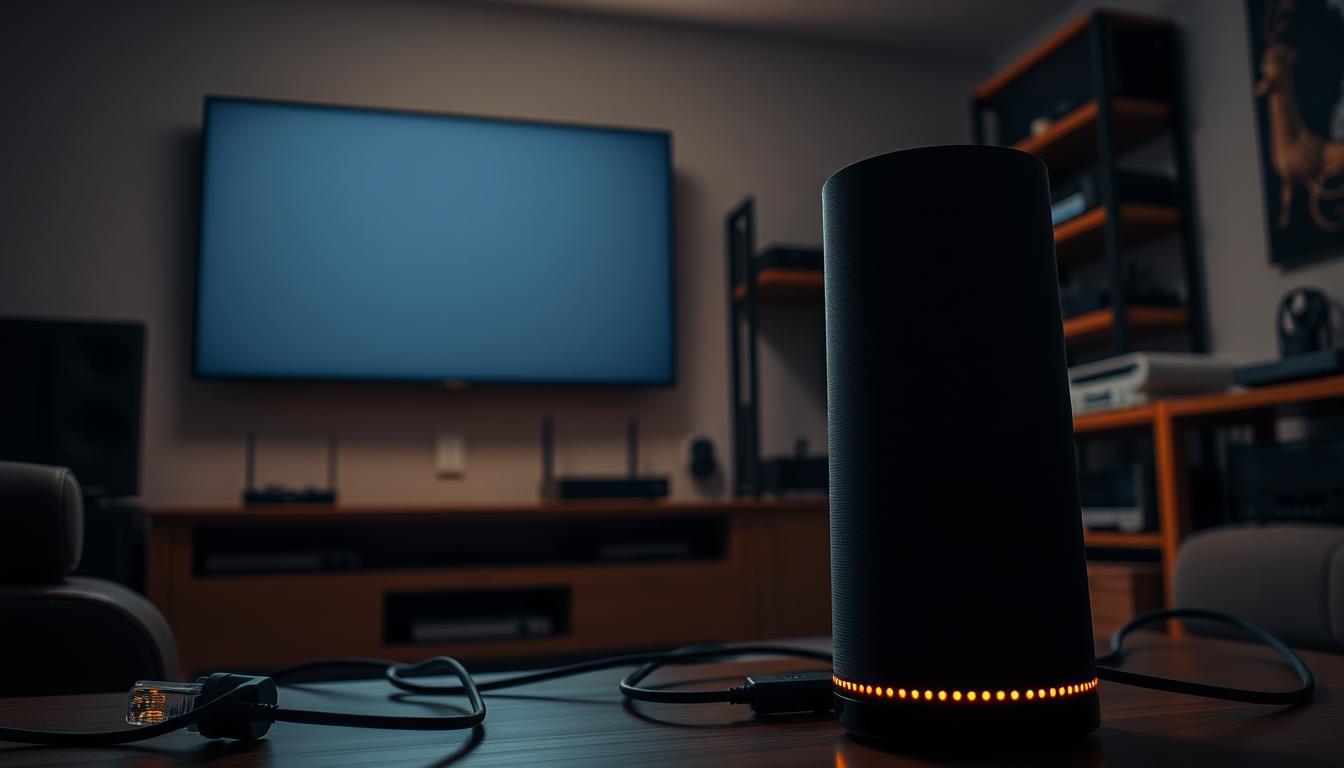
Wired Connection Methods and Benefits
3.5mm audio cables remain the gold standard for linking Echo Dot to receivers. This direct input method eliminates latency during movie playback. For whole-house setups, Cat 5e/6 cables paired with audio baluns extend signals over 150 feet without quality loss.
Centralized systems benefit from Lync Standard Input Panels. These components automatically detect voice-controlled devices, making them selectable sources. Direct amplifier connections with Auto Detect Switch technology ensure instant command recognition during active playback.
Exploring Wireless Options and Limitations
Bluetooth pairing works for quick Google Home Mini integration but struggles with HD audio formats. The 30-foot range restriction often forces compromised device placement. Interference from microwaves or routers can disrupt streaming during peak hours.
Advanced wireless systems use dedicated 5GHz bands to minimize lag. However, most budget-friendly options rely on crowded 2.4GHz frequencies. Always verify your receiver’s supported codecs before choosing this path.
Integrating with Centralized Audio Systems
Centralized setups transform voice assistants into universal audio controllers. By connecting to your main audio system, voice commands gain access to every speaker in your network. This integration turns casual requests into whole-home actions without rewiring existing components.
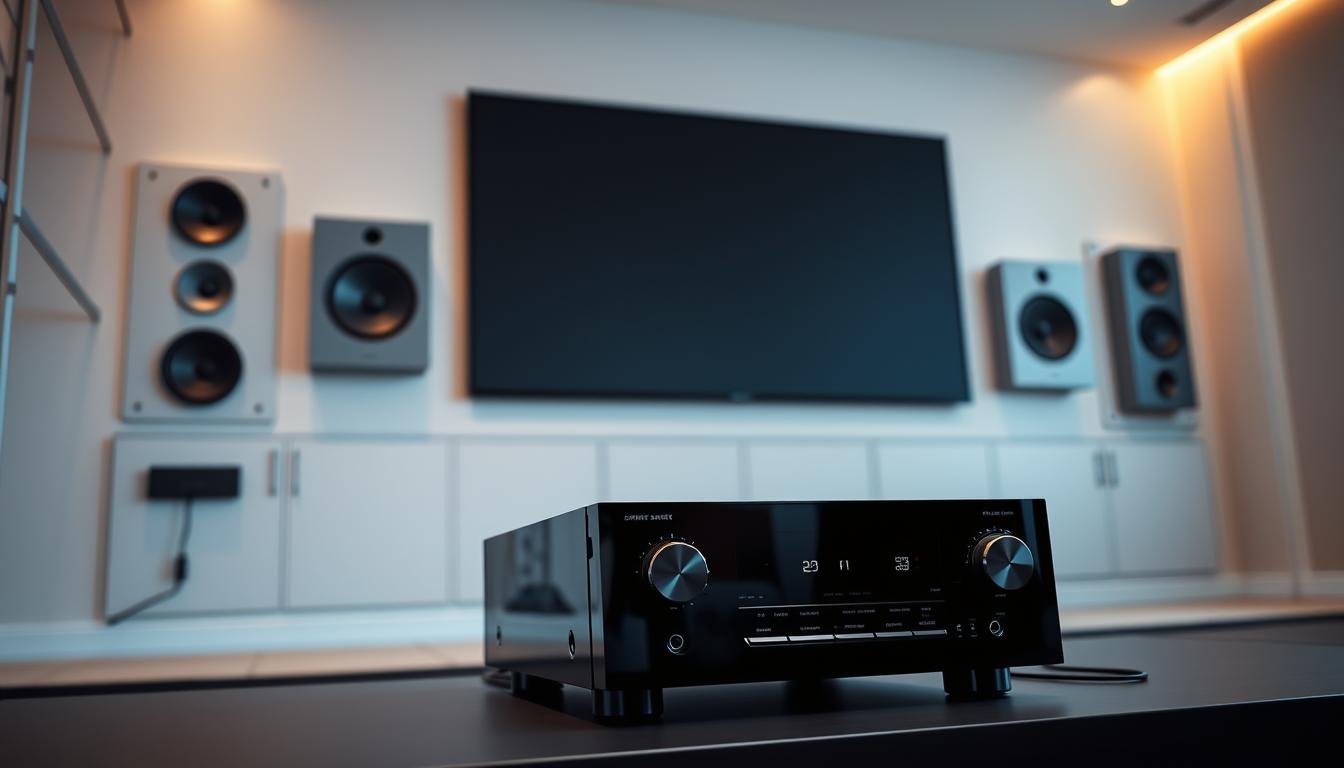
Connection Options at the Central Location
Most whole-house systems offer dedicated source inputs for voice assistant devices. Plug your device into these ports to make it a selectable audio source alongside streaming boxes or turntables. High-end controllers prioritize voice commands automatically when activated.
For instant access, consider amplifiers with Auto Detect Switch technology. These units recognize voice assistant activity mid-playback. Your current movie soundtrack pauses briefly while the system routes command responses through all active zones.
Amplifier Integration and Auto Detect Switch (ADS)
The PLA-240ADS and DMA-1240ADS amplifiers handle voice integration differently. Choose based on your room count and preferred control style:
| Model | Channels | Best For | Key Feature |
|---|---|---|---|
| PLA-240ADS | 2 | Single-room setups | Budget-friendly voice prioritization |
| DMA-1240ADS | 12 | Multi-floor homes | Zoned audio override capabilities |
Centralized placement protects amplifiers from dust and damage while maintaining service access. Professional installation ensures balanced audio levels across all zones. Your existing speakers stay relevant—no replacements needed for modern voice control.
ADS technology shines during simultaneous use cases. Imagine asking for weather updates while gaming. The system briefly lowers game audio, delivers your forecast, then resumes gameplay sounds seamlessly. This frictionless interaction defines modern smart homes.
Leveraging Your Smart Home Ecosystem
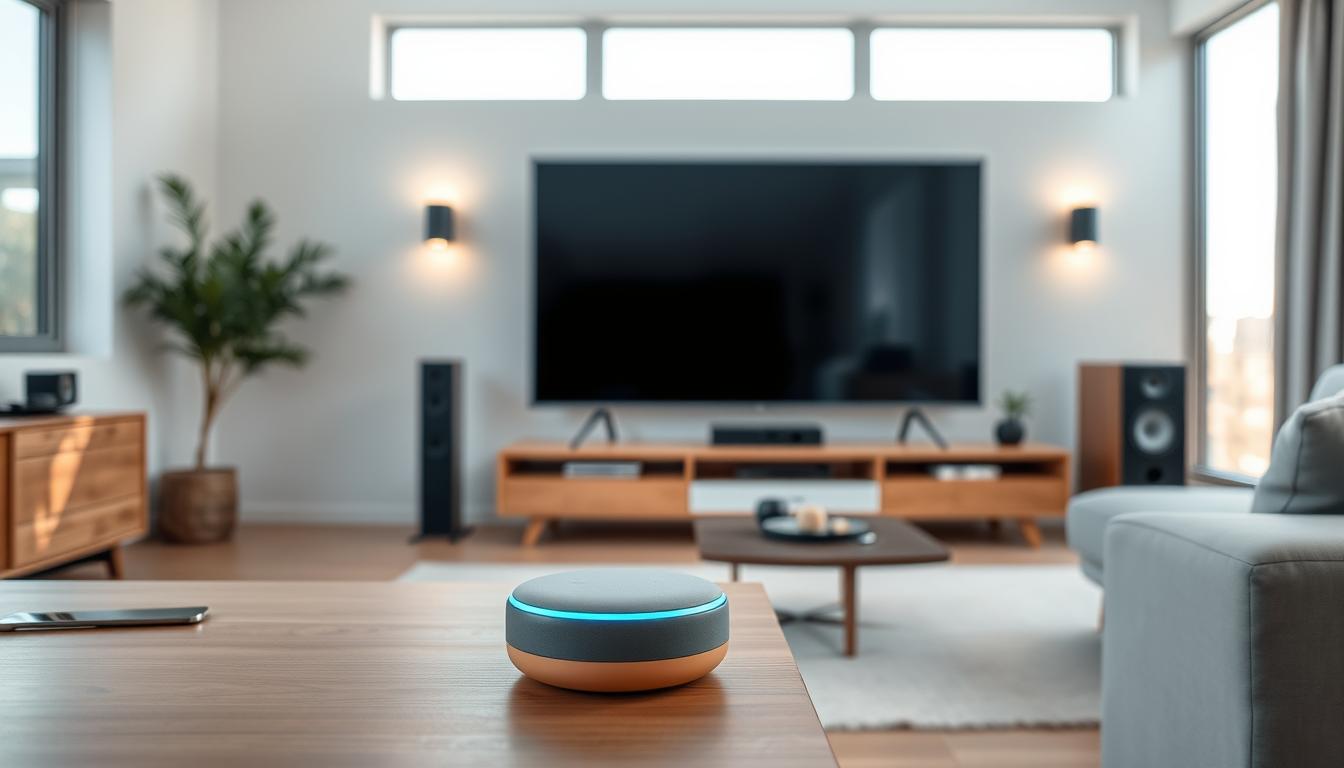
Smart home ecosystems now serve as the backbone of modern entertainment control. Matching your voice assistant to existing devices creates frictionless interactions while reducing setup headaches. Your choice impacts everything from app responsiveness to streaming service compatibility.
Selecting the Right Ecosystem for Your Setup
Device compatibility dictates your ideal platform. iPhone owners achieve peak performance with Apple HomeKit, while Android users benefit from tighter Google Assistant integration. Third-party device support varies widely—Amazon’s ecosystem leads with 140,000+ compatible products through its Skills marketplace.
Budget-conscious setups favor unified ecosystems. Staying within one brand’s environment minimizes app conflicts and firmware issues. Premium systems like Control4 or Savant offer cross-platform support but require professional configuration.
Ensuring Seamless Device Interconnectivity
Consistent performance demands strategic planning. Verify your streaming apps support voice commands within your chosen ecosystem. Services like Netflix and Disney+ work universally, while niche platforms may require specific assistants.
Future expansion plans matter. Switching ecosystems later often means replacing devices due to proprietary protocols. Allocate funds for potential service subscriptions like Alexa Guard or Google Nest Aware to unlock advanced features.
Multi-room synchronization thrives in single-ecosystem environments. Voice commands adjust volume levels across zones simultaneously, while mixed setups struggle with delayed responses. Prioritize systems offering backward compatibility with older hardware to protect existing investments.
Step-by-Step Setup and Configuration Process
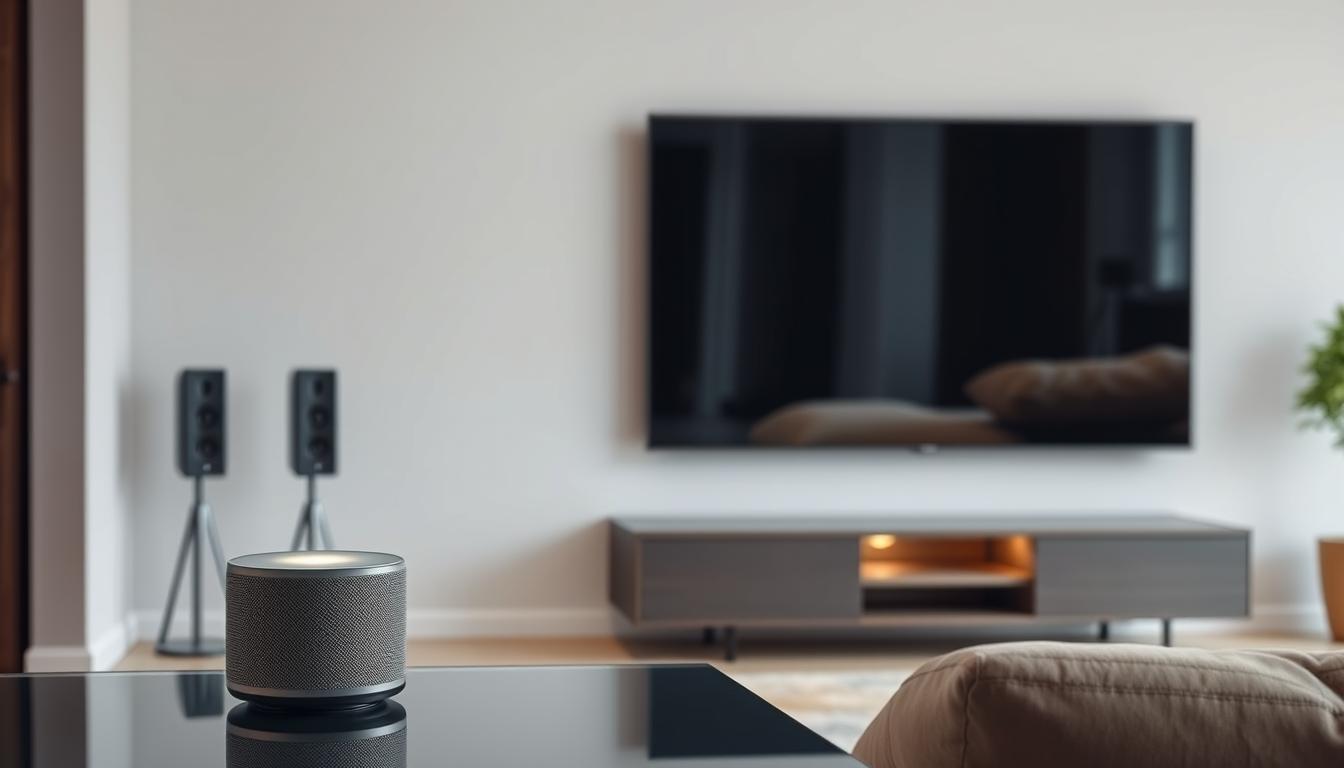
Streamlining your entertainment setup begins with precise voice assistant configuration. Proper installation transforms basic hardware into an intuitive control center, letting you manage media through natural speech.
Installing and Configuring the Voice Assistant
Start by downloading your assistant’s app and linking it to your network. For Samsung TVs and soundbars, connect the device to SmartThings first. Rename components to simple labels like “Main Soundbar” in the app for clearer voice recognition.
Enable platform-specific skills like Alexa’s SmartThings integration through the Skills & Games menu. Discovery modes automatically find compatible gear, though older equipment may need manual pairing. Position microphones at least three feet from speakers to prevent feedback during setup.
Customizing Voice Commands for Your System
Effective commands use direct phrasing. Say “set living room volume to 60%” instead of vague requests. Create multi-action shortcuts like “movie mode” to dim lights and launch streaming services simultaneously.
Test each instruction thoroughly. If “turn up the TV” fails, check device naming in the system settings. Most issues stem from conflicting labels or improper skill activation. Successful configurations reduce remote dependency by 73% according to recent user surveys.
Troubleshooting and Advanced Configuration Tips
Even optimized setups occasionally need fine-tuning. Recognizing common challenges helps maintain seamless control over your entertainment experience.
Resolving Audio Output and Bluetooth Pairing Issues
Voice assistant responses sometimes bypass main speakers. With Google devices, responses only play through their built-in output. This creates disjointed sound when switching between music playback and commands.
Bluetooth problems often stem from competing signals. Move routers or microwaves away from your entertainment system. Update firmware monthly to maintain stable connections between devices and speakers.
Enhancing Performance with Routine Automations
Advanced configurations unlock hands-free efficiency. Echo Dot’s Auto Detect Switch temporarily pauses audio output during interactions. Your movie resumes automatically after Alexa completes responses.
Create multi-action sequences like:
- “Dinner mode” lowers volume and activates kitchen speakers
- “Gaming setup” optimizes latency settings and disables ambient lights
| Device | Audio Output Behavior | Best Use Case |
|---|---|---|
| Google Home Mini | Responses through device only | Single-room casual listening |
| Echo Dot with ADS | System-wide pause/resume | Multi-zone premium setups |
Location-based automations adapt to your schedule. Bedroom speakers can activate morning news while silencing other zones. These options maximize your system’s potential without manual adjustments.
Conclusion
Voice-controlled entertainment systems redefine convenience through hands-free operation. Simple commands manage volume adjustments, input selection, and streaming service navigation without interrupting your viewing experience. This integration eliminates physical clutter while maintaining premium audio quality across wired or wireless setups.
Your choice between Amazon and Google devices impacts connectivity options. The Echo Dot’s 3.5mm output simplifies receiver integration, while Google Home Mini excels in wireless environments. Strategic location planning ensures reliable responses – place devices away from speakers but within clear vocal range.
Professional calibration resolves most recognition challenges, particularly when control Denon receivers or multi-zone configurations. Proper installation balances system responsiveness with room acoustics, creating seamless interactions during movies or music playback.
As voice technology evolves, these setups adapt through firmware updates rather than hardware replacements. Your entertainment space becomes smarter, faster, and more intuitive – all through natural speech patterns.
FAQ
What’s the difference between Alexa and Google Home for home theater use?
Amazon Alexa excels in third-party smart home integrations and offers broader voice command customization. Google Home leverages Google Assistant for superior natural language processing and seamless YouTube Music or Google Podcasts streaming. Both support popular audio systems and receivers.
Which devices are compatible with voice assistants for home theater setups?
Most modern AV receivers, soundbars, and streaming devices like Chromecast or Fire TV work with Alexa and Google Home. Check for HDMI-CEC support or built-in Wi-Fi/Bluetooth. Brands like Sonos, Denon, and Bose often include voice assistant integration.
Where should I place my voice assistant device for optimal performance?
Position your Amazon Echo or Google Nest centrally, 5–8 feet from your audio system. Avoid placing it behind speakers or near walls to minimize audio interference. For multi-room setups, ensure consistent Wi-Fi coverage across zones.
Are wired connections better than wireless for voice assistant integration?
Wired connections via HDMI ARC or optical audio reduce latency and ensure stable audio output. Wireless options like Bluetooth or Wi-Fi offer flexibility but may struggle with sync issues in larger rooms or congested networks.
How do I integrate voice control with a centralized audio system?
Use an HDMI-CEC-compatible receiver or a smart hub like Logitech Harmony. Enable Auto Detect Switch (ADS) to let your system recognize input sources automatically. For multi-zone setups, assign unique room names in the voice assistant app.
How do I choose between Alexa and Google Home for my existing ecosystem?
Prioritize compatibility with your current devices. Alexa pairs well with Ring, Philips Hue, and Samsung SmartThings. Google Home integrates tightly with Nest, Android TVs, and YouTube services. Both support IFTTT for cross-platform automations.
Can I create custom voice commands for my home theater?
Yes. Use Alexa Routines or Google Home Script Editor to design commands like “Movie Night” to dim lights, lower blinds, and power on your receiver. Assign specific phrases to control volume, input sources, or streaming apps.
Why isn’t my voice assistant detecting my audio system?
Ensure your receiver or soundbar is connected to the same Wi-Fi network. Verify HDMI-CEC or Bluetooth pairing is enabled. Restart both devices and update firmware. For persistent issues, try a direct Ethernet connection for your voice assistant.
Can I automate volume adjustments based on content type?
Yes. Use Alexa Guard or Google Home’s ambient sound settings to dynamically adjust audio levels. Pair with smart plugs or IR blasters to trigger presets for movies, music, or gaming via voice commands like “Activate Cinema Mode.”