Did you know that 70% of people feel their home audio system doesn’t deliver the immersive experience they crave? Whether you’re watching a movie, gaming, or listening to music, the right sound setup can make all the difference. That’s where advanced technologies like adaptive sound modes come into play.
These modes automatically adjust audio settings based on the content you’re enjoying. Features like Q-Symphony and SpaceFit Sound Pro ensure your soundbar delivers optimized performance for every type of media. From enhancing dialogue clarity to creating a cinematic atmosphere, these innovations transform your listening experience.
Imagine a model that adapts to your room’s acoustics and your family’s preferences. With technologies like Wireless Dolby Atmos and Active Voice Amplifier, your home audio system becomes more versatile and personalized than ever.
Key Takeaways
- Adaptive sound modes enhance audio quality for movies, music, and gaming.
- Q-Symphony and SpaceFit Sound Pro optimize sound for your room.
- Wireless Dolby Atmos creates a cinematic experience at home.
- Active Voice Amplifier improves dialogue clarity.
- Personalized audio settings cater to your family’s preferences.
Introduction to Adaptive Sound Experiences
Ever wondered how your audio system could adapt to different types of content effortlessly? Adaptive sound modes are designed to enhance your listening experience by automatically adjusting audio settings based on what you’re watching or listening to. Whether it’s a movie, a podcast, or your favorite playlist, these modes ensure optimal performance every time.

What Are Adaptive Sound Modes?
Adaptive sound modes are advanced features that analyze the content you’re consuming and adjust audio output accordingly. For example, they can enhance dialogue clarity during a movie or boost bass for a music track. This ensures a balanced sound that matches the type of media you’re enjoying.
These modes rely on technologies like Dolby Atmos and room correction to create an immersive experience. They take into account factors like room acoustics and speaker placement to deliver the best possible sound quality.
Benefits of Automatic Audio Optimization
One of the biggest advantages of adaptive sound modes is the convenience they offer. You no longer need to manually tweak settings every time you switch between different types of content. This saves time and ensures a seamless listening experience.
Additionally, these modes improve both clarity and immersion. For instance, they can amplify voice frequencies during a dialogue-heavy scene or enhance surround effects during an action sequence. This makes your audio system more versatile and user-friendly.
| Feature | Benefit |
|---|---|
| Automatic Adjustment | Tailors audio to match content type |
| Room Correction | Optimizes sound based on room acoustics |
| Enhanced Clarity | Improves dialogue and voice frequencies |
| Immersive Experience | Creates a cinematic atmosphere |
In the next sections, we’ll dive deeper into how you can optimize these settings for your specific needs. This guide will help you unlock the full potential of your audio system.
Understanding the Basics of Sound Settings
Understanding sound settings is key to unlocking the full potential of your audio setup. Whether you’re watching a movie, listening to music, or gaming, the right configuration can make a world of difference. Let’s dive into the essentials of sound modes and how your room’s acoustics play a role.

Dynamic, Standard, and Expert Sound Modes
Your audio system likely offers multiple sound modes, each tailored for specific needs. Dynamic mode amplifies bass and treble, making it ideal for action-packed movies or energetic music. Standard mode provides a balanced output, perfect for everyday use like TV shows or podcasts.
For those who want full control, Expert mode allows manual adjustments. This mode is great for audiophiles who want to fine-tune frequencies and optimize sound quality for their unique preferences.
How Room Acoustics Affect Sound Quality
Your room’s size, shape, and materials can significantly impact sound performance. Hard surfaces like walls and floors can cause echoes, while soft furnishings absorb sound, creating a more balanced environment.
For example, Samsung soundbars use technologies like SpaceFit Sound Pro to analyze room acoustics and adjust settings accordingly. This ensures optimal sound quality, no matter your room’s layout.
Poor acoustics can lead to muffled voices or uneven bass. By understanding these factors, you can make small changes—like adding rugs or rearranging furniture—to enhance your listening experience.
Leveraging “Adaptive Sound Modes for Every Genre” in Your Setup
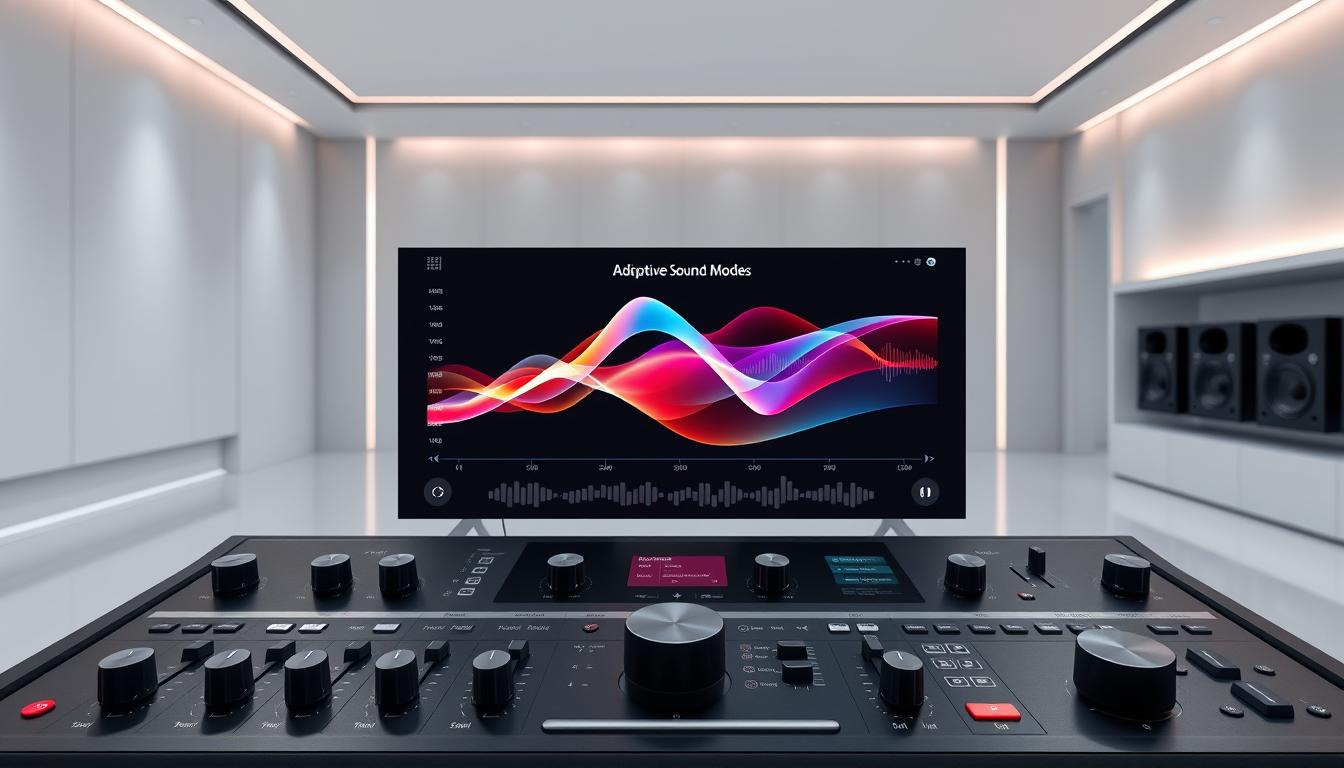
Getting the most out of your audio system means tailoring it to the content you love. Whether you’re watching a movie, listening to music, or gaming, adaptive technologies ensure your setup delivers the best sound quality for every type of media. Let’s explore how these features can elevate your experience.
Optimizing for Movies, Music, and Games
For movies, adaptive modes enhance dialogue clarity and create a cinematic atmosphere. They adjust frequencies to make voices crisp and surround effects immersive. This ensures you catch every word, even during intense action scenes.
When it comes to music, these modes focus on delivering a richer, more balanced sound. They boost bass for deeper lows and refine treble for crystal-clear highs. This makes every track feel dynamic and full-bodied.
Gaming benefits from real-time adjustments that keep you immersed. Adaptive technologies optimize spatial effects, so you hear footsteps or explosions with precision. This gives you a competitive edge and a more engaging experience.
Enhancing Dialogue Clarity and Bass Impact
Dialogue clarity is crucial for movies and TV shows. Adaptive modes amplify voice frequencies, ensuring conversations are easy to follow. This is especially helpful in quieter scenes or when background noise is high.
For music lovers, enhanced bass adds depth and energy to your favorite tracks. These adjustments make genres like hip-hop or EDM feel more powerful, while maintaining a balanced sound across all frequencies.
| Content Type | Adjustments |
|---|---|
| Movies | Enhanced dialogue, cinematic surround effects |
| Music | Richer bass, balanced treble |
| Gaming | Real-time spatial adjustments |
By leveraging these features, you can transform your audio setup into a versatile powerhouse. Whether you’re watching, listening, or gaming, adaptive technologies ensure your experience is always top-notch.
Step-by-Step Guide to Configuring Your Samsung Soundbar
Setting up your Samsung soundbar for the best audio experience is easier than you think. With a few simple steps, you can activate adaptive mode and fine-tune settings to match your preferences. This guide will walk you through the process, ensuring your soundbar delivers optimal performance for every scene.

Activating Adaptive Mode on Your Device
To start, turn on your soundbar and ensure it’s connected to your TV or other audio source. Use the remote control or the SmartThings app to navigate to the settings menu. Look for the mode options and select “Adaptive.” This feature automatically adjusts audio based on the content you’re playing.
If you’re using the SmartThings app, follow these steps:
- Open the app and select your soundbar.
- Tap on “Sound Settings” and choose “Adaptive Mode.”
- Confirm your selection to activate the feature.
Once activated, your soundbar will optimize audio for movies, music, and games without manual adjustments.
Fine-Tuning Audio Settings for Different Scenes
For a more personalized experience, you can fine-tune settings for specific scenes. Navigate to the “Sound Settings” menu and explore options like bass, treble, and voice enhancement. Here’s how to customize for different content:
- Movies: Increase dialogue clarity and surround effects.
- Music: Boost bass for richer lows and refine treble for crisp highs.
- Gaming: Enable spatial adjustments for immersive gameplay.
If you encounter issues, check the user manual or visit Samsung’s support page for troubleshooting tips. Most problems can be resolved by resetting the soundbar or updating its firmware.
| Setting | Recommended Adjustment |
|---|---|
| Bass | Increase for movies and music |
| Treble | Adjust for clarity in dialogue |
| Voice Enhancement | Enable for movies and TV shows |
| Surround Sound | Activate for gaming and action scenes |
By following this guide, you’ll unlock the full potential of your Samsung soundbar. Whether you’re watching, listening, or gaming, these settings ensure a premium audio experience every time.
Integrating Advanced Audio Features
Transform your audio setup with advanced connectivity features that elevate your listening experience. From seamless streaming to hands-free control, these technologies ensure your soundbar delivers optimal performance for every type of content.

Utilizing HDMI eARC, AirPlay, and Chromecast
HDMI eARC is a game-changer for audio delivery. It supports high-resolution formats like Dolby Atmos, ensuring a cinematic experience at home. Simply connect your soundbar to your TV using an HDMI eARC cable for effortless, high-quality audio.
For streaming, Apple AirPlay and Chromecast offer versatile options. AirPlay lets you wirelessly stream music from your Apple devices, while Chromecast supports multi-room audio and app-based control. Both features make it easy to enjoy your favorite playlists or podcasts.
Incorporating Voice Assistant and Streaming Options
Voice assistants like Amazon Alexa and Google Assistant add convenience to your setup. With a simple command, you can adjust volume, switch modes, or play music. This hands-free operation enhances your overall experience.
For example, the Sonos Arc soundbar integrates seamlessly with smart home systems, offering voice control and TruePlay tuning for optimized sound. These features ensure your audio system adapts to your needs effortlessly.
By integrating these advanced technologies, you can create a truly immersive experience that complements your soundbar’s adaptive capabilities. Whether you’re streaming, gaming, or watching movies, these features ensure top-notch performance every time.
Customizing Sound for Your Environment
Your room’s layout plays a crucial role in how you experience audio. Whether you’re listening to music or watching a movie, the size and shape of your space can significantly impact sound quality. By understanding these factors, you can make adjustments that enhance your listening experience.

Adjusting Settings Based on Room Size and Layout
Larger rooms often require more bass to fill the space, while smaller rooms may need adjustments to avoid overwhelming echoes. Adaptive modes analyze your room’s acoustics and automatically tweak settings for optimal performance. This ensures a balanced sound that matches your environment.
For example, placing your speakers in corners can boost bass, while mid-wall placement minimizes sound cancellation. If you’re unsure where to start, try the subwoofer crawl method to find the best spot for your subwoofer.
Here are some practical tips for customizing your setup:
- Use rugs or curtains to absorb echoes in rooms with hard surfaces.
- Position speakers at ear level for clearer voice and dialogue.
- Experiment with different settings to find the right balance for your space.
By fine-tuning your sound setup, you can create an immersive experience tailored to your room’s unique characteristics. Whether you’re enjoying music, movies, or games, these adjustments ensure every note and word comes through with clarity.
Optimizing Additional Audio Components
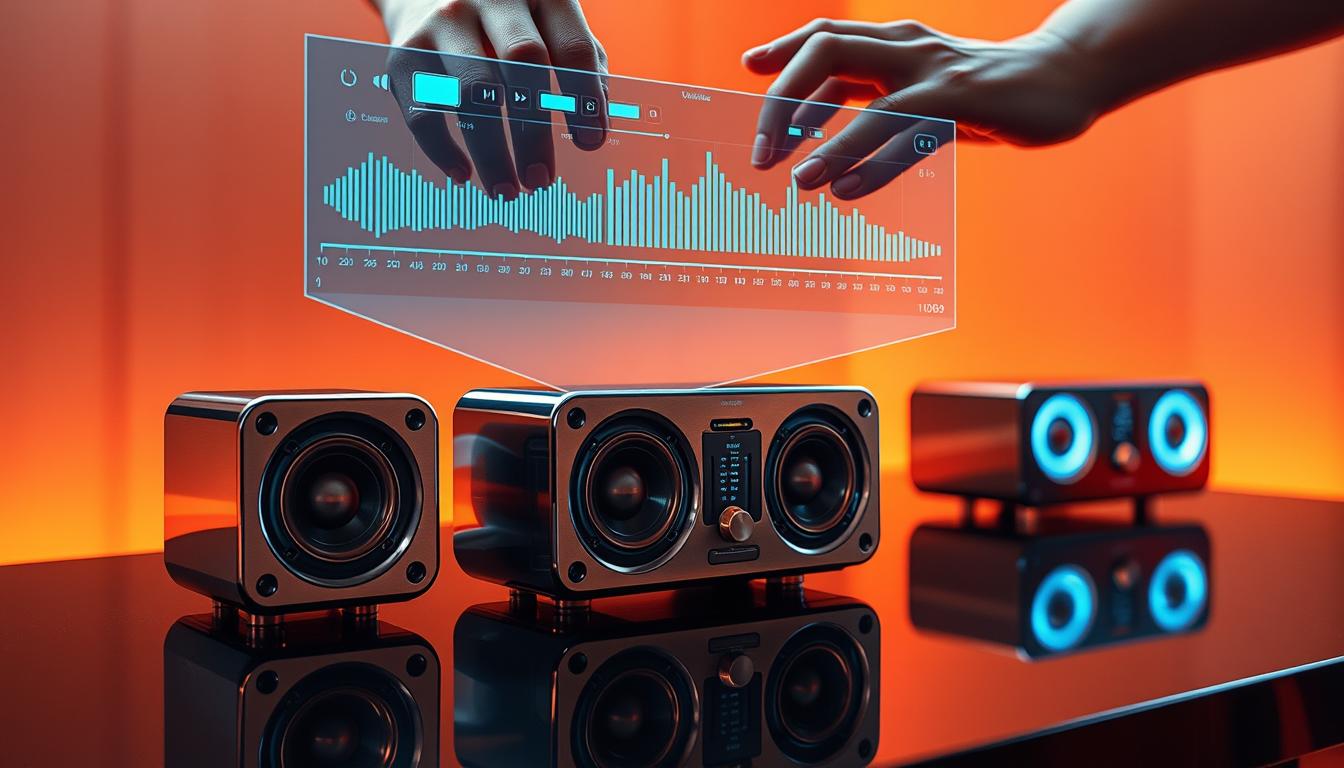
Adding wireless rear speakers and a subwoofer can take your home theater to the next level. These components enhance your sound system, creating a more immersive experience for movies, music, and games. By integrating these features, you can achieve a true surround sound setup that complements your soundbar.
Syncing Wireless Rear Speakers and Subwoofers
Wireless rear speakers add depth to your audio by delivering sound from behind. To sync them with your soundbar, ensure they’re powered on and within range. Use the SmartThings app or your soundbar’s remote to pair them seamlessly. Features like Private Rear Sound allow you to adjust volume levels independently for a personalized experience.
Subwoofers enrich bass frequencies, making action scenes and music tracks more dynamic. Most subwoofers connect automatically to your soundbar via Bluetooth. If pairing issues arise, reset both devices and ensure they’re in pairing mode.
“Integrating additional components like rear speakers and subwoofers transforms your audio setup into a cinematic powerhouse.”
Adjusting Settings for Optimal Performance
Once connected, fine-tune your settings for the best results. Use the SmartThings app to adjust bass, treble, and surround levels. For example, increase bass for movies or lower it for dialogue-heavy shows. Rear speakers can be calibrated to match your room’s environment, ensuring balanced audio distribution.
Here’s a quick guide to optimizing your setup:
- Place rear speakers at ear level for clear, directional sound.
- Position the subwoofer in a corner to amplify bass without distortion.
- Use the app to test and adjust levels for different content types.
| Component | Benefit |
|---|---|
| Wireless Rear Speakers | Enhance surround effects for immersive audio |
| Subwoofer | Adds depth and richness to bass frequencies |
| SmartThings App | Simplifies setting adjustments and calibration |
By optimizing these additional components, you can create a versatile audio system that adapts to your preferences. Whether you’re streaming, gaming, or watching movies, these features ensure a premium experience every time.
Troubleshooting Common Sound Issues
Even the best soundbars can face connectivity and calibration challenges. These issues can affect your sound quality and disrupt your listening experience. Fortunately, most problems have simple solutions that you can implement at home.
Addressing Connectivity and Calibration Problems
One of the most common issues is connectivity. If your soundbar isn’t pairing with your TV or other devices, check the cables and ensure they’re securely connected. For wireless setups, verify that Bluetooth or Wi-Fi is enabled and within range.
Calibration problems often arise from incorrect settings. Use your soundbar’s built-in calibration feature to adjust audio levels based on your room’s acoustics. This ensures balanced frequency distribution and optimal performance.
- Ensure HDMI or optical cables are properly connected.
- Reset Bluetooth connections if pairing fails.
- Run the calibration tool to optimize sound quality.
When to Update Firmware or Reset Settings
Firmware updates can resolve bugs and improve functionality. Check your soundbar’s support page for the latest updates. If issues persist, a factory reset might be necessary. This restores default settings and often fixes persistent problems.
Here’s how to update or reset your device:
- Connect your soundbar to Wi-Fi or use a USB drive for updates.
- Navigate to the settings menu and select “Update Firmware.”
- For a reset, hold the power button for 10 seconds or use the app.
“Regular updates and proper calibration ensure your soundbar delivers the best performance in any environment.”
By addressing these common issues, you can enjoy uninterrupted music, movies, and games. For more detail, refer to your soundbar’s user manual or visit the manufacturer’s support page.
Conclusion
Unlock the full potential of your home audio with advanced technologies. This guide has shown how to optimize your soundbar for movies, music, and gaming. By adjusting settings and integrating additional components, you can achieve a balanced and immersive sound experience.
Whether you’re enhancing dialogue clarity or boosting bass, these tips ensure your audio setup meets your family’s needs. Take the next step and apply the detailed steps provided. Explore advanced settings to further elevate your quality of enjoyment.
With the right model and type of adjustments, your home audio can become a versatile powerhouse. Start today and transform your listening experience into one that’s truly exceptional.
FAQ
What are adaptive sound modes?
Adaptive sound modes are features in devices like Samsung soundbars that automatically adjust audio settings to match the content you’re enjoying. Whether you’re watching a movie, listening to music, or gaming, these modes optimize sound for the best experience.
How do adaptive sound modes improve audio quality?
These modes analyze the audio source and adjust frequencies, bass, and clarity to suit the type of content. This ensures balanced sound, enhanced dialogue, and immersive bass, tailored to your environment.
Can I manually adjust sound settings on my soundbar?
Yes, most soundbars, including Samsung models, allow you to fine-tune settings. You can switch between dynamic, standard, or expert modes, or customize frequencies to match your preferences and room acoustics.
How does room size affect sound quality?
Room size and layout impact how sound travels. Larger rooms may require more bass, while smaller spaces benefit from balanced frequencies. Adaptive modes help adjust settings to suit your environment for optimal audio.
What’s the best way to optimize my soundbar for movies?
Use a dedicated movie mode if available. This setting enhances dialogue clarity and bass impact, creating a cinematic experience. You can also adjust settings manually for a more personalized setup.
How do I activate adaptive mode on my Samsung soundbar?
Navigate to the sound settings on your device and select the adaptive mode option. This feature will automatically optimize audio based on the content you’re streaming or playing.
Can I sync wireless speakers with my soundbar?
Yes, many soundbars support wireless rear speakers and subwoofers. Syncing these components enhances surround sound and bass, creating a more immersive audio experience.
What should I do if my soundbar has connectivity issues?
Check your connections, ensure your firmware is up to date, and reset settings if necessary. If problems persist, consult the user guide or contact customer support for assistance.
How do I use voice assistants with my soundbar?
Many modern soundbars integrate with voice assistants like Alexa or Google Assistant. Enable this feature in the settings to control your soundbar using voice commands for added convenience.
What’s the benefit of using HDMI eARC with my soundbar?
HDMI eARC delivers high-quality audio and supports advanced formats like Dolby Atmos. It ensures seamless streaming and synchronization between your TV and soundbar for a premium audio experience.