

Did you know that 72% of Americans prefer watching movies at home rather than in traditional cinemas? This shift has led to a growing demand for high-quality home theater setups. By integrating advanced technology, you can elevate your viewing experience to a whole new level.
Products like the Samsung Neo QLED 8K TV and Sonos sound systems deliver stunning visuals and immersive audio. Pair these with clean design elements, such as concealed cables and recessed outlets, to create a sleek and functional space. Sales events like Black Friday also offer cost-effective opportunities to upgrade your setup.
With a well-designed system, you can control lighting, sound, and even temperature using simple voice commands. This seamless integration not only enhances convenience but also transforms your living room into a cinematic haven.
Key Takeaways
- Advanced technology can significantly improve your home theater experience.
- Products like Samsung Neo QLED 8K TV and Sonos sound systems deliver top-tier performance.
- Clean design elements, such as concealed cables, enhance the aesthetics of your space.
- Sales events like Black Friday provide cost-effective upgrade opportunities.
- Voice commands simplify control over lighting, sound, and temperature.
Understanding Home Theater Automation
Home theater automation is transforming how we enjoy movies and shows in our living spaces. It integrates advanced technology to control lighting, sound, temperature, and more, all from a single hub or app. This seamless approach eliminates the need for multiple remotes and simplifies your viewing experience.

What is Home Theater Automation?
Home theater automation connects devices like lights, speakers, and thermostats into one user-friendly system. With a smart hub or app, you can adjust settings with just a tap or voice command. For example, Nanoleaf lights can create the perfect ambiance, while Sonos systems deliver immersive surround sound.
Key Benefits for Your Viewing Experience
Automation offers several advantages:
- Convenience: Control everything from one place, whether it’s dimming lights or adjusting the thermostat.
- Customization: Set presets for movie nights, gaming sessions, or sports events.
- Enhanced Experience: Smart lighting and audio systems adapt to your preferences, creating a cinematic atmosphere.
“Automation turns your living room into a personalized movie theater, where every detail is tailored to your needs.”
With lighting control, you can reduce glare and set the mood for any content. Voice assistants like Google Home or Amazon Echo make it even easier to manage your setup. This technology not only saves time but also elevates your home entertainment to new heights.
Planning Your Smart Home Theater Setup
Creating a smart home theater requires careful planning to ensure every detail enhances your viewing experience. Start by evaluating your space and identifying the devices that will bring your vision to life. A well-thought-out setup not only improves functionality but also ensures long-term satisfaction.

Assessing Your Space and Device Needs
Begin by measuring your room and understanding its layout. Consider factors like screen size, seating arrangement, and acoustics. For example, a projector might be ideal for larger spaces, while a high-resolution TV works better in smaller rooms.
Next, determine which devices are essential. A home theater typically includes a TV or projector, speakers, and lighting. Smart plugs and hubs can add convenience by allowing you to control everything from one app or voice command.
Budgeting for Technology and Future Upgrades
Budgeting is crucial for building a high-quality system. Start with core components like a 4K TV or projector and a surround sound system. Allocate funds for future upgrades, such as adding smart lighting or expanding your speaker setup.
Consider long-term costs like maintenance and energy usage. For example, projector bulbs may need replacement every 2,000 to 4,000 hours. Choose devices that integrate with popular ecosystems like Google Home or Alexa for seamless control.
| Device | Key Features | Cost Range |
|---|---|---|
| 4K TV | High resolution, HDR support | $500-$2,000 |
| Projector | Large screen size, cinematic feel | $800-$3,000 |
| Surround Sound System | Immersive audio, Dolby Atmos | $300-$1,500 |
| Smart Hub | Voice control, app integration | $50-$200 |
For more tips on selecting the right accessories, check out this ultimate home theater checklist. It covers everything from cables to seating arrangements, ensuring your setup is both functional and stylish.
Automating Your Theatre with Smart Devices
Seamless integration of devices can elevate your home entertainment to new heights. The right technology ensures every movie night feels like a premiere. Start by choosing compatible devices and following a structured setup process.

Selecting Compatible Smart Devices
Begin by ensuring your devices work with your existing network. For example, Samsung TVs and Sonos speakers often integrate effortlessly with popular ecosystems like Google Home or Alexa. Check for compatibility with your smart home hub to avoid connectivity issues.
Consider devices like Flic buttons, which can trigger multiple routines at once. This simplifies control and enhances your user experience. Always verify the power requirements and features of each device to ensure they meet your needs.
Step-by-Step Device Integration Process
Start by mounting your TV or projector using hardware like the Sanus wall mount. Conceal cables with solutions like the Echogear outlet for a clean, professional look. Follow the manufacturer’s instructions carefully to avoid mistakes.
Next, connect your devices to your smart home system. Use apps like Home Assistant to automate tasks, such as turning on your projector and dimming the lights with a single command. Test each component to ensure they communicate effectively.
“A well-integrated system transforms your room into a cinematic haven, where every detail is tailored to your preferences.”
Finally, test your setup thoroughly. Ensure your lighting, sound, and video devices work seamlessly together. This step ensures a smooth and enjoyable movie experience every time.
Integrating Smart Lighting and Audio Systems
Transform your viewing space with smart lighting and audio systems that adapt to your preferences. These technologies work together to create a cinematic atmosphere, enhancing every movie night. Whether you’re watching a blockbuster or streaming a series, the right setup can make all the difference.

Smart Lighting Control and Ambiance Effects
Smart lighting plays a key role in setting the perfect mood. Systems like the Nanoleaf 4D sync with your screen, adjusting colors and brightness to match the content. This dynamic feature enhances visual appeal and immerses you in the story.
With lighting control, you can dim lights during intense scenes or brighten them for casual viewing. Apps like Philips Hue or Govee let you customize settings with ease. This level of personalization ensures your room always feels just right.
Enhancing Surround Sound for Immersive Experiences
Audio systems are equally important for creating an immersive experience. The Sonos Arc paired with Era speakers delivers crisp, clear sound that fills your space. Adding a Sub 4 enhances bass, making explosions and music feel more powerful.
Positioning your speakers correctly is crucial. Place them away from walls to improve clarity by up to 30%. Use smartphone apps to balance audio levels and create custom soundscapes that match your preferences.
| Audio Product | Key Features | Best For |
|---|---|---|
| Sonos Arc | Dolby Atmos, voice control | Immersive surround sound |
| Era Speakers | High-fidelity audio, compact design | Multi-room setups |
| Sub 4 | Deep bass, wireless connectivity | Enhancing low frequencies |
Combining smart lighting and audio systems elevates your entertainment setup. With the right technology, you can enjoy a personalized, immersive experience every time you press play.
Utilizing Voice Commands and App Controls
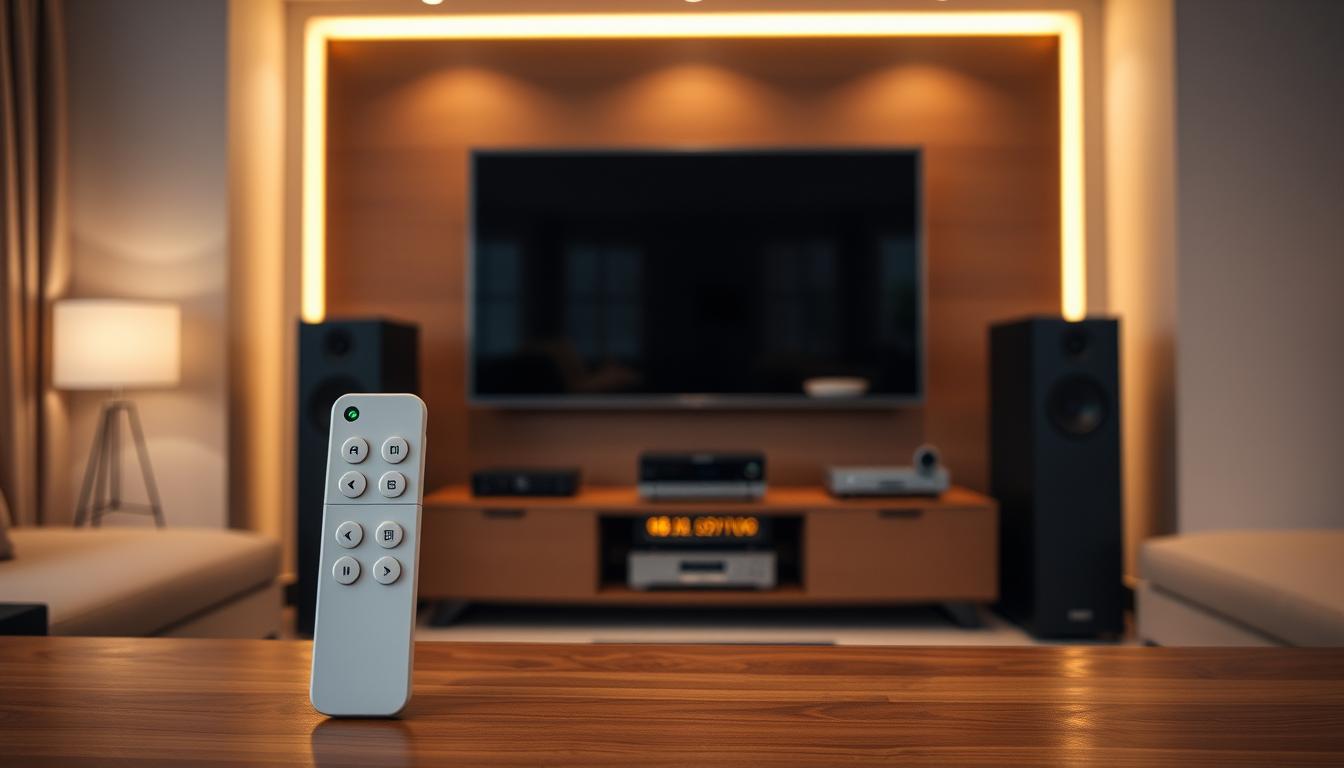
Voice commands and app controls are revolutionizing how you manage your home theater setup. These tools simplify your viewing experience by allowing hands-free control over lighting, sound, and temperature. With just a few words or taps, you can transform your room into a cinematic haven.
Setting Up Voice Assistants and Smart Hubs
Start by choosing a compatible voice assistant like Amazon Alexa or Apple HomeKit. These systems integrate seamlessly with smart home hubs, enabling centralized control. Follow the setup instructions provided by the manufacturer to connect your devices.
Once connected, you can use voice commands to adjust settings. For example, say, “Alexa, dim the lights,” or “Hey Siri, play the movie.” This hands-free approach enhances convenience and ensures a smooth experience.
Customizing Routines and Automation Scenes
Automation scenes let you create presets for different activities. For instance, a “movie mode” can dim the lights, lower the blinds, and start the projector with a single command. Use apps like Google Home or SmartThings to set up these routines.
Customization extends to audio and temperature settings. You can adjust the sound system or thermostat to match your preferences. This level of personalization ensures every detail is tailored to your needs.
| Voice Assistant | Key Features | Compatibility |
|---|---|---|
| Amazon Alexa | Routines, multi-device control | Works with most smart hubs |
| Apple HomeKit | Secure, Siri integration | Best for Apple ecosystem |
| Google Assistant | Multi-language support, app control | Wide range of devices |
Managing your home theater through voice commands and apps is both efficient and user-friendly. These tools not only save time but also elevate your entertainment experience to new heights.
Maximizing Efficiency with Smart Plugs and Automation
Smart plugs are a game-changer for managing your home theater setup efficiently. These devices turn regular outlets into remotely controlled power sources, giving you the ability to manage your room with ease. Whether you’re adjusting lights, fans, or other electronics, smart plugs simplify your control automation.
Choosing the Right Smart Plugs for Your Setup
When selecting smart plugs, consider compatibility, size, and energy monitoring features. For example, the Kasa Smart Plug HS103P4 works seamlessly with Alexa and Google Assistant, offering real-time energy tracking. The Amazon Smart Plug is another great option, known for its compact design and easy setup.
Here are key factors to keep in mind:
- Compatibility: Ensure the plug works with your smart home ecosystem.
- Size: Choose a plug that fits your outlet without blocking adjacent sockets.
- Energy Monitoring: Opt for plugs that track power usage to help reduce waste.
Integrating Energy Monitoring and Security Features
Smart plugs with energy monitoring provide insights into your power consumption. This feature helps identify devices that consume energy even when not in use, saving you money in the long run. For instance, the TP-Link HS300 Kasa Smart Wi-Fi Power Strip monitors energy use for up to six devices individually.
Automation also enhances security. You can schedule devices to turn on and off, creating the illusion that someone is home. This thing is particularly useful when you’re away, adding an extra layer of protection to your home.
“Smart plugs not only simplify your life but also contribute to a more energy-efficient and secure home theater setup.”
By integrating these devices into your system, you can manage multiple devices simultaneously, ensuring a seamless and efficient way to enjoy your entertainment space.
Conclusion
A well-designed home theater setup offers both convenience and a cinematic feel right in your living room. By integrating advanced systems, you can simplify control over lighting, sound, and temperature, creating a seamless experience. This not only enhances your viewing but also improves energy efficiency, saving you money in the long run.
From planning to implementation, the process involves selecting compatible devices, setting up automation, and customizing routines. Modern technology trends, like voice commands and app-based control, make it easier than ever to manage your home entertainment space. These tools ensure every detail is tailored to your preferences.
Take advantage of available deals and start upgrading your home theater today. A well-integrated setup not only boosts functionality but also adds aesthetic appeal, transforming your space into a true cinematic haven.
FAQ
What is home theater automation?
Home theater automation involves using smart devices to control lighting, sound, temperature, and other features in your entertainment space. It enhances convenience and creates a more immersive movie experience.
What are the key benefits of automating my home theater?
Automation improves convenience, energy efficiency, and ambiance. You can control devices with voice commands or apps, customize lighting effects, and optimize sound quality for a seamless viewing experience.
How do I assess my space and device needs for a smart home theater?
Start by evaluating your room size, existing equipment, and desired features. Consider smart speakers, lighting systems, and compatible devices like Google Home or Amazon Alexa for a cohesive setup.
What should I budget for a smart home theater setup?
Costs vary based on device quality and features. Plan for smart plugs, lighting control systems, and audio upgrades. Allocate extra funds for future technology enhancements.
How do I select compatible smart devices for my home theater?
Choose devices that integrate with your existing network and voice assistants. Look for products with user-friendly apps and features like energy monitoring or security integration.
Can I control my home theater with voice commands?
Yes, voice assistants like Google Assistant or Amazon Alexa allow you to control lighting, sound, and other devices. Set up routines for specific commands like “movie mode” to streamline your experience.
How do smart plugs enhance my home theater setup?
Smart plugs let you control power to devices like projectors or fans remotely. They also offer energy monitoring and scheduling features to improve efficiency and convenience.
What are the best ways to customize lighting for my home theater?
Use smart bulbs or LED strips to create ambiance effects. Sync lighting with your content or set scenes for different viewing moods using apps or voice commands.
How can I improve surround sound in my smart home theater?
Invest in high-quality speakers and a soundbar compatible with your system. Use automation to adjust audio settings based on the content you’re watching for an immersive experience.
What are the steps to integrate smart devices into my home theater?
Start by connecting devices to your network hub. Use apps to configure settings, create automation routines, and test voice commands for seamless control.
