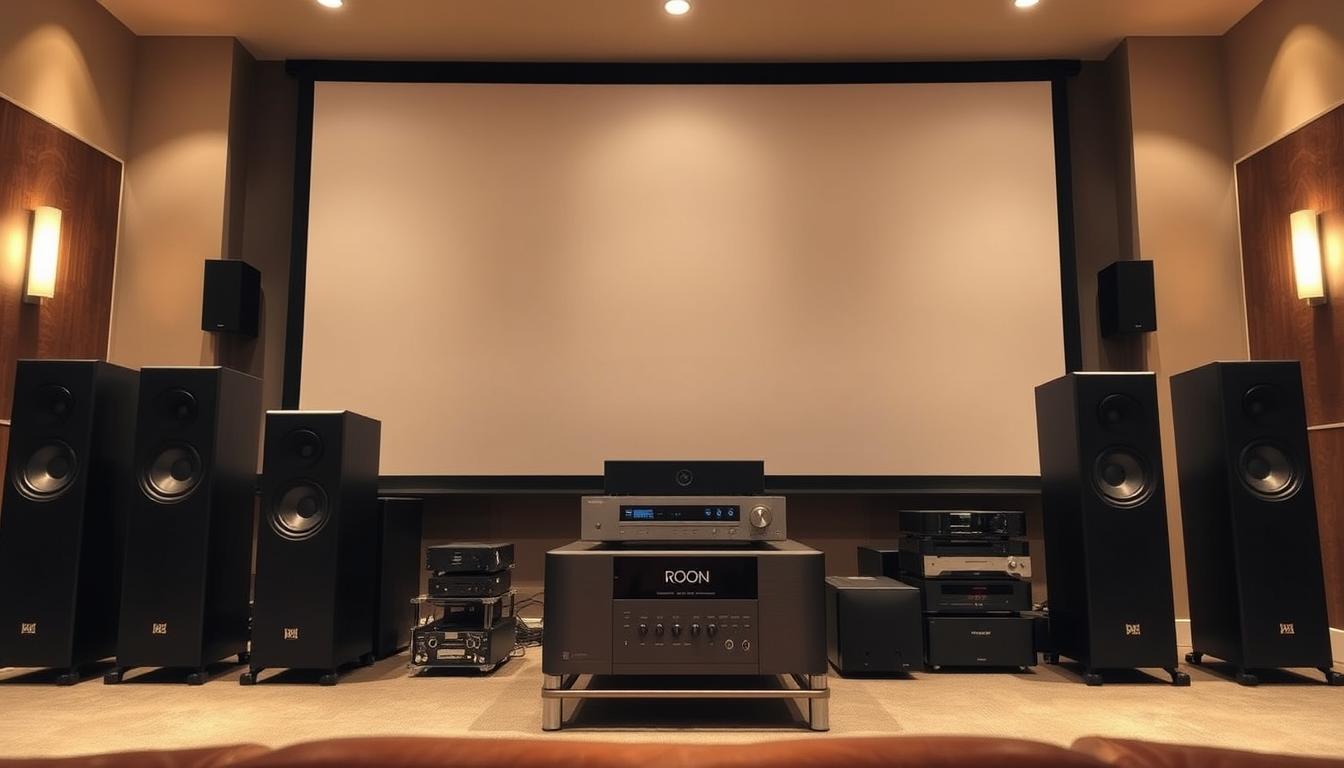

A single Roon system can coordinate up to 32 audio devices simultaneously—more than most professional orchestras have musicians. This precision transforms ordinary listening into a cinematic experience, blending high-resolution audio with intuitive control. Imagine your entire music library, streaming services, and speakers working in perfect harmony, no matter where they’re placed.
Roon’s architecture acts like a conductor, organizing every detail of your soundscape. Its three-part ecosystem—server, control devices, and audio gear—ensures flawless synchronization between rooms. You’ll hear crisp dialogue, rich bass, and subtle details that standard streaming platforms often miss.
What sets this platform apart? It doesn’t just play music—it curates it. Advanced metadata turns albums into interactive journeys, while room correction tailors sound to your space. Whether you’re hosting a party or enjoying a quiet night, every note adapts to your environment.
For audiophiles, Roon bridges the gap between stereo purism and modern surround sound. It unlocks the full potential of existing equipment, eliminating the need for costly upgrades. The result? A seamless blend of convenience and audiophile-grade performance.
Key Takeaways
- Roon synchronizes multiple devices effortlessly, creating a unified audio experience.
- Its three-part architecture ensures precision and clarity across all speakers.
- Advanced features like room correction optimize sound for any space.
- Rich metadata transforms music discovery into an interactive adventure.
- Compatible with existing gear, reducing the need for expensive upgrades.
Introduction to Roon and its Role in Home Audio
Born from the minds of engineers who shaped financial trading systems, Roon reimagines music discovery through a lens of precision. Its roots trace back to 2005 with the Sooloos server—a luxury audio product later refined under Meridian Audio. Today, it’s a subscription platform that turns music libraries into interactive archives, blending high-resolution playback with editorial depth.

The software revives the ritual of vinyl listening digitally. Album artwork fills your screen while lyrics scroll like liner notes. Artist biographies and song credits appear instantly, creating a tactile connection often lost in modern streaming services. This approach transforms passive listening into an engaged audio experience.
Roon’s architecture inherits reliability from its financial tech origins. It manages 50,000+ track libraries and multi-room setups without glitches—critical for audiophiles demanding sound quality. Unlike basic platforms, it maps connections between composers, producers, and performers, revealing hidden patterns in your collection.
Flexible pricing ($14.99/month to $829 lifetime) makes professional-grade management accessible. Regular updates refine features like streaming device integration, ensuring compatibility with existing gear. The system evolves without requiring new hardware—a cost-effective solution for enhancing home audio setups.
Core Components of a Roon System
Three pillars form the foundation of every high-performance setup: the server, controllers, and playback gear. These components work like instruments in an orchestra – each playing distinct roles while maintaining perfect harmony across your entire audio network.

Roon Server: Your Digital Conductor
This central hub organizes your entire music collection like a librarian with perfect memory. It catalogs files from local storage and streaming services, then routes signals to compatible devices. The server handles heavy lifting – managing metadata, applying room correction, and synchronizing playback across zones.
Your existing network infrastructure becomes the backbone. Wired Ethernet connections ensure flawless data flow, while Wi-Fi offers flexibility for portable controllers. The server adapts to your setup whether you’re using a NAS drive or cloud storage.
Control Devices: Unlocking Access to Your Music
Tablets and smartphones transform into control surfaces with Roon’s intuitive interface. Swipe through album art as large as vinyl sleeves or queue tracks from different rooms. Desktop apps provide advanced features like DSP settings for audiophiles.
Every screen size receives optimized layouts. Lyrics scroll in real-time during playback, while artist biographies add context to your listening sessions. The same system commands whether you’re adjusting volume from bed or selecting playlists in the kitchen.
Compatibility spans iOS, Android, Windows, and macOS. Your preferred device becomes the universal remote for all audio equipment – no infrared beams required.
Setting Up Your Roon Server for a Home Theater Experience
Transforming your living space into a premium audio hub begins with choosing the right server foundation. Two paths dominate this landscape: repurposing everyday tech or investing in specialized hardware. Both approaches prioritize performance while adapting to your space and budget.

Using Your Existing Computer
Start by installing Roon Server on your Mac or Windows machine. The one-click setup eliminates complex configurations—ideal for first-time users. Your computer becomes a temporary command center, streaming music while evaluating long-term needs.
Keep the device powered on continuously for uninterrupted access. This approach lets you test features like multi-room sync without hardware investments. Just ensure your network handles consistent data flow between devices.
Exploring Purpose-Built Solutions
Upgrade to dedicated servers when ready. The Nucleus series offers plug-and-play reliability:
- Nucleus One: Budget-friendly entry with pro-grade specs
- Nucleus Titan: Handles 50,000+ tracks across 10+ zones
Tech enthusiasts can build custom units using ROCK’s free OS. For NAS integration, QNAP and Synology models add storage flexibility. These system upgrades minimize troubleshooting while maximizing audio fidelity.
Every option scales with your setup. Whether using spare laptops or enterprise-grade servers, your home audio network remains future-proof.
Essential Guide: How to Use Roon with Your Home Theater Setup
Modern entertainment spaces demand equipment that bridges stereo purity and cinematic immersion. High-end AV processors like the Marantz AV10 redefine possibilities, merging 15.4-channel processing with precision room correction. These units act as your central hub, channeling Roon’s capabilities through every speaker.
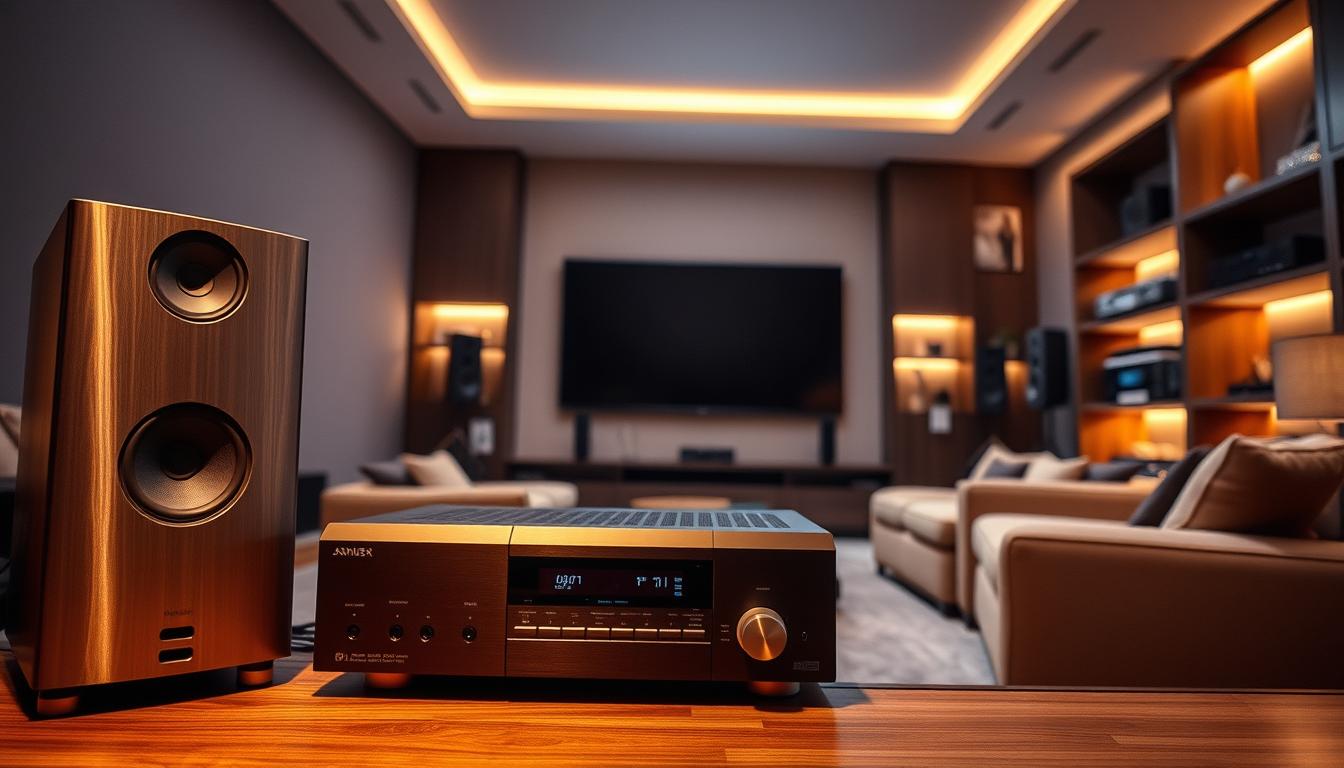
Your theater’s hidden sonic potential emerges when Roon interacts with advanced bass management systems. Four independent subwoofer outputs and parametric EQ settings optimize low-frequency response automatically. This synergy transforms challenging room acoustics into balanced listening environments.
Roon’s intelligence shines when switching between formats. Play a stereo track, and your front channels deliver audiophile-grade clarity. Start a multi-channel file, and the platform reroutes audio without manual adjustments. This flexibility preserves detail in music while maintaining explosive dynamics for films.
Zone configurations become effortless. Designate your primary seating area for lossless albums while streaming podcasts to kitchen speakers—all controlled through one interface. Volume levels stay synchronized across rooms, avoiding abrupt volume jumps when moving between spaces.
The platform’s metadata elevates movie nights. Lyrics and artist bios appear on-screen during concert films, while credits highlight composers as end titles roll. This layer of context turns passive viewing into engaged discovery, uniting your audio passions under one ecosystem.
Integrating Audio Gear and Roon Ready Devices
Building a cohesive audio network starts with understanding Roon’s device classifications. Two categories dominate: Roon Ready and Roon Tested. These labels determine how your components interact with the ecosystem.

Understanding Roon Ready and Tested Devices
Roon Ready devices connect directly via Ethernet or Wi-Fi. They auto-discover your network and handle formats up to 768kHz PCM. Multi-room synchronization works flawlessly across these products.
Roon Tested gear usually connects through USB or Bluetooth. These devices lack volume control but still play high-resolution files. They’re ideal for secondary zones or portable listening.
Maximizing Compatibility with Home Audio Gear
Premium speakers from brands like KEF or Bowers & Wilkins often include Roon Ready certification. Mid-range audio gear typically uses Tested status. Both types appear in Roon’s interface once connected.
Mix components freely. A Roon Ready streamer can feed a Tested USB DAC. Wireless speakers via AirPlay coexist with HDMI-connected receivers. The system unifies control despite varying protocols.
| Feature | Roon Ready | Roon Tested |
|---|---|---|
| Auto-Discovery | Yes | Manual Setup |
| Max Resolution | 768kHz/DSD512 | 384kHz/DSD256 |
| Volume Control | Integrated | Device Only |
| Multi-Room Sync | Perfect | Limited |
Your existing audio equipment likely works through at least one connection method. Chromecast-enabled devices and Sonos speakers integrate smoothly. Even car systems with Bluetooth become part of the network.
Optimizing Audio Processing and Room Correction
Transform your listening environment through precision adjustments. Advanced audio processing tools bridge the gap between technical specs and human perception, adapting outputs to your space’s unique acoustics.
Fine-Tuning Your Sound with EQ and Bass Management
Dial in frequencies like a studio engineer. Built-in parametric EQ lets you target problem ranges—trim boomy 100Hz zones or boost clarity at 3kHz. Crossover settings ensure speakers and subs share duties seamlessly.
Bass management becomes effortless with visual tools. Align phase relationships between multiple subs using delay compensation. Watch real-time response graphs as you adjust crossover points from 40Hz to 160Hz.
Implementing Room Correction Strategies
Modern systems like Dirac Live analyze room anomalies through nine measurement points. They create correction filters tackling standing waves and reflection issues. Results? Tighter imaging and balanced response across seats.
Combine physical treatments with digital fixes. Acoustic panels address first-reflection points while DSP neutralizes low-frequency buildup. This dual approach elevates sound quality beyond either method alone.
- Parametric EQ sculpts problem frequencies without affecting surrounding ranges
- Multi-subwoofer calibration ensures even bass distribution
- Hybrid correction merges acoustic treatments with DSP adjustments
Leveraging Multi-Room and Streaming Capabilities
Your home becomes a symphony of sound with Roon’s multi-room mastery. Whether hosting gatherings or enjoying solitude, the system adapts to your lifestyle. Stream different playlists to separate areas or unify every speaker for immersive playback.
Orchestrating Audio Across Spaces
Roon Ready devices maintain perfect synchronization, even across mixed brands. Play jazz in the kitchen while classical music fills the study—all controlled through one interface. Group AirPlay speakers for synchronized streaming, though they operate independently from Roon Ready gear.
Adjust volume per room or create unified levels house-wide. The network handles complex routing automatically, ensuring crisp audio without delays. Bass-heavy tracks in the living room won’t overpower dialogue-focused content elsewhere.
Enhance your setup by setting up a high-quality DAC for refined signal conversion. This complements Roon’s streaming precision, especially in rooms demanding audiophile-grade playback. Your home audio ecosystem evolves effortlessly as you add new zones or upgrade components.
FAQ
Can Roon enhance my existing surround sound system?
Yes. Roon integrates with audio-video receivers and processors from brands like Anthem and Arcam. It supports multi-channel formats while maintaining metadata-rich music browsing. Use its DSP tools to optimize bass management and room correction for immersive listening.
Do I need specialized equipment to run Roon Server?
Not necessarily. You can repurpose a Windows/Mac computer or invest in dedicated devices like Nucleus by Roon Labs. Purpose-built solutions minimize background processes for smoother streaming and better audio quality.
How does Roon handle multi-room audio synchronization?
Roon’s “Zones” feature lets you group speakers from Sonos, Bluesound, or other Roon Ready devices. Adjust latency settings to ensure seamless playback across rooms, even with mixed wired and wireless setups.
What’s the difference between Roon Ready and Roon Tested devices?
Roon Ready devices like DACs from dCS or network players from NAD have native integration. Tested devices, such as many AV receivers, work via AirPlay or Chromecast but lack full endpoint control. Prioritize Ready devices for advanced features.
Can I use Roon’s EQ with my home theater subwoofers?
Absolutely. Roon’s parametric EQ and crossover tools let you fine-tune subwoofer output. Pair this with room correction software like Dirac Live on compatible processors for precise bass alignment.
Does Roon support high-resolution audio formats for home theater?
Yes. Roon streams up to 32-bit/768kHz PCM and DSD512. It works with lossless formats like FLAC and MQA, ensuring your Dolby Atmos or DTS:X music libraries maintain studio-grade quality.
How do I control volume across different audio gear in Roon?
Enable “Volume Leveling” in settings for consistent playback. For systems with preamps or processors like Marantz, use Roon’s device-specific volume controls or bypass them for direct DAC management.
Can I integrate streaming services into my Roon home theater setup?
Yes. Roon supports Tidal, Qobuz, and Apple Music (via AirPlay). Sync these services with your local library for unified browsing, and apply DSP enhancements to all sources.