Did you know that 95% of speakers perform better when paired with a subwoofer? Setting up a home theater system can feel overwhelming, especially with the maze of cables, wires, and ports involved. The receiver is the heart of your setup, powering every speaker and ensuring seamless sound delivery.
From HDMI to optical audio, each connection plays a vital role in creating an immersive experience. This guide breaks down the process, making it easy to understand even for beginners. Whether you’re setting up a 5.1 or 7.1 system, we’ll walk you through every step.
Key Takeaways
- The receiver is the central hub of your home theater setup.
- Proper labeling and handling of wires ensure a smooth process.
- HDMI and optical audio are common connection types.
- Calibration tools like Audyssey enhance sound quality.
- High-quality cables support 4K and HDR content.
Introduction to Home Theater Systems
Modern home theater systems have evolved significantly, offering immersive experiences like never before. From streaming devices to gaming consoles, these setups integrate seamlessly with today’s technology. Whether you’re watching movies, playing games, or listening to music, a well-designed system can transform your living space into a cinematic haven.
Understanding the Role of an AV Receiver
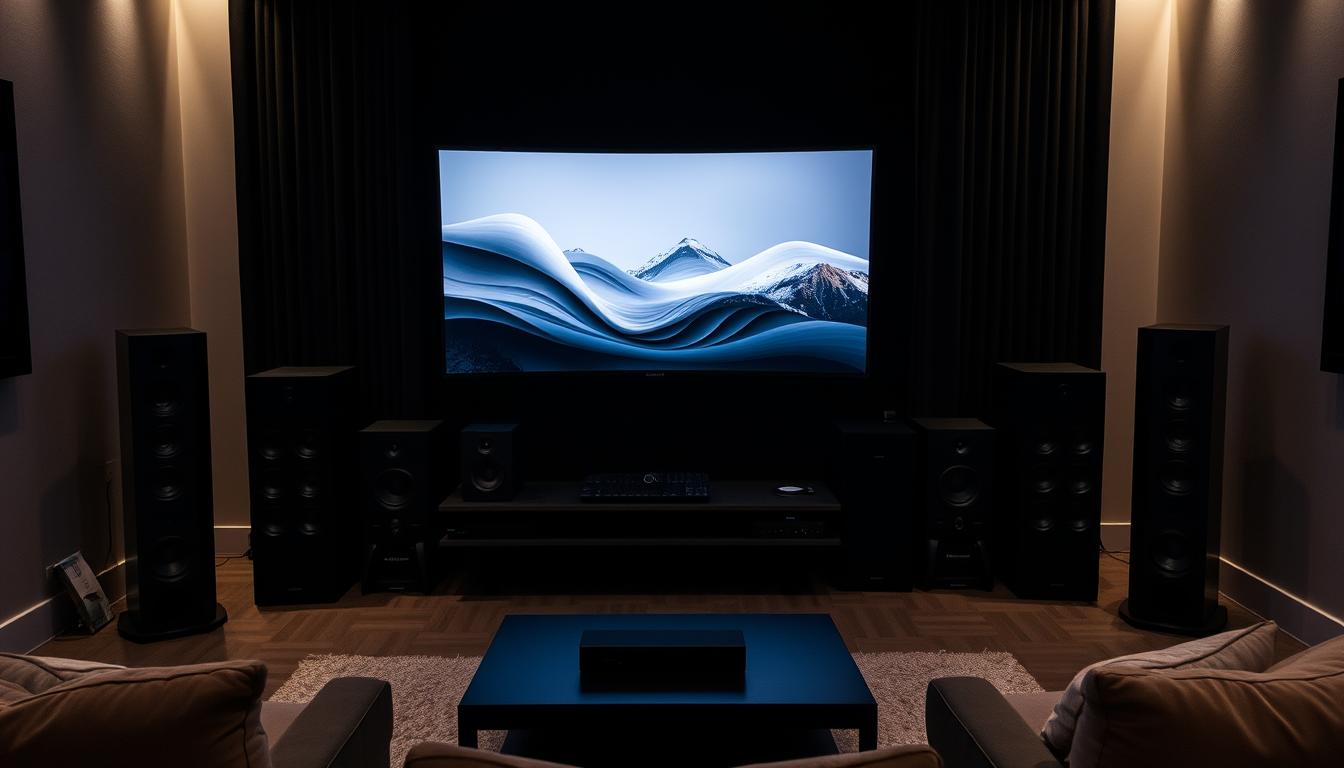
The AV receiver is the central hub of your home theater. It manages multiple inputs and outputs, ensuring smooth audio and video delivery. This device powers your speakers, processes signals, and connects to various sources like TVs, game consoles, and streaming devices.
Modern receivers come with advanced features like room correction and HDMI 2.1 support. These enhancements ensure optimal performance, even in challenging room layouts. With the right receiver, you can enjoy crystal-clear sound and stunning visuals.
The Benefits of a Surround Sound Setup
A surround sound system elevates your audio experience by creating a 360-degree soundscape. This setup uses multiple speakers placed around the room to deliver immersive audio. Whether it’s the roar of an explosion or the subtle rustle of leaves, every detail comes to life.
Here’s a quick comparison of common speaker configurations:
| Configuration | Speakers | Best For |
|---|---|---|
| 2.1 | 2 speakers + subwoofer | Small rooms, basic setups |
| 5.1 | 5 speakers + subwoofer | Mid-sized rooms, movies |
| 7.1 | 7 speakers + subwoofer | Large rooms, immersive gaming |
Proper cable management and labeling are essential for a streamlined setup. Using high-quality speaker wire ensures reliable connections and minimizes signal loss. With the right components and setup, your home theater will deliver an unmatched entertainment experience.
Understanding AV Receivers and Surround Sound Components
The heart of any home theater setup lies in its components and how they work together. From the receiver to the speakers, each piece plays a vital role in delivering an immersive experience. Let’s break down the essentials to help you make informed decisions.

What is an AV Receiver?
An AV receiver is the central hub of your home theater. It processes audio and video signals, powers your speakers, and connects to various sources like TVs and gaming consoles. Modern models, like the Marantz SR7011, support advanced features such as room correction and HDMI 2.1.
This device ensures seamless sound delivery and supports formats like Dolby Atmos and DTS:X. Its ability to decode these formats enhances the spatial dimension of audio, making your setup truly immersive.
Overview of Speaker, Subwoofer, and Cable Types
Your sound system relies on the right combination of speakers and subwoofers. Common configurations include 5.1 and 7.1 setups, which use multiple speakers and a subwoofer to create a 360-degree soundscape.
Matching your speakers to your receiver is crucial. Ensure their impedance and power ratings align for optimal performance. High-quality speaker wire and HDMI cables also play a key role in maintaining signal integrity.
Here’s a quick look at common components:
- Speakers: Front, center, surround, and ceiling models for immersive audio.
- Subwoofer: Enhances low-frequency effects for deeper bass.
- Cables: HDMI for video and audio, speaker wire for connections.
Understanding these basics ensures a smooth setup and maximizes your home theater experience.
Behind the Ports on Your AV Receiver
The back of your AV receiver is a hub of connectivity, each port serving a unique purpose. Understanding these connections ensures your home theater system operates at its best. From audio and video inputs to network capabilities, every port plays a critical role.

Audio Connections and Their Functions
Audio ports are essential for delivering crisp sound to your speakers. Speaker connectors, often labeled by channel, ensure proper wiring for front, center, and surround speakers. Digital audio inputs, like optical and coaxial, support devices such as Blu-ray players and TVs.
For analog devices, RCA jacks provide a reliable connection. The subwoofer output enhances bass performance, while less common ports like the Signal GND prevent humming in turntables. Knowing these details ensures seamless audio integration.
Exploring Video and Network Connectivity
HDMI ports are the backbone of modern video connections. They support 4K and HDR content, with some receivers offering multiple outputs for TVs and projectors. Component video ports, using three separate cables, cater to older devices.
Network connectivity includes Bluetooth, WiFi, and Ethernet ports. These allow streaming and firmware updates, enhancing your home theater experience. Advanced features like RS-232C and IR flasher ports enable custom automation and remote control.
Always refer to your receiver’s manual for exact port configurations. This ensures optimal performance and avoids setup errors.
How to Connect an AV Receiver to Surround Sound Speakers
Setting up your home theater involves precise wiring and connections to ensure optimal performance. This guide walks you through the process, from stripping speaker wire to connecting digital devices. Follow these steps to create a seamless sound system that enhances your viewing experience.
Step-by-Step Wiring Process
Start by turning off all devices to ensure safety. Strip the ends of your speaker wire to expose the conductors. Connect the red wire to the positive terminal and the black wire to the negative terminal on each speaker and receiver. This ensures accurate polarity and prevents phase issues.
Next, connect your subwoofer using an RCA cable. Plug one end into the subwoofer output on the receiver and the other into the input on the subwoofer. For digital devices like a PlayStation 4 or Blu-ray player, use HDMI cables to connect them to the receiver.

Practical Example Setup for Your Home Theater
Let’s take the Marantz SR7011 as an example. Begin by wiring the front left and right speakers, followed by the center and surround speakers. Ensure each connection is secure and labeled for easy identification. Connect the subwoofer using an RCA cable and link your TV to the receiver via HDMI.
Once all connections are made, power on your devices and test each speaker individually. Verify that the audio is clear and balanced. Use the receiver’s calibration tools, like Audyssey, to optimize sound settings for your room.
| Component | Connection Type | Notes |
|---|---|---|
| Front Speakers | Speaker Wire | Red to positive, black to negative |
| Subwoofer | RCA Cable | Connect to subwoofer output |
| TV | HDMI | Supports 4K and HDR |
| Game Console | HDMI | Ensure proper input selection |
Proper labeling and testing are crucial for a smooth setup. Avoid common mistakes like mismatched polarity or loose connections. With these steps, your home theater will deliver an immersive audio experience.
Essential Wiring and Cable Setup for Home Theater
Proper wiring and cable management are the backbone of any high-performing home theater system. Choosing the right components and tools ensures a hassle-free installation and optimal performance. This section covers everything from selecting high-quality cables to connecting your speakers and subwoofer.
Choosing the Right Cables and Tools
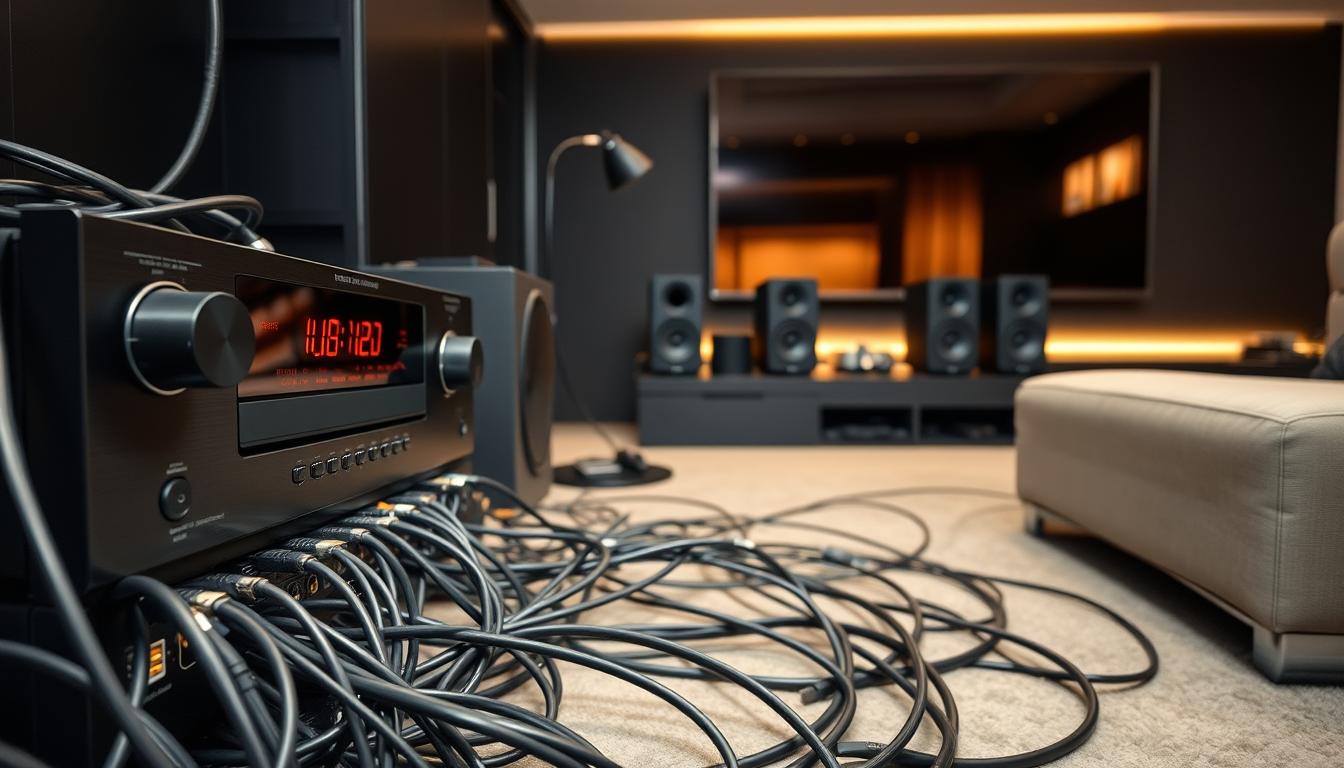
Start by selecting high-quality speaker wire with the appropriate gauge. For most setups, 12-18 AWG wires work best. Longer cables can cause signal loss, so keep them under 50 feet to minimize interference. Label each wire for front, center, and surround speakers to avoid confusion during setup.
Tools like wire strippers and crimp connectors are essential for secure connections. Shielded cables are recommended when routing multiple wires to prevent electromagnetic interference. Avoid twisting wires together, as this can distort the audio signal.
Connecting Speakers, Subwoofers, and Component Devices
Begin by connecting your speakers to the receiver. Match the positive and negative terminals correctly to ensure proper polarity. Use RCA cables to link the subwoofer to the receiver’s subwoofer output. This enhances low-frequency effects for a richer sound experience.
For devices like TVs and gaming consoles, HDMI cables are ideal. They support high-definition video and audio signals, ensuring seamless integration. Always verify compatibility with your receiver’s ports to avoid connection issues.
Proper cable management is crucial. Route wires along walls or ceilings to prevent damage and maintain a clean setup. For a more organized system, consider using cable ties or conduits. These steps not only improve performance but also make future adjustments easier.
For additional tips on integrating devices like streaming players, check out our guide on streaming device setup.
Calibration, Testing, and Troubleshooting Your System
Achieving the perfect audio-visual balance in your home theater requires careful calibration and testing. This ensures your speakers and receiver work harmoniously, delivering an immersive experience. Proper setup minimizes issues like audio delays and enhances overall performance.
Setting Up A/V Sync for Perfect Audio
Audio delays can ruin your viewing experience. To fix this, adjust the A/V sync settings on your receiver. Most models have a dedicated menu for this. Align the audio with the video by fine-tuning the delay in milliseconds. This ensures dialogue matches lip movements perfectly.
For advanced setups, use a test pattern or calibration disc. These tools help you identify and correct delays accurately. If issues persist, check your HDMI cables and connections. Faulty cables can cause syncing problems.
Calibrating Your Receiver Using Built-In Tools
Modern receivers come with built-in calibration tools. These systems use a microphone to measure your room’s acoustics. Place the microphone at your primary listening position and follow the on-screen instructions. The tool adjusts speaker levels, distances, and crossover frequencies automatically.
For optimal results, set your speakers to a volume level of 75 dB during calibration. This ensures uniform sound output. Room correction systems can significantly improve audio quality by addressing frequency issues caused by room acoustics.
Common Mistakes and How to Avoid Them
Miswiring or incorrect cable connections can affect performance. Always double-check your speaker wire connections. Ensure the positive and negative terminals match correctly. Labeling wires during setup can prevent confusion.
Another common mistake is ignoring the user manual. Each receiver has unique settings and features. Refer to the manual for specific instructions. Regular recalibration is also recommended, especially after major changes in room layout or speaker positions.
| Common Mistake | Solution |
|---|---|
| Miswiring speakers | Label wires and match terminals correctly |
| Ignoring A/V sync | Adjust sync settings using the receiver’s menu |
| Overlooking room acoustics | Use built-in calibration tools for room correction |
| Using faulty cables | Replace damaged HDMI or speaker wires |
Proper calibration is the final step for achieving a truly immersive home theater experience. Test each speaker individually and verify overall system performance. Adjust subwoofer levels and digital settings for optimum audio balance. With these steps, your setup will deliver unmatched sound quality.
Conclusion
Creating a seamless home theater experience starts with proper setup and attention to detail. By following this guide, you’ve learned how to connect your speakers and receiver efficiently. Proper wire management and labeling ensure a clean and reliable system.
Calibration and testing are essential for achieving flawless sound. Use built-in tools to optimize your setup for your room’s acoustics. This step ensures every speaker delivers balanced audio, enhancing your viewing experience.
Refer back to each section if you encounter challenges. Following expert advice saves time and ensures long-term reliability. With solid connections and careful setup, your home theater will provide immersive entertainment for years to come.
Now, sit back, relax, and enjoy your enhanced system. Your perfect cinematic experience is just a play button away.
FAQ
What is the purpose of an AV receiver in a home theater system?
An AV receiver acts as the central hub for your home theater, processing audio and video signals. It powers your speakers, manages inputs from devices like game consoles or Blu-ray players, and ensures seamless sound distribution for a surround sound experience.
Which cables are essential for connecting speakers to an AV receiver?
Speaker wire is the primary cable for connecting speakers to an AV receiver. For subwoofers, an RCA cable is often used. HDMI cables are also crucial for transmitting high-quality audio and video signals between your receiver and devices like TVs or gaming consoles.
How do I set up a surround sound system in my room?
Start by placing your speakers in their designated positions, such as front, center, rear, and side channels. Connect each speaker to the corresponding terminal on your AV receiver using speaker wire. Use the receiver’s built-in calibration tools to optimize sound levels for your room.
What are the common mistakes to avoid when setting up a home theater system?
Avoid mismatching speaker wire connections, incorrect input/output settings, and poor placement of speakers. Always double-check labels on terminals and ensure your receiver’s firmware is updated for optimal performance.
How do I calibrate my AV receiver for the best audio experience?
Most modern AV receivers come with built-in calibration tools. Use these to adjust speaker levels, distances, and sound balance. You can also use a sound level meter or a calibration app for more precise adjustments.
Can I connect a game console to my AV receiver?
Yes, connect your game console to the AV receiver using an HDMI cable. This ensures both audio and video signals are processed through the receiver, enhancing your gaming experience with surround sound.
What is the difference between a stereo and a surround sound system?
A stereo system uses two channels (left and right) for audio, while a surround sound system uses multiple channels (front, center, rear, and subwoofer) to create an immersive audio experience. Surround sound is ideal for home theater setups.
How do I troubleshoot no sound from my speakers?
Check the speaker wire connections, ensure the correct input source is selected on the receiver, and verify the volume level. If the issue persists, test the speakers with another device or consult the receiver’s manual for further troubleshooting steps.