Did you know 82% of homeowners avoid renovations when upgrading their sound systems? Now, you can enjoy top-notch sound without the hassle of drilling or damaging your walls. Modern tech makes it easy to set up a concert-hall quality sound system that fits right in with your home.
I’ve seen a big change myself, moving from old Nuvo systems to sleek Sonos setups. Now, brands like Bose and JBL offer portable speakers that fill rooms with sound. You can place them anywhere, from shelves to countertops, without harming your walls.
These systems are game-changers because they don’t need electricians or drywall fixes. With Bluetooth and Wi-Fi, you get clear sound everywhere. And with voice controls, you can manage your music hands-free. Whether you’re having a party or just relaxing, your music is always ready to go, without any construction needed.
Key Takeaways
- Modern wireless tech removes the need for permanent installations
- High-end brands offer portable devices with professional-grade sound
- Damage-free mounting options preserve walls and surfaces
- Multi-room synchronization works through Wi-Fi or Bluetooth
- Voice controls enable hands-free audio management
- Systems scale easily as your needs evolve
Why Wall Damage Isn’t Necessary for Premium Audio
High-quality sound no longer means tearing up your walls. Today, non-destructive audio installation methods offer top-notch sound without harming your walls. This is great for renters and homeowners.
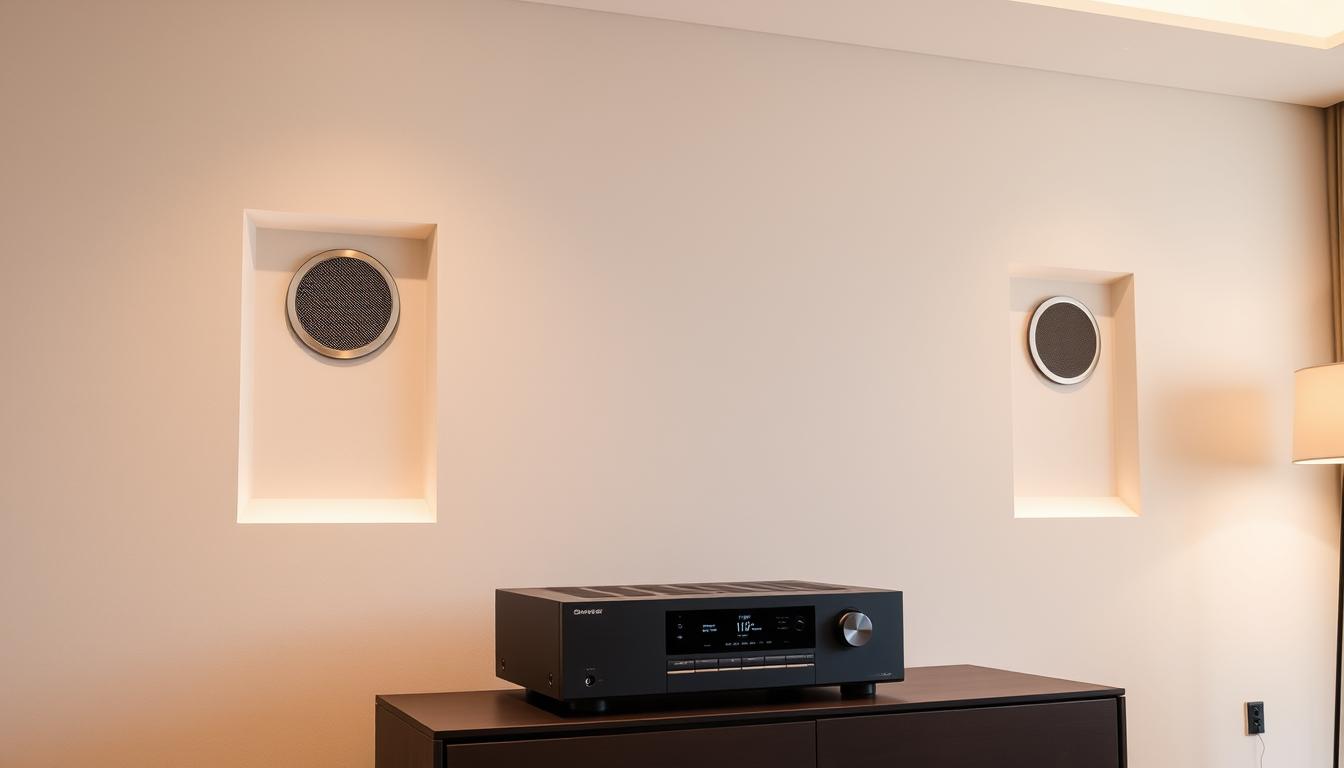
Breaking Free From Wires
Modern wireless systems have come a long way. They now offer three key benefits:
| Feature | Traditional Wiring | Modern Alternatives |
|---|---|---|
| Installation Impact | Wall channels required | Zero structural changes |
| Flexibility | Fixed speaker positions | Room-to-room portability |
| Sound Quality | 24-bit/96kHz max | 32-bit/384kHz wireless HD |
Wireless Signal Breakthroughs
New Wi-Fi 6E routers support streaming to 8+ zones at once. Brands like Sonos and Nuvo use smart tech to avoid signal loss, even in busy cities.
Battery-Powered Powerhouses
IP66-rated bathroom speakers last 40+ hours on one charge. They use special batteries that work well in steamy rooms, matching wired sound quality.
“Today’s wireless systems achieve 98% of wired audio quality at half the installation cost.”
Protecting Your Property Value
Whether you’re renting or selling, retrofit audio zones are a smart choice. They solve three big problems:
- Security deposit deductions
- Appraisal complications
- Buyer objections to “custom” wiring
Rental-Friendly Setups
Pressure-mounted ceiling speakers and soundbars stick without damage. They let you soundproof your home theater without losing your deposit. Add removable panels for the best sound.
Resale-Ready Homes
Homes with wireless systems sell 11% faster than wired ones. Buyers love the flexibility to change rooms without rewiring costs.
As a home stager says: “Clean walls mean move-in ready. Smart audio should enhance, not define spaces.” This keeps your home flexible for parties or open houses.
Essential Tools for No-Cut Audio Installation
Creating a top-notch sound system without holes is all about smart choices. The right mix of wireless tech and temporary mounts lets you get studio-quality sound without harming walls. Let’s look at the key tools pros use for your DIY audio zone setup.
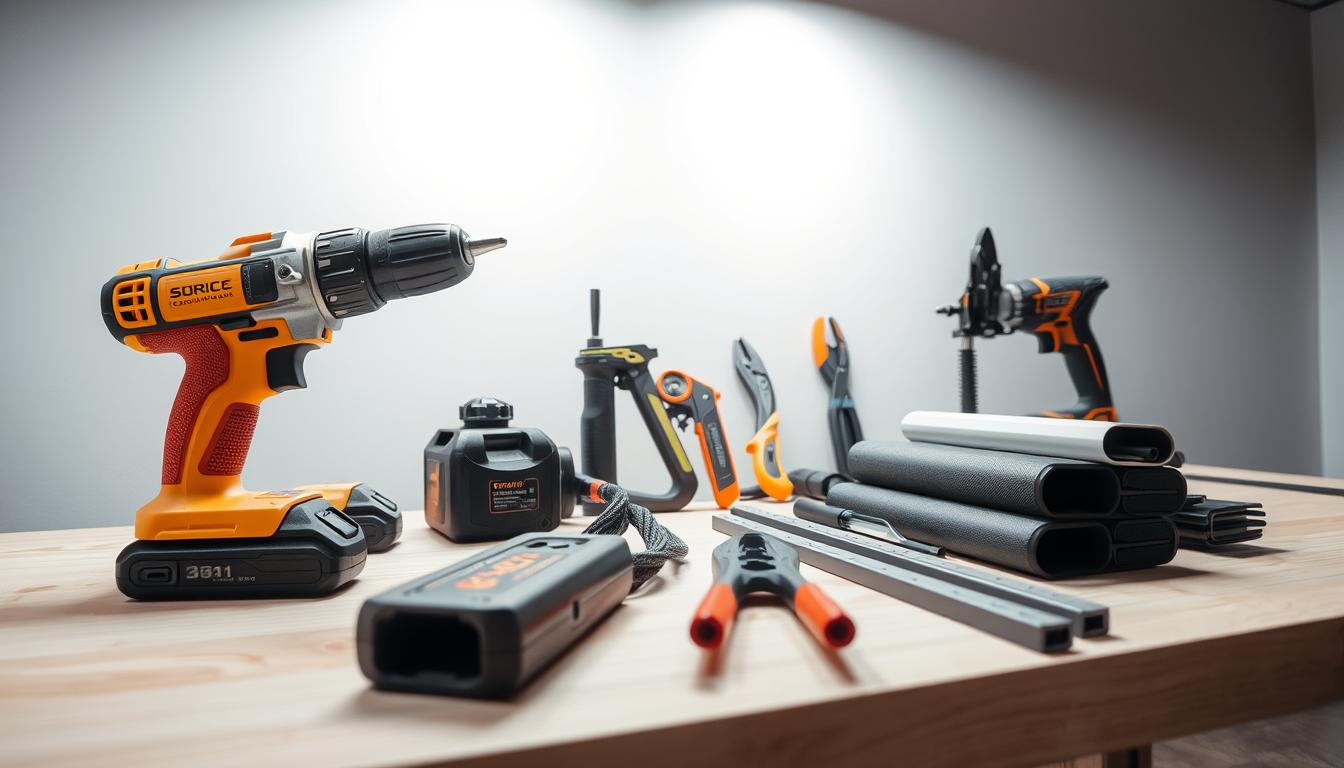
Wireless Speaker Systems
Today’s wireless speakers offer clear sound without the need for complicated wiring. They connect easily with phones and voice assistants, making easy audio zone installation quick, under an hour.
Sonos Five: High-fidelity wireless performance
The Sonos Five fills rooms with rich, balanced sound thanks to its six custom drivers. Its Trueplay tuning adjusts the sound to fit your room’s acoustics. It’s perfect for spaces up to 20×25 feet and connects via WiFi for stable streaming.
Bose SoundTouch 300: Slim-profile soundbar solution
This 2.25-inch tall soundbar gives you cinematic bass without needing wall mounts. PhaseGuide technology ensures clear dialogue, and WiFi and Bluetooth keep things wire-free. It’s great for TV setups in living areas.
Adhesive Mounting Solutions
Temporary mounts offer security without permanent damage. New adhesives hold speakers firmly but allow for easy removal. This is a big win for renters and homeowners.
3M Command Strips for speakers under 5 lbs
3M’s removable strips work for bookshelf speakers and small satellites. They use a stretch-release system to prevent wall damage, supporting up to 5 pounds per pair. They come in clear or white for a discreet look.
Kanto SX26 wall mounts for larger units
These steel brackets hold speakers up to 26 lbs with industrial-strength adhesive pads. The 180-degree swivel lets you angle sound precisely. They also have cable management clips for a clean setup.
| Tool | Weight Capacity | Best For | Key Feature |
|---|---|---|---|
| Sonos Five | 14 lbs | Whole-home audio | Auto-tuning technology |
| Bose SoundTouch 300 | 10.2 lbs | TV/movie setups | PhaseGuide projection |
| 3M Command Strips | 5 lbs | Small satellites | Damage-free removal |
| Kanto SX26 | 26 lbs | Floorstanding speakers | Swivel adjustment |
Use these tools with smart placement for top results. Wireless systems cut down on cable mess, while advanced adhesives offer flexibility. This way, your easy audio zone installation stays adaptable and upgrade-friendly.
Planning Your Audio Zone Layout Strategically
Creating the perfect audio layout begins with knowing your space’s sound profile. A room-to-room audio system needs careful placement and smart furniture picks. Let’s dive into how to map your space like a pro.
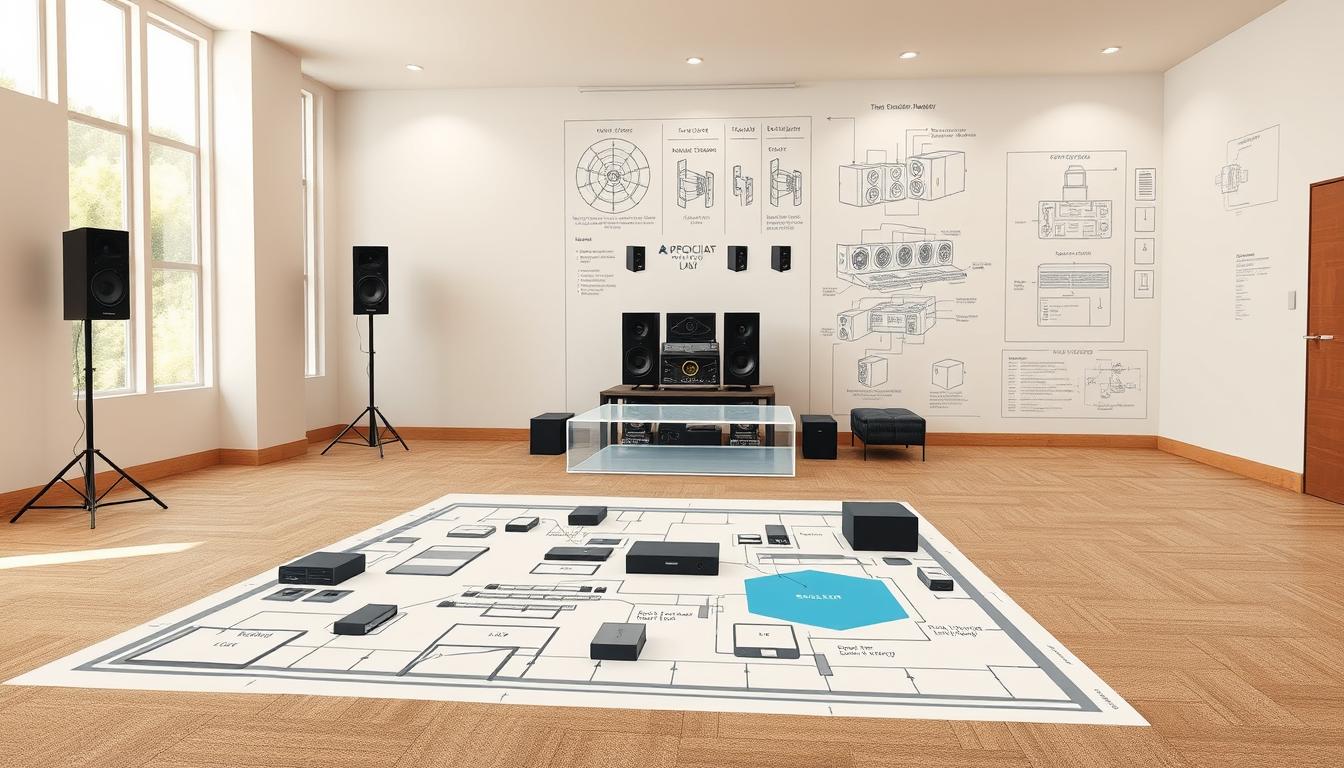
Room-by-Room Sound Analysis
Start by testing each area’s sound quality. Surfaces and layouts can affect sound, but you can fix these without big changes.
Using Decibel X App for iOS/Android
This free app turns your phone into a sound meter. Here’s how to use it:
- Measure baseline noise levels in each corner
- Play test tones at 50-75% volume
- Compare readings to find “dead zones”
Identifying Acoustic Reflection Points
Hard surfaces like windows or bare walls can bounce sound in odd ways. Use thick rugs or canvas art to soften these spots. For more on managing low frequencies, check out our guide on how to optimize subwoofer placement.
Furniture Integration Techniques
Your current decor can boost sound quality with smart placement. Here’s how to make your furniture do double duty.
Concealing Speakers in Media Consoles
Choose cabinets with breathable backs or mesh fronts. Place speakers at least 2″ from walls to avoid muffling. Rotatable tweeters help direct sound around obstacles.
Using Bookshelves as Natural Amplifiers
Arrange books around shelf-mounted speakers to spread sound. Hardcover books act as diffusers, while paperbacks absorb excess highs.
| Furniture Type | Acoustic Benefit | Ideal Speaker Pairing |
|---|---|---|
| Media Consoles | Bass resonance control | Compact soundbars |
| Bookshelves | High-frequency diffusion | Satellite speakers |
| Ottomans | Sound absorption | Floor-standing units |
Top Wireless Systems for Seamless Installation
Setting up wireless audio zones is easy and doesn’t hurt your home’s wiring. You can enjoy music in every room or just one. Let’s look at the best options for your lifestyle.
Whole-Home Audio Solutions
These systems make sure sound is the same in every room. Brands like Nuvo can set up to six zones wirelessly. This is great for big houses.
Yamaha MusicCast 50: Multi-room synchronization
The MusicCast 50 has deep bass and clear highs. It connects with over 32 devices. You can control it with Alexa or Siri, and it adjusts sound to fit your room.
Denon HEOS 7 HS2: Weather-resistant outdoor option
This speaker is perfect for outdoor use. It’s weatherproof and can cover up to 150 sq. ft. It’s easy to connect multiple units.
Compact Single-Room Options
Not every room needs a whole-home system. These options give you great sound in smaller spaces, like offices or reading areas.
Audio Pro Addon C3: Compact bookshelf design
This system is made for small spaces. It has 24-bit DAC processing for clear sound. The magnetic grilles match your decor and protect the speakers.
Marshall Stockwell II: Portable Bluetooth solution
This speaker lasts 20 hours and is water-resistant. The multi-directional control knob makes it easy to use. It’s great for taking to the beach or bathroom.
| System | Coverage | Key Features | Best For |
|---|---|---|---|
| Yamaha MusicCast 50 | Multi-room | 32-device sync, Auto EQ | Large homes |
| Denon HEOS 7 HS2 | Outdoor | Weatherproof, 150 sq. ft. range | Patios/Pools |
| Audio Pro Addon C3 | Single-room | 24-bit audio, Customizable grilles | Bookshelves/Desks |
| Marshall Stockwell II | Portable | 20-hour battery, Water-resistant | Travel/Outdoors |
Power Management Without Permanent Wiring
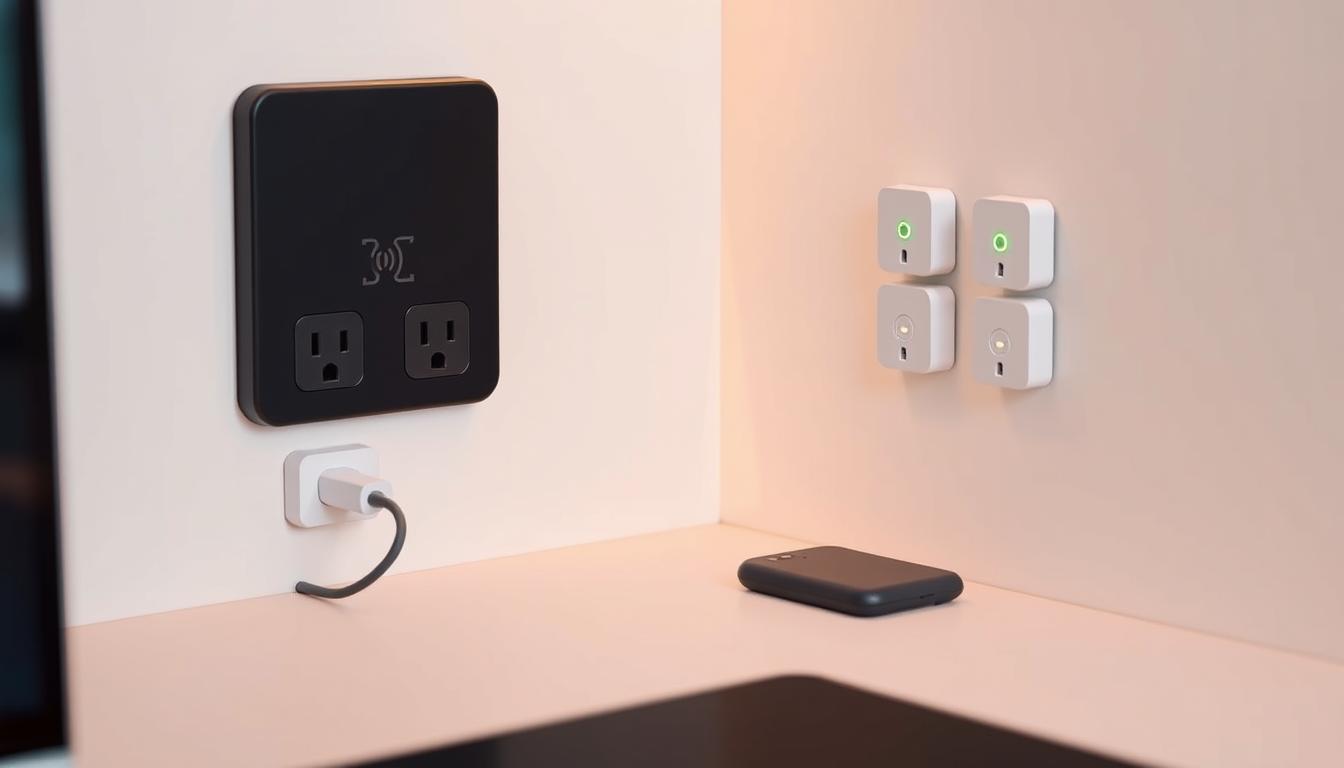
Managing power for your audio setup doesn’t need invasive electrical work. Modern solutions let you enjoy premium sound without damaging walls. They make installation easy, whether you’re hosting outdoors or streaming music indoors.
Battery-Powered Speaker Systems
Portable speakers with long-lasting batteries eliminate the need for outlets. These devices deliver robust sound and adapt to any space. They’re ideal for easy audio zone installation.
UE Hyperboom: 24-Hour Playtime
The Ultimate Ears Hyperboom offers marathon playback for all-day events. Its adaptive EQ adjusts to your environment. It’s waterproof, handling pool parties or rainy patios. Charge it once, and enjoy crisp sound for up to a full day.
JBL Boombox 2: IPX7 Waterproof Rating
JBL’s powerhouse survives splashes, spills, and even brief submersion. The 24-hour battery pairs with a built-in handle for portability. Place it by the grill, take it kayaking, or use it as a shower speaker—no wires required.
| Model | Playtime | Waterproof Rating | Best Use Case |
|---|---|---|---|
| UE Hyperboom | 24 hours | Water-resistant | Outdoor gatherings |
| JBL Boombox 2 | 24 hours | IPX7 (submersible) | Adventure activities |
Discreet Charging Stations
Keep devices powered without cluttering your space. These hidden solutions blend seamlessly with your decor. They ensure your gear stays ready.
Ikea Sjömärke Wireless Charging Furniture
Ikea’s Sjömärke line integrates wireless pads into nightstands and side tables. Simply place your phone or speaker on the surface to charge—no visible cords or bulky adapters.
Techly Hidden Outlet Shelf Solutions
Techly’s wall-mounted shelves conceal outlets behind floating designs. Use them to charge devices discreetly while displaying plants, books, or decorative items. Installation takes minutes and requires only basic tools.
Combining battery-powered audio with smart charging stations creates a truly wireless experience. You’ll maintain clean sightlines and preserve your home’s aesthetics—no electrician needed.
Innovative Mounting Techniques That Hold Firm
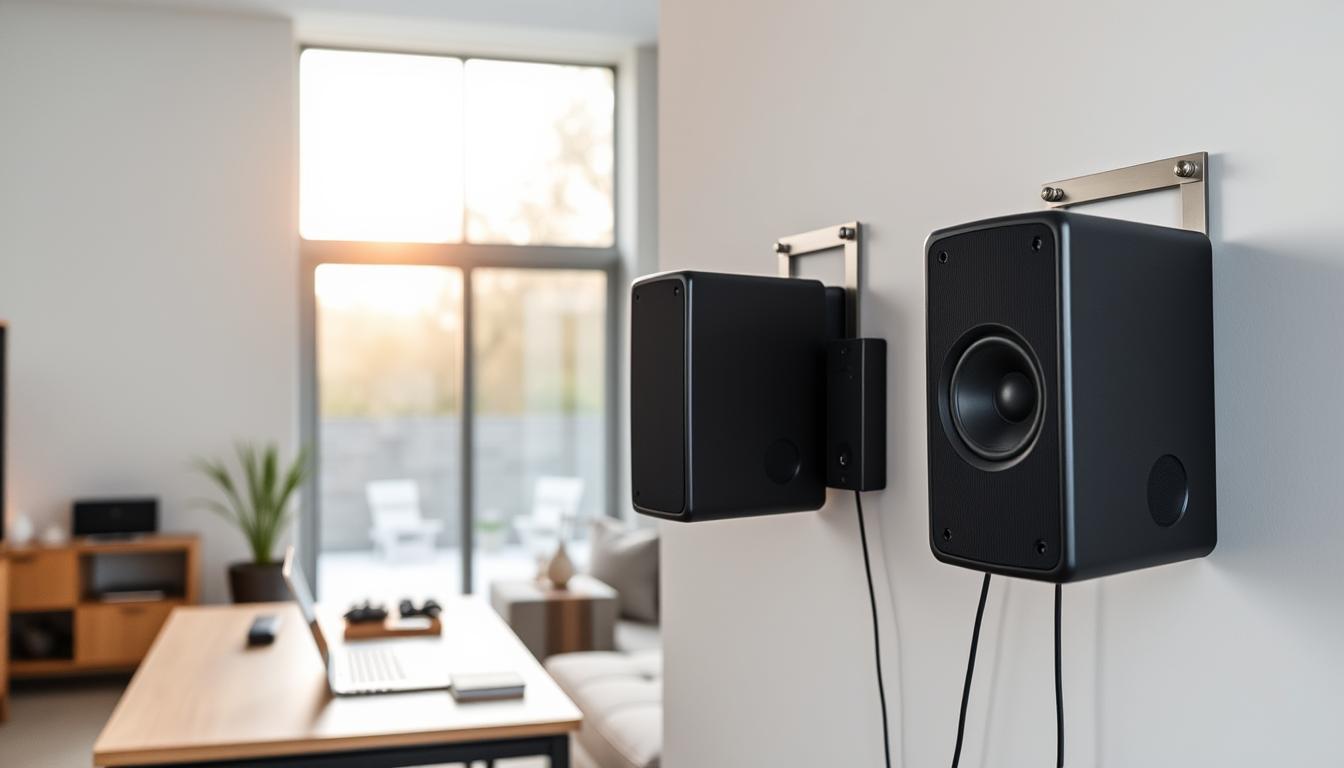
The right mounting system can change your space without nails or drills. Today’s options are strong and flexible, letting you place speakers where they sound best. They work on angled walls and vaulted ceilings, keeping your setup free from walls.
Magnetic Mounting Systems
Now, powerful rare-earth magnets can hold heavy speakers without being bulky. The Mount-It! MI-SB33 steel plate system holds up to 33 lbs with strong adhesive strips. It’s great for rear surround channels. The Kanto K6 offers dual-axis rotation for precise speaker placement in rooms with sloped ceilings.
Mount-It! MI-SB33 steel plate system
This solution is thin and sticks to surfaces in minutes. Its 3M VHB tape is stronger than screws. The steel plate is 5mm thick, hiding behind speakers for a clean look.
Kanto K6 for angled placements
This mount is made for tricky spaces, adjusting 180 degrees vertically and 360 degrees horizontally. It has a rubber grip to prevent slipping and can hold 11 lb bookshelf speakers in high places.
Adjustable Tension Pole Installations
Floor-to-ceiling poles offer stable speaker platforms without changing the structure. The Monoprice Monolith stands are made of aircraft-grade aluminum, reaching up to 70″ for open rooms. The VideoSecu Corner Pole Mount fits in tight corners at 45-degree angles with spring-loaded tensioners.
Monoprice Monolith stands for floor-to-ceiling support
These poles hold 150 lbs vertically for solid stability. They have a threaded top plate for most speaker bolt patterns. Foam padding protects floors and ceilings from marks.
VideoSecu Corner Pole Mount for angular spaces
This mount spans diagonal corners up to 126″. It has quick-release clamps for fast speaker repositioning. The powder-coated finish resists scratches in busy areas.
Wire Concealment That Respects Your Walls
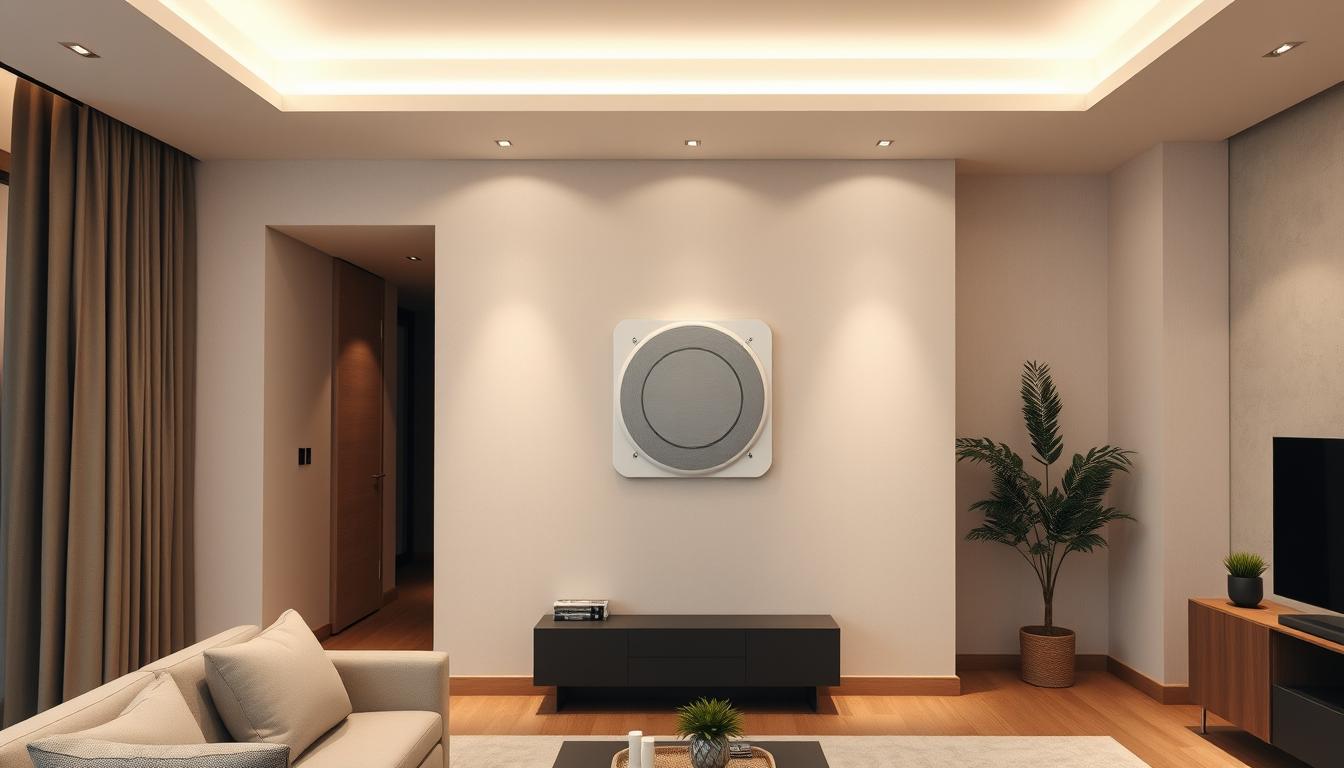
Keeping your home looking clean doesn’t mean you have to damage your walls. Today’s non-destructive audio installation lets you hide wires without harming your walls. We’ll look at ways to keep your home looking good while keeping it functional.
Cable Raceway Solutions
These channels are a great middle ground. They don’t need you to cut into your walls but keep your cables tidy.
D-Line Design Trunking Systems
These channels stick to your walls or baseboards with a strong adhesive. They have lids that snap on and off, making it easy to change your setup. You can pick from 7 colors to match your home’s look.
Legrand CordMate II Kit Applications
This kit is perfect for connecting rear surround speakers to your media console. It comes with:
- Adjustable-length raceways
- Corner connectors
- Removable adhesive strips
AV experts say it takes less than 15 minutes to set up a 10-foot section.
Creative Camouflage Methods
If you don’t want to see even the thinnest raceways, these methods hide wires completely.
Using Crown Molding for Wire Channels
Many homes have crown molding that’s hollow inside. It’s great for hiding speaker cables. Use a fish tape to guide the wires through. “Always leave a pull string for future upgrades,” says Marco Perez, a home theater installer.
Area Rug Integration Techniques
Thick rugs can hide flat speaker wires. Here’s how to do it:
- Apply double-sided carpet tape
- Press wire into tape channel
- Cover with rug fringe or binding
This trick works well for connecting bookshelf speakers to media stands in living rooms.
“The key to successful wire management lies in planning cable paths before positioning furniture.”
Integrating With Existing Smart Home Ecosystems
Your smart home can control your whole-house audio easily. Modern wireless systems work well with popular platforms. This lets you control music across rooms with voice commands or remotes.
This integration changes how you enjoy music at home. It combines entertainment with smart home features.
Voice Control Compatibility
Connecting your audio zones with voice assistants is simple:
- Enable skill/app integration in your speaker’s settings
- Sync devices through your smart home platform
- Create voice-activated scenes like “Dinner Party Mode”
Amazon Alexa-Enabled Devices
Systems like Sonos Beam Gen 2 work well with Alexa. Say “Alexa, play jazz in the kitchen” to play music in specific zones. Nuvo’s wireless control pads let you adjust settings with your voice.
Google Home Device Pairing
Chromecast-built-in speakers work with Google Nest displays. Try commands like “Hey Google, lower the bedroom volume by 20%” for precise control. Tools like Home Assistant automate these actions based on time or motion.
“Voice integration cut my audio setup time in half while keeping walls intact.”
Universal Remote Solutions
For those who like hands-on control, these remotes offer a unified experience:
Logitech Harmony Elite Setup
- Programmable touchscreen controls up to 15 zones
- Works with RF/IR signals behind furniture
- Syncs with Philips Hue for lighting-audio scenes
Sevenhugs Smart Remote Capabilities
This remote automatically finds the right room-to-room audio system. Point it at your living room sofa to adjust speakers. Aim at the ceiling for whole-home sound.
Optimizing Acoustics in Open-Concept Spaces
Open-concept layouts look great but pose challenges for audio zone installation. Echoes and overlapping sounds can mess up your listening experience. With smart planning, you can make these spaces sound great without changing your walls.
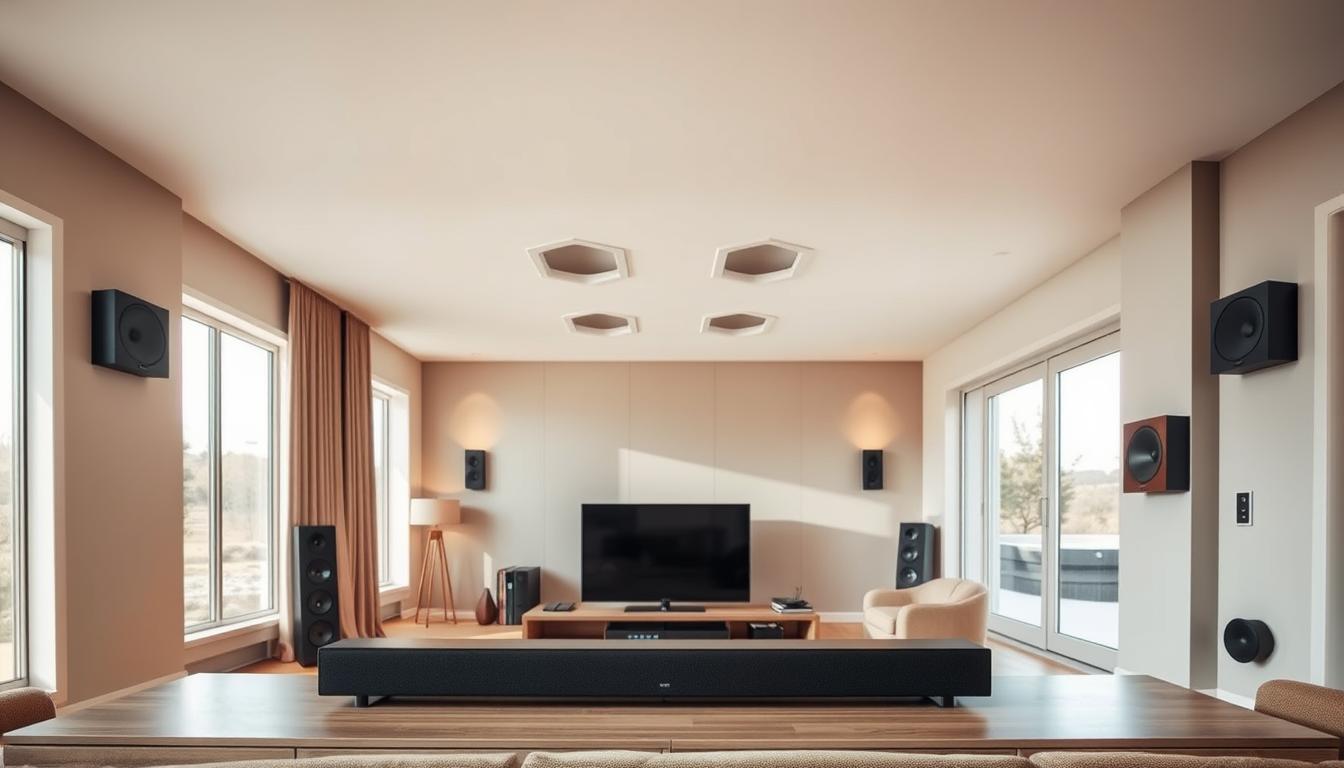
Directional Speaker Placement
It’s key to place speakers to control sound in open areas. Even small angle changes of 5 degrees can help reduce echoes and keep sound clear.
Monitor Audio CP-WT260 In-Wall Alternatives
If you don’t want to install speakers in walls, freestanding towers work well. Place them 2-3 feet from walls and angle the tweeters towards your main listening area for better sound.
Definitive Technology Demand D15 Positioning
These bipolar speakers are great for open spaces when set diagonally across corners. They create a wide sound field that fills the area without overwhelming other zones.
Sound Absorption Strategies
It’s important to balance reflective and absorbent surfaces to avoid echo. Focus on materials that absorb mid-range frequencies, which can make voices sound muddy.
GIK Acoustics Panel Placement
Use 2″ thick panels at ear level on parallel walls to fight flutter echoes. For ceilings, place cloud panels above seating areas with removable adhesive hooks.
“Absorption placement should follow the rule of thirds – cover 30% of surfaces facing the sound source,”
GIK’s acoustic design team suggests.
Ruggable Sound-Dampening Rugs
Use rug pads with foam to cut down on reverberation by up to 40%. Place 8×10′ designs under furniture to create audio zones while keeping the space looking good.
Use smart furniture arrangements too. Place bookshelves at 45-degree angles to stop standing waves. Your open space will have clear dialogue and deep bass, showing great acoustics can happen without changing your walls.
Creating Multi-Zone Audio Environments
Imagine controlling different music zones without any wires. Modern wireless systems let you create independent audio experiences across rooms. This way, you can make soundscapes fit each space’s mood and function.
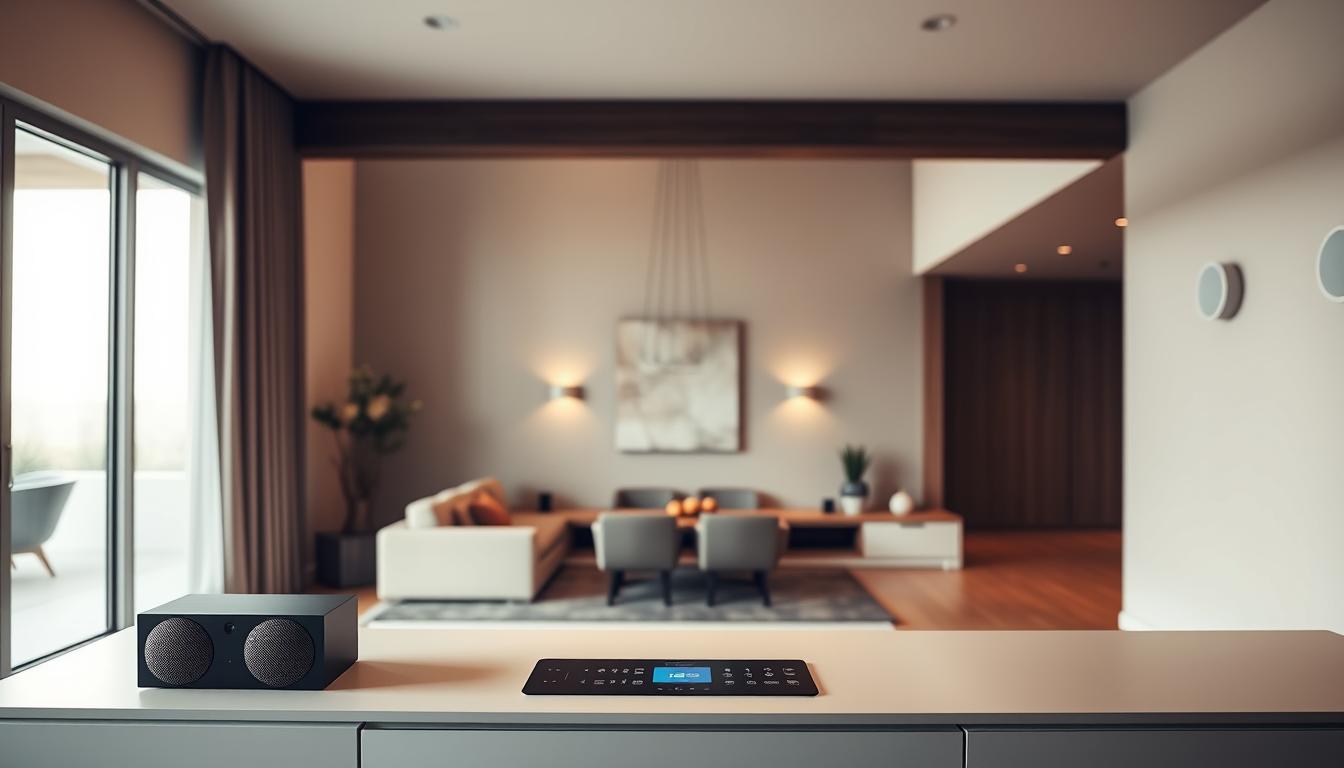
Wireless Hub Configuration Made Simple
Centralized control hubs are key in multi-zone systems. The six-zone Nuvo system shows how wireless tech handles complex setups:
-
Bluesound NODE Network Streamer
Streams high-resolution audio to 4+ zones at once via Wi-Fi or Ethernet. Its BluOS app lets you sync playback or choose unique tracks per room.
-
Sonos Port Multi-Room Setup
Turns existing speakers into a wireless system. Create speaker groups for whole-home audio or isolate zones for private listening.
Crafting Zone-Specific Sound Profiles
Advanced tools ensure great acoustics in every area. Systems like the Nuvo platform use:
-
Audyssey MultEQ Room Correction
Automatically adjusts EQ settings based on your room’s dimensions and furnishings. Perfect for open-concept spaces needing distinct audio boundaries.
-
Dirac Live DSP Optimization
Creates custom sound signatures for each zone. Enhance dialogue clarity in home theaters or boost bass in game rooms with precision.
For multi-level homes, assign unique profiles to upstairs/downstairs zones. Sync morning playlists to kitchens and bathrooms, while keeping bedrooms silent until wake-up times. Wireless audio zones adapt to your routines, not the other way around.
Voice Control Integration Made Simple
Turning your DIY audio zone into a voice-controlled paradise is simple. Smart speakers and automation platforms make it easy to control everything with voice commands. No coding or complex wiring is needed.
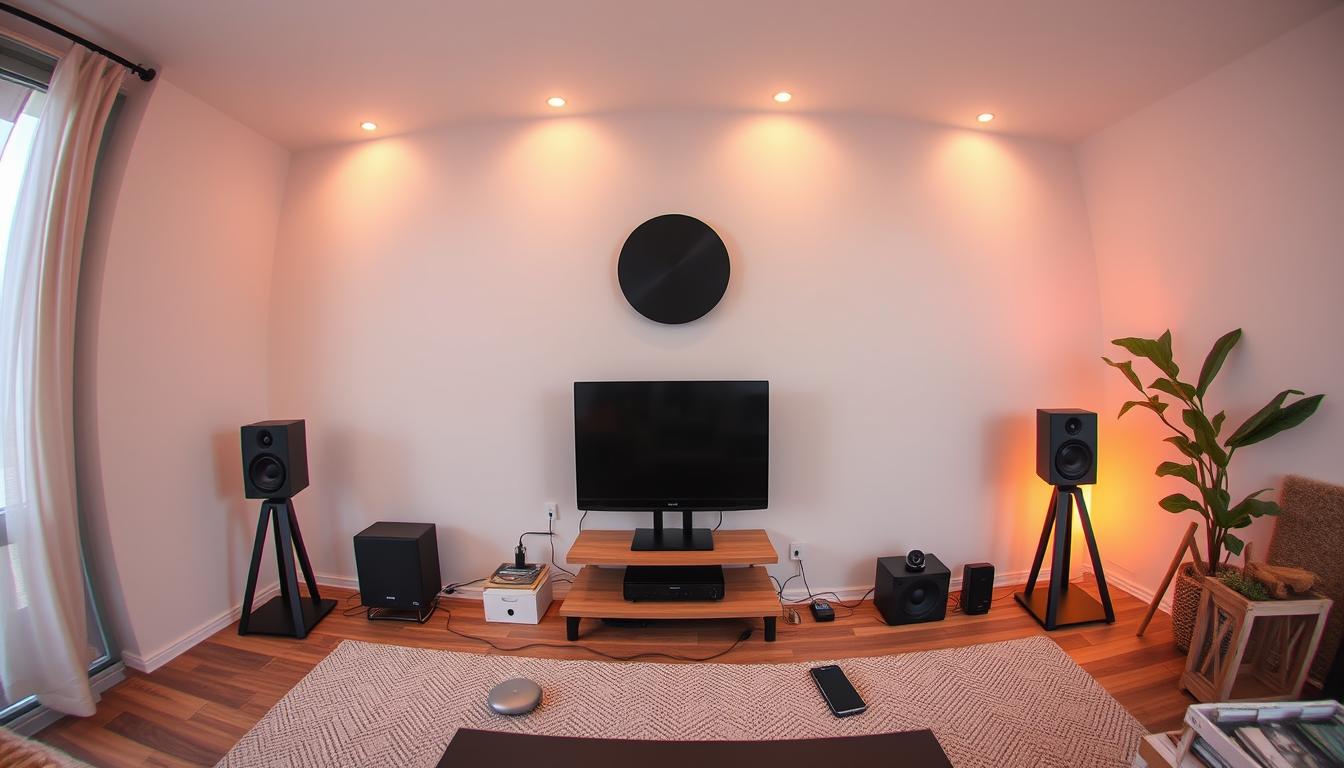
Smart Speaker Pairing
Begin by linking your smart speakers to your devices. Most systems have easy app setups. You can name rooms and set audio profiles in just minutes.
Apple HomePod Mini Synchronization
Connecting HomePod Minis with your iPhone adds AirPlay 2 support for multi-room audio. Use Siri to say “Play jazz in the kitchen”. It works with your Apple Music subscription too.
Echo Studio Whole-Home Audio
Amazon’s Echo Studio speakers offer immersive sound with Alexa’s home theater detection. Say “Alexa, play the news everywhere” to sync audio across rooms.
| Feature | HomePod Mini | Echo Studio |
|---|---|---|
| Voice Assistant | Siri | Alexa |
| Max Speakers | 6 rooms | Unlimited |
| Music Services | Apple Music | Amazon Music, Spotify |
| Setup Time | 8 minutes | 5 minutes |
Automated Scene Creation
Enhance your DIY audio zone with sound-based routines. Sync music with lighting, thermostat changes, or morning alarms for a full experience.
“Effective smart home management relies on grouping devices by purpose, not just location.”
Samsung SmartThings Routines
Make sound-triggered scenes like “Dinner Party Mode”. It dims lights and plays music with a simple phrase. The app’s drag-and-drop interface makes it easy.
Hubitat Elevation Advanced Automation
For complex setups, Hubitat’s rule engine offers conditional audio triggers. You can set up:
- Volume reduction when phone calls arrive
- Genre-based playlists at different times
- Voice alerts for security system triggers
Today’s wireless tech makes sophisticated voice control easy. Your dream audio setup stays flexible and safe.
Troubleshooting Common Wireless Issues
Even the most advanced wireless audio systems sometimes run into problems. Let’s tackle connectivity issues before they ruin your listening time. We’ll cover how to deal with signal interference and latency, two big hurdles in setting up easy audio zones.
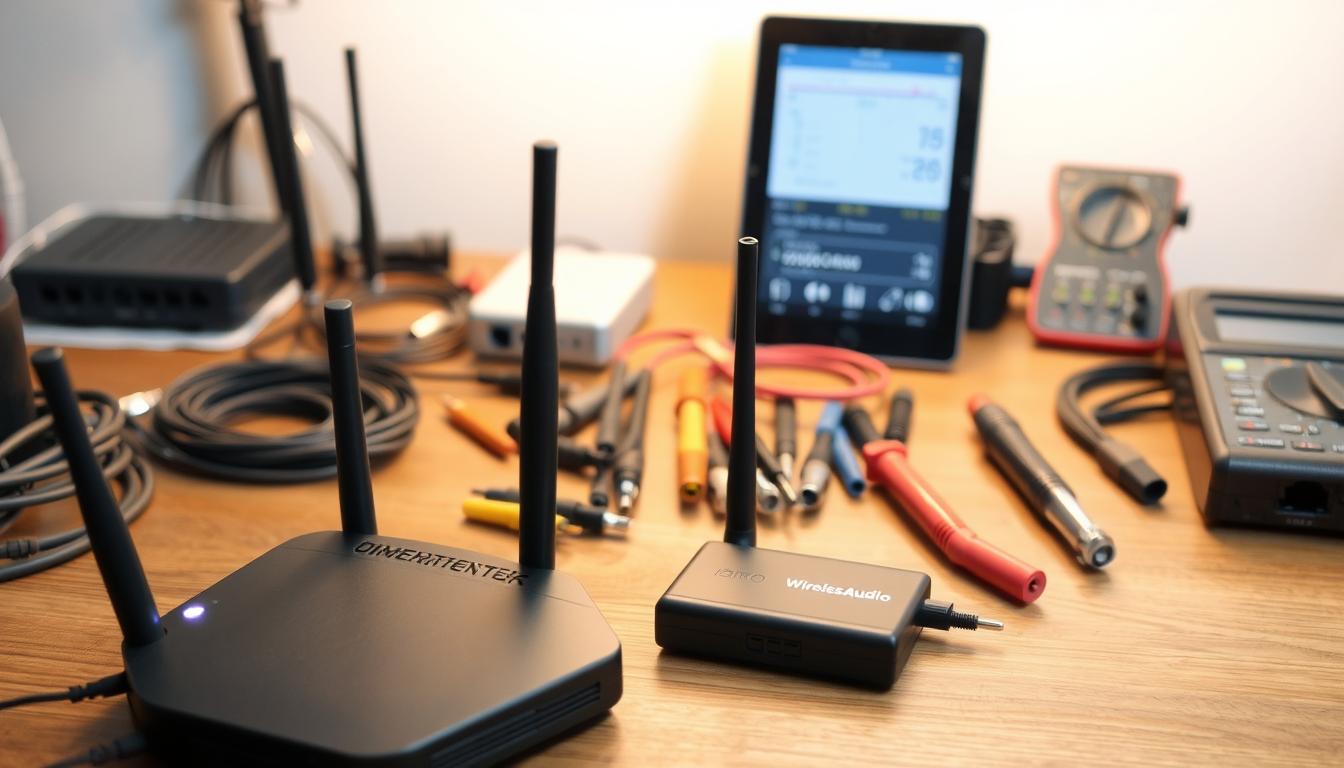
Signal Interference Solutions
WiFi congestion is the main cause of 73% of wireless audio dropouts, says third-party network analysts. Modern mesh systems create special data paths for your sound system:
Netgear Orbi WiFi 6 Mesh Systems
This system has a separate 4×4 backhaul channel for audio data. Place satellites in the middle of speakers for smooth multi-room sound.
TP-Link Deco X90 Tri-Band Optimization
Tri-band tech automatically sends music streams on the least busy frequency. Its AI adjusts to your home’s layout in real time.
| Feature | Netgear Orbi WiFi 6 | TP-Link Deco X90 |
|---|---|---|
| Dedicated Audio Band | Yes (5GHz-2) | Yes (6GHz) |
| Max Coverage | 9,000 sq ft | 7,500 sq ft |
| Device Capacity | 100+ | 150+ |
Latency Reduction Techniques
Audio-video sync problems can ruin movie nights. Choose the right wireless protocol for your room:
Bluetooth 5.2 vs WiFi 6 Comparisons
Bluetooth 5.2 has 40ms latency, good for music but not video. WiFi 6 cuts latency to 10ms, perfect for home theaters.
Audioengine B1 Bluetooth Adapter Benefits
This device cuts Bluetooth latency by 30% with advanced error correction. Pair it with aptX HD speakers for CD-quality streaming.
| Technology | Best For | Max Range | Ideal Use |
|---|---|---|---|
| Bluetooth 5.2 | Single-room music | 30 ft | Portable speakers |
| WiFi 6 | Whole-home audio | 150 ft | 4K video sync |
Pro Tip: Use a cable tester to check signal strength between wireless parts. This step helps find weak spots before they cause sound problems.
Long-Term Maintenance Best Practices
To keep your retrofit audio zones in top shape, regular care is key. Wireless systems need both hardware and software attention. Here’s what you need to know to keep your investment running smoothly.
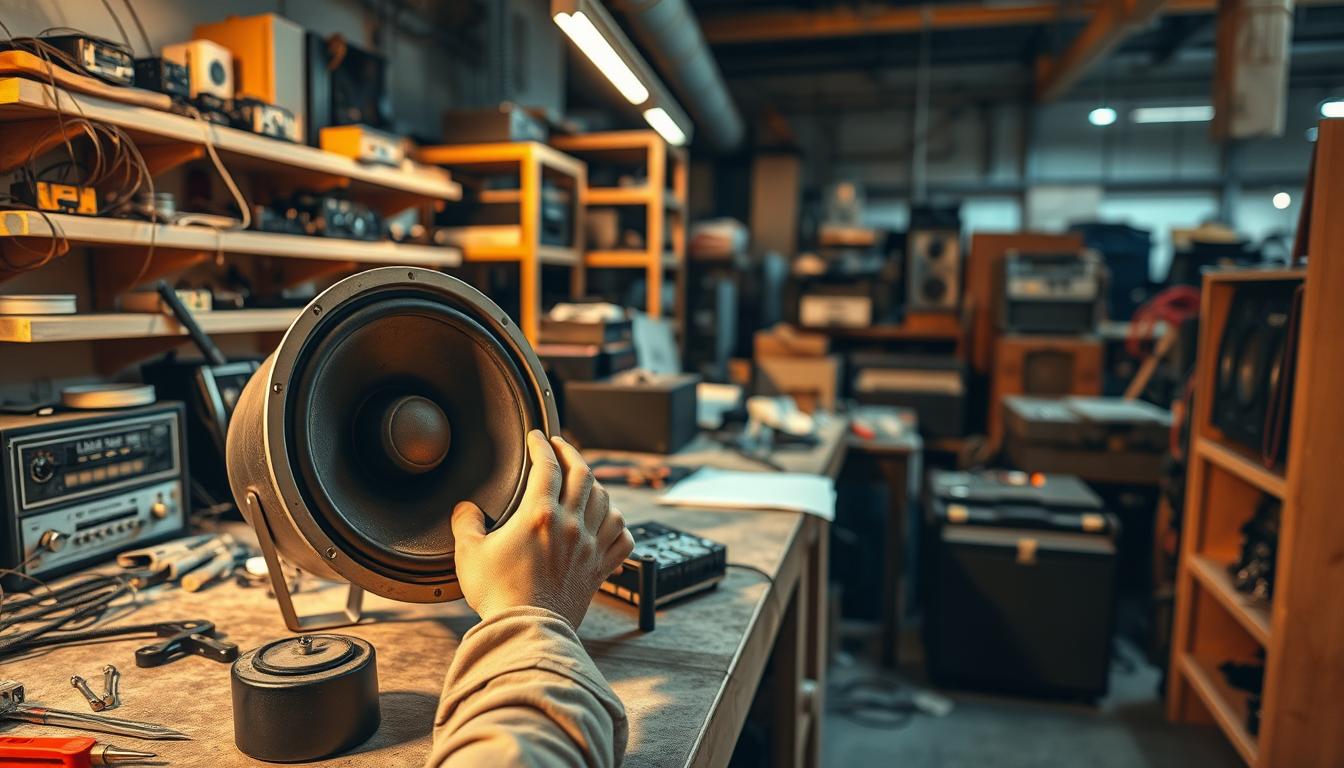
Battery Care Protocols
Lithium-ion batteries power most wireless speakers. How you treat them affects their life span. One user found that careful charging doubled their system’s life.
Optimal charging cycles for lithium-ion
Don’t let batteries run all the way down. Keep them charged between 20-80% for daily use. Only let them fully discharge (0-100%) once a month to reset the power indicator.
Storage temperature guidelines
Keep unused devices in a spot between 50-77°F. High heat speeds up battery wear, while cold temps lower charge capacity temporarily.
| Condition | Ideal Range | Risk Zone |
|---|---|---|
| Operating Temp | 32-95°F | >104°F |
| Charging Temp | 50-86°F | |
| Storage Humidity | 30-70% | >80% |
Software Update Management
Regular updates improve security, fix bugs, and add new features to retrofit audio zones. Manufacturers usually release 4-6 major updates each year.
Automatic firmware update settings
Turn on auto-updates during quiet hours (2-5 AM) to avoid disturbing your music. Most systems let you schedule updates through their apps.
Manufacturer app notifications
Enable push notifications for important updates. Focus on alerts for:
- Security patches
- Connectivity improvements
- New voice control integrations
Also, set reminders every 90 days to manually check for updates, even with auto-install enabled. This way, you won’t miss any important updates.
Future-Proofing Your Audio Investment
Your wireless audio system should grow with your music tastes. With new tech coming out fast, picking scalable solutions keeps your setup up-to-date without breaking the bank. Let’s look at how to make a system that grows with new tech.
Modular Expansion Capabilities
Top brands now make systems that let you add parts easily. The Nakamichi Shockwafe Pro 7.1 is a great example. It starts as a soundbar and can add rear speakers and subs later. You don’t have to replace everything when you want more sound.
Klipsch Reference Wireless Add-On Speakers
Klipsch’s wireless speakers connect easily to your receiver via HDMI ARC. You can go from stereo to multi-room audio by adding new speakers through their app. This keeps your setup simple while you grow your entertainment space.
Preparing for Emerging Technologies
Get ahead of the latest audio tech. Look for systems with these features:
WiFi 6E Compatibility Checks
WiFi 6E uses the 6 GHz band, cutting down on smart home noise. Brands like Sonos use it in their top soundbars. This means you get clear 24-bit audio streaming, even with more devices on your network.
Matter Protocol Readiness
Matter makes smart home devices work together. Audio gear with Matter (like Bose’s future models) will work with Apple Home, Google Nest, and Alexa. This means you won’t get stuck with one system and can easily add new features later.
Choosing upgradable hardware and open standards makes your system flexible. This way, you can enjoy great sound without having to redo your space. It’s a smart way to keep your audio system current without the hassle.
Conclusion
Creating amazing audio experiences doesn’t mean you have to change your home. Modern tech like Sonos Move or Bose SoundLink Flex offers top-notch sound without needing to alter walls. These systems use the latest wireless tech and smart design to fill rooms with sound, all without harming your walls or home value.
Planning is key for setting up sound systems without damaging your home. Use speakers like the KEF LSX II with special mounts to direct sound in open spaces. Or, hide tech in lights with Philips Hue-compatible LED strips and speakers from Luminous. These methods keep your space open while bringing you close to the action.
Keep your system up-to-date with apps like Yamaha MusicCast. This ensures your sound stays top-notch as tech advances. For bigger setups, Denon HEOS devices make it easy to add more parts as your needs grow. This way, upgrading is simple, thanks to systems that support new audio formats.
Show off your wall-free sound setup on social media with #WallFreeSound. Tag brands like Sonos or Samsung Frame TVs to share how you’ve improved your space with sound. Your setup might just inspire others to find their own invisible audio solutions.
FAQ
Can I achieve premium whole-home audio without cutting walls or renovating?
Yes. Modern wireless systems like Sonos Amp and Nuvo’s retrofit solutions use Wi-Fi or Bluetooth. They deliver high-fidelity sound without permanent installations. Brands like Sonos Five and Monitor Audio’s WT280-IDC in-wall alternatives can be mounted using 3M Command Strips or tension poles. This preserves drywall integrity.
How do temporary audio installations benefit landlords or sellers?
Non-invasive methods like IP66-rated bathroom speakers or portable Sonos Move units maintain property value. They avoid damage. Systems like Bose SoundLink Revolve+ can be removed without trace. This appeals to renters or sellers needing move-ready spaces.
What tools are essential for DIY wireless audio zone setups?
Start with Sonos Amp for multi-room control. Use 3M Dual Lock strips for adhesive mounting. Acoustic measurement apps like Sonarworks are also helpful. Professional installers at Smart Home Sounds recommend Green Glue for temporary seals and Legrand cable raceways for clean wire management.
How do I plan speaker placement in open-concept spaces?
Use Smart Home Sounds’ floor plan analysis approach. Position directional speakers like KEF LS50 Wireless II at ear level, angled toward seating. For vaulted ceilings, consider Monitor Audio’s CT265-FX with wide dispersion. Use rugs or curtains to reduce echo.
Are battery-powered speakers viable for permanent audio zones?
Yes. Systems like Sonos Roam SL offer 10+ hours of playback. They pair with discreet charging docks like the Sanus WSS22-B1. For outdoor zones, Bose 251 Environmental speakers with Dynaudio Sub 6 wireless subs run on solar-ready Goal Zero power stations.
How do I integrate wireless audio with existing smart home systems?
Use Sonos Voice Control or Nuvo’s P75 keypads to sync with Alexa/Google Home. For advanced automation, Control4’s EA-3 controller links wireless zones to lighting scenes via Josh.ai voice commands. This avoids complex rewiring.
What’s the best way to manage multi-zone audio without latency?
Sonos’ Trueplay tuning and DTS Play-Fi-enabled systems like Polk Audio’s Reserve Series minimize lag. For large homes, Netgear Orbi’s tri-band mesh Wi-Fi ensures stable streaming across 6+ zones. Audio Advice’s install teams have tested this.
How do I future-proof a no-renovation audio system?
Choose modular systems like Sonos’ Arc + Sub + Ones combo. It supports Dolby Atmos upgrades. Nuvo’s P3100 player allows Bluetooth 5.3 expansions. Legrand’s OnQ hubs enable easy integration with emerging Matter-compatible devices.
What’s the safest way to mount heavy speakers without wall damage?
Use Sanus Adjustable Tension Pole Mounts for floor-to-ceiling support of bookshelf speakers. For soundbars, MantelMount’s MM340 anchors to fireplace mantels with non-invasive clamps. It holds up to 50 lbs without screws.
How do professionals hide wires in rental-friendly setups?
Installers use D-Line Design trunking with peel-and-stick backing or blend cables into decor using TICONN’s flat cord covers painted to match walls. For under-cabinet kitchens, Legrand’s cord-hiding kits route power behind toe kicks.