Imagine the excitement of gathering friends for a movie night. Or the thrill of sharing your latest travel videos. Even a last-minute presentation can be a hit with the right equipment. The Kodak Luma 400 turns any setting into a special moment. It’s a small, powerful projector that fits in your hand.
This portable HD projector makes any event better, whether at home or on the move. Its sleek design and smart features make it more than a gadget. It’s a key to unforgettable experiences.
Key Takeaways
- The Kodak Luma 400 is a compact projector designed for convenience and portability.
- It boasts a native resolution of 720p for clear and vibrant visuals.
- This smart pico projector offers streaming capabilities and Android OS for easy access to content.
- With a weight of just 1.1 pounds, it is easy to carry for presentations or movie nights.
- Battery life varies with power settings, allowing for 1.5 to 2.5 hours of use.
- The projector supports 4K input, but may not play high-definition content.
- While it has built-in speakers, an external audio setup is recommended for better sound.
Overview of the Kodak Luma 400
The Kodak Luma 400 is a versatile and innovative portable projector. It has a compact design and a resolution of 1280×720 pixels. This makes it great for clear and vibrant images. It costs $449.99 and weighs only 1.1 pounds, making it easy to carry.
This projector can show images up to 150 inches from 12 feet away. It has 200 ANSI lumens brightness and a high contrast ratio of 3500:1. This means you get a great viewing experience for both work and fun.
The Kodak Luma 400 runs on Android 9.0 Smart OS. You can stream from Netflix and Hulu. It also has HDMI and USB ports for easy connections. Plus, it has a rechargeable battery for up to 3 hours of use.
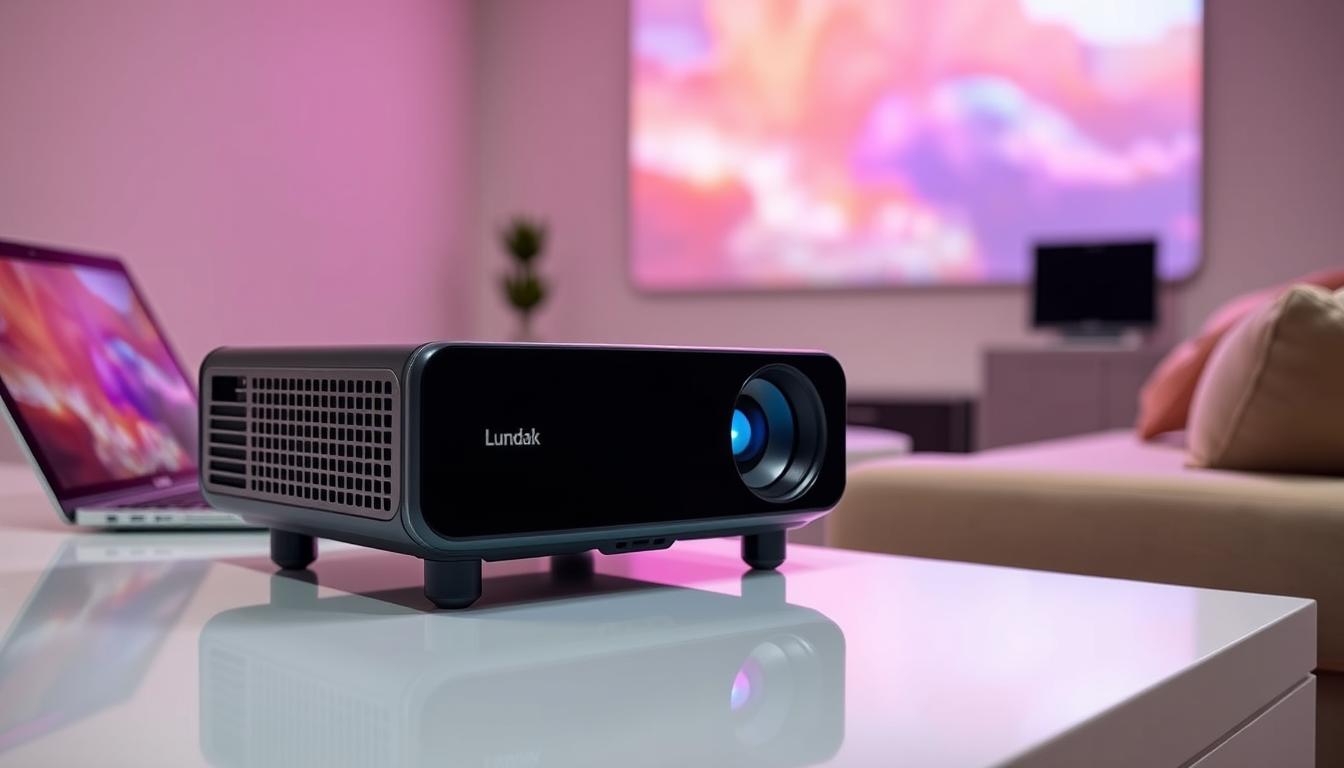
The Kodak Luma 400 is a great choice for those who need a reliable portable projector. For more info on choosing a projector, check out this guide.
Key Features of the Kodak Luma 400
The Kodak Luma 400 has impressive features, making it a top pick for portable projection. It’s lightweight and combines function with convenience. This makes your viewing experience better in many settings.
Resolution and Image Quality
This 720p projector has a native resolution of 1280-by-720 pixels. It offers good clarity for casual watching. But, the image quality might not match more advanced models.
Users might see softer focus and fewer adjustable settings. This can impact the visual quality, mainly for static images.
Portability and Size
The Kodak Luma 400 is small and light, weighing just 1.1 pounds. It measures 1.3 x 4.9 x 4.9 inches. This makes it perfect for taking on the go.
Audio System Specifications
The built-in audio system has two 1-watt speakers. It’s good for small, quiet spaces. But, you might enjoy better sound by using external speakers via Bluetooth or the 3.5mm headphone jack.
Connectivity Options of the Kodak Luma 400
Knowing how to connect the Kodak Luma 400 makes your experience better. It has many ways to connect with different devices. This makes it easy to use for any event.
Wired Connections: HDMI and USB Ports
The Kodak Luma 400 has lots of ports. It has an HDMI port for connecting to laptops, gaming consoles, and streaming devices. It also has USB slots like USB Type-A for files and a USB Type-C port for charging.
Wireless Connectivity: Wi-Fi and Bluetooth
For wireless connections, the Kodak Luma 400 has dual-band Wi-Fi (2.4G/5G). This gives you fast and stable internet for streaming on Netflix or Hulu. It’s also a Bluetooth projector, making it easy to connect with audio devices for better sound. These wireless options add flexibility and convenience, making the projector great for many uses.

| Connectivity Option | Description |
|---|---|
| HDMI Port | Connects to laptops, gaming consoles, and streaming devices for video and audio. |
| USB Type-A | Access files from USB storage, providing an easy way to display content. |
| USB Type-C | Designated for power input to keep your projector charged. |
| Wi-Fi Support | Dual-band connectivity allows for fast and stable streaming. |
| Bluetooth | Quickly connects to audio devices, enriching audio capabilities. |
Performance Review
The Kodak Luma 400 is known for its mix of portability and performance. It has a Kodak Luma 400 brightness of 200 ANSI lumens, perfect for darker rooms. But, it might not be enough for very bright spaces. For the best picture, aim for a projection size of about 55 inches.
This size helps keep the image clear and sharp. It’s all about finding the right balance for the best viewing experience.
Brightness and Lumens Measurement
When comparing the Kodak Luma 400 brightness to others, we see some trade-offs. The 200 ANSI lumens is good, but it has its limits in bright areas. Here’s a table showing how brightness affects use:
| Projector | Brightness (ANSI Lumens) | Recommended Projection Size |
|---|---|---|
| Kodak Luma 400 | 200 | 55 inches |
| Kodak Luma 350 | 300 | 65 inches |
| Samsung The Freestyle | 550 | 75 inches |
Battery Life and Power Modes
The battery life of the Kodak Luma 400 changes with the power modes you choose. You can pick from High, Normal, and Eco modes. High mode lasts about 1.5 hours, while Eco mode can go up to 2.5 hours.
This flexibility helps you adjust the brightness for different needs. Whether it’s a presentation or a movie night, you can plan better with these options.

Setting Up the Kodak Luma 400
The setup of the Kodak Luma 400 is easy and quick. First, turn on the device. It will be ready to use in no time. Then, adjust the focus manually to get sharp images.
Choosing your input source lets you connect to different devices. This makes it easy to start using your projector.
The Kodak Luma 400 is easy to use, thanks to its simple interface. It works well with Android OS, making it easy to access media. You can use preloaded apps or stream content via Wi-Fi.

- Power on the projector and connect it to your desired media source.
- Adjust focus by rotating the lens until the image is clear.
- Select the appropriate input source on the projector menu.
- Use the Android system for accessing additional apps and streaming options.
By following these simple steps, you can start enjoying your Luma 400 projector right away.
Streaming Capabilities of the Kodak Luma 400
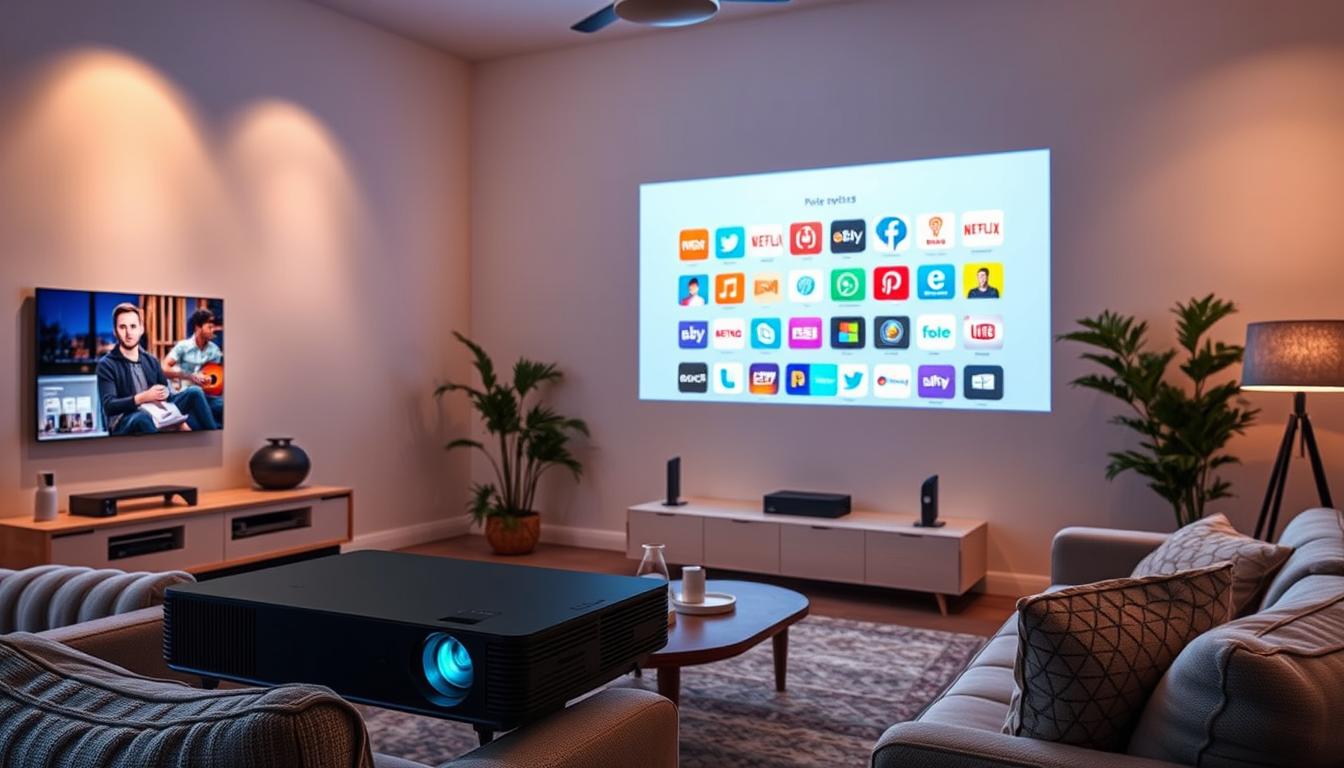
The Kodak Luma 400 makes watching movies and shows better with its streaming features. It runs on Android OS, so you can easily use apps like Netflix, Hulu, and Prime Video. This means you can start watching your favorite shows right away, without needing extra gadgets.
Built-in Android OS and Preloaded Apps
This projector is great for watching movies or playing games. It has Android OS built-in, which lets you easily find streaming options. It’s perfect for both fun movie nights and serious gaming, thanks to its versatility.
Screen Mirroring Features
Screen mirroring makes sharing what’s on your phone easy. The Kodak Luma 400 supports Miracast and AirPlay. This lets you quickly show off photos, videos, or presentations from your phone or tablet, making your viewing experience better.
| Feature | Description |
|---|---|
| Operating System | Android 9.0 |
| Streaming Apps | Netflix, Hulu, Prime Video (built-in) |
| Screen Mirroring | Supports Miracast and AirPlay |
| Image Projection | Up to 150” from 12 feet |
| Battery Life | Up to 3 hours on a single charge |
| Audio Output | Preset 1-Watt speakers, 3.5mm headphone jack |
Kodak Luma 400 vs Other Projectors
Looking at the Kodak Luma 400, we see it has a higher resolution of 720p compared to the Luma 350. The Luma 350 is known for being more affordable. This makes the Luma 350 a great choice for those who want value.
Comparing with Kodak Luma 350
The table below shows the main features of the Kodak Luma 400 and Luma 350:
| Feature | Kodak Luma 400 | Kodak Luma 350 |
|---|---|---|
| Resolution | 720p | 480p |
| Brightness (ANSI Lumens) | Not Specified | Not Specified |
| Weight | 1.1 lbs | 1.0 lbs |
| Streaming Capability | Yes | No |
| Battery Life | Up to 2 hours | Up to 2 hours |
Alternative Portable Projectors in the Market
When comparing Kodak Luma 400 vs Luma 350, it’s also good to look at other options. Models like AAXA P6X and P7 offer higher brightness and better image quality. They are also portable. Each has its own benefits for those who want great visuals and easy use.

User Experience and Usability
The Kodak Luma 400 makes setting up and using it simple. It’s easy to start projecting with just a few steps. Its interface is easy to use, making it great for both tech experts and beginners.
Adjustments are quick and easy, without any hassle. This makes the projector very user-friendly.
Ease of Setup and Use
The Kodak Luma 400 is known for its simplicity. Users can quickly set it up and start using it. Its design is intuitive, making it easy to find and use features.
This focus on simplicity saves time and improves the user experience. It makes using the projector a breeze.
Control Options: Remote vs Mobile App
The Kodak Luma 400 offers two ways to control it: a remote and a mobile app. The remote is handy for adjusting settings from a distance. It’s perfect for presentations or movie nights.
The mobile app gives you another way to control the projector. You can change settings and switch inputs from your phone. This flexibility makes the projector easy to use in different situations.

| Feature | Details |
|---|---|
| Weight | 1.0 lbs |
| Dimensions | 1.0 x 5 x 5 inches |
| Brightness | 200 ANSI lumens |
| Native Resolution | 1920 x 1080 |
| Control Options | Remote control and mobile app |
| Warranty | 1 Year |
Pricing and Availability of Kodak Luma 400
The Kodak Luma 400 is now priced at $449.99, a 17% discount from its original $539.99. This makes it a great deal in the portable projector market. You can find it on where to buy Kodak Luma 400 on Amazon and the Kodak website.
There are 10 units available, making it easy to get one. You’ll get free 2-4 day shipping, so it arrives quickly. The return policy is simple, allowing returns within 30 days with no extra shipping cost.

Payment options include Diners Club. The seller has excellent feedback, with a 4.9 rating. They scored 5.0 for shipping, speed, and communication. They’ve had 193,085 reviews in 12 months, showing their dedication to quality.
For more info on top AV receivers, check out this comprehensive review.
Pros and Cons of the Kodak Luma 400
The Kodak Luma 400 is loved for its mix of ease and features. This part talks about its good points and not-so-good points. It helps you figure out if it’s right for you.
Strengths of the Kodak Luma 400
One big pro of Kodak Luma 400 is how easy it is to carry. It’s light at 1.1 pounds and small at 1.3-by-4.9-by-4.9 inches. It’s perfect for quick presentations or movie nights.
It also has built-in streaming thanks to Android OS 9. This makes watching movies and shows easy. It shows images well with HDR10, making it a top choice.
It lasts up to 2.5 hours in Eco mode, great for casual use. Its light lasts 30,000 hours, making it reliable for a long time.
Weaknesses and Limitations
But, there are some cons of Kodak Luma 400 that might make you think twice. It’s not very bright at 200 ANSI lumens, which can be a problem in bright rooms. It also doesn’t have the best image sharpness, which might upset some.
Other projector drawbacks include missing controls for picture settings and no HDCP 2.2 for 4K UHD discs. Plus, the battery life is less than promised, which can be annoying.
Looking at both sides will help you decide if the Kodak Luma 400 is for you. It’s great for being portable and having cool features. But, it has some issues with brightness and controls.
Who Should Buy the Kodak Luma 400?
The Kodak Luma 400 is great for certain target audiences. It’s perfect for professionals who need a light, portable projector. It’s only 1.4 lbs, so it’s easy to take to meetings or events without losing video quality.
Casual movie watchers will also love it. It’s easy to set up and stream, making it great for entertainment. You can even project images up to 150 inches, adding to the movie experience.
The ideal customers are tech-savvy folks who like digital zoom and manual keystone correction. It supports many connectivity options for easy streaming. But, if you want better resolution or sound, you might want a more advanced model.
In short, if you’re in one of these groups, the Kodak Luma 400 might be for you. For more on high-end media, check out this comprehensive review.
Buying Guide for Kodak Luma 400
Looking to buy Kodak Luma 400? Knowing where to shop is key. You can find this projector at top retailers like Amazon, Best Buy, and the Kodak store. Each store offers different perks, like discounts and shipping deals. It’s smart to compare these to find the best deal.
Where to Buy Kodak Luma 400
In the U.S., the Kodak Luma 400 costs about $450. Check various stores for the best price. Look out for sales and promotions that can lower the cost. Also, read user reviews to learn from others’ experiences.
What to Consider Before Purchase
Before buying, think about how you’ll use the projector. Will it be for work or fun? Consider where you’ll use it. The projector’s 200 lumens might not work well in bright rooms.
Also, check the projector’s features. Look for HDMI, USB, and Bluetooth. The sound quality is not great, so you might need external speakers. The battery lasts up to 2.5 hours in Eco mode. For more tips on improving your home theater, see this guide.
| Feature | Details |
|---|---|
| Price | $450 |
| Resolution | 720p |
| Brightness | 200 ANSI lumens |
| Weight | 1.4 lbs (636g) |
| Battery Life | 1.5 – 2.5 hours |
| Supported Input | 4K input at 60Hz, HDR10 |
| Audio Quality | Flat sound without external speakers |
Conclusion
The Kodak Luma 400 is a top pick for a portable projector. It’s easy to carry and has many ways to connect. This makes it great for presentations and fun times at home.
Even though it’s not as bright as some other projectors, like the Kodak Luma 350 or the Anker Nebula Capsule II, it’s a solid choice. It works well for many people.
The portable projector market is growing fast. It’s expected to reach $2.1 billion by 2029. Getting a Kodak Luma 400 lets you join this trend. Reviews show its 720p resolution and long battery life are big pluses.
If you want something easy to use and watch HD on, the Kodak Luma 400 is a good option. It’s all about balance between being easy to carry and delivering good quality. The world of portable projectors keeps getting better, with more choices for everyone.
FAQ
What is the resolution of the Kodak Luma 400?
The Kodak Luma 400 has a resolution of 720p (1280×720). This provides good clarity for watching various media.
How portable is the Kodak Luma 400?
The Kodak Luma 400 is very portable. It weighs about 1.1 pounds and is 1.3 x 4.9 x 4.9 inches. It’s easy to carry in a bag or large pocket.
What are the audio capabilities of the Kodak Luma 400?
It has built-in 1-watt speakers for small, quiet spaces. But, you can connect to external speakers via Bluetooth or a 3.5mm audio output for better sound.
Is the Kodak Luma 400 suitable for outdoor use?
It’s best for dark places because it’s only 200 ANSI lumens bright. It might not work well in bright outdoor areas.
What connectivity options does the Kodak Luma 400 support?
It has an HDMI port, a USB Type-A port, and USB Type-C for power. It also has dual-band Wi-Fi and Bluetooth 5.0 for easy connections.
How long does the battery last on the Kodak Luma 400?
The battery lasts from 1.5 hours on High mode to 2.5 hours on Eco mode. This gives you flexibility in how long you can use it.
Can I stream content directly from the Kodak Luma 400?
Yes, it runs on Android OS 9. This lets you stream from Netflix and YouTube directly.
What are the dimensions of the Kodak Luma 400?
It’s 1.3 x 4.9 x 4.9 inches. This makes it small and easy to carry.
How does the Kodak Luma 400 compare to other portable projectors?
The Luma 400 has good features but lower image quality and brightness than some competitors. Models like the AAXA P6X and P7 might be better for those seeking higher quality.
Where can I buy the Kodak Luma 400?
You can buy it for about 9.99 on Amazon, Best Buy, and the Kodak website.
What are the strengths of the Kodak Luma 400?
Its strengths are its portability, streaming capabilities, and battery life. It’s great for presentations and casual media watching on the go.
What drawbacks should I consider before purchasing the Kodak Luma 400?
Consider its low brightness, average image quality, and lack of controls for picture adjustment. These might not appeal to serious home theater fans.
Who is the ideal target audience for the Kodak Luma 400?
It’s perfect for professionals needing a portable presentation tool, casual movie watchers, and those who value streaming in a compact design.