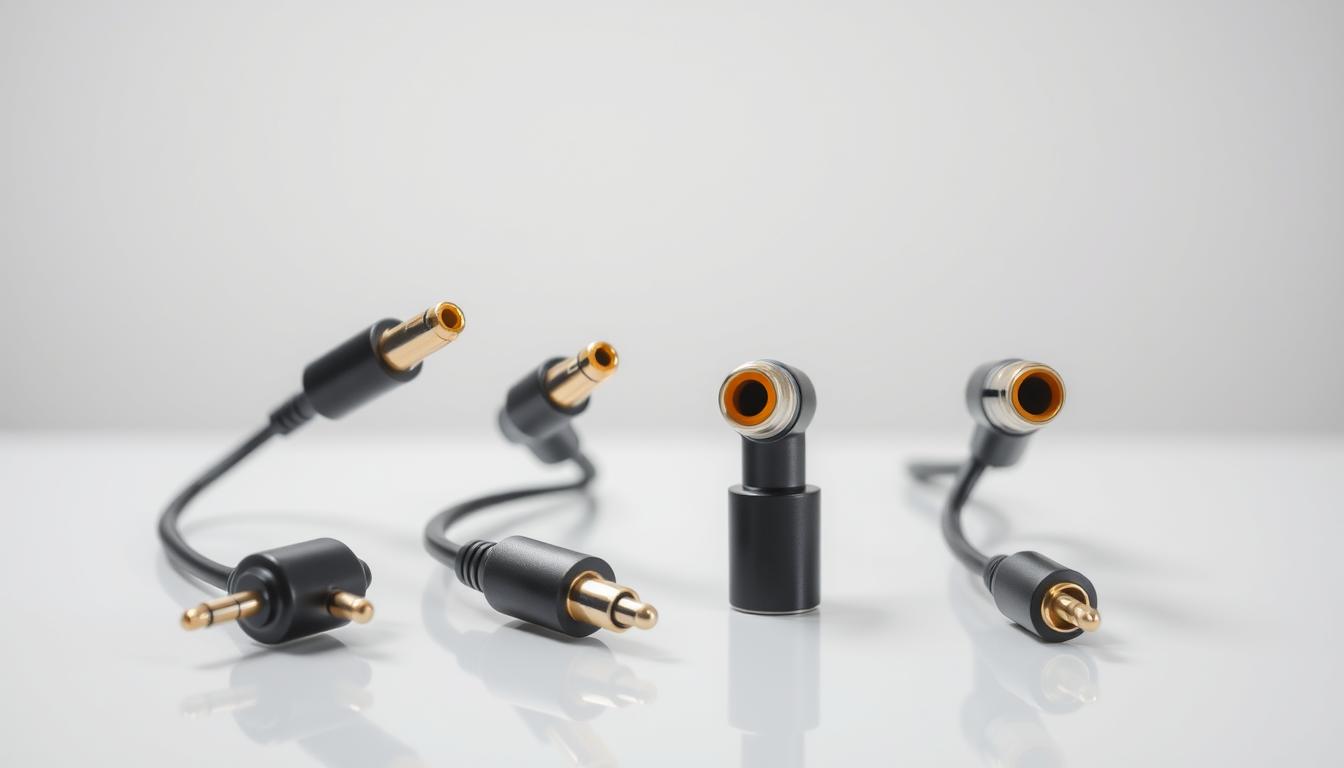

While most enthusiasts focus on speakers and receivers, your cable selection directly impacts 40% of your system’s potential performance. Modern entertainment setups offer multiple connection types, but few understand how these digital pathways shape their listening experience.
Optical and coaxial cables both transmit high-quality signals, but their physical designs create distinct advantages. The former uses light pulses through fiber optics, while the latter relies on electrical currents in copper wiring. These technical differences affect compatibility, signal stability, and maximum bandwidth.
Your equipment’s requirements determine the ideal choice. Some devices perform better with optical connections to eliminate electromagnetic interference, while others benefit from coaxial’s sturdier build. For those exploring advanced formats like Dolby Atmos, HDMI ARC often becomes the preferred option alongside these traditional digital links.
Environmental factors also play a role. Coaxial cables typically handle longer runs without signal degradation, making them suitable for complex setups. Optical alternatives excel in spaces with numerous electronic devices where interference could compromise clarity.
Key Takeaways
- Digital cable construction directly affects signal integrity and noise resistance
- Optical connections prevent electromagnetic interference in crowded setups
- Coaxial cables maintain stability over longer distances
- Device compatibility determines optimal connection types
- Advanced audio formats may require specific cable specifications
Understanding the Fundamentals of Optical and Coaxial Cables
Modern audio systems rely on two distinct cable architectures that handle digital signals differently. Their physical construction and transmission methods shape how your devices communicate – and ultimately, how you experience sound.

Defining Optical and Coaxial Technologies
Optical cables use hair-thin fibers made of glass or plastic to carry light pulses. This design creates an electrical isolation barrier between components. The dark outer sheath blocks external light interference, ensuring clean signal delivery.
Coaxial cables feature a central copper wire wrapped in multiple shielding layers. Their sturdy build resembles TV antenna connections but with enhanced durability. These cables maintain direct electrical pathways without signal conversion.
Basic Principles of Signal Transmission
When using optical connections, your audio device converts electrical signals to light. The receiver then translates these light patterns back into sound. This dual conversion prevents electromagnetic interference but adds microscopic processing time.
Coaxial systems keep signals in electrical form throughout transmission. The copper core and shielding work together to minimize data loss over distances. However, nearby electronics can sometimes introduce subtle noise in copper-based systems.
- Light-based transmission eliminates ground loop issues
- Copper construction supports higher bandwidth for certain formats
- Both methods preserve digital audio quality when properly implemented
Benefits and Limitations of Optical Cables
Digital audio enthusiasts often overlook how environmental factors shape cable performance. Optical connections stand out in specific scenarios due to their unique engineering, though they’re not without trade-offs.

Interference Resistance and Construction
Fiber optic design gives these cables immunity to electromagnetic and radio frequency interference. Unlike copper wires, they won’t pick up hums from power lines or buzzing from nearby electronics. This makes them ideal for setups near Wi-Fi routers, microwaves, or crowded entertainment centers.
Light-based transmission eliminates ground loop issues common in multi-device systems. However, the glass or plastic fibers inside require careful handling. A sharp bend or heavy object can fracture the delicate core, causing permanent signal loss.
Practical Considerations for Home Audio Systems
Optical cables excel in short-range applications where interference risks exist. Their slim profile lets you route them behind walls or through tight spaces easily. But their friction-fit connectors may loosen if components get bumped frequently.
Key limitations include:
- Maximum bandwidth of 96 kHz – insufficient for Dolby TrueHD or DTS-HD Master Audio
- No support for multi-channel PCM beyond 5.1 surround
- Fragile ends that demand secure mounting
For basic streaming devices or soundbars, these cables deliver clean audio. Audiophiles seeking high-resolution formats might need alternatives despite the interference protection.
Advantages and Drawbacks of Coaxial Cables
Coaxial connections bring unique strengths to home theater systems through their rugged design and technical capabilities. These cables shine in scenarios demanding physical resilience and high-resolution formats, though their performance depends on your environment.
Robust Construction and Data Capacity
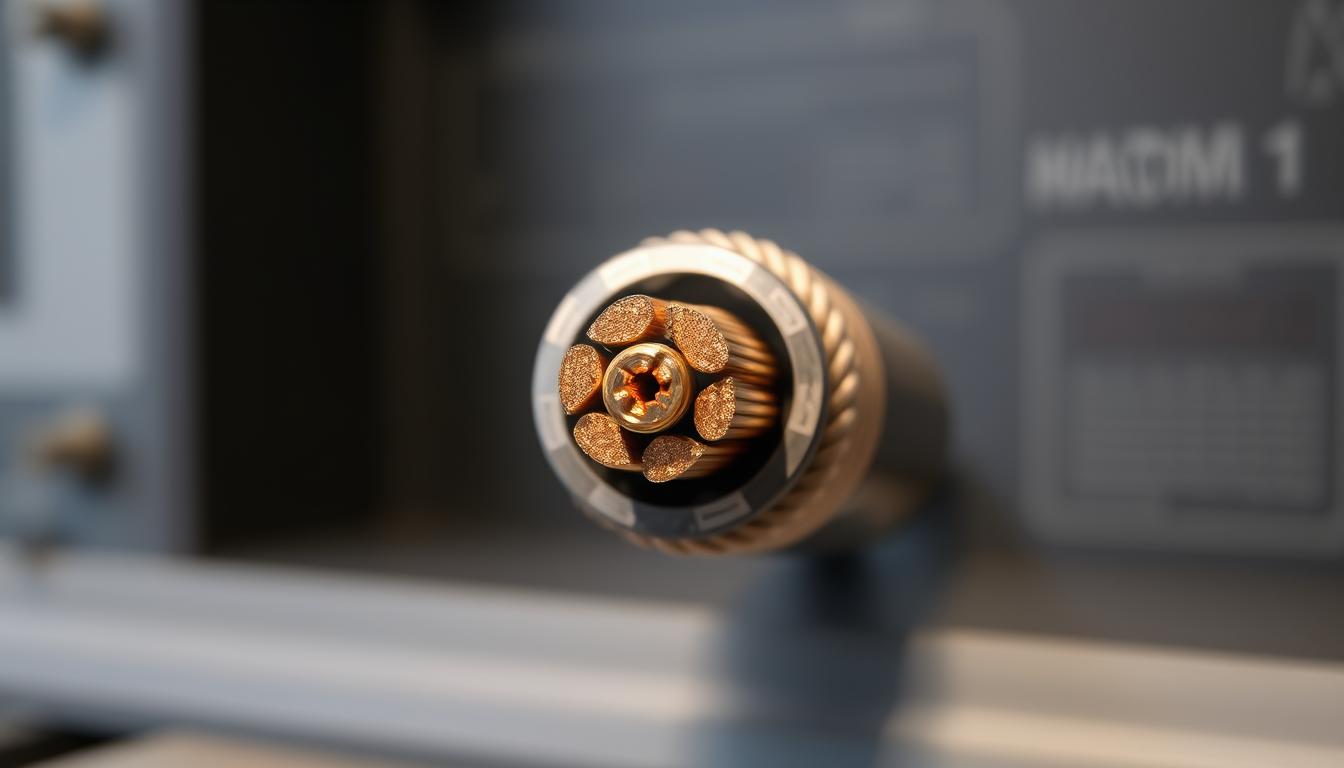
The layered construction of coaxial cables combines durability with technical precision. A central copper core handles signal transmission, surrounded by insulation and braided shielding. This design allows support for 192 kHz audio – double optical’s capacity – making them ideal for high-resolution formats.
Locking RCA connectors ensure stable physical links between components. Unlike friction-based optical ports, these threaded connectors withstand accidental tugs. The materials used, including oxygen-free copper, maintain signal integrity across longer distances.
Impact of Electromagnetic and Radio Frequency Interference
Copper’s conductivity creates vulnerability to frequency interference from nearby electronics. Wi-Fi routers, power cables, and microwaves can introduce subtle noise. Proper shielding helps, but strategic cable routing remains essential in crowded setups.
| Factor | Coaxial | Optical |
|---|---|---|
| Max Bandwidth | 192 kHz | 96 kHz |
| Interference Resistance | Moderate | High |
| Connection Security | Locking | Friction-fit |
| Installation Flexibility | 15m+ | 5-10m |
While coaxial cables support superior technical specs, real-world benefits depend on your equipment. Most listeners won’t notice quality differences between 96 kHz and 192 kHz streams. Prioritize these connections for components needing secure physical links and maximum format compatibility.
How to Use Optical vs. Coaxial Cables for Best Audio Transfer
Optimizing your setup begins with matching cable features to your equipment’s technical demands. High-resolution formats and environmental challenges require tailored solutions – here’s how to achieve them.

Installation and Setup Best Practices
Secure connections prevent signal degradation. For coaxial cables, twist-lock RCA plugs ensure stability. Optical links demand careful alignment of square-shaped connectors. Keep bends wider than 3 inches to avoid fiber damage.
Signal integrity thrives with proper cable lengths. Use the shortest possible run between components. Excess length increases resistance in copper wires and light loss in fiber optics. Label both ends for easy identification during adjustments.
Choosing the Right Cable for Your Audio Components
Prioritize coaxial connections when using high-end DACs or amplifiers. These devices often process electrical signals more efficiently than converted light pulses. Check your receiver’s input specifications before purchasing cables.
| Factor | Optical | Coaxial |
|---|---|---|
| Ideal Use Case | Crowded wireless environments | High-resolution formats |
| Max Distance | 10 feet | 50 feet |
| Connector Type | TOSLINK | RCA |
| Format Support | Dolby Digital | DTS-HD MA |
Test both audio pathways if your system supports them. Some listeners prefer coaxial’s warmer tonal balance, while others favor optical’s clinical precision. Your room acoustics and equipment synergy ultimately determine the best choice.
Comparative Analysis: Audio Quality, Signal Integrity, and Bandwidth
Digital audio quality isn’t just about file formats—it’s about how your cables preserve data integrity from source to speaker. Even minor variations in transmission methods create audible differences that discerning listeners notice.
Evaluating Sound Characteristics
Premium coaxial cables often deliver slightly warmer tones due to copper’s natural conductivity. Optical alternatives produce more clinical accuracy but require flawless light-to-electrical conversion. Your system’s digital-to-analog converter quality magnifies these differences.
Jitter—tiny timing errors during signal transmission—can subtly affect sound quality. High-end cables reduce this through better shielding and precision engineering. While both types transmit identical data streams, their physical properties influence how receivers interpret timing information.
Technical Specifications Breakdown
Coaxial connections support higher bandwidth:
- 192 kHz sample rates vs. optical’s 96 kHz ceiling
- DTS-HD Master Audio compatibility
- Lower error rates over long distances
Optical cables excel in interference-prone environments but struggle with advanced formats. Their light-based transmission prevents electrical noise but introduces conversion latency. Consider these factors when choosing between connection types:
| Feature | Coaxial | Optical |
|---|---|---|
| Max Resolution | 24-bit/192kHz | 24-bit/96kHz |
| Interference Resistance | Moderate | High |
| Format Support | Dolby TrueHD | Dolby Digital |
Your equipment’s capabilities ultimately determine which digital signals path delivers optimal performance. Test both options using high-resolution tracks to hear tangible differences in your listening environment.
Conclusion
Your audio system’s performance hinges on understanding transmission methods. Fiber optic and copper-based connections each serve distinct roles. Coaxial digital links excel in bandwidth-heavy scenarios, while optical alternatives neutralize interference in cluttered setups.
Premium materials justify investing quality resources. Thick insulation and gold-plated connectors in high-end products preserve audio signals over years. These features combat wear while maintaining precise timing – critical for immersive experiences.
Environmental factors often dictate the smarter choice. Coaxial cables support longer runs in interference-free spaces, whereas optical solutions thrive near wireless devices. Test both options using your equipment to hear tangible differences.
For those integrating gaming consoles, our guide on connecting surround sound offers practical implementation tips. Balancing technical needs with room constraints ensures optimal results without overspending.
Ultimately, your listening experience reflects every component’s synergy. Prioritize durable construction and proper shielding when selecting cables. Smart investments today prevent signal degradation tomorrow, letting your system deliver its full potential.
FAQ
What’s the main difference between optical and coaxial cables for audio?
Optical cables transmit digital audio signals using light through fiber optics, while coaxial cables rely on electrical signals via copper conductors. This fundamental distinction affects their resistance to interference and compatibility with devices like Sony soundbars or Denon AV receivers.
Does using a coaxial cable improve sound quality compared to optical?
Both cables deliver identical sound quality when transmitting standard formats like PCM. However, coaxial cables support higher bandwidth for advanced formats like Dolby TrueHD, making them preferable for Blu-ray players or high-end systems from brands like Marantz.
Can electromagnetic interference degrade audio signals in coaxial cables?
Yes. Coaxial cables are susceptible to electromagnetic interference (EMI) and radio frequency interference (RFI), especially near power cables. Shielded options from brands like AudioQuest minimize this, while optical cables avoid it entirely by using light.
Which cable type is better for long-distance home theater setups?
Optical cables excel in long runs (up to 10 meters) without signal loss and resist interference from nearby electronics. Coaxial cables work best for shorter distances (under 6 meters) but require careful routing away from power sources.
Do I need expensive cables for optimal audio performance?
Not necessarily. Budget-friendly options from Monoprice or Amazon Basics often perform well. Invest in gold-plated connectors or robust shielding only if your system faces interference issues or uses high-resolution formats like DTS:X.
Can I use both optical and coaxial connections simultaneously?
Many devices, such as Samsung TVs or Yamaha receivers, support dual outputs. This allows flexibility for testing or connecting multiple components, though only one connection can be active at a time through device settings.