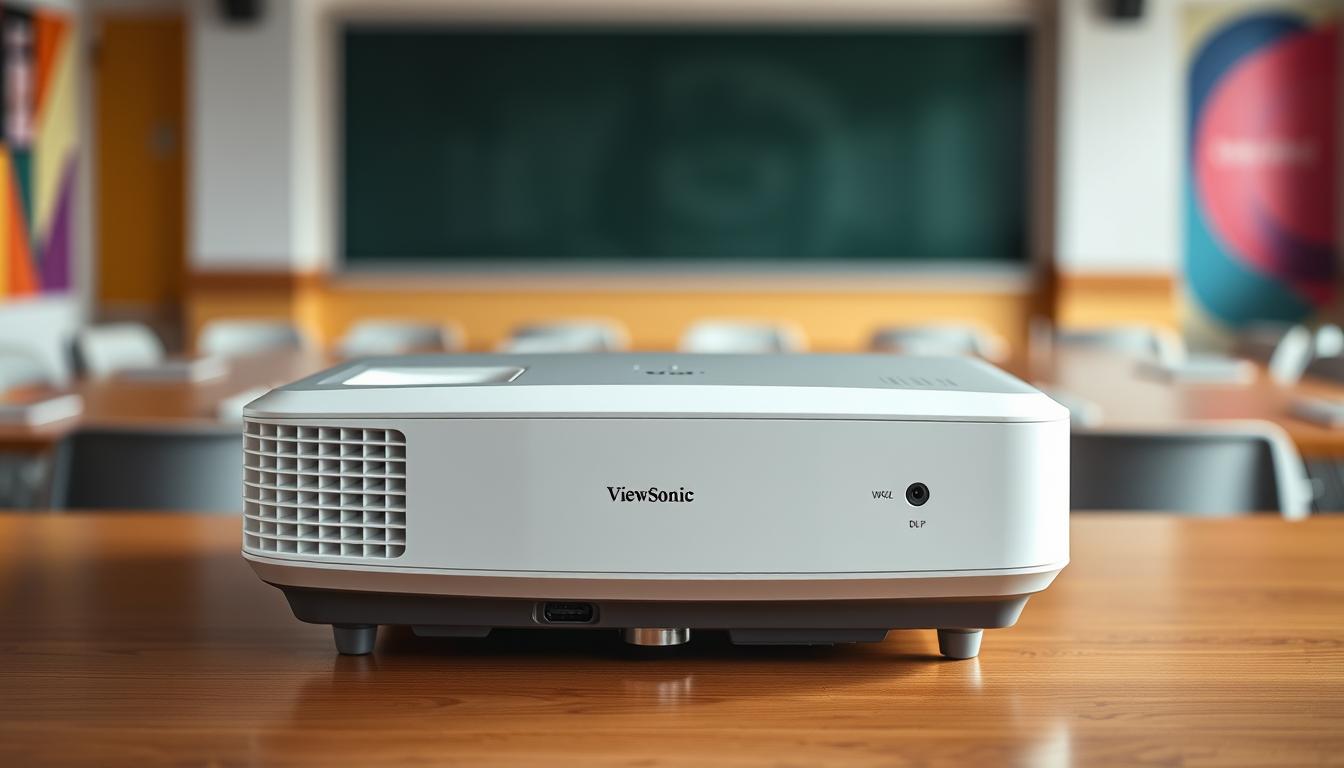

Imagine standing in front of an audience, ready to share your ideas or unforgettable moments. You want clarity and vibrancy in every pixel. The ViewSonic PA503W makes this possible. It offers WXGA resolution, making images feel real.
Whether in a bright conference room or a cozy movie night, this projector fits right in. It adapts to your surroundings with ease.
The ViewSonic PA503W is more than a projector. It’s a partner for presentations, learning, and fun. Its 3600 lumens ensure sharp visuals, no matter the light. DLP technology adds rich colors and deep contrasts, bringing your stories to life.
No more dull screens. Enjoy the brilliance of this projector, making every show impactful. Let’s dive into what makes the ViewSonic PA503W special.
Key Takeaways
- The ViewSonic PA503W features 3600 lumens for bright and clear images.
- It has a native WXGA resolution of 1280×800, improving image quality.
- Equipped with DLP technology, it ensures vibrant colors and rich contrasts.
- Energy-saving SuperEco mode reduces power consumption by up to 70%.
- The projector is lightweight at just 4.89 lbs, making it portable and easy to set up.
- Extended lamp life of up to 15,000 hours promotes longevity.
Introduction to the ViewSonic PA503W
The ViewSonic PA503W projector is a top choice for many. It has a WXGA resolution of 1280×800 pixels, making images clear and sharp. It’s perfect for both work and home.
Its brightness of 3600 lumens means pictures stay bright in any light. This projector works well in offices, classrooms, and living rooms.
The ViewSonic PA503W is great for different situations. It’s perfect for presentations or watching movies. Its design ensures it performs well, helping you get the most out of it.

Key Features of the ViewSonic PA503W
The ViewSonic PA503W is a versatile projector. It has features for clear, bright images. Its specs show it’s great for many presentation needs.
High Brightness with 3600 Lumens
The ViewSonic PA503W features a bright 3600 lumens. This makes it perfect for light-filled rooms. You get clear, vibrant images for presentations or videos.
WXGA Resolution for Enhanced Clarity
The projector has a WXGA resolution for sharp images. This makes text and pictures clear. Its 16:10 aspect ratio is great for business and school use.
DLP Technology for High-Quality Display
The ViewSonic PA503W uses DLP technology. It keeps colors and images consistent. This makes it reliable for presentations and fun. Its brightness and resolution, with DLP, make it a top choice.
| Feature | Description |
|---|---|
| Brightness | 3600 lumens, suitable for bright rooms |
| Resolution | WXGA (1280 x 800) with a 16:10 aspect ratio |
| Technology | DLP technology for enhanced image consistency |
| Contrast Ratio | 22,000:1 for solid dynamic blacks and whites |
| Input Lag | Responsive at 48 milliseconds |
| Portability | Weighs 4.9 pounds, dimensions: 11.6″L x 4.3″D x 8.6″H |
Advantages of DLP Technology
DLP technology, or Digital Light Processing, is a top choice in projectors. It offers image quality and reliability that stands out. DLP projectors have better color accuracy and contrast, making images vibrant and detailed.
They also keep colors bright over time, which is great for long-term use. This makes them perfect for many settings.
DLP projectors are easy to carry around. They are lightweight and compact. This is great for professionals who need to present in different places.
Whether it’s a business meeting or an educational event, carrying your projector is easy. This adds a lot of convenience.
DLP projectors need very little upkeep compared to others. They have long-lasting lamps, up to 15,000 hours in Eco mode. This means you don’t have to change bulbs often.
You can focus on your presentation without worrying about maintenance. This is a big advantage.
| Feature | DLP Technology |
|---|---|
| Color Accuracy | High |
| Contrast Ratio | Up to 22,000:1 |
| Lamp Life | Up to 15,000 hours |
| Noise Level | 27 dB in Eco mode |
| Portability | Lightweight and compact |
| Maintenance | Minimal |
In summary, DLP projectors are a smart choice for many settings. They are compact and need little upkeep. Their image quality is top-notch, making presentations impactful and effective.
Connecting Devices with Ease
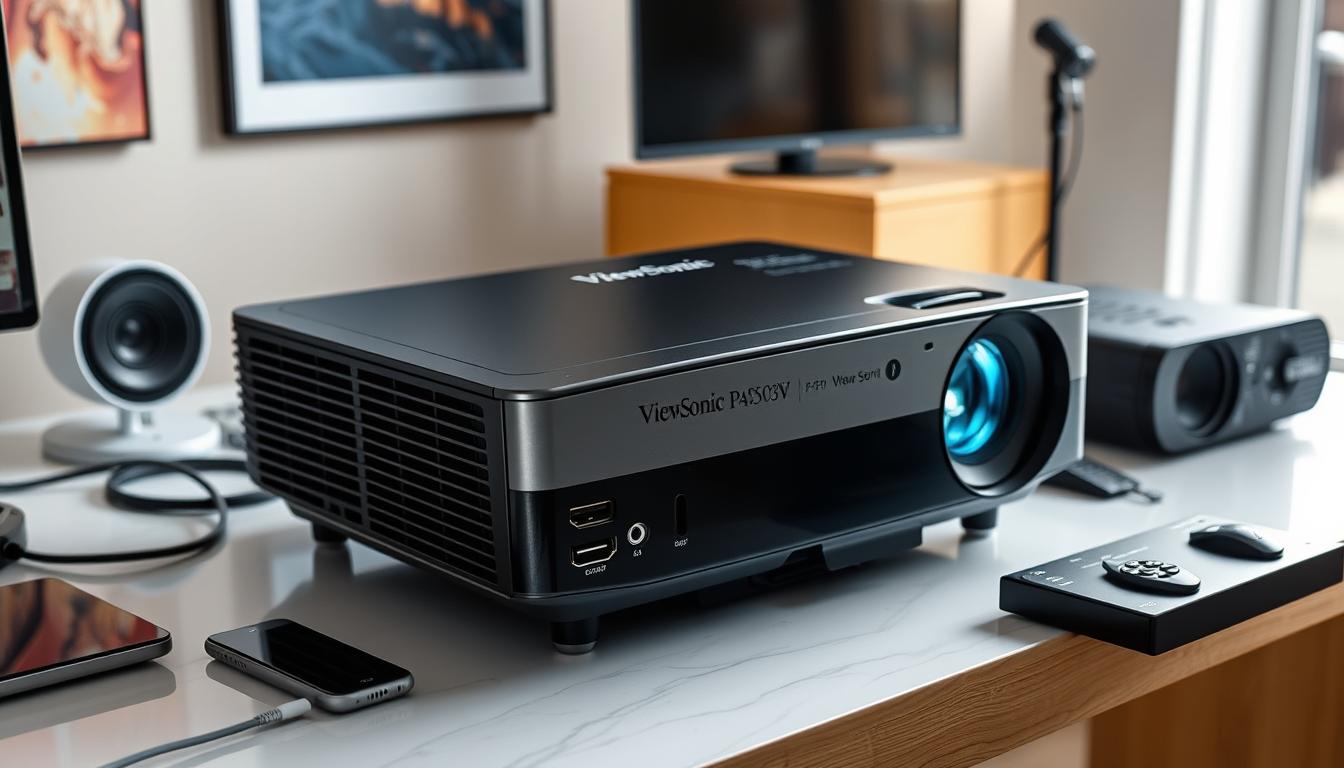
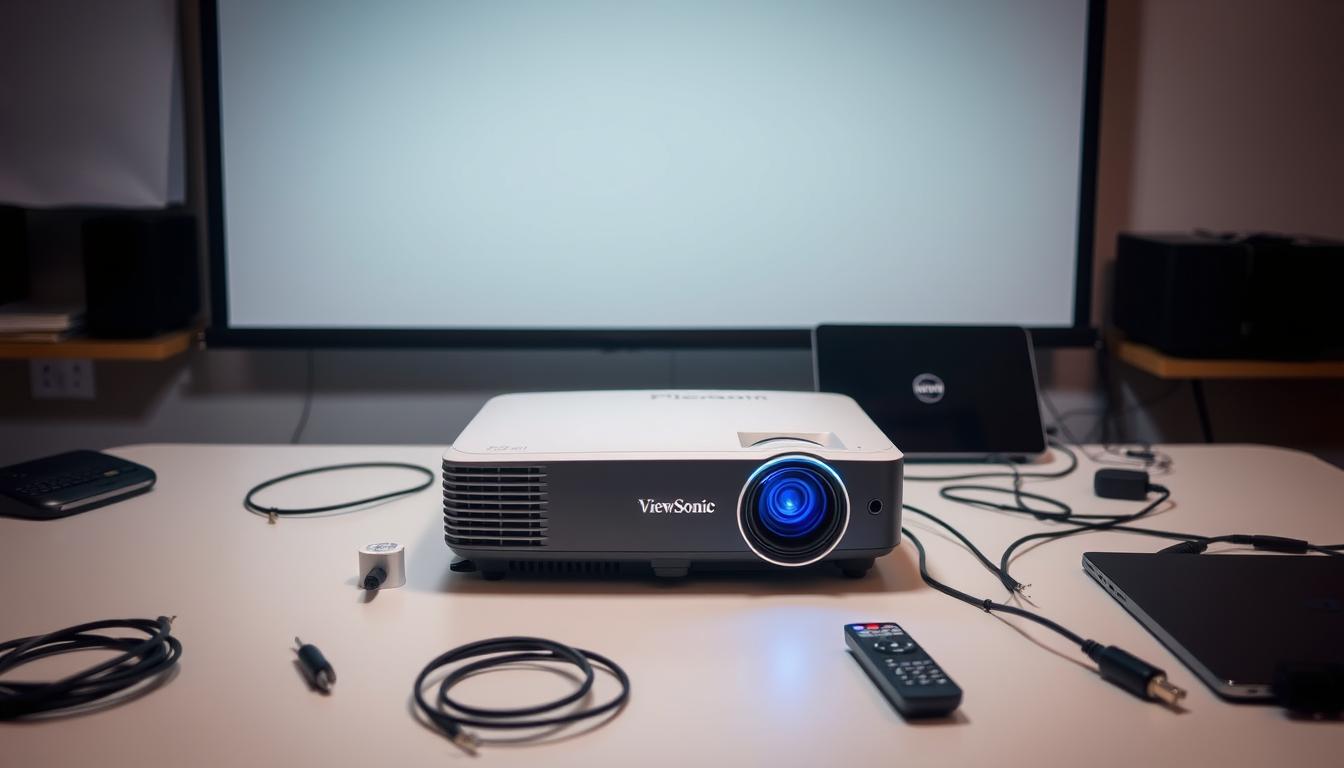
The ViewSonic PA503W makes connecting devices simple. It has many input ports, so switching between media sources is easy. This reduces cable clutter in your setup.
HDMI Input and Other Connectivity Options
This projector has an HDMI input, VGA, and composite video ports. It supports devices like laptops, tablets, and gaming consoles. These connectivity options make linking your tech smooth and hassle-free.
Compatibility with Various Media Players
The ViewSonic PA503W compatibility is impressive. It works well with most media players and PCs. This is great for both school and work, making sure you’re ready for any presentation or viewing.
For tips on connecting multiple devices, check out this helpful guide: connecting multiple devices.
Ideal Use Cases for the ViewSonic PA503W
The ViewSonic PA503W is a versatile projector. It has strong features for many settings. It’s great for business, education, or entertainment because of its high brightness and clear display.
Perfect for Business Presentations
This projector shines in business presentations. It has a brightness of 3,600 ANSI lumens. This means slides are clear even in bright rooms.
The WXGA resolution makes graphs and charts sharp. This helps your audience understand the details easily.
Great for Educational Environments
The PA503W is perfect for schools. It shows vivid colors and clear images. This makes learning more interactive and fun.
It’s easy to set up and works well with different teaching styles. This makes it a key tool in classrooms.
Versatile Entertainment Options
Even though it’s mainly for business and education, the PA503W works well for fun too. Watching movies and playing games can be great, if you adjust the color settings right.
It’s versatile, so you can enjoy many types of media. This makes it a great addition to your home theater.

Understanding Image Quality
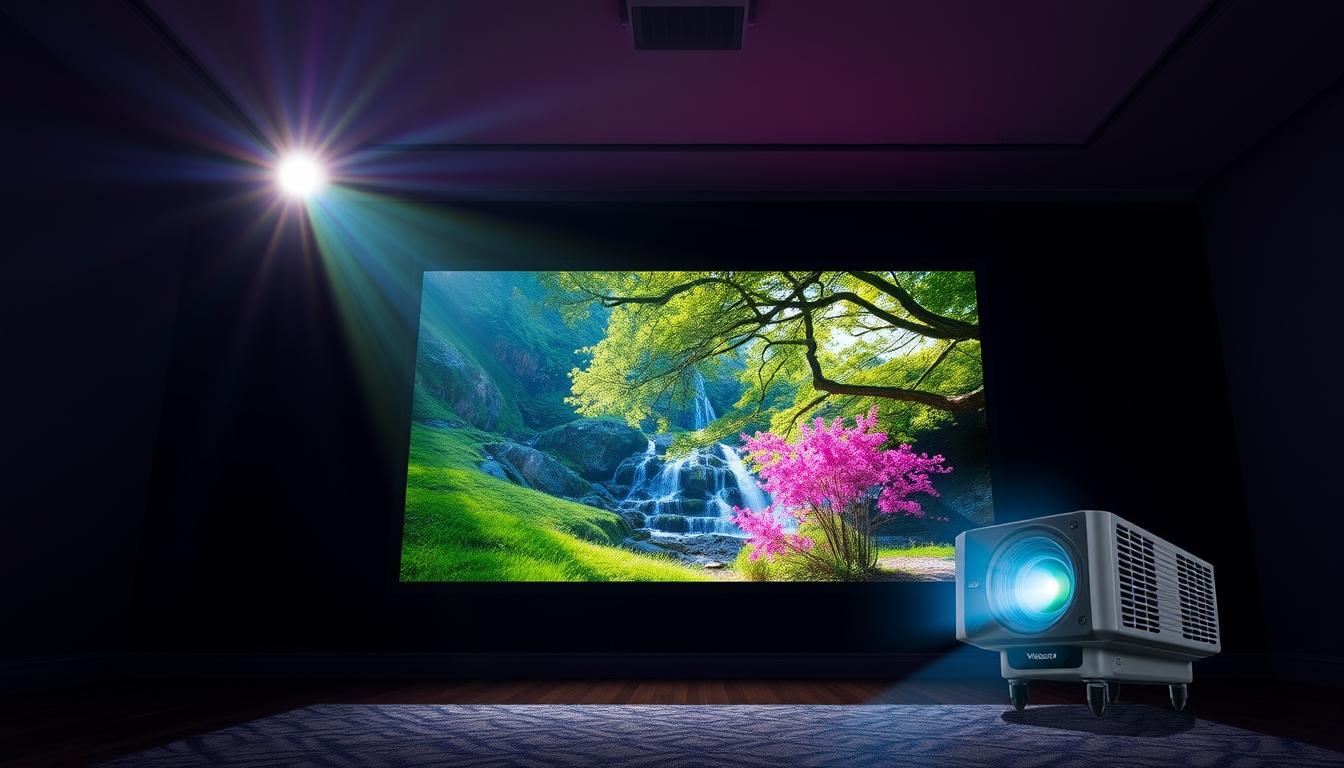
When we look at the ViewSonic PA503W projector, image quality is key. It aims to shine in brightness and color clarity. This makes it great for many settings.
Brightness Performance in Different Environments
The ViewSonic PA503W has a bright 3600 ANSI Lumens. This means it shows clear images, even in bright rooms. It’s perfect for presentations or educational settings with changing lights.
Whether it’s a dark theater or a bright conference room, the projector keeps images sharp. This ensures your content looks its best.
Color Accuracy and its Impact on Viewing Experience
The PA503W is bright, but color accuracy is a bit tricky. It works well for business needs, but movies might look off. The reds and warm tones can be too much.
This can make movies and images less impactful. Viewers might not get the full emotional effect they’re looking for.
Lamp Life and Energy Efficiency
Choosing a projector means looking at lamp life and energy efficiency. The ViewSonic PA503W focuses on these areas. It has features that make its lamp last longer and use less power.
SuperEco Mode: Extending Lamp Life
The ViewSonic PA503W has a special SuperEco mode. It can make the projector’s lamp life last up to 15,000 hours. This is a big jump from the usual settings.
Using SuperEco mode cuts power use by up to 70%. This means you save money and help the environment. You won’t need to replace the lamp as often.
Power Consumption: What to Expect
The ViewSonic PA503W’s power use is clear. It uses about 260W when it’s on. But, it only uses 0.5W when it’s in standby.
This shows the projector is both cost-effective and efficient. It’s a great pick for saving on energy without losing quality. For more on home theater lighting, check out this resource.
Setup and User Experience
The ViewSonic PA503W makes setting up easy and fast. It comes with simple controls like manual zoom and focus. These help you get a great image quickly. But, some users might find the menu a bit tricky to navigate.
Ease of Setup: A User-Friendly Design
Setting up the ViewSonic PA503W is straightforward but might need some getting used to. The layout of ports and controls is easy to follow. Yet, not having automatic features can be a drawback for those who want to start using it right away.
Despite this, the projector is easy to carry around. Its light weight makes it perfect for professionals who need to move it often. So, while setting it up might take some time, its portability and design make it worth it.
Performance in Business Settings
The ViewSonic PA503W is great for business. It helps improve how well you do your job. Knowing about its input lag and how easy it is to carry helps a lot.
Input Lag and Responsiveness for Presentations
The PA503W has very little input lag, about 16ms. This means your presentations look smooth and engaging. It’s perfect for fast-paced talks.
Its WXGA resolution (1280 x 800) makes your slides clear and sharp. This makes your presentations better.
Portability for On-the-Go Professionals
The PA503W weighs about 4.9 pounds. It’s great for people who travel a lot. It’s easy to carry in your bag.
It’s perfect for moving between meetings or presentations. It’s a compact way to make your presentations effective anywhere.
Want to know more about using portable projectors for business? Check out this guide. The ViewSonic PA503W helps you make professional presentations. It makes your business look good in every meeting.
Entertainment Performance Review
The ViewSonic PA503W is a good choice for watching movies. It has a WXGA resolution, which means you get clear video. This projector shines bright at 3,600 lumens, working well in both dark and light rooms.
Viewing Movies and Videos: Pros and Cons
The ViewSonic PA503W is great for casual movie nights. It has a 2W speaker for built-in sound, making presentations and light shows easy. But, it might not impress serious movie fans. The colors can seem warmer and less bright than top-notch cinema projectors.
- Pros:
- High brightness suitable for various lighting conditions.
- Clear resolution enhances viewing experience.
- Integrated audio for convenience.
- Cons:
- Color accuracy may disappoint dedicated movie watchers.
- Less vibrant compared to cinema-oriented projectors.
Value for Money: Is It Worth It?
The ViewSonic PA503W is a budget-friendly option with great features. It’s priced at $424.99, but sales can drop it to $399.99. With shipping, the total is $410.62, showing it’s a cost-effective choice.
This projector shines with a brightness of 2,664 lumens. It also has a contrast ratio of 22,000:1, making images vibrant. While it may not be perfect for color accuracy, it’s durable and functional for presentations or movies.
It’s also easy to carry, weighing just 4.9 pounds. Its size and weight make it easy to move around. Plus, it has a long lamp life of up to 15,000 hours, saving you from frequent replacements.
In conclusion, the ViewSonic PA503W offers great value for its price. It’s a reliable projector that’s easy on the wallet. Its features, portability, and cost make it a smart choice for many settings.
Comparing the ViewSonic PA503W with Competitors
When looking at projectors, both what they can do and how much they cost are key. The ViewSonic PA503W stands out because it has great features at a good price. This makes it a top choice for those who want something that does it all.
Similar Projectors in the Market
There are many projectors out there, each with its own set of features and prices. Here’s how the ViewSonic PA503W stacks up against some of its rivals:
| Projector Model | Brightness (Lumens) | Resolution | Contrast Ratio | Price (Approx.) |
|---|---|---|---|---|
| ViewSonic PA503W | 3,800 | WXGA (1280×800) | 22,000:1 | $347.14 |
| Epson Pro EX9240 | 3,600 | Full HD (1920×1080) | 16,000:1 | $599.99 |
| Epson Home Cinema 5050UB | 2,600 | 4K PRO-UHD | 1,000,000:1 | $2,999.99 |
The ViewSonic PA503W is a great deal because it’s affordable yet powerful. It shines brightly at 3,800 lumens and has a high contrast ratio. This makes it perfect for work and school. But, if you want more advanced features and higher resolution, you might want to look at the Epson models. They cost more, but they offer something extra.
User Reviews and Ratings
The ViewSonic PA503W has gotten lots of user reviews. People love its bright screen and easy connection options. They say the 3,600 ANSI lumens brightness is perfect for any light setting.
Many users also praise its use in business. They say it shows clear spreadsheets and presentations. This makes it a favorite for work.
But, not everyone is happy. Some users say the colors aren’t always right and the fan is too loud. This feedback is important for those who want a quiet projector or need exact colors.
Overall, most people like this projector. They say it works great in schools and offices. You can learn more about it and compare it to others here. These reviews help it stand out as a good, affordable choice.
Troubleshooting Common Issues
When using the ViewSonic PA503W, you might run into some common problems. These can make your viewing experience less enjoyable. But, you can often fix these issues quickly by troubleshooting.
- Image Distortion: If your image looks distorted, check the projector’s alignment. Make sure it’s set up right and not at an angle. Adjust its height and tilt to fix distortions.
- Connectivity Problems: Having trouble connecting devices? Look at your cables. If they’re loose or damaged, it can cause problems. You might need to replace them.
- Fan Noise: Too much fan noise can be distracting. Make sure the projector has good airflow. Keeping it well-ventilated can help reduce noise.
- Color Blurriness: If colors seem wrong or blurry, try adjusting the projector’s color settings. Check your user manual for help on optimizing these settings.
If you’re facing tough issues, go back to the user manual. It has detailed steps for troubleshooting your ViewSonic PA503W. This guide offers valuable solutions to common problems. With regular maintenance and adjustments, you can get the most out of your projector.
| Issue | Possible Cause | Solution |
|---|---|---|
| Image Distortion | Incorrect projector alignment | Reposition and adjust projector |
| Connectivity Problems | Loose or damaged cables | Inspect and replace cables |
| Fan Noise | Insufficient ventilation | Ensure airflow around projector |
| Color Blurriness | Improper color settings | Adjust settings in the menu |
Where to Buy the ViewSonic PA503W
When you decide to buy ViewSonic PA503W, you have many options. This model is available at several trusted retailers. This lets you pick the best one for you. Here are some places to look:
- Amazon
- Best Buy
- Official ViewSonic website
Each place has its own perks. You can find good prices, reliable service, and different shipping choices. It’s smart to compare prices before buying.
Many stores also offer extra benefits like warranties. These can make your purchase even better. Look at what each store offers to get the best deal and support.
| Retailer | Price Range | Warranty Options | Shipping Availability |
|---|---|---|---|
| Amazon | $400 – $500 | 1-Year Standard | Free Shipping for Prime Members |
| Best Buy | $420 – $520 | 1-Year Limited | In-Store Pickup Available |
| Official ViewSonic | $450 – $550 | 2-Year Limited | Standard Shipping Available |
When choosing where to buy ViewSonic PA503W, think about reviews, support, and what you prefer. This careful choice will help you find the perfect projector.
Conclusion
In this ViewSonic PA503W review, it’s clear this projector is a great choice. It’s versatile and affordable for many uses. With a brightness of up to 3,600 lumens and a WXGA resolution of 1280×800, it shows sharp and vivid images.
This makes it perfect for meeting rooms and classrooms. It meets the needs of both business and education. This is why it’s a favorite among professionals and teachers.
The projector summary highlights its strengths. It may not be the best for movies, but its brightness and many connection options are great. It works well in different lighting conditions.
It also has an Eco Mode that makes the lamp last up to 15,000 hours. This helps save money on maintenance. It shows the projector’s value.
If you’re looking for a good deal, the ViewSonic PA503W is worth considering. It’s affordable, versatile, and easy to use. It’s great for presentations, learning, or even watching movies at home.
FAQ
What is the brightness level of the ViewSonic PA503W projector?
The ViewSonic PA503W projector shines bright with 3600 lumens. It’s perfect for any lighting condition.
What resolution does the ViewSonic PA503W support?
It has a WXGA resolution of 1280×800 pixels. This means clear and detailed images for presentations and videos.
What type of technology is used in the ViewSonic PA503W?
It uses DLP (Digital Light Processing) technology. This tech ensures consistent and durable images over time.
What connectivity options are available on the ViewSonic PA503W?
You can connect many devices with HDMI, VGA, and composite video inputs. It’s easy to set up.
Is the ViewSonic PA503W good for business presentations?
Yes, it’s great for business presentations. Its high brightness and clear resolution work well in bright rooms.
How does the PA503W perform in educational settings?
Schools benefit from its ability to show engaging multimedia content. It makes learning more fun and interactive.
Can I use the ViewSonic PA503W for watching movies?
While it’s best for business and education, it’s okay for casual movie-watching. But, it might not have the best color accuracy.
What is the expected lamp life for the PA503W?
It has a SuperEco mode that extends lamp life up to 15,000 hours. This saves money and is good for the environment.
How portable is the ViewSonic PA503W?
It weighs about 4.9 pounds. This makes it easy to carry around for professionals who present often.
Where can I purchase the ViewSonic PA503W?
You can buy it on Amazon, Best Buy, and the ViewSonic website. Compare prices and check warranties for the best deal.
What are some common issues users may face with this projector?
Issues like image distortion, connectivity problems, or fan noise might happen. Check cables, ensure good airflow, and use the manual for help.