Did you know that nearly 100% of smartphones today come equipped with Bluetooth connectivity? This feature allows you to seamlessly link your device to a variety of audio systems, including your home theatre. By integrating your smartphone with your home theatre, you can elevate your music and movie experiences to new heights.
Modern smartphones and home theatre systems have evolved to support multiple connectivity options. Whether you prefer wireless methods like Bluetooth adapters or wired connections such as audio cables, there’s a solution for every setup. These methods ensure that you can enjoy high-quality audio without compromising on convenience.
Utilizing your home theatre system not only enhances sound quality but also provides better control over your audio settings. Imagine streaming your favorite playlist or watching a blockbuster movie with immersive sound that fills the room. The process is straightforward and user-friendly, making it accessible to everyone.
This guide will walk you through various setup scenarios, offering step-by-step instructions for seamless integration. From choosing the right connection method to optimizing your system’s performance, you’ll find everything you need to get started. Let’s dive into the world of enhanced audio experiences.
Key Takeaways
- Bluetooth connectivity is standard in nearly all modern smartphones.
- Wireless and wired options provide flexibility for different setups.
- Integrating your smartphone with a home theatre system enhances audio quality.
- The process is user-friendly and accessible to everyone.
- This guide offers detailed instructions for seamless integration.
Understanding Your Home Theatre Connection Options
Modern technology offers multiple ways to integrate your phone with a home theatre. Whether you prefer wireless convenience or wired reliability, there’s a solution tailored to your needs. Understanding these options ensures you get the best audio experience possible.

Exploring Wireless and Wired Methods
Wireless connections like Bluetooth and AirPlay are popular for their ease of use. They allow you to stream music or movies without the hassle of cables. However, wireless methods often have limitations in range and may compress audio, affecting sound quality.
On the other hand, wired options such as 3.5 mm to RCA cables provide stable and high-quality audio. These connections minimize interference, ensuring your music sounds crisp and clear. While less portable, they are ideal for setups where performance is a priority.
Comparing Bluetooth Adapters, Cables, and Docks
Bluetooth adapters, like the MPOW model, are a great choice for wireless setups. They are affordable and easy to install, making them a popular option. However, their range is typically limited to around 30 feet, and audio compression can reduce quality.
For wired connections, 3.5 mm to RCA cables are a reliable choice. They deliver consistent sound quality and are compatible with most devices. Universal docks and digital streamers like the Blue Sound Node2i offer advanced features, such as multi-room streaming, but come at a higher price point.
When choosing a method, consider factors like device compatibility, range, and audio quality. Each option has its strengths, so evaluate your needs to find the best fit for your home theatre setup.
Preparing Your Smartphone and Home Theatre System
Before diving into the setup, it’s crucial to ensure your devices are ready for integration. Proper preparation ensures a smooth connection and optimal audio performance. Start by verifying compatibility and updating firmware to avoid potential issues.

Checking Compatibility and Firmware Updates
Begin by confirming that your smartphone and home theatre system are compatible. Check the manufacturer’s website or user manuals for details. Incompatible devices can lead to connection failures or poor sound quality.
Next, ensure both devices have the latest firmware and software updates. Updates often include bug fixes and improved protocols for better connectivity. For example, apps like Music Center can help manage updates and verify compatibility.
Adjusting Device Settings for Optimal Connection
Proper settings are essential for a seamless connection. Start by turning off conflicting Bluetooth settings on other devices. This prevents interference and ensures a stable pairing process.
Adjust your smartphone’s audio settings to prioritize quality. Enable features like aptX or Dolby Atmos if supported. These enhancements can significantly improve sound output.
Use proprietary apps to streamline the setup process. For instance, apps designed for your home theatre system can guide you through configuration steps and troubleshoot issues.
| Preparation Step | Description |
|---|---|
| Check Compatibility | Verify device compatibility using manufacturer resources. |
| Update Firmware | Ensure both devices have the latest firmware and software. |
| Adjust Settings | Optimize audio and Bluetooth settings for better performance. |
| Use Apps | Leverage proprietary apps for setup and troubleshooting. |
Taking these steps ensures your equipment is in optimal condition. Proper preparation not only enhances audio quality but also simplifies the connection process. A well-prepared setup guarantees an immersive and enjoyable experience.
How to Connect Your Smartphone to Your Home Theatre
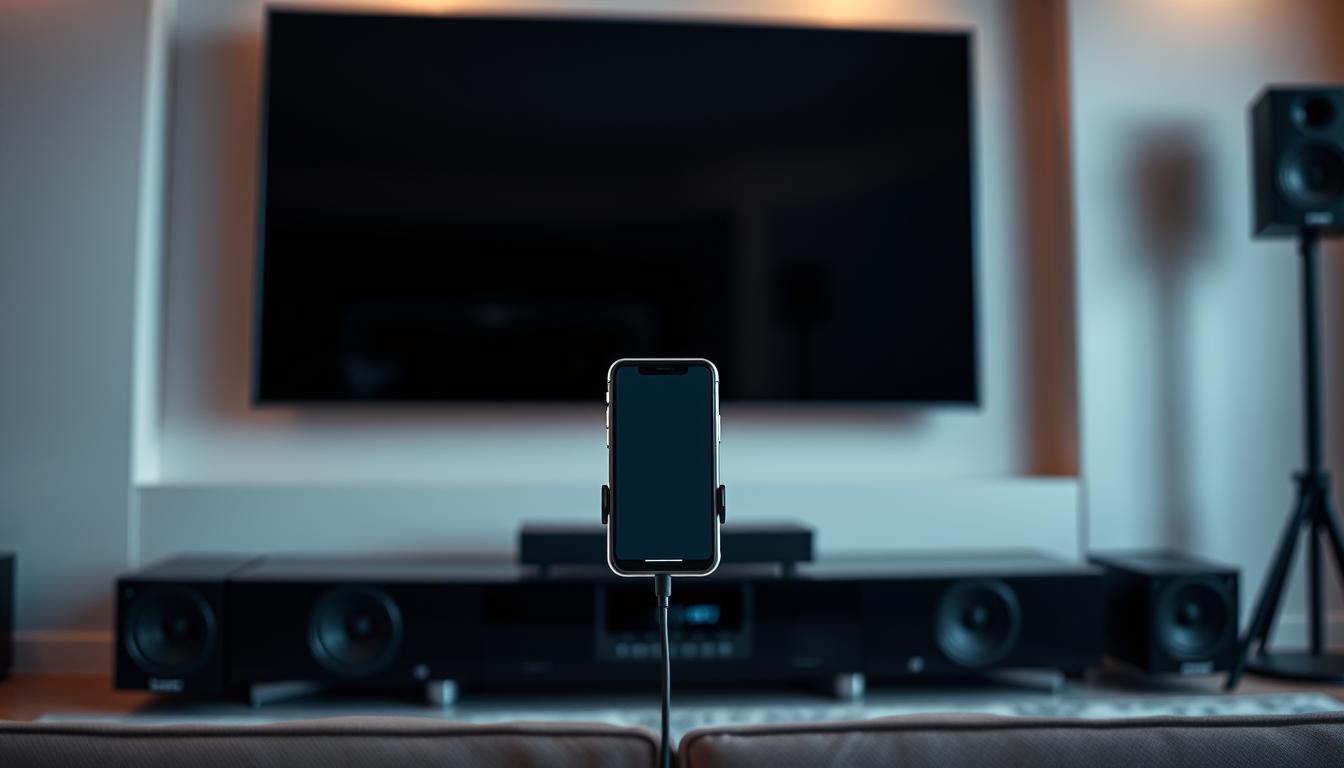
Setting up your smartphone with a home theater system can transform your audio experience. Whether you prefer wireless convenience or wired reliability, the process is straightforward. This section provides detailed instructions for both methods, ensuring you achieve the best results.
Step-by-Step Process Using Bluetooth Adapters
Bluetooth adapters are a popular choice for wireless setups. Here’s how to pair your device:
- Power on the Bluetooth adapter and ensure it’s in pairing mode.
- Open your smartphone’s Bluetooth settings and search for available devices.
- Select the adapter from the list and confirm the pairing.
- Test the connection by playing audio to make sure it’s working.
If you encounter issues, check the adapter’s power source and ensure it’s within range. Most adapters have a range of about 30 feet.
Connecting with Audio Cables and Digital Stream Players
For a wired connection, audio cables like 3.5 mm to RCA are ideal. Follow these steps:
- Connect the 3.5 mm end to your smartphone and the RCA plugs to the theater system.
- Match the colors: red for the right channel and white for the left.
- Secure the connections to avoid loose cables.
Digital stream players like the Blue Sound Node2i offer advanced features. These devices integrate seamlessly with your home theater system, enabling multi-room streaming and app-based control.
By following these instructions, you can establish a reliable connection and enjoy high-quality audio. Make sure to test each step to ensure everything is set up correctly.
Optimizing Audio Quality and Enhancing System Features
Achieving the best audio experience involves more than just connecting devices. It requires careful optimization of settings and choosing the right equipment. By focusing on quality and advanced features, you can elevate your movie and music streaming to a whole new level.
https://www.youtube.com/watch?v=feEM-ALj9m4
Selecting aptX-Compatible and Extended Range Devices
One of the most effective ways to enhance audio quality is by using aptX-compatible devices. These devices minimize data compression, ensuring clearer and more detailed sound. aptX technology is particularly beneficial for wireless setups, where compression can often degrade audio.
Extended range wireless adapters are another great option. They can double the typical Bluetooth connection distance, providing more flexibility in your setup. This is especially useful for larger spaces where maintaining a strong signal is crucial.
Configuring Network and App Settings for Multi-Room Streaming
For multi-room streaming, configuring your network and app settings is essential. A stable Wi-Fi connection ensures uninterrupted playback across different zones. Apps like Music Center can help manage these settings, making it easier to control your audio experience.
Proper power management is also important. Ensure all components receive adequate support to avoid performance issues. Regularly check for software updates to keep your system running smoothly over time.
By optimizing these settings, you can enjoy high-fidelity streaming of movies and music. For more tips on enhancing your setup, check out this guide on Bluetooth-enabled soundbar options.
Conclusion
Integrating your smartphone with a home theatre system is simpler than you might think. By ensuring compatibility and following clear instructions, you can achieve a seamless connection. Whether you prefer using Bluetooth or wired methods, the process is designed to enhance your audio experience.
Always check device compatibility and update firmware before starting. Proper settings, like pairing via the correct button, ensure a smooth setup. If issues arise, manufacturer service and technical support are readily available to assist.
Explore different connection types to find the best fit for your family’s entertainment needs. This guide provides practical steps to stream high-quality audio and video content effortlessly. Review the details and confidently set up your system for an immersive experience.
For more tips on enhancing your setup, check out this guide on streaming devices.
FAQ
What are the best ways to link my phone to a home theater system?
You can use Bluetooth adapters, audio cables, or digital stream players for a seamless connection. Each method offers unique benefits depending on your setup and preferences.
How do I ensure my smartphone is compatible with my home theater?
Check your device’s firmware updates and verify compatibility with your system. Adjust settings like Bluetooth visibility and audio output for optimal performance.
Can I improve audio quality when streaming from my phone?
Yes, choose aptX-compatible devices and configure network settings for better sound. Ensure your system supports extended range features for uninterrupted streaming.
What equipment do I need for a wired connection?
Use an audio cable like HDMI or RCA, depending on your system’s ports. Ensure the cable is high-quality to maintain sound clarity.
How do I set up multi-room streaming with my home theater?
Use compatible apps and configure your network settings to enable multi-room streaming. This allows you to play music or movies across different devices simultaneously.
What should I do if my Bluetooth connection is unstable?
Ensure your devices are within range and free from interference. Update firmware and consider using an extended range Bluetooth adapter for better stability.
Can I control my home theater system with my smartphone?
Yes, many systems support apps that let you adjust settings, play media, and manage connections directly from your phone.
Are there specific settings to enhance movie streaming quality?
Adjust your audio and video settings on both your phone and home theater system. Use high-quality cables or wireless adapters for the best experience.